A:AnswerHello Alex. It is possible to use the Yeti with your Samsung Galaxy smartphone. However, it will need the appropriate adapters and third-party software, as I don't believe it is simply plug and play.
A:AnswerUmm hard to say. It has adjustable gain but you may want to do more research on how to beat record drums. If you are looking for a cheap “work around” solution then I’d say this would work fine as long as you got some decent software to use.
A:AnswerFor in person sessions should be fine. For Zoom meetings will depend on the hardware of the other persons. Your broadcast will have a very good quality, but if the speakers of the people listening are not good, the sound won't be good either, or will be the same than using a so-so microphone. When I tested mine through Zoom, my wife was listening in her laptop and couldn't hear any difference between my son playing oboe with his laptop built-in microphone or using the Yeti. But when she switched to her headphones (Sony, but not top of the line) she was amazed by the quality of the sound.
A:AnswerHello Romero! Thanks for your feedback! We're happy to hear you're enjoying your Blue Yeti USB Multi-Pattern Mic, it is a phenomenal microphone indeed!
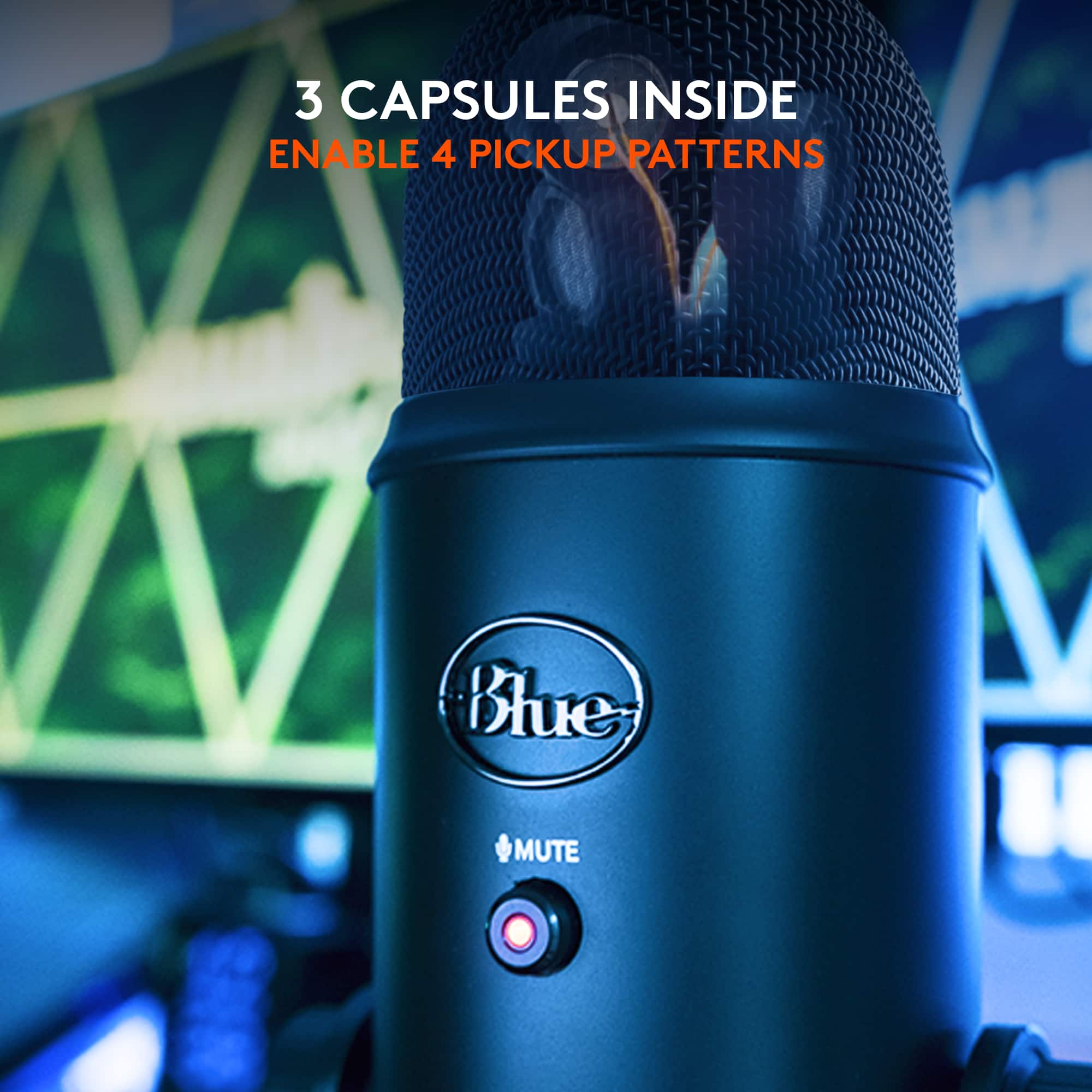
A:AnswerThis will work. A strength of the design is the ability to record in cardiod mode (one speaker) or omni (catch the whole room) and two stereo modes (front back which might work for you too) and traditional LR. Highly recommended.
A:AnswerLook at the end of the 3.5mm jack and count the lines. You will se 1 line, 2 lines, or 3 Lines. I believe this mic requires 3 lines on the 3.5 mm jack. Also, it is always good practice to check the cord on another source to make sure it is not defective.
A:AnswerHello Cpetty17! Technically your Yeti USB Microphone will work with your Galaxy S8 and USB adapter that came with it yes, but it also depends on the App you'll be using, as not all Apps will allow you to use external mics. Open Camera allows for this from what I've seen in example.
A:AnswerHello aarond619! The Blue Yeti Microphone is tested for 5V-500mA, and connects via USB to your computer, you don't connect it to a wall outlet, so it'll work with any computer that has a USB port no problem.