Questions & Answers
- Model:
- 988-000092
- |
- SKU:
- 1620218
Highly rated by customers for: Sound Quality, Ease of use, XLR
Page Showing 1-14 of 14 questions
Q: QuestionIs this microphone XLR and USB?
Asked by Josh.
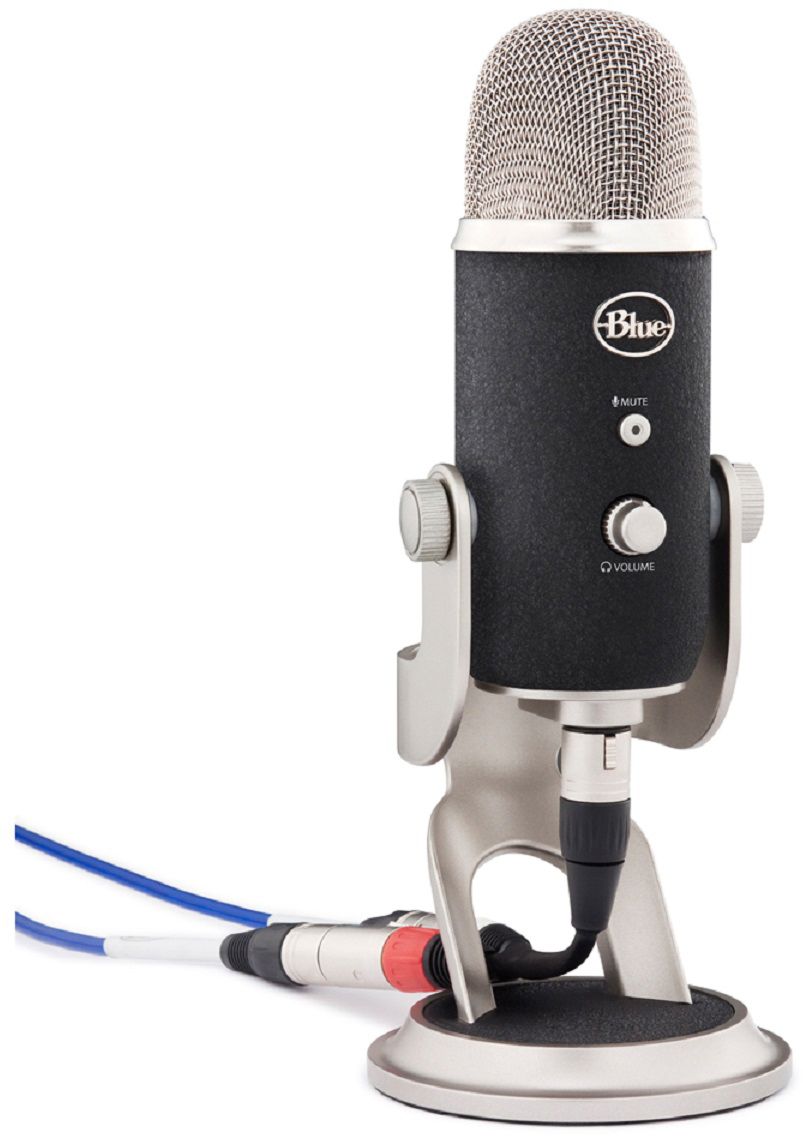
- A:Answer Actually it is both USB and XLR, however it must be connected via USB for power. XLR connection will override USB. Hope this helps. Peace and blessings, Azeke
Answered by Azeke
Q: QuestionIf I'm going to use it as a USB mic is the pro going to perform better than a regular yeti?
Asked by Pumpkins.
- A:Answer Yes, the Yeti Pro is going to give you better microphone quality than a standard Yeti.
Answered by Logitech
Q: QuestionBetween the Yeti Pro and the Yeti X which would be better for recording talking at a distance like up to 3 or 4 ft away? I'm using it for online auditions on Zoom etc. or would you recommend something else for that?
Asked by Buddy.
- A:Answer Both the Pro and the X will get you exactly what you need, and both will do it very well. For what you're doing I would highly recommend getting the Yeti X and invest the difference of cost into a good pop-filter for it. Best Buy sells some great Samson brand pop-filters that will attach to our microphones.
Answered by Logitech
Q: QuestionIs the Yeti Pro a good choice for voiceover work?
Asked by Disneyy.
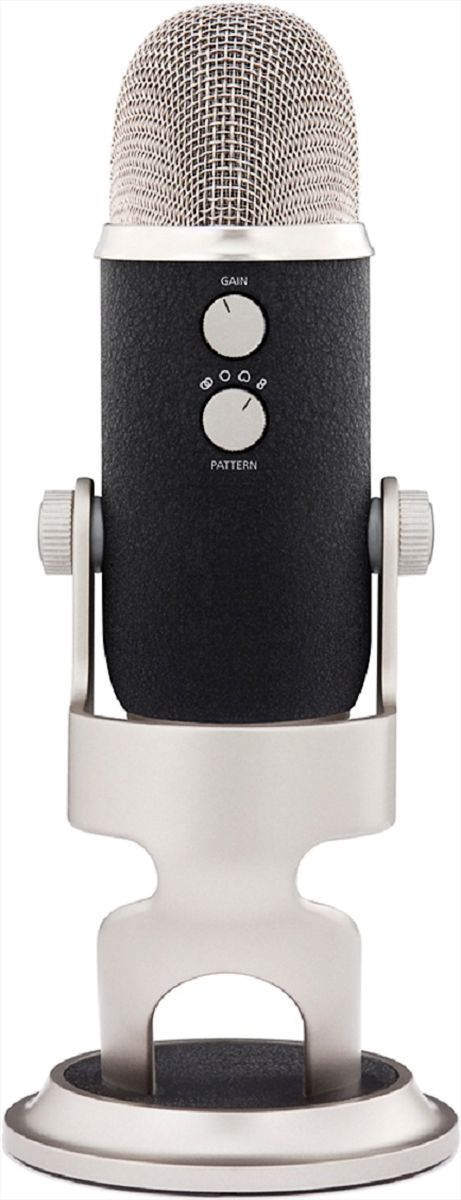
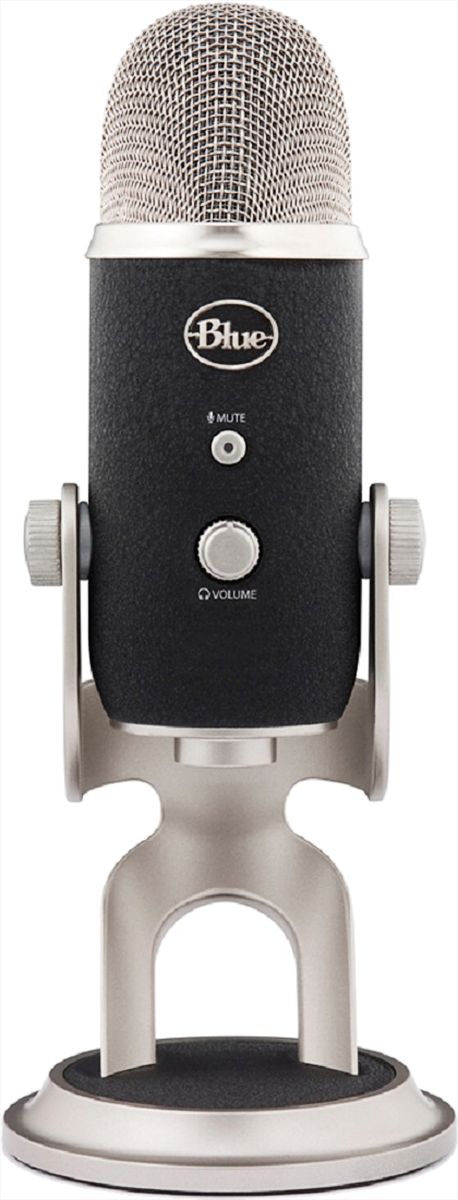
- A:Answer Hello, the Yeti Pro will be a great choice for voiceovers! This is the only USB microphone to feature a dual XLR cable breakout so you can connect to mixers, preamps and other professional studio equipment. It also has 4 pick up patterns to suit all your needs. -Danielle from Logitech
Answered by Logitech
Q: QuestionHow does the Yeti Pro compare to the Yeti X ? pros and cons trying to decide
Asked by Buddy.
- A:Answer Depends on what you're doing with it, and how professional you want to go. The Yeti X is a seriously top notch streamer and online content creation mic. You can also customize the audio and color settings our free Logitech G-Hub software. Yeti Pro on the other hand is what I would use if you're going to be doing music recording. Yeti Pro has the XLR output, so you're going to get seriously professional sound and be able to get a better connection if you're connecting to professional equipment. Yeti X if you're streaming or creating online content, like podcasts. Yeti Pro if you're taking it into a studio to record music.
Answered by Logitech
Q: QuestionDoes this come with the Yeti sound software or is it only the microphone?
Asked by Anonymous.
- A:Answer Hello, the packaging only contain the microphone and accessories. The Blue Sherpa software can be downloaded for FREE from the Blue website. The software is compatible with Windows and macOS.
Answered by Logitech
Q: QuestionYeti Pro is compatible with the G Hub or Blue voice software?
Asked by Anonymous.
- A:Answer No. Only newer yeti mics are supported. Seems like they are trying to end their support of these dual xlr and usb style mics.
Answered by Benjamin
Q: QuestionIs the Yeti Pro compatible with the iPad Pro/iPhone via USB connection?
Asked by Bonny.
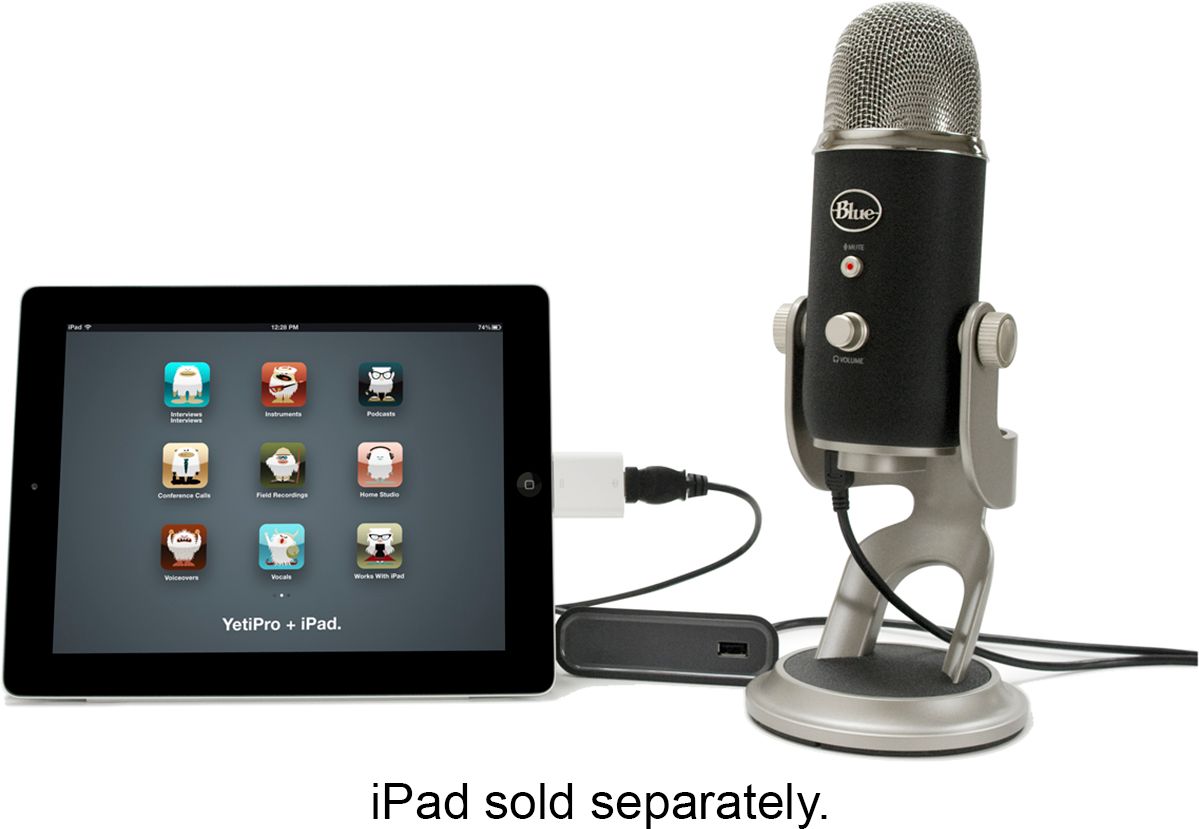
- A:Answer You have to use an adapter or a small hub device. It does not come with micro-usb to lightning connector.
Answered by Benjamin
Q: QuestionI want to use this via usb and get the highest quality I can with USB connection. When I first plug in the blue yeti pro to my laptop do I have to download some software and click the highest quality ? Or will I just be automatically to the max when Plugd
Asked by Trey.
- A:Answer I use idt direct to my Imac without any download. Just Plug annd play.
Answered by LUISLEON
Q: QuestionCan you use it as a regular USB microphone? (plug and play)
Asked by Pumpkins.
- A:Answer Yes. l I did.
Answered by LUISLEON
Q: QuestionCan this microphone easily be plugged into a Xbox or PlayStation and used for a mic?
Asked by Anonymous.
- A:Answer Hi! You can definitely plug the Yeti into the USB port on a console to use as a mic.
Answered by Logitech
Q: Questionwill this microphone allow us to plug it into a mixer?
Asked by helwill.
- A:Answer yes
Answered by veejon
Q: QuestionIs it possible to use this microphone with Samsung NOTE 9 without compromising on quality?
Asked by Atul.
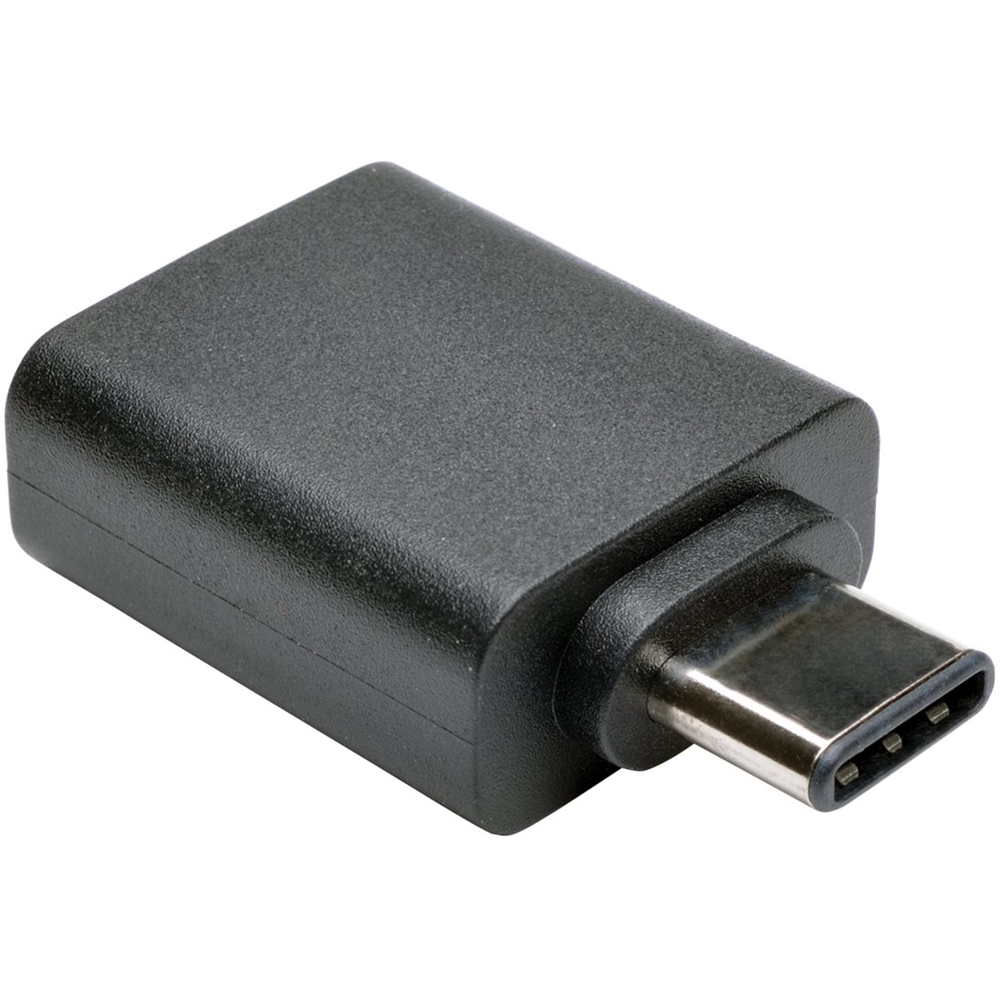
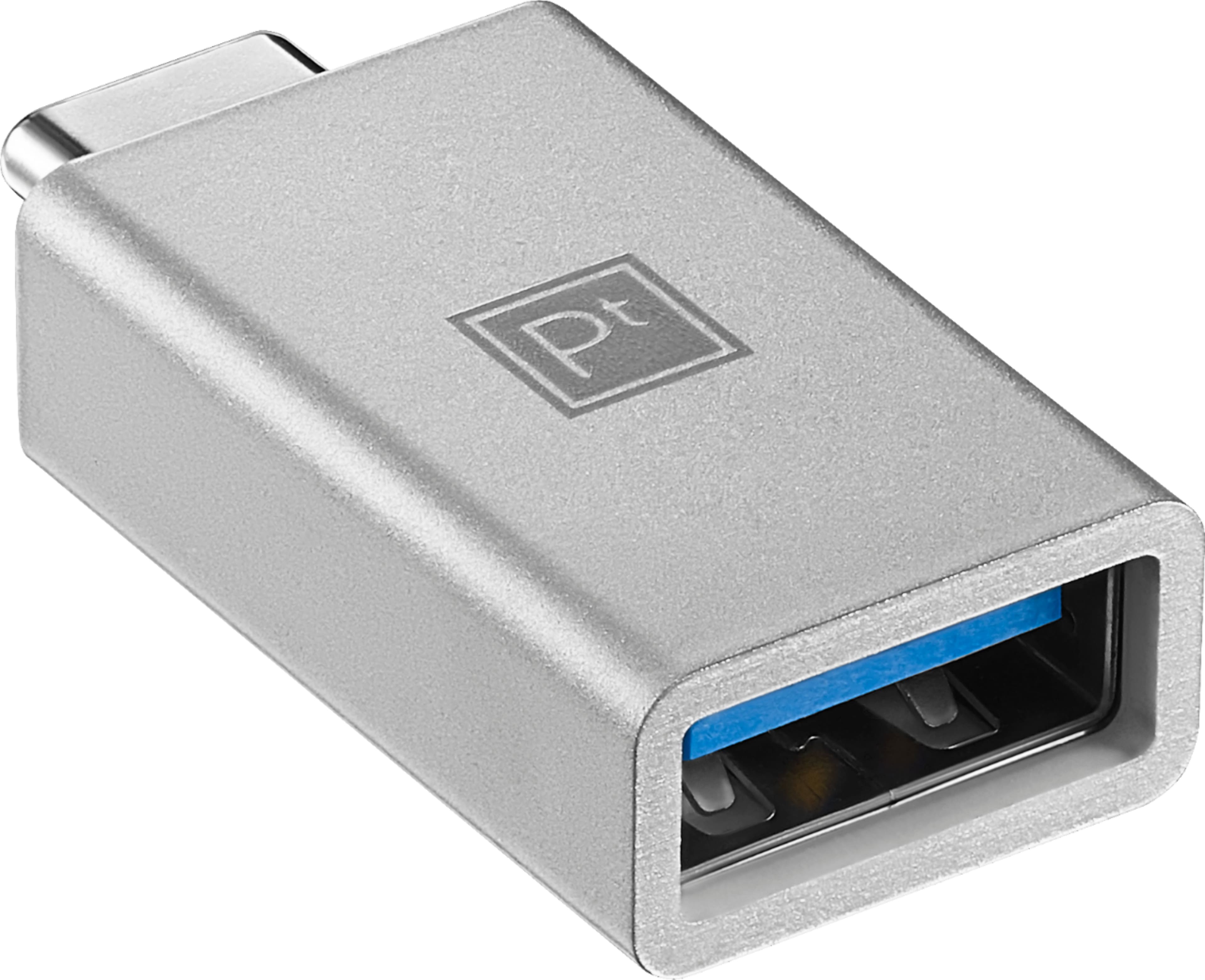
- A:Answer It is baffling to me that Logitech, the parent of Blue Mic, would respond with such an incorrect answer as they have to this question. The signal carried on the USB connection is digital. If you add a USB-A to USB-C connector it will either provide the same data as the straight USB-A output or it will fail. If you are concerned about adding an additional component inline then purchase a high quality USB-C to mini-B (not the more common and failure prone micro-USB) cable. This will eliminate a point of failure, the adapter. Unfortunately BestBuy does not appear to offer such a cable, but others do. And yes, the USB-A to C adapters are very prone to mechanical failures if they are a single piece, rather than two connectors joined by a short length of cable. I have found adapters with a small length of cable between connectors to be reliable. BestBuy sells Platinum™ - USB-C to USB Adapter - White Model:PT-AFACA SKU:6439237 for $9.99 as of this writing. I will be using one to connect this mic to my MacBook Pro. Again, the extra component will NOT cause audio signal degradation, but may cause failure, especially if the adapter is a block connector.
I would recommend:
Answered by LViejo
Q: QuestionXLR - 3 or 5 Pin cable?
Asked by YetiFan.
- A:Answer Hello YetiFan, the Yeti Professional microphone uses a standard Mini-USB to USB cable. It is included in the package.
Answered by Logitech
Page 1, Showing 1-14 of 14 questions
Most-viewed items
- $329.99$329.99The price was $469.99
- $149.00$149.00The price was $399.00
- $159.99$159.99The price was $179.99
- $1,149.00$1,149.00The price was $1,299.00
- $449.99$449.99The price was $649.99