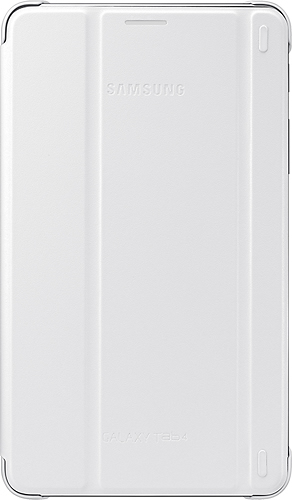
A:AnswerThe Tab 4 7.0 looks only to have an Auto Wake setting but not Auto Sleep. The larger Tab 4's, 8.0 and 10 seem to have both Auto Wake/Sleep. Go into the settings of the tablet and choose the top tab to the right called "General" settings. In this tab on the left of the screen you will see a section with a header called "Device Manager". Tap on the "Accessories" here and it will bring up further options to the right. Here you will see a header called "Book Cover". Check the box to enable Automatic unlock. This option states "Flip the cover open to unlock the screen when secure lock is turned off.". This should allow the case to unlock the screen or auto wake when it is opened. But as you can see it does not do auto sleep. The device will go to sleep on its own on whatever amount of time is setup in the screen timeout settings. Also make sure you do not have a screen lock setup as it will nullify checking the Book Cover/Auto Wake option. I have also attached a screenshot of the Settings. Try it out and hope it works.