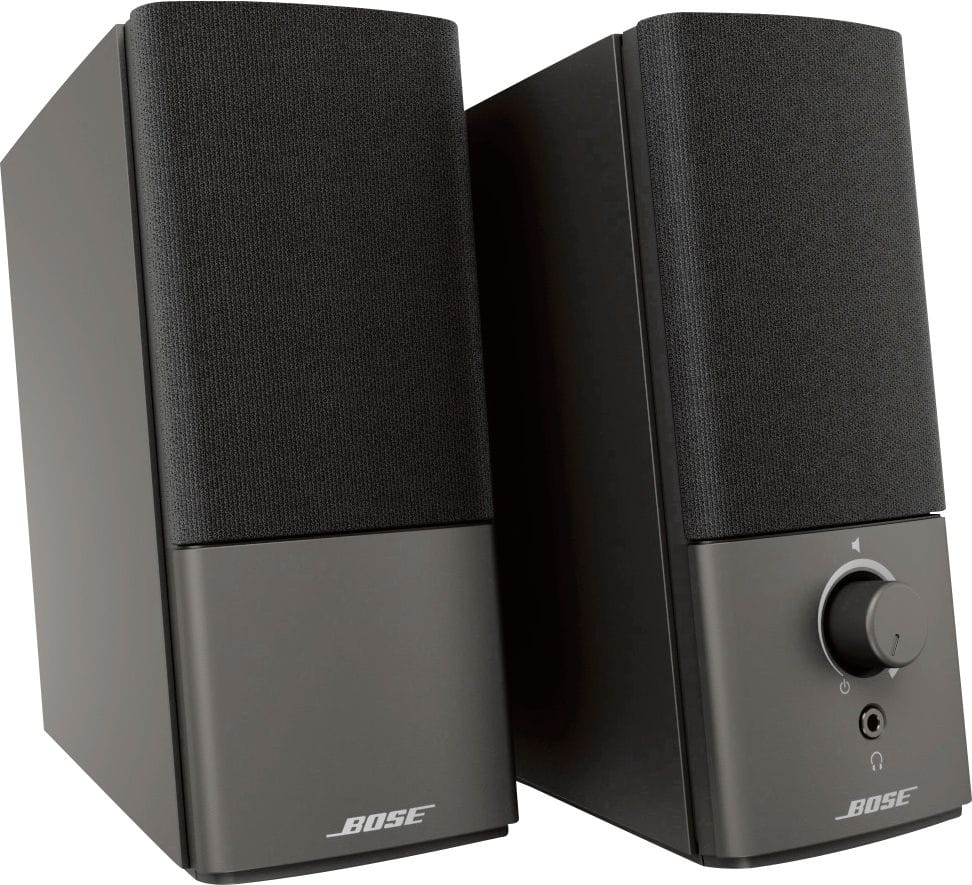
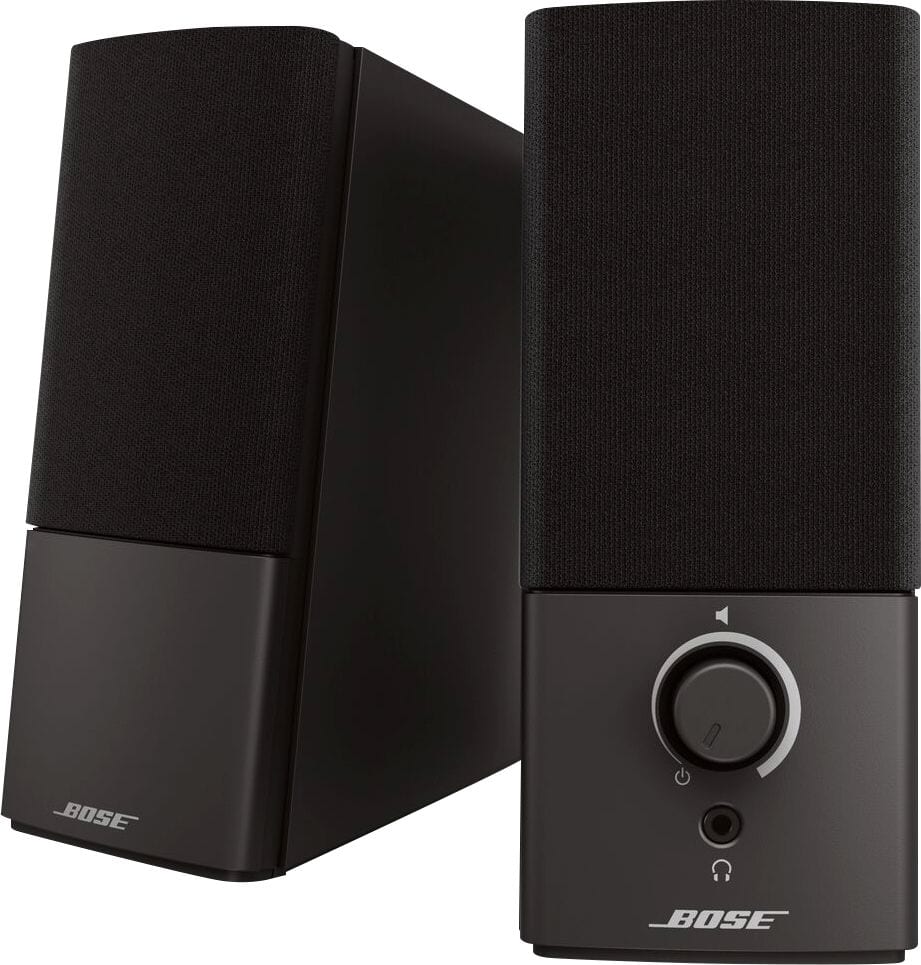
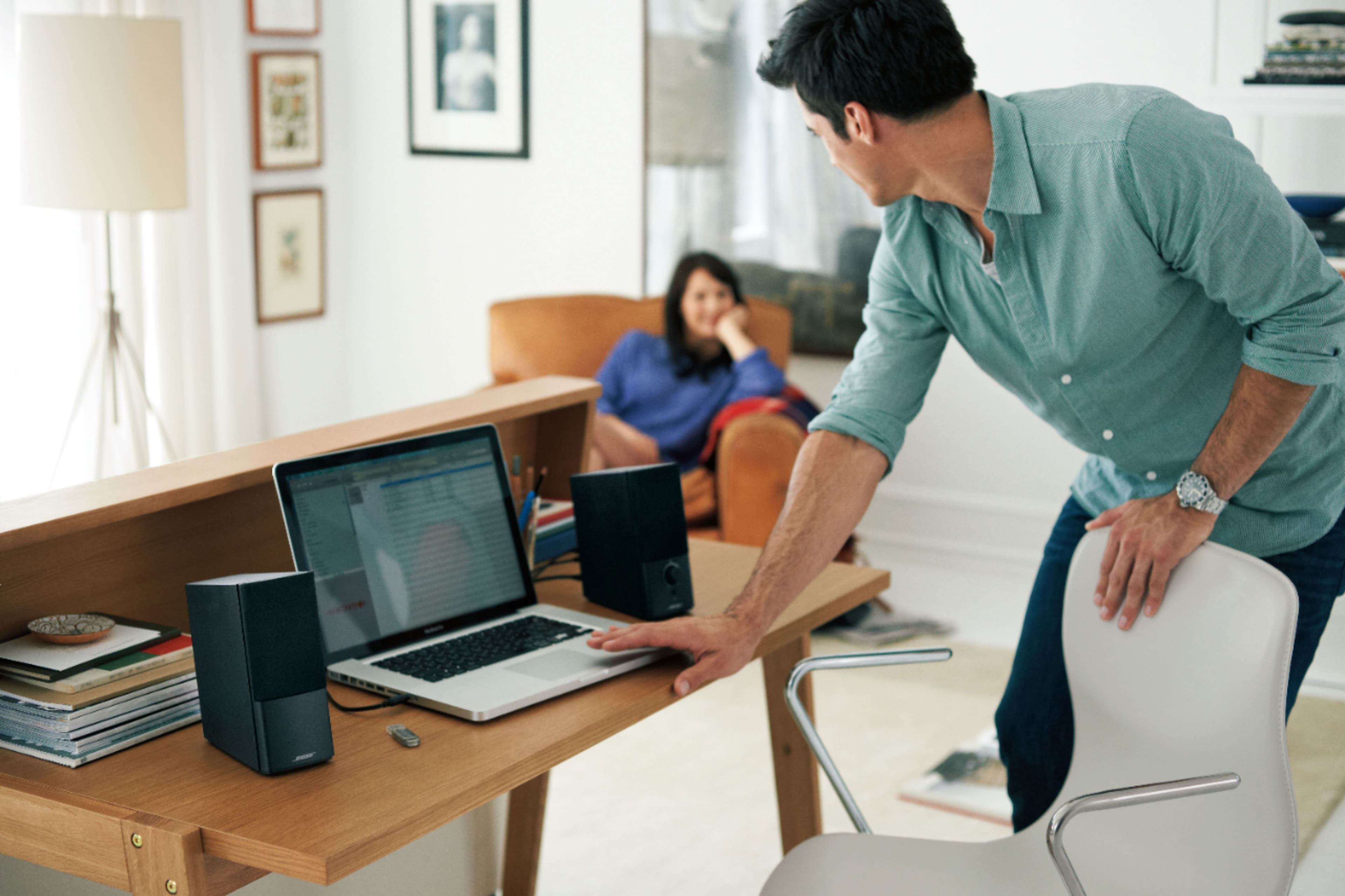
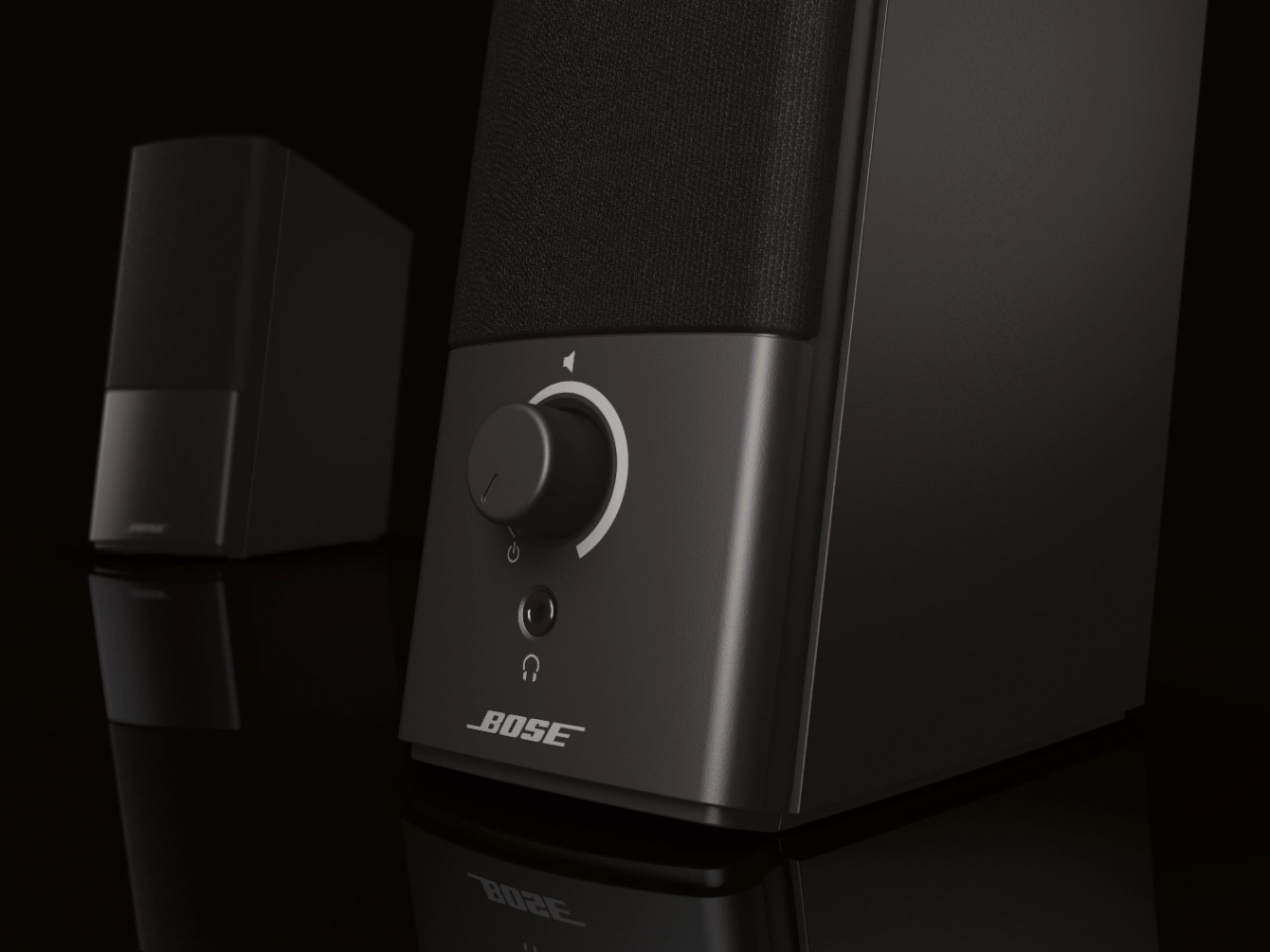
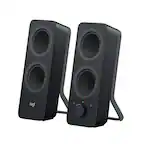
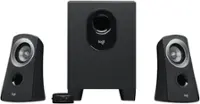
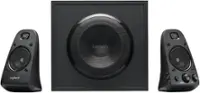
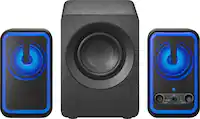
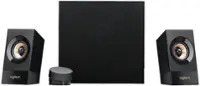
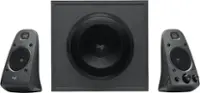
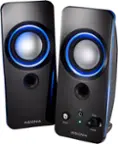
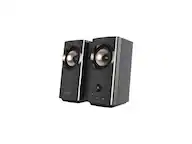
A:AnswerI own both and the main difference is that with the Companion 20 it feels like you have a powerful 2.1 system. The Companion 20 also comes with a separate wired desktop control pad for easy access to the power button and volume knob. The Companion 20 has crystal clear sound while the Companion 2 is just normal average sound quality.
A:AnswerMost likely not without a convertor. I don't think I've ever seen a DVD player with a 3.5mm headphone jack. I have seen DVD players with an optical or SPDIF audio output. You can get optical to 3.5mm convertors. (I use the term "convertor" instead of "adapter" because optical is a digital audio format, whereas 3.5mm is an analog format. So you have to get a powered convertor that converts from digital to analog. Adapters don't usually require their own power source like a convertor does.) Same would be true if the DVD player has an HDMI audio output. You'd need an HDMI to 3.5mm audio convertor.
A:AnswerYes. If the receiver has a 3.5mm audio output, then they can connect directly. If the receiver has another type of analog output, you would need an adapter (like RCA to 3.5mm). If the receiver only has digital audio outputs (optical, SPDIF, HDMI) then you would have to get a convertor that converts from whichever digital type to 3.5mm analog.
A:AnswerNot directly, no. Bias FX is a computer based software. If the computer has a 3.5mm headphone jack (most do), then you can connect these speakers to your laptop and output the audio through these speakers. The speakers themselves are simple analog speakers can cannot run software on their own.
These speakers DO have a 3.5mm AUX input, so technically, with a 1/4inch to 3.5mm adapter you could run your guitar directly into the speakers, but you'd have no effects unless you first ran through a pedal or floor processor. But for the price, a standard guitar amp would probably better, though it would be much larger.
For Bias FX, you'd run your guitar into the computer, then run your computer output through these speakers.
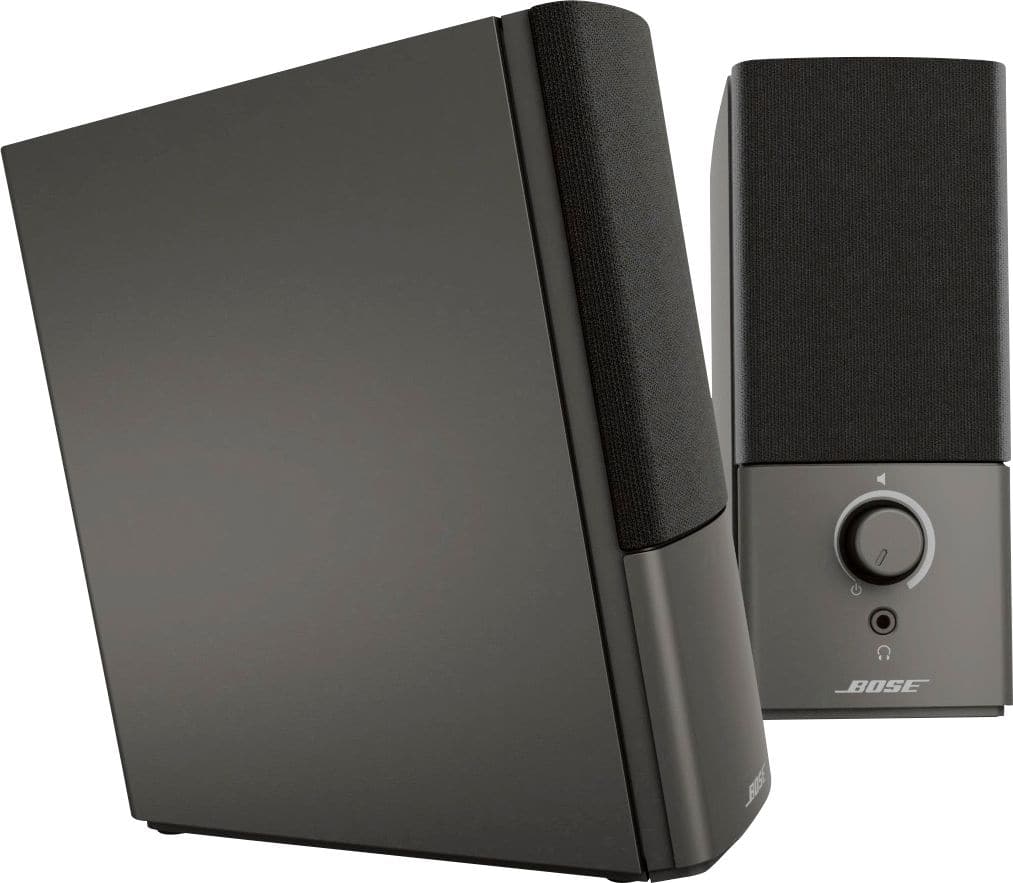
A:AnswerProbably, yes. If the boat stereo has a headphone jack, you can connect these speakers to it. I don't know much about boat stereo systems, but as long as you've got some kind of output - like a headphone jack, or RCA ports (red/white) - then you can either connect these speakers directly, or get an adapter to allow them to connect.
A:AnswerYes, if the CD changer has a headphone jack, you can connect these speakers directly. If the CD changer has a different kind of output, you can get an adapter which will let these speakers connect.
A:AnswerYes. Most of the time when speakers have a volume knob, they have a build-in amp. If your TV has a 3.5mm headphone jack, these speakers include a cable that will connect to it.
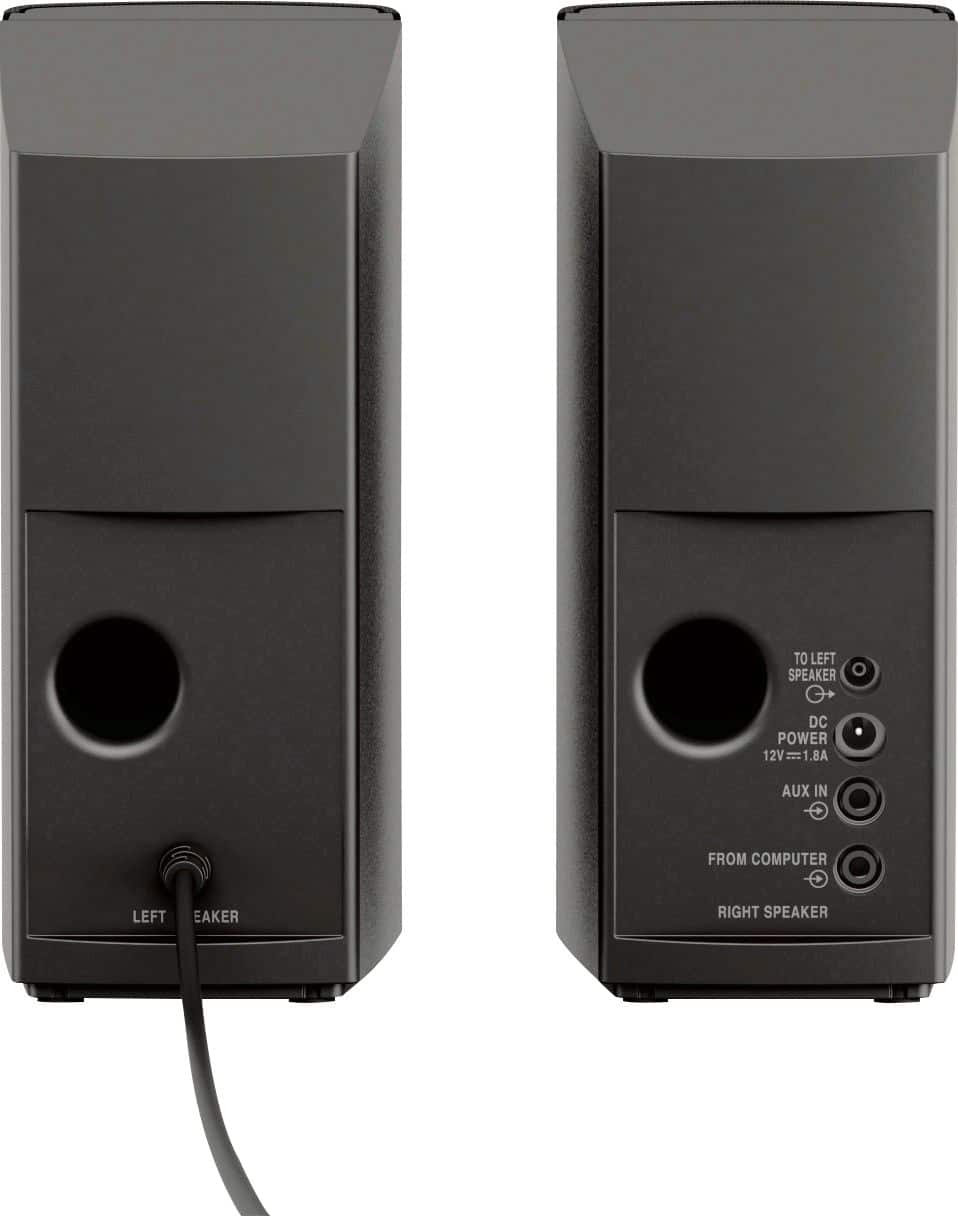
A:AnswerThese speakers come with a 3.5mm cable which connects to a standard headphone jack. The cable is male-to-male so it has 3.5mm on both ends. Then the speakers have a wire that connects them together. So no splitter is needed.
If your iPods or tablets have a headphone jack, these speakers will work. If you have a newer Apple device that doesn't have a headphone jack, you'll need one of those lightning to headphone jack adapter cables.
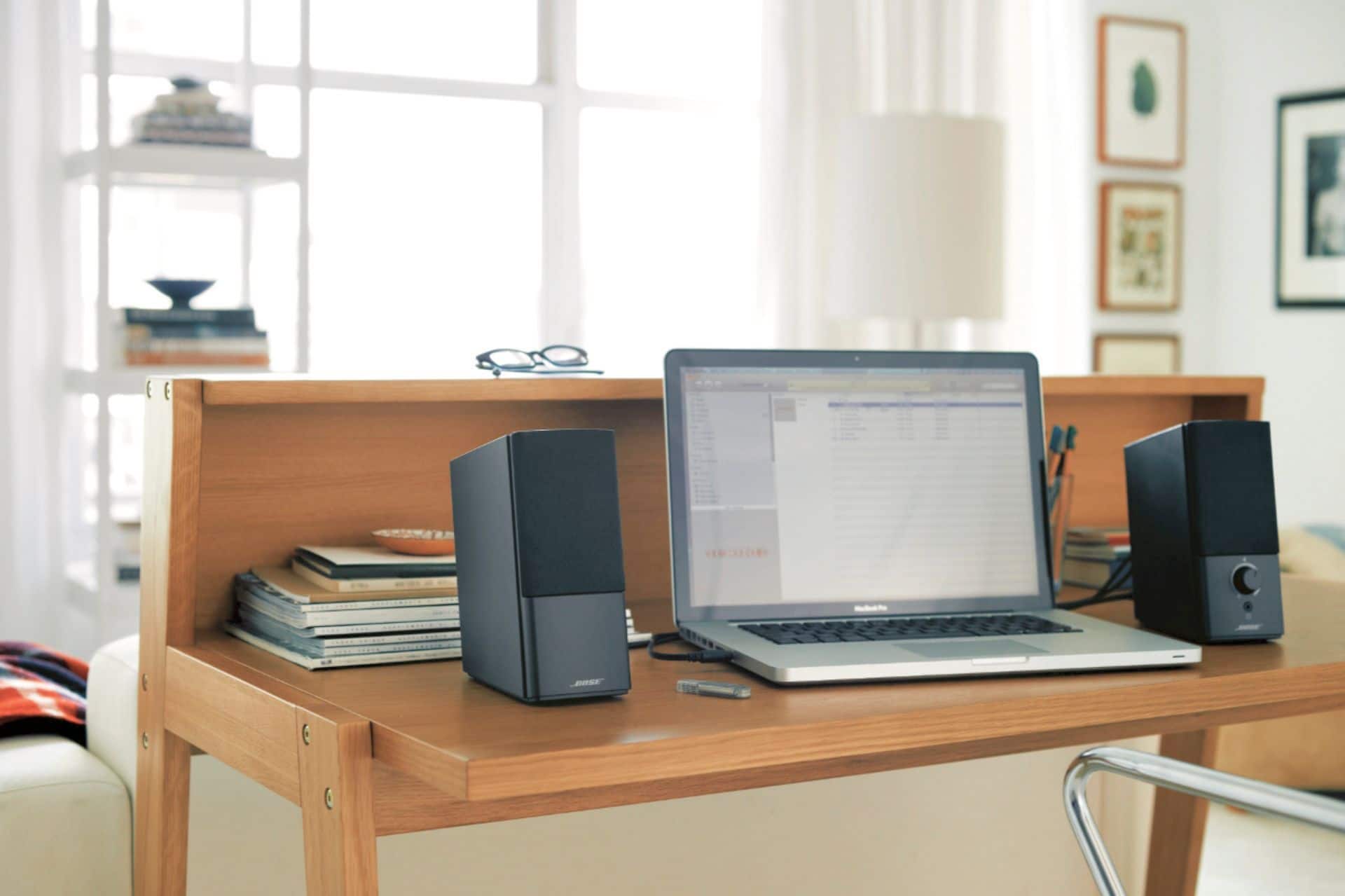
The sound of these speakers is far superior to any built in laptop computer speakers. Your docking station probably has a 3.5mm headphone jack which these speakers will connect to.
Pro tip: these speakers also have a AUX input. This means if you buy a second, 3.5mm to 3.5mm cable, you can connect these speakers to your computer, and when you want to play something off of the iPod, you can connect your 2nd cable from the iPod to the AUX input and play audio from the iPod without disconnecting the speakers from the computer.