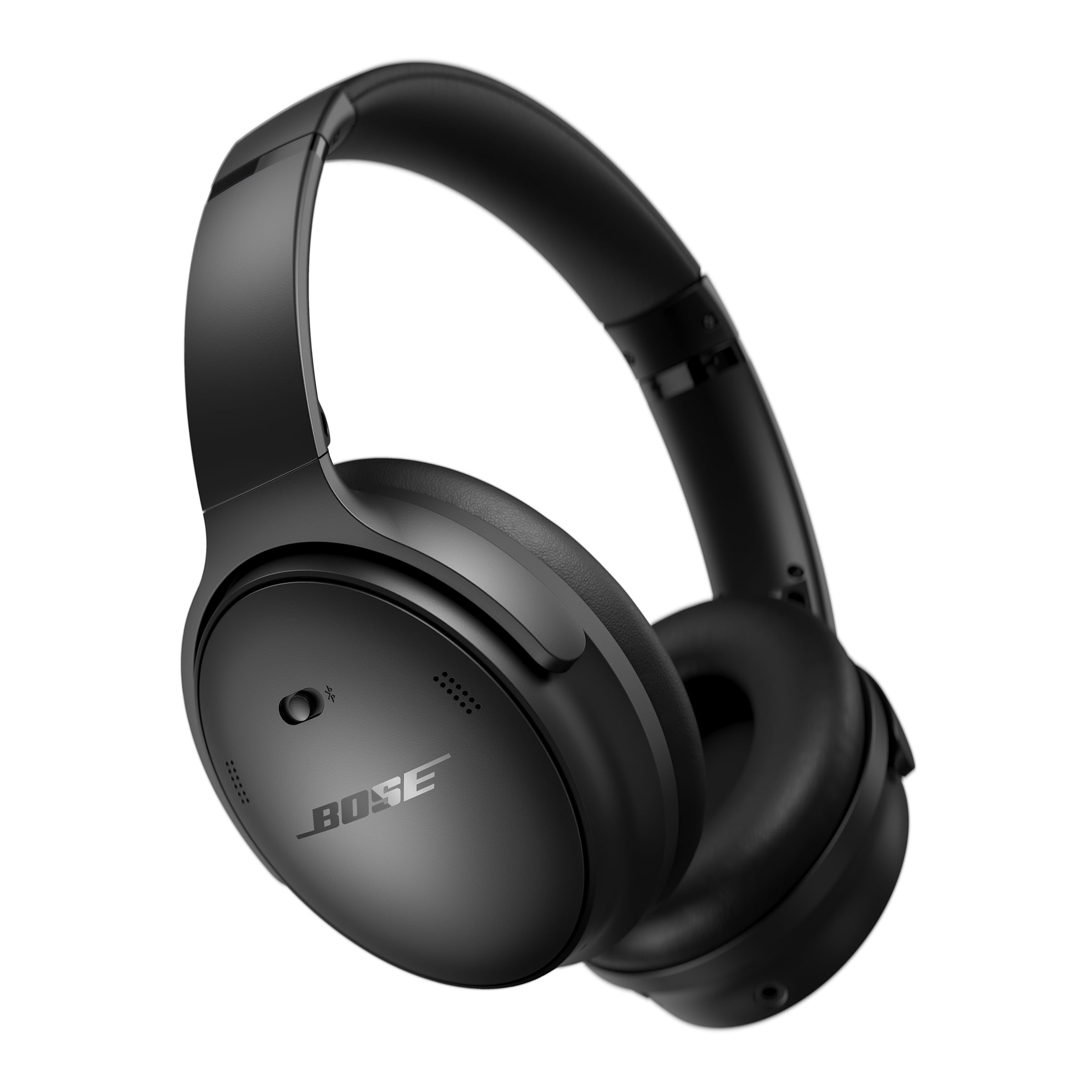
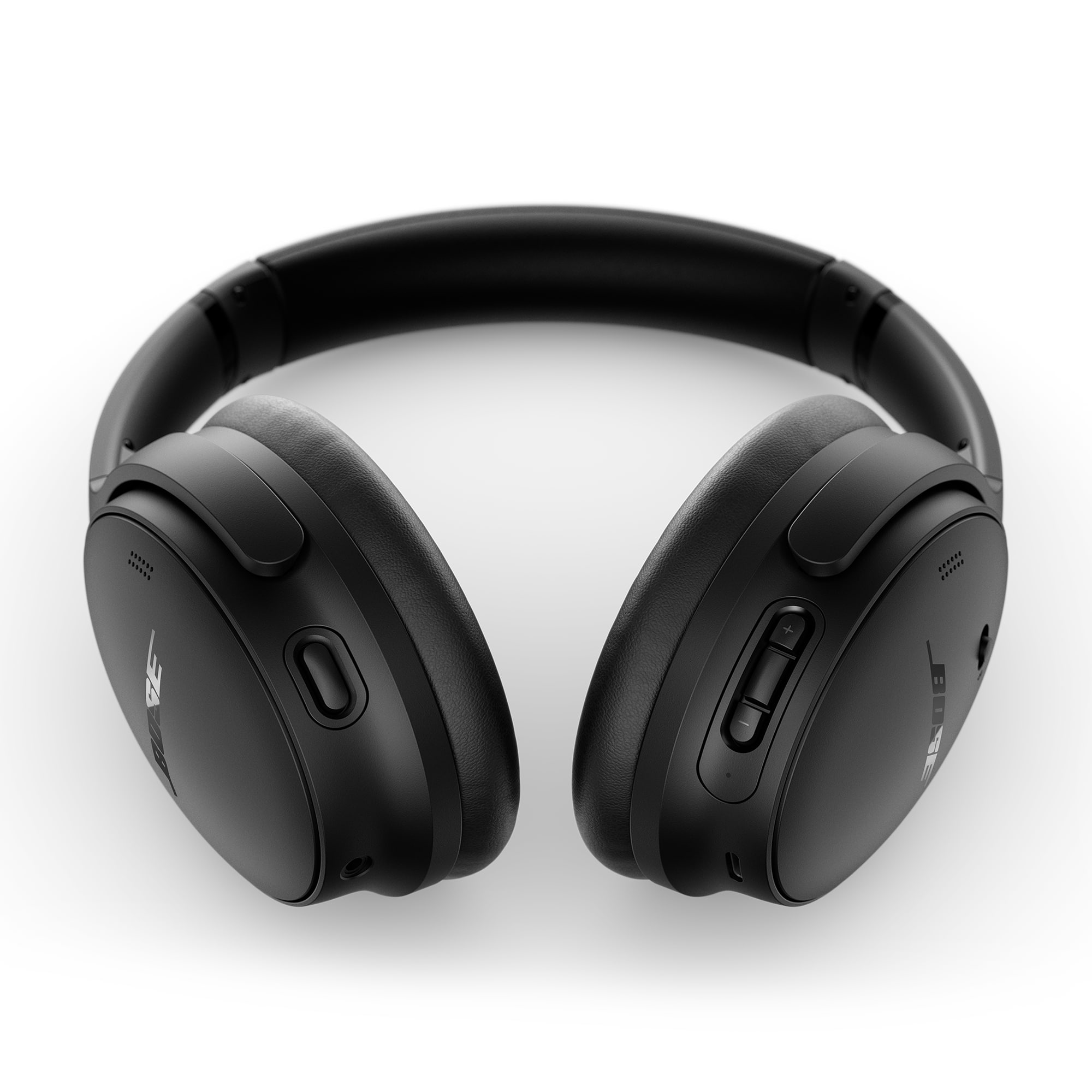
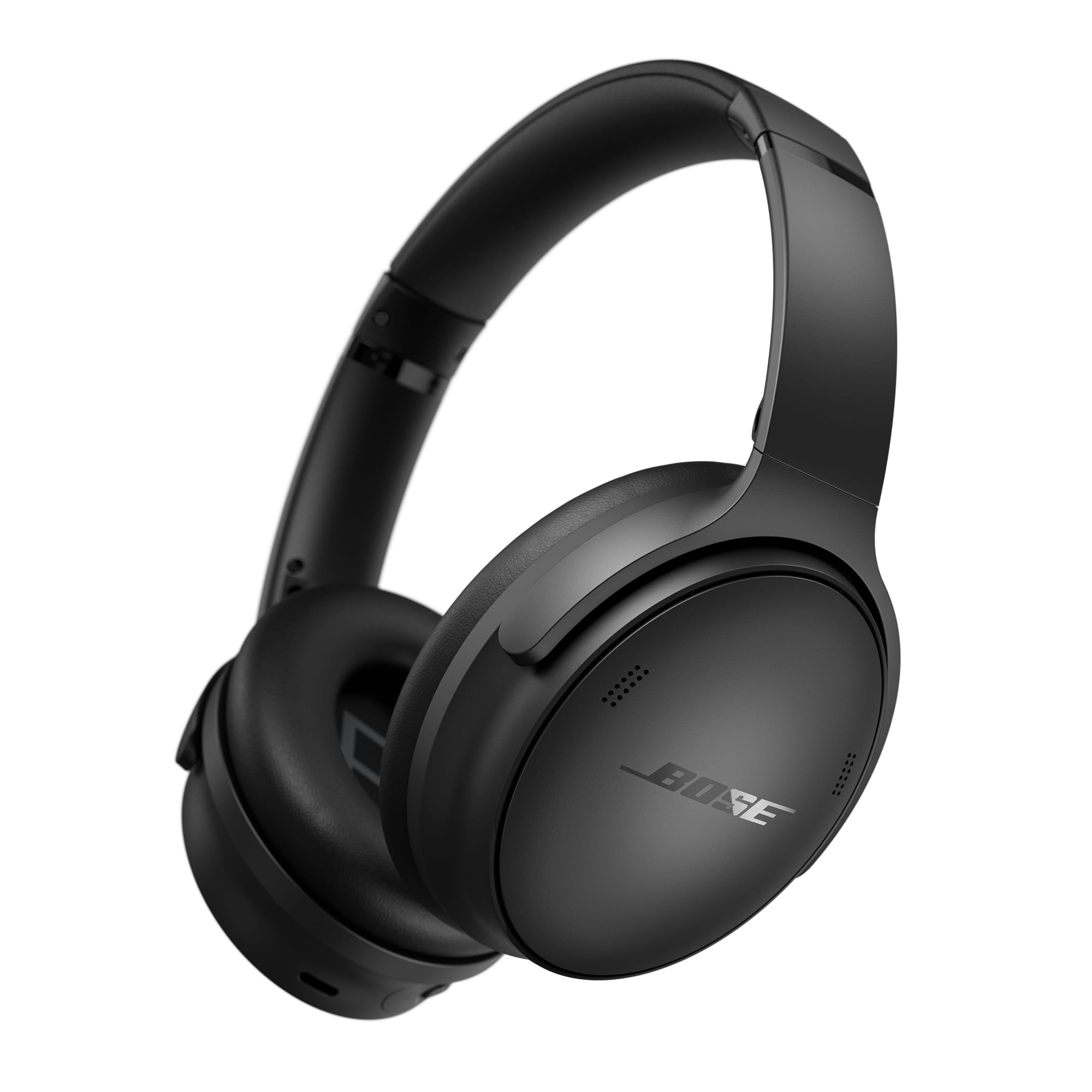
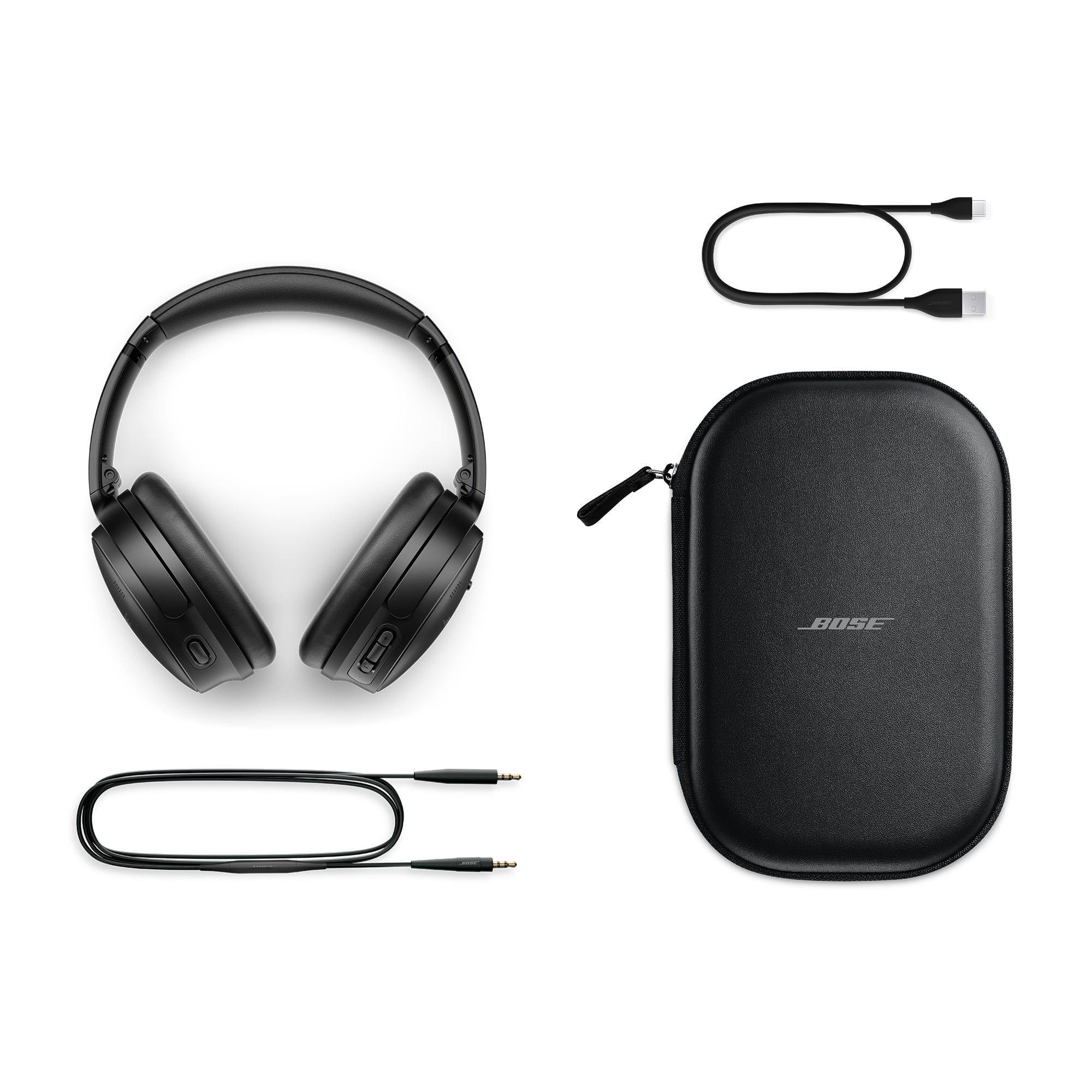
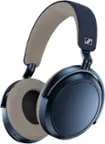
A:AnswerI use these paired directly to my TV with no issues, I am not sure if Playstation locks down their Bluetooth, but your television's Bluetooth should work fine. The headphones sound great.
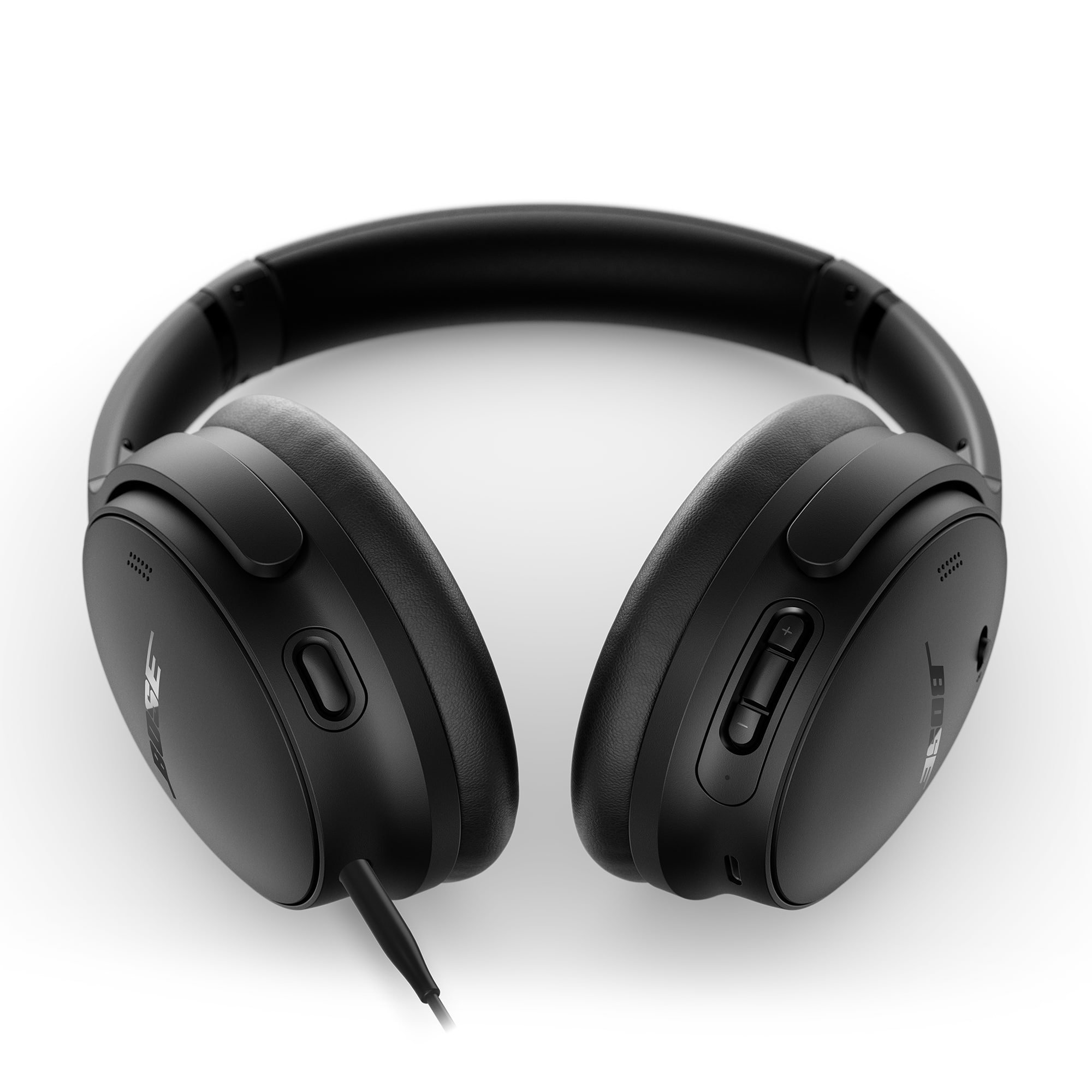
A:AnswerYes, Bose QuietComfort headphones can be used on an airplane. They are designed for travel and feature excellent noise cancellation, which helps reduce engine noise and makes your flight more comfortable. You can connect them via Bluetooth to your devices or use the included audio cable to plug into the in-flight entertainment system.
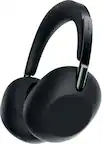
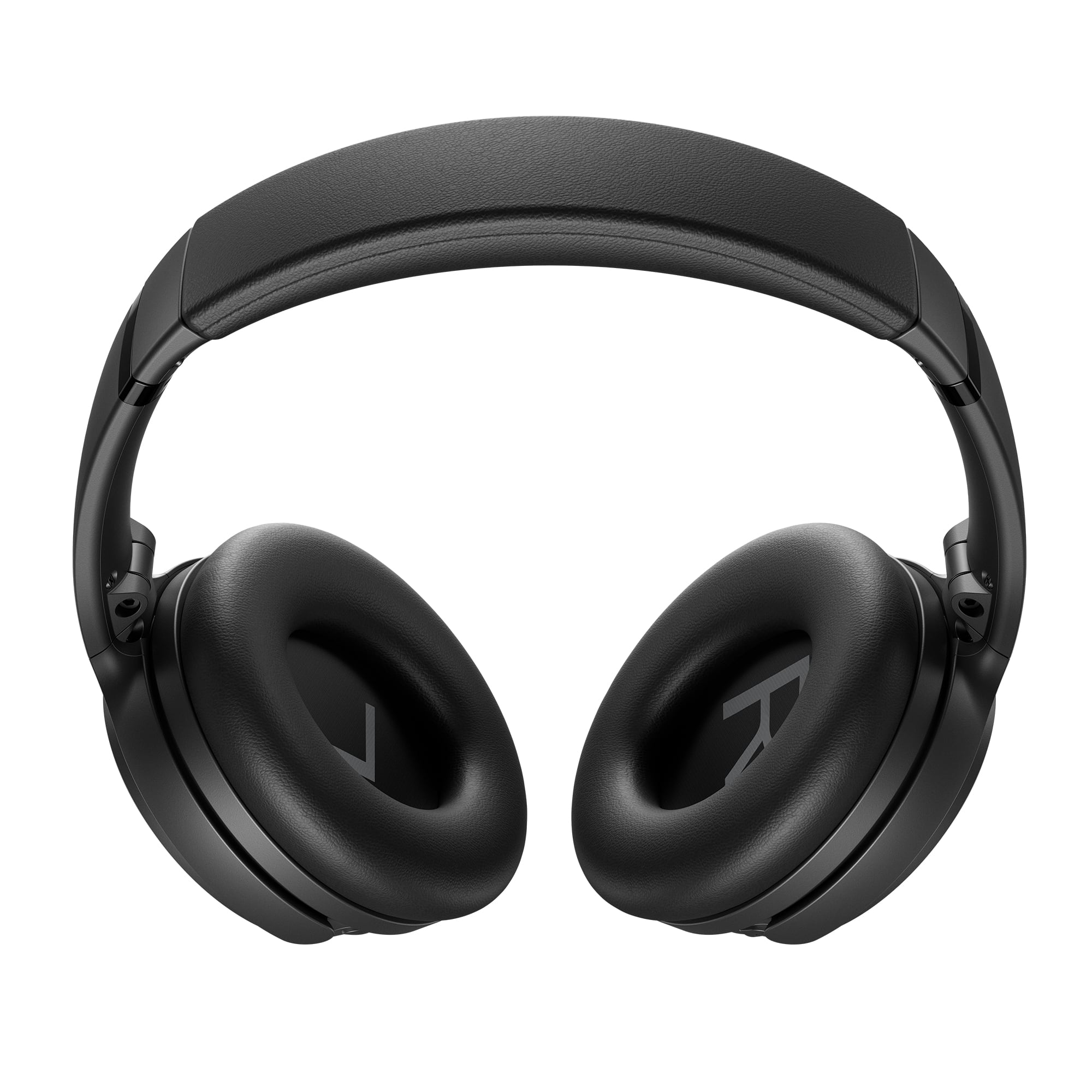
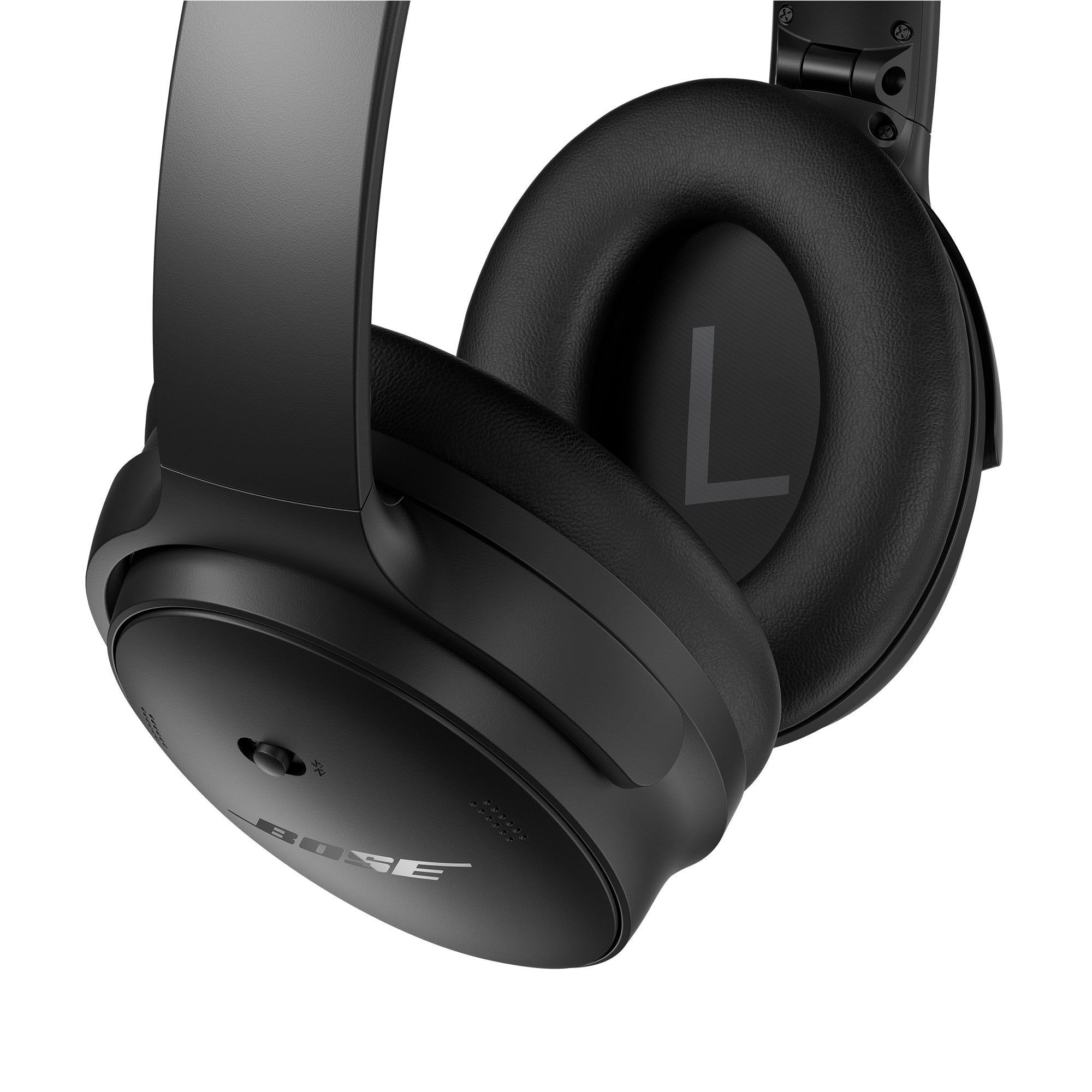
A:AnswerHello! You can easily replace the ear cushions on your Bose QuietComfort Headphones with the compatible QuietComfort Ear Cushion Kit. Just click the link below to order: https://bose.life/4qT1Bs6
Thank you for choosing Bose!
A:AnswerThe QuietComfort Headphones can connect to a computer. You can pair them via Bluetooth for wireless audio or use the included audio cable for a wired connection. Both options work great for music, calls, and video conferencing.
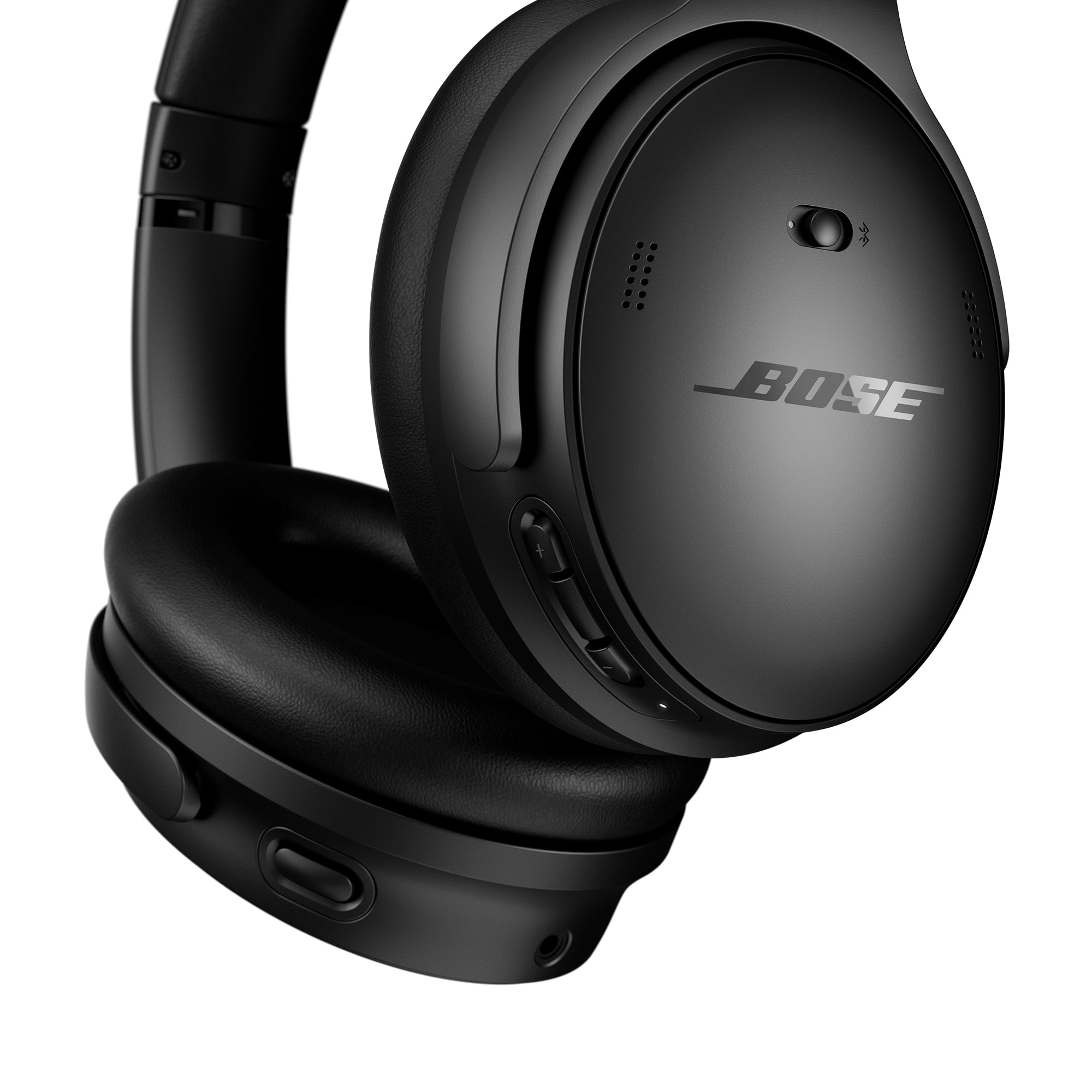
A:AnswerHello! Yes, that is the 2023 version of the Bose QuietComfort Headphones. They are the updated successor to the QuietComfort 45, offering improved sound quality, longer battery life, and a few new features while maintaining the same comfortable design and excellent noise cancellation.
We’re glad you’re exploring the latest from Bose thank you for considering Bose!
A:AnswerYes! The QuietComfort Headphones have built-in controls that allow you to adjust the volume directly from the headphones. You can also manage playback, calls, and voice assistant features without needing to reach for your device.
A:AnswerThe QuietComfort Headphones include a limited one-year warranty from the date of purchase, covering defects in materials and workmanship. Please note that this does not cover damage caused by normal wear, accidents, or misuse. Be sure to keep your proof of purchase, as it will be required for any warranty claims.
A:AnswerHi Hoss! Definitely! You can pair the Bose QuietComfort Wireless Noise Cancelling Headphones with your iPhone no problem at all. Just turn on Bluetooth, find the headphones in your device list, and you’re all set. Super easy, and you’ll be enjoying your music or calls in no time.
Gem - Bose Customer Support