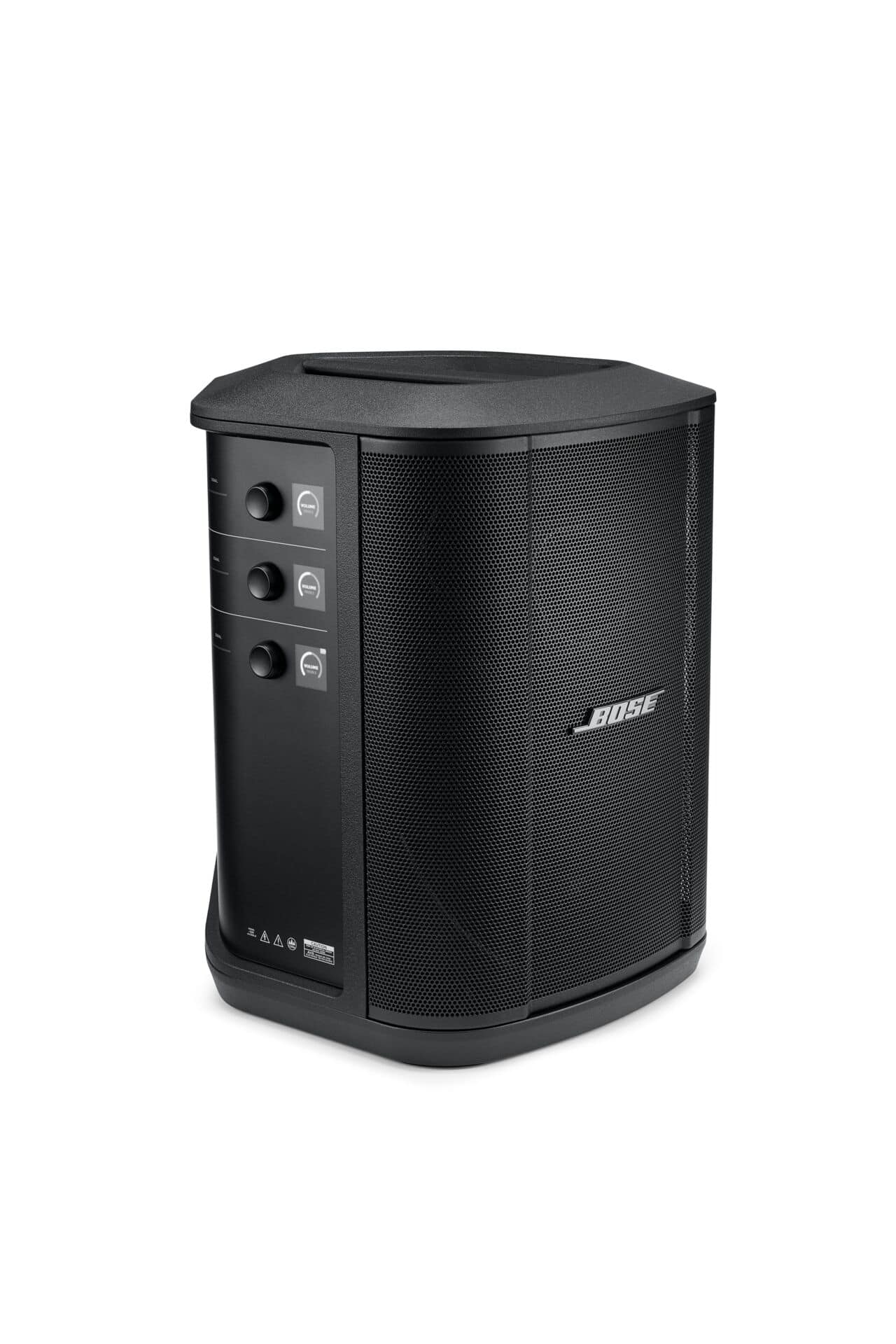
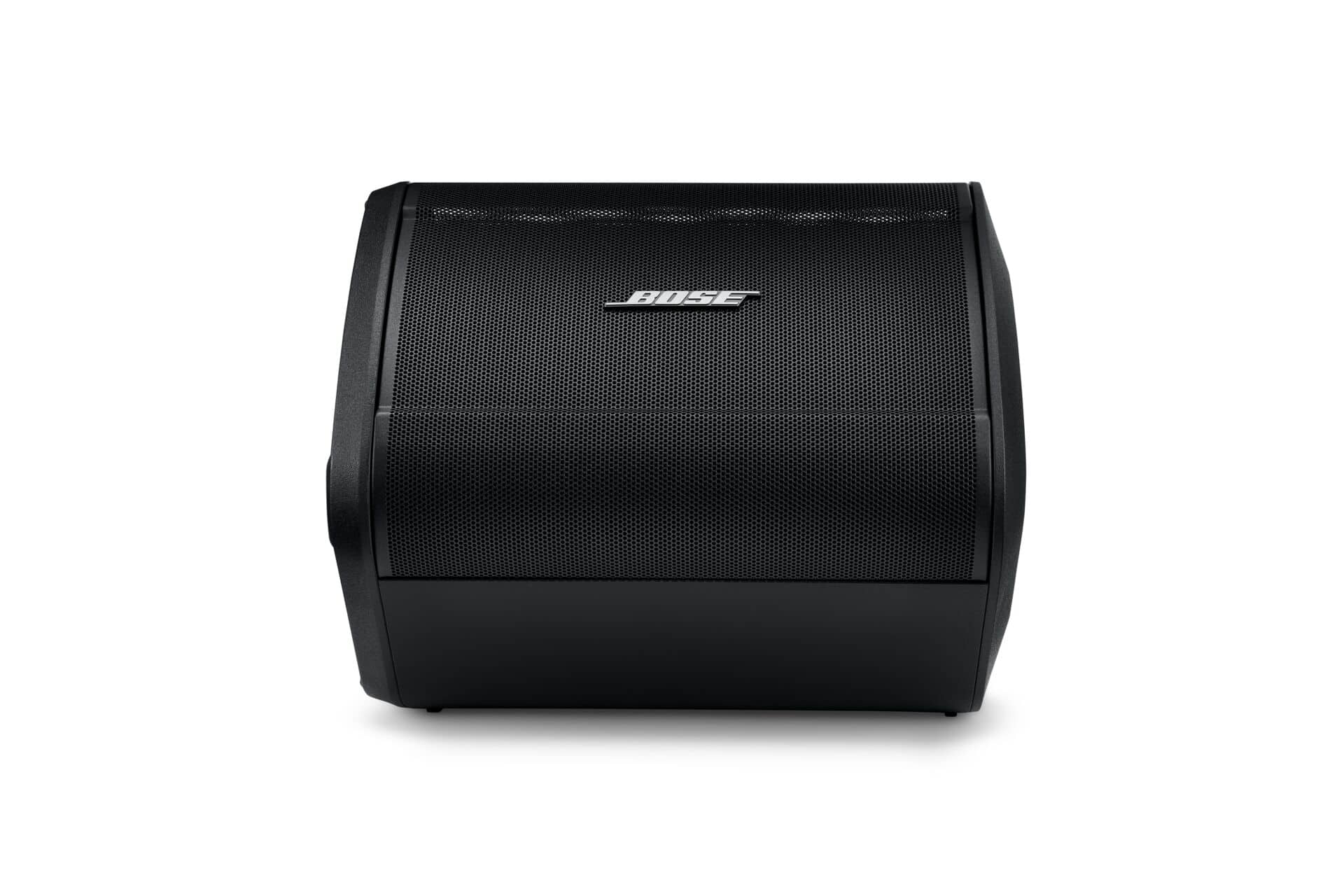
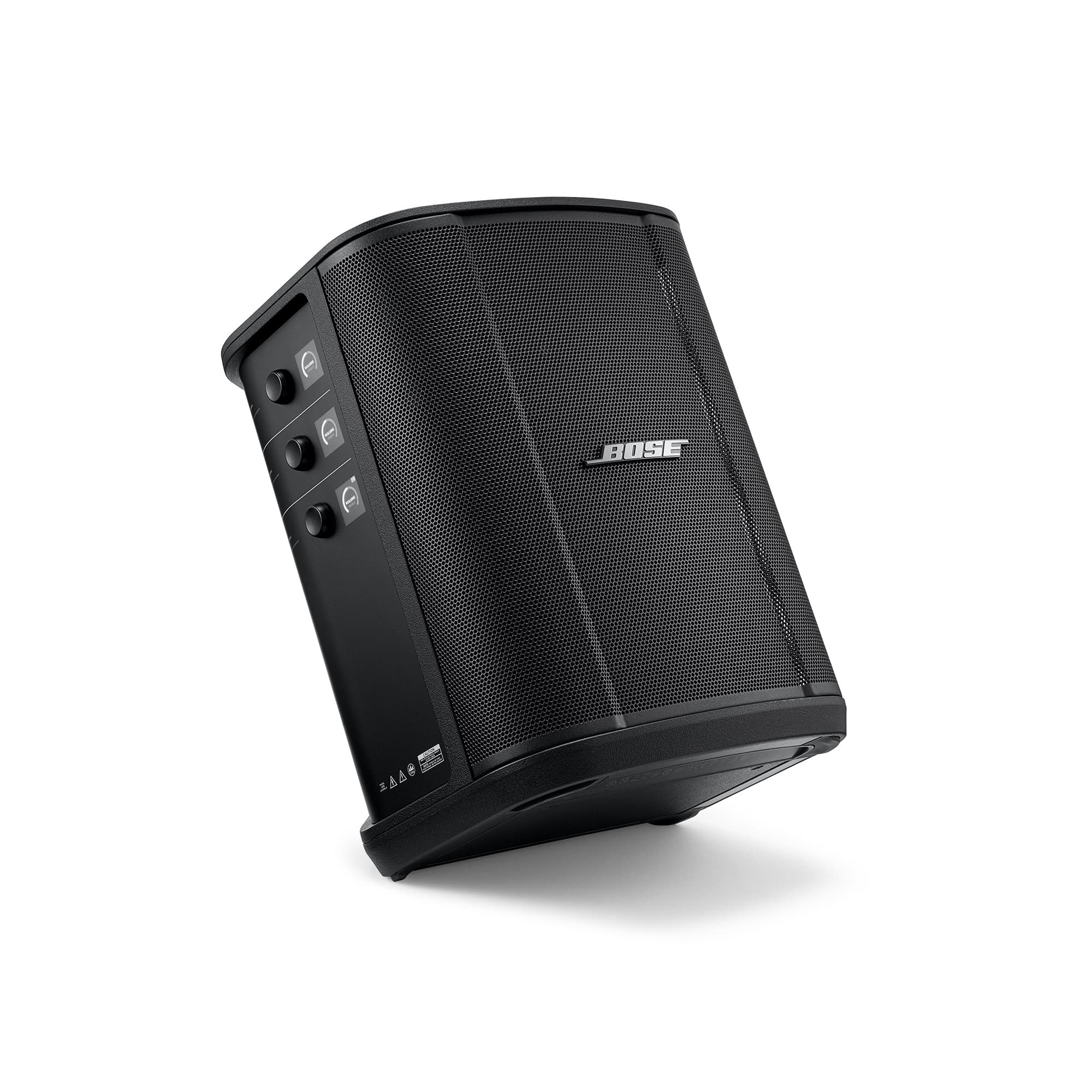
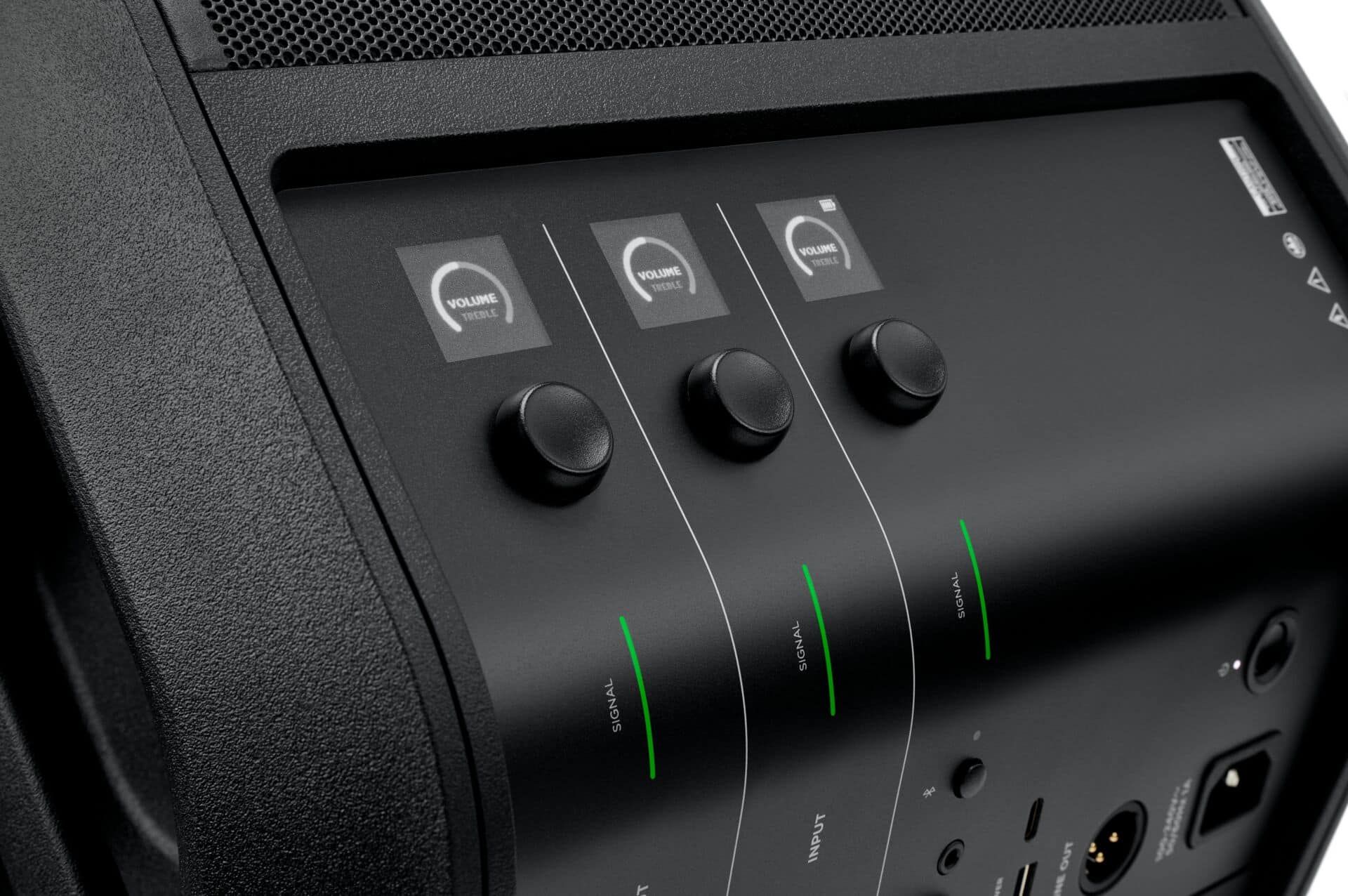
A:AnswerNo, the S1 Pro+ system does not have a remote control. If looking to use a third-party universal remote, please speak to the remote's manufacturer about compatibility.
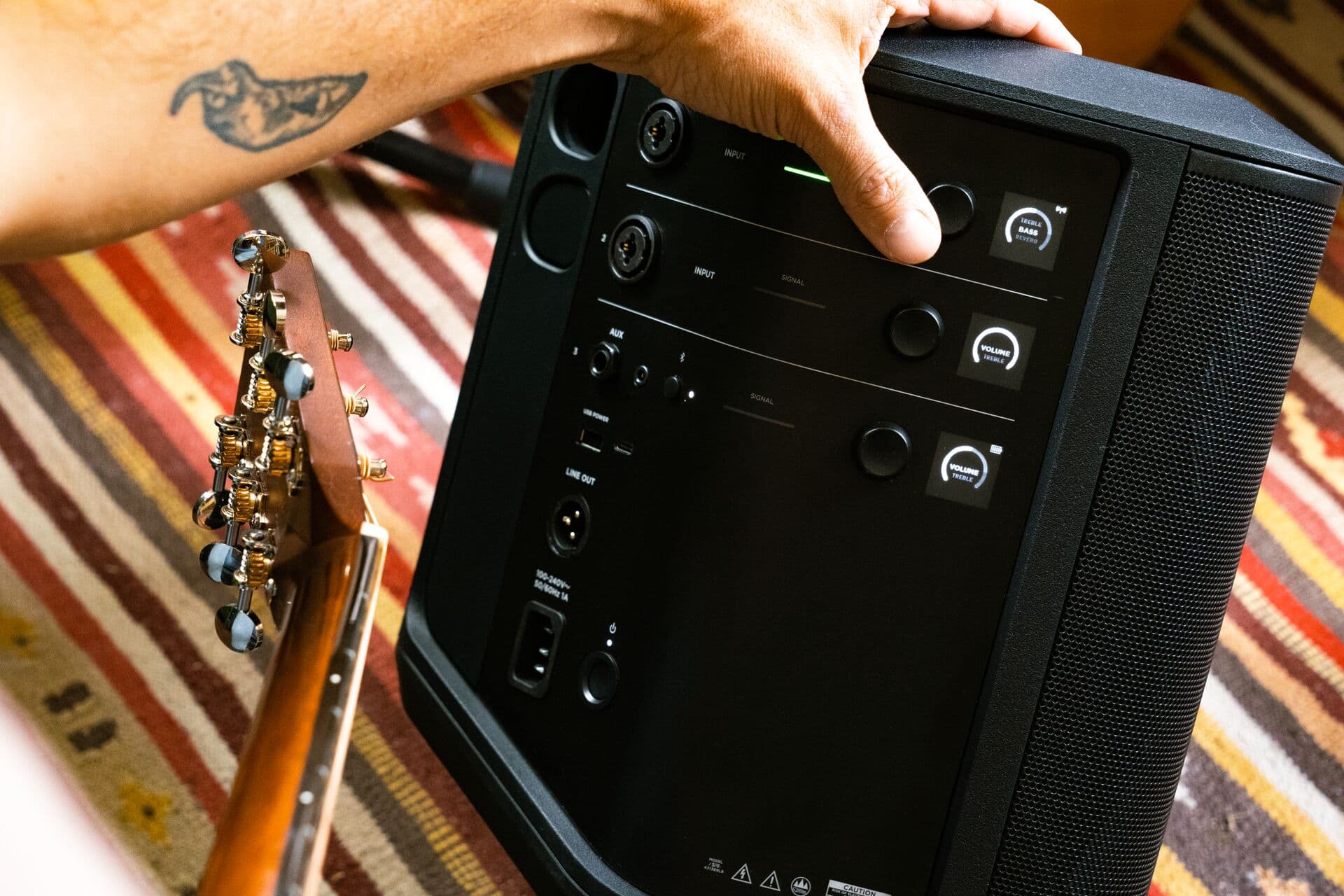
A:AnswerYes you can adjust volume and reverb from the Bose app from your phone. The great thing about it is the range of the signals which is really good. I tried it from about 70feet and it was effective
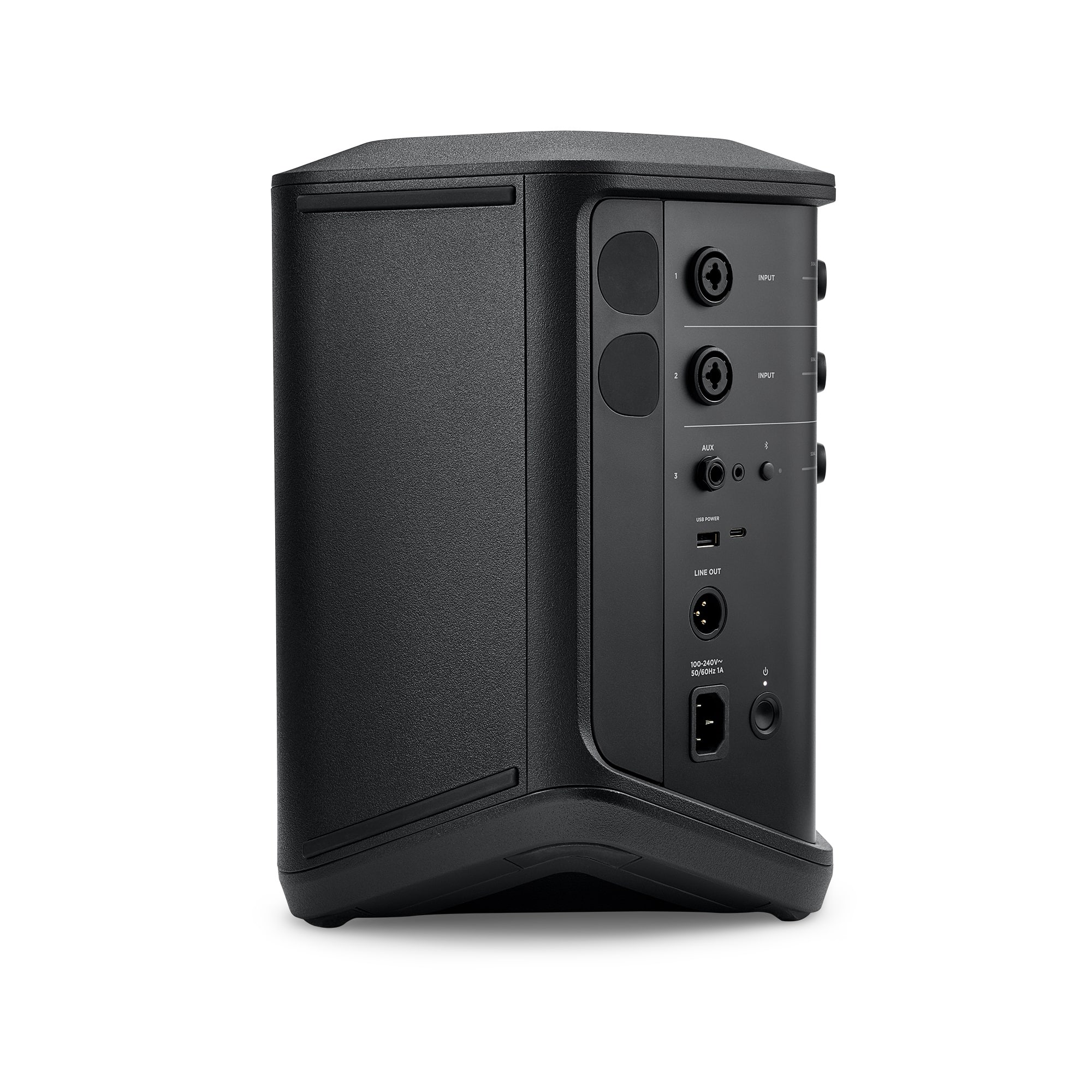
A:AnswerI used a powered Seismic Audio 10" sub with my S1Pro+, I
connected it with an xlr cable from the line out on the
S1 pro+ to the input on the sub. although the sub did need a power cable. The S1 Pro+ was on battery power only it sounded great.
A:AnswerTo enter Party Mode, simultaneously press and hold the volume and Bluetooth buttons on the first speaker until you hear a voice prompt. Repeat this process on the second speaker until you hear a tone play.
After around 10 seconds, the two speakers should say “Party Mode” to confirm the audio is playing in unison.
A:AnswerThe sound quality will beat any monitor in its class.
The bass will handle all low frequencies from musical instruments without any distortion even at high volumes