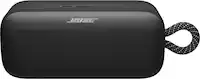
A:AnswerYou can try adjusting the bass controls on the connected Bluetooth device, if it has any. Alternatively, try placing the SoundLink Micro speaker near a wall or corner, which will naturally increase the bass response.
A:AnswerThe micro function in the SoundLink Micro speaker will only be activated when you use it as a speakerphone, so when you want to place or receive a call.
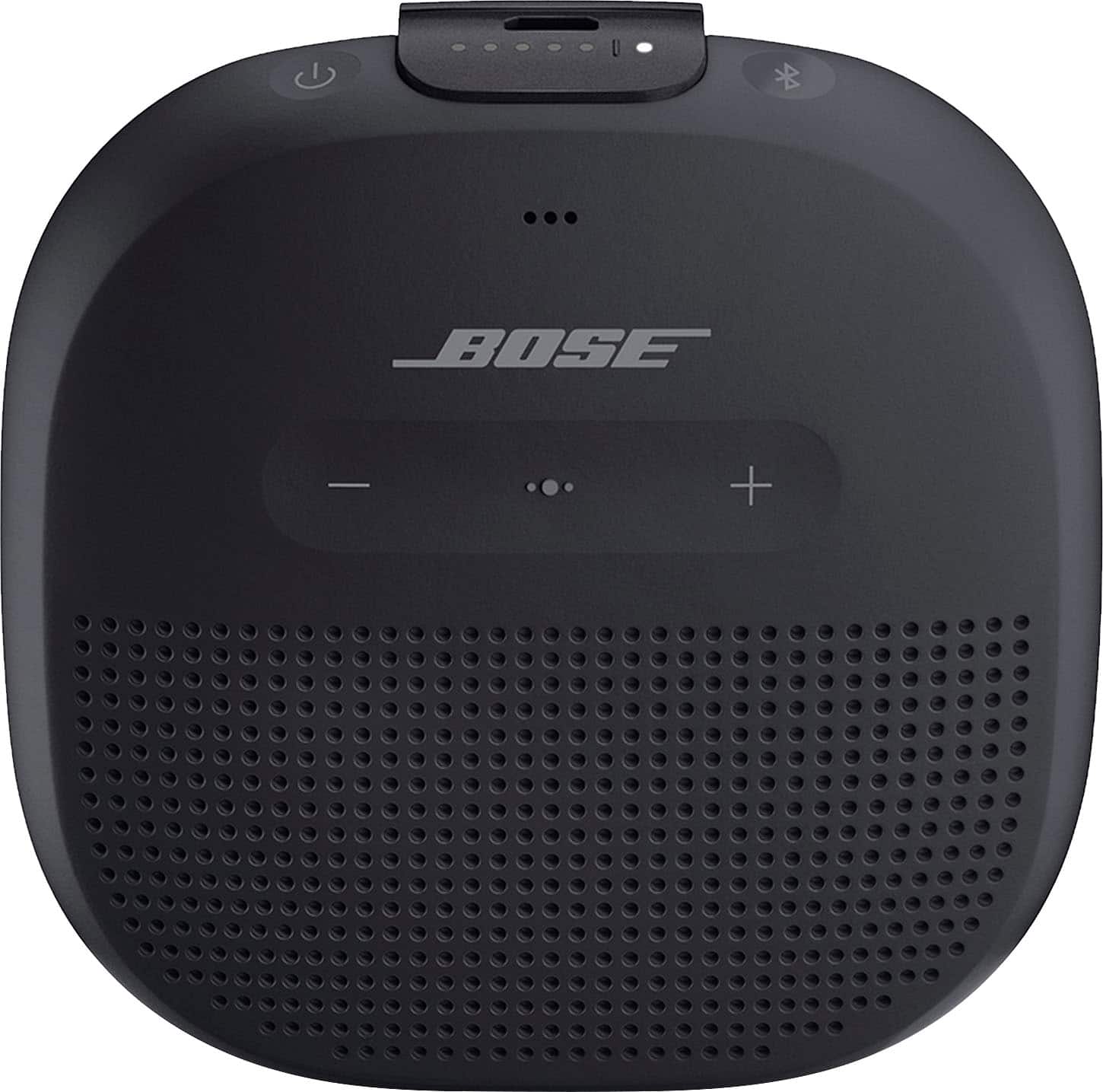
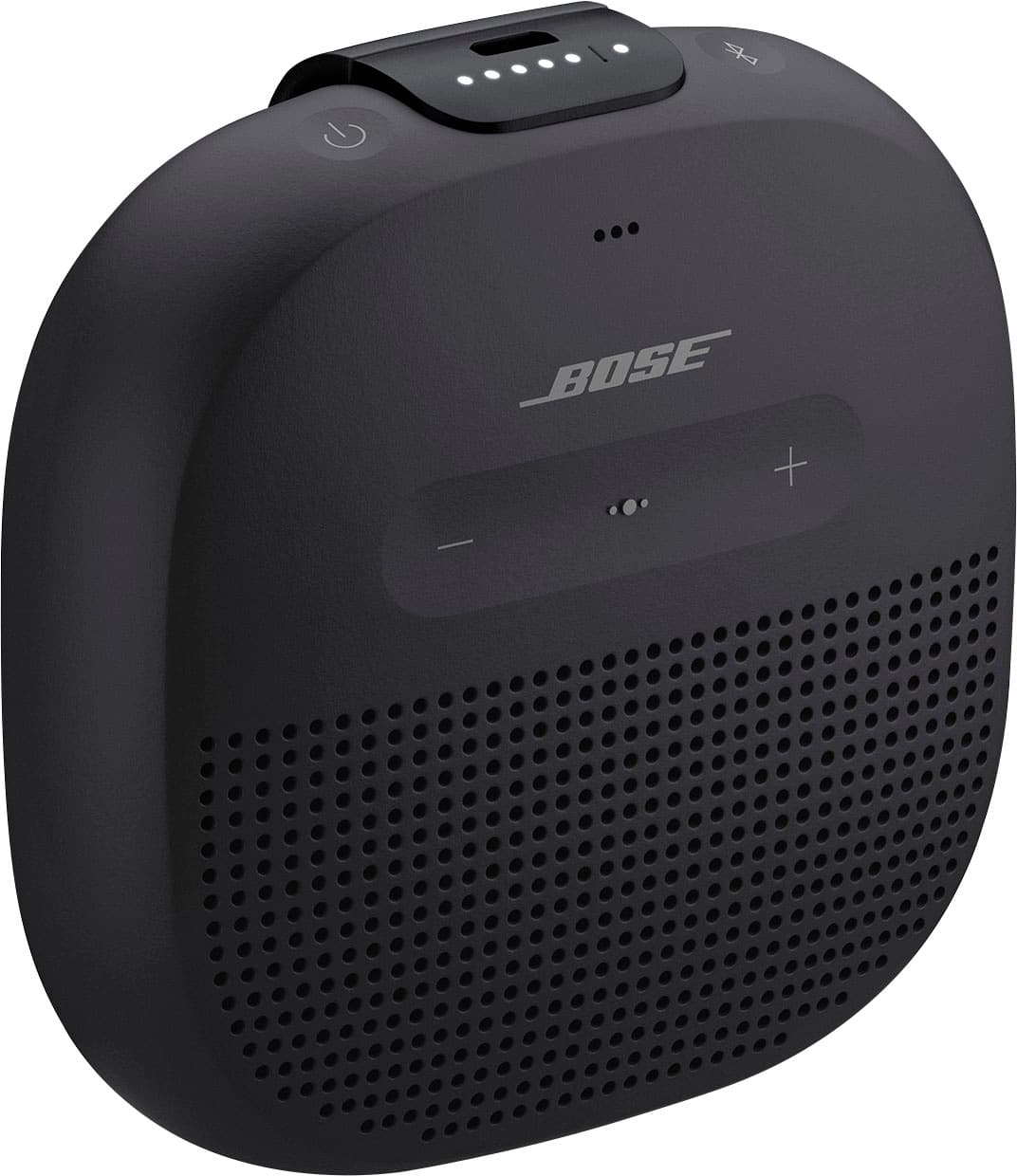
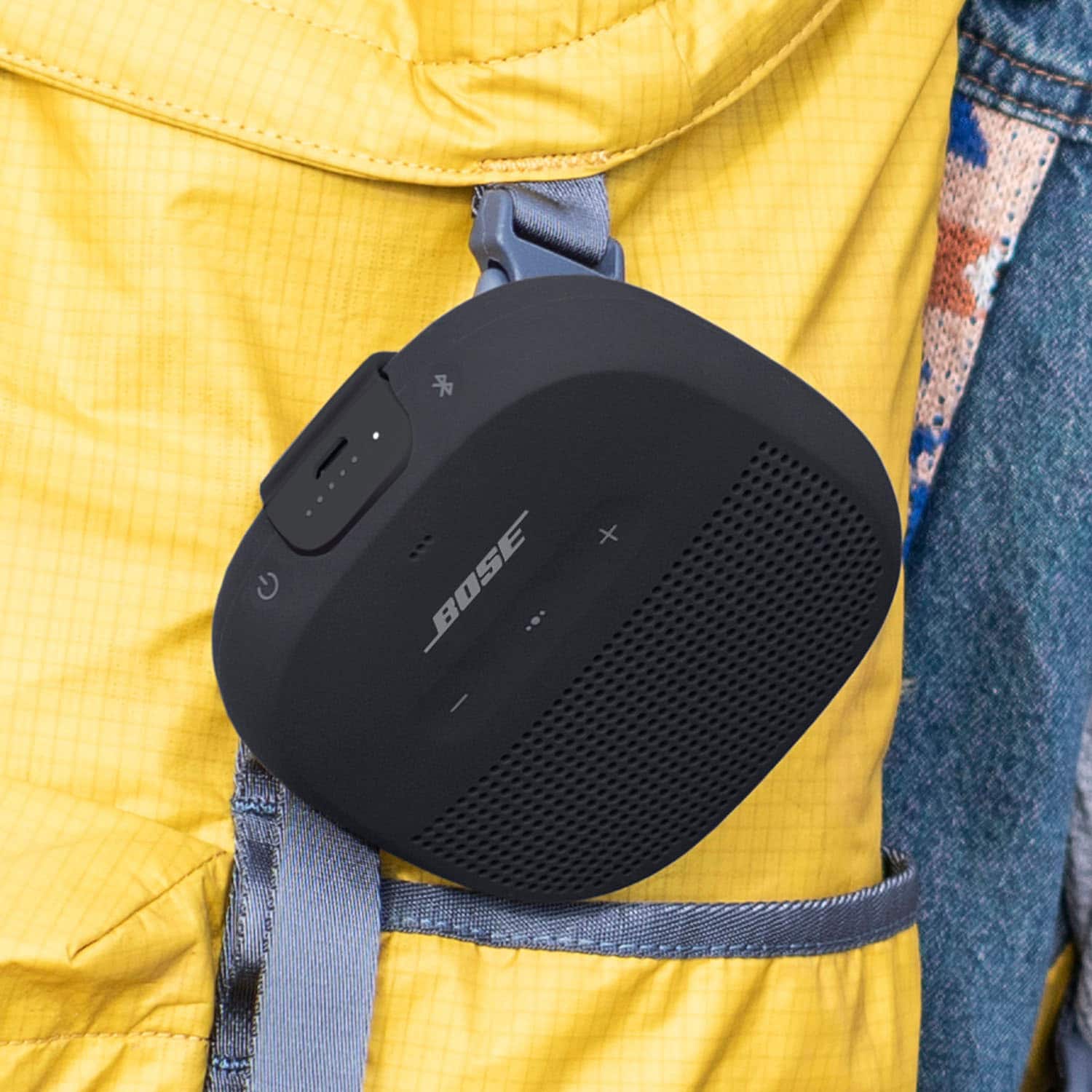
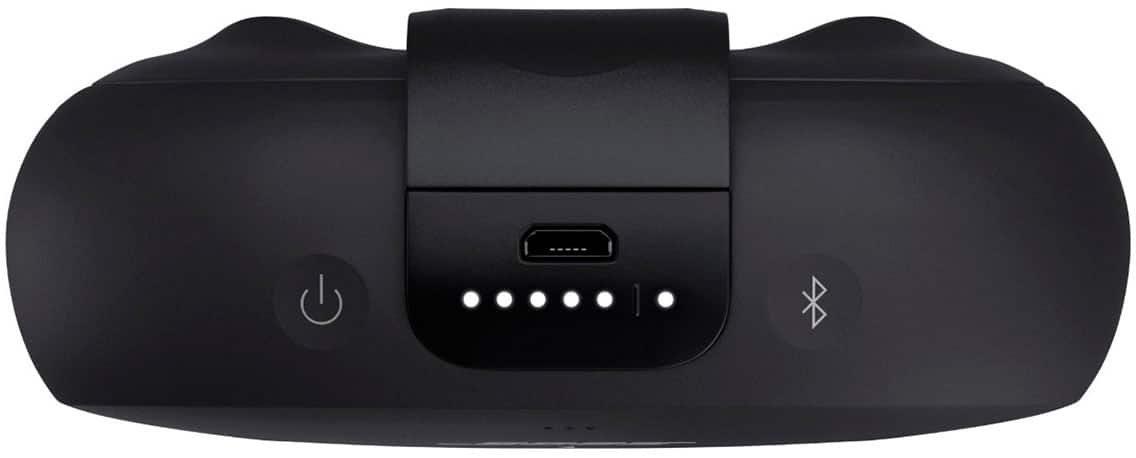
A:AnswerHello, to turn on your product, quickly press and release the Power button. Then the voice prompt will invite you to connect your Bluetooth device to the speaker.
A:AnswerYes, you can connect the SoundLink Micro to another SoundLink Speaker via the Bose Connect app or another Bose Smart Speaker via the Bose Music app.
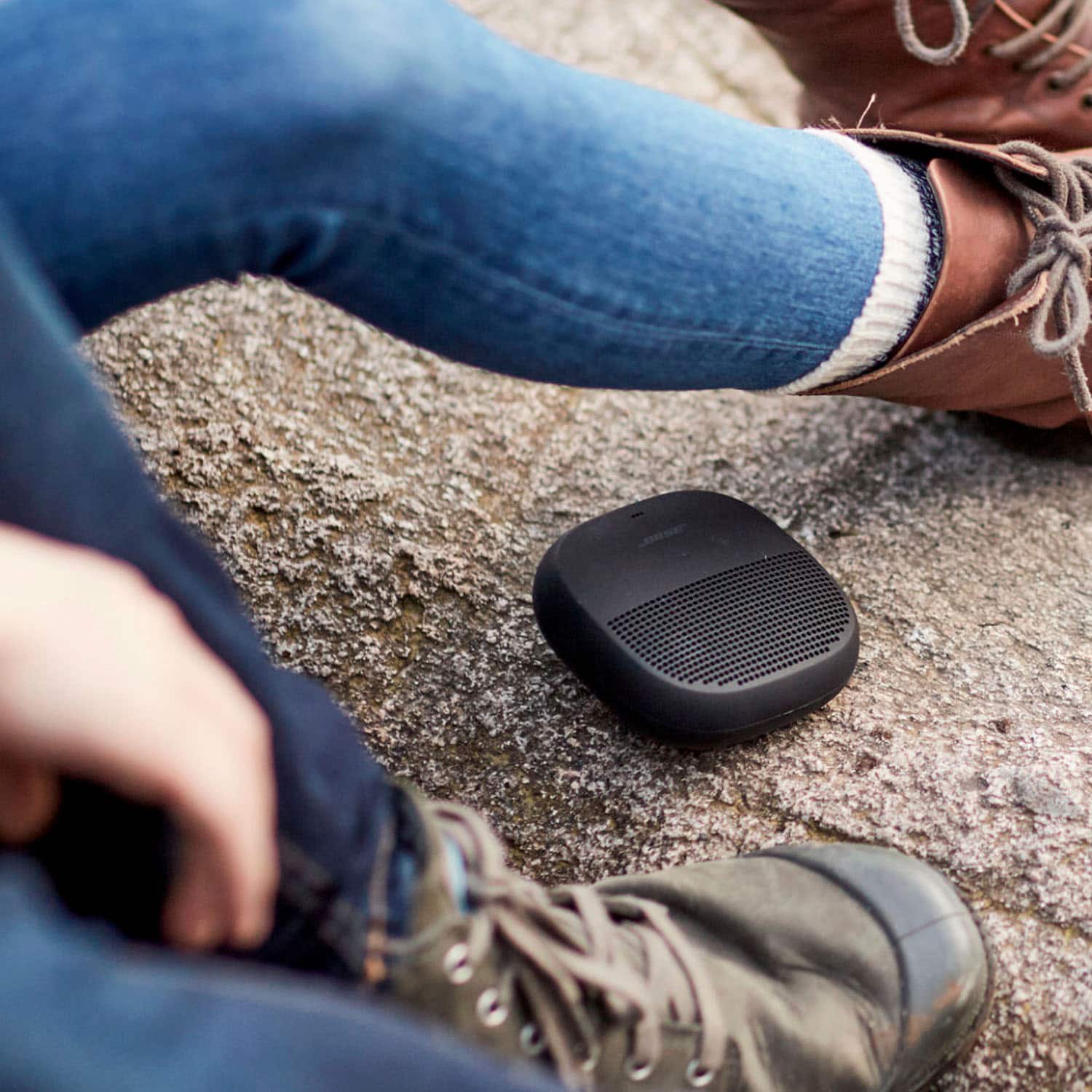
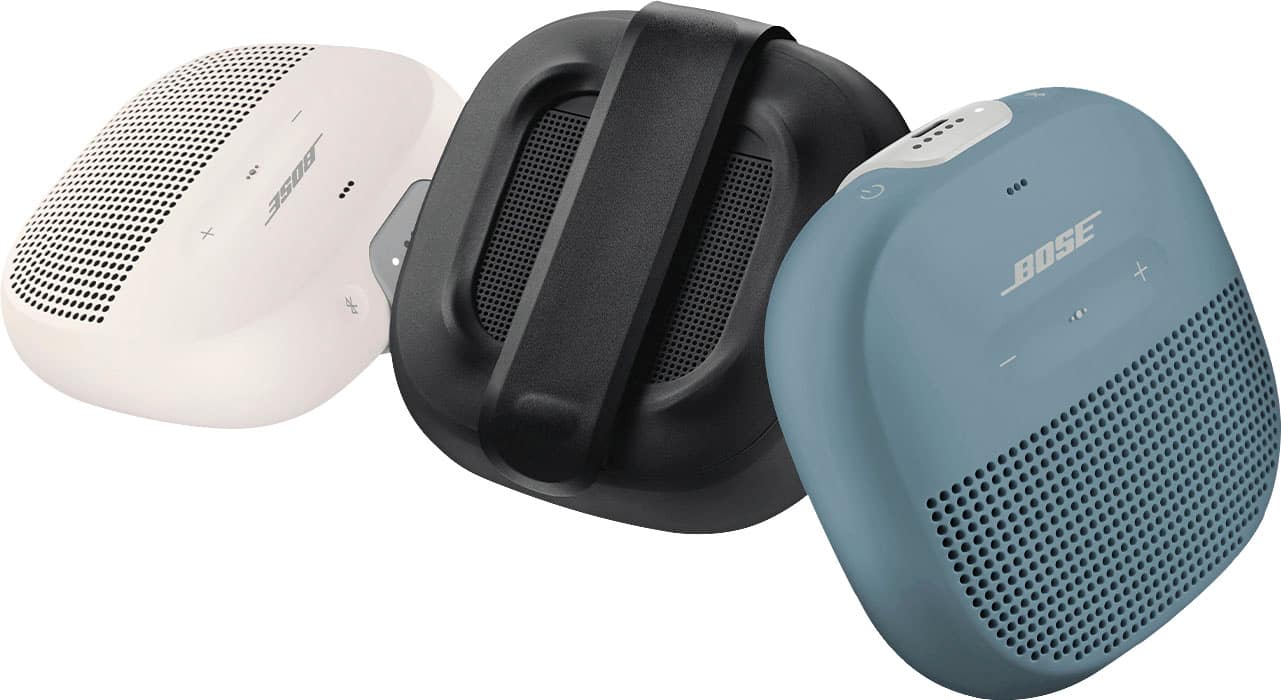
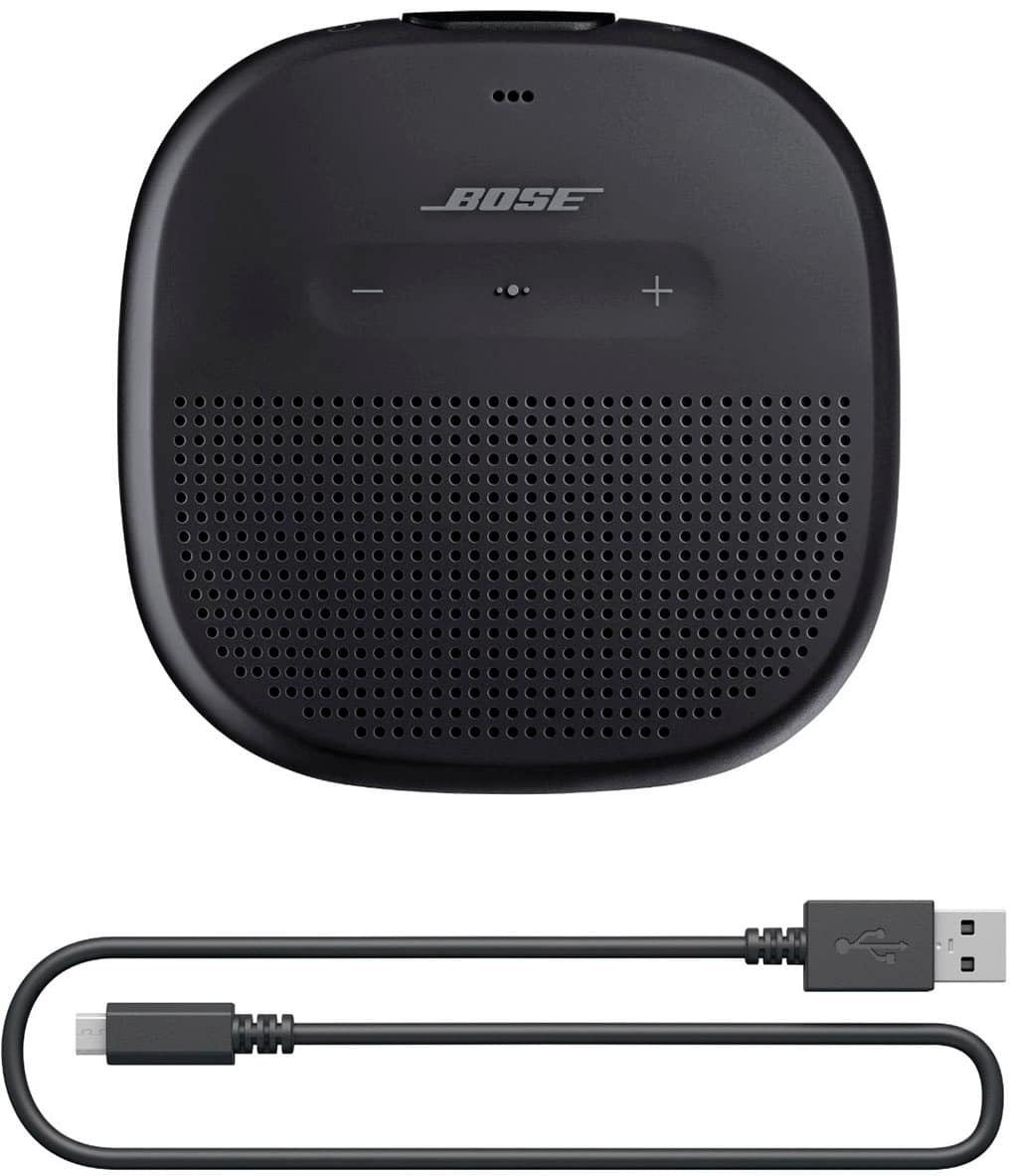
A:AnswerThe SoundLink Micro projects sound from the front and back. In this respect, the speaker can be used lying on the strap side, as sound will still project from the front.
A:AnswerNo. It does not seem to synch with my HP-Spectre tablet. I am guessing there is a Bluetooth setting that is amiss. I will be on the road sans WiFi next week, so take your time with returning any suggestions.