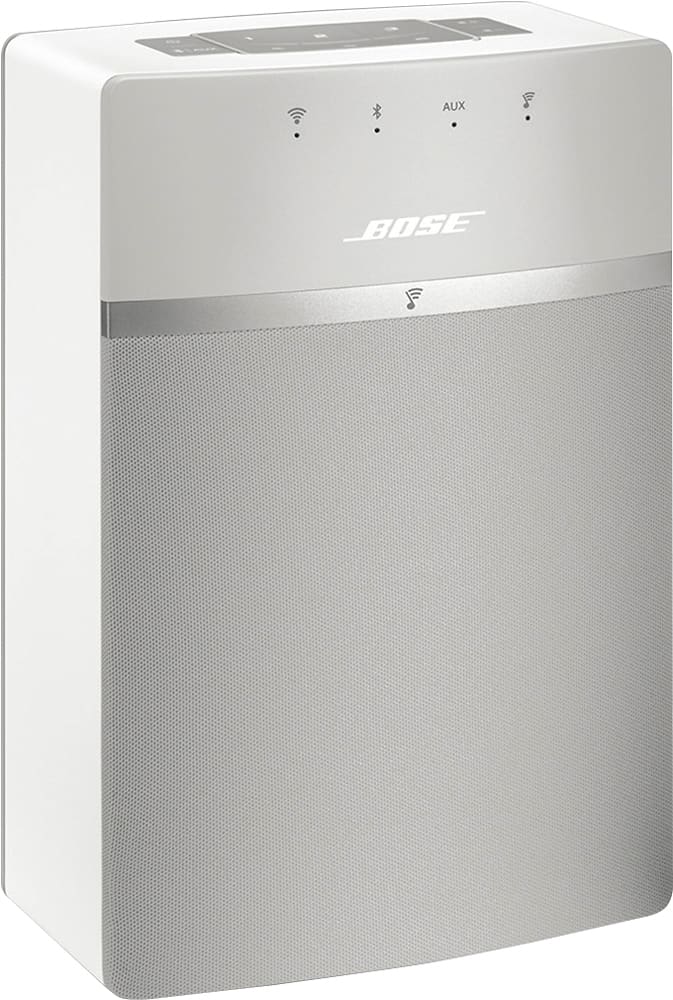
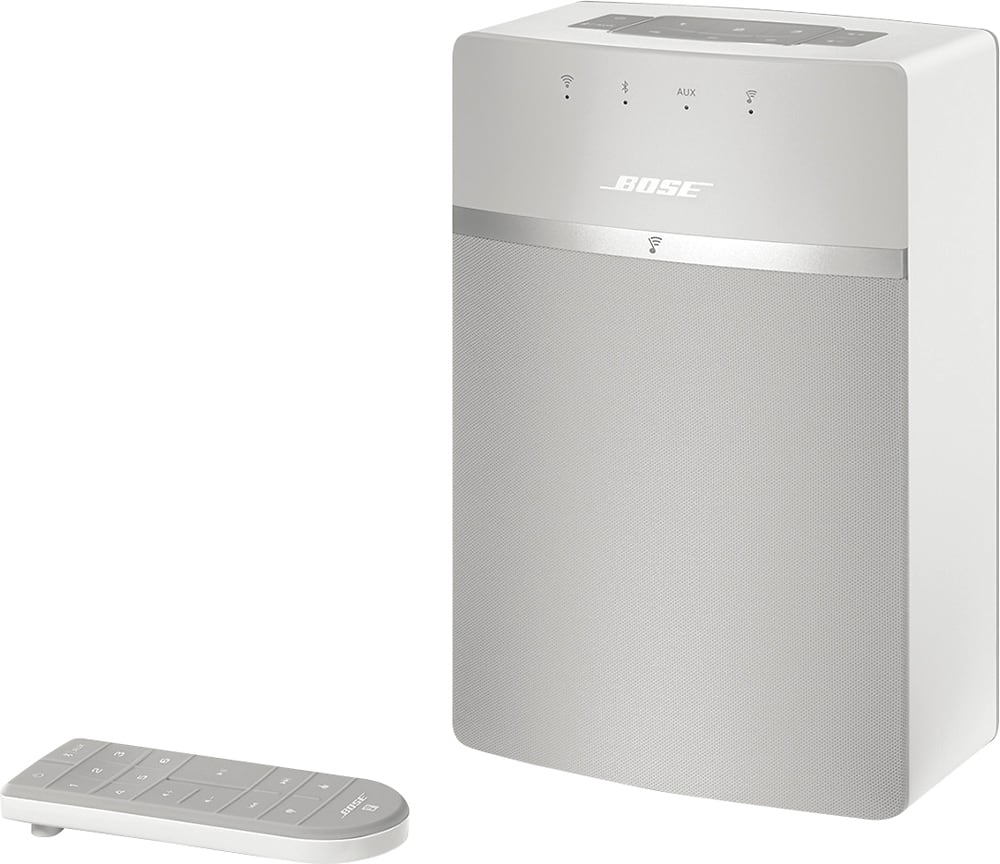
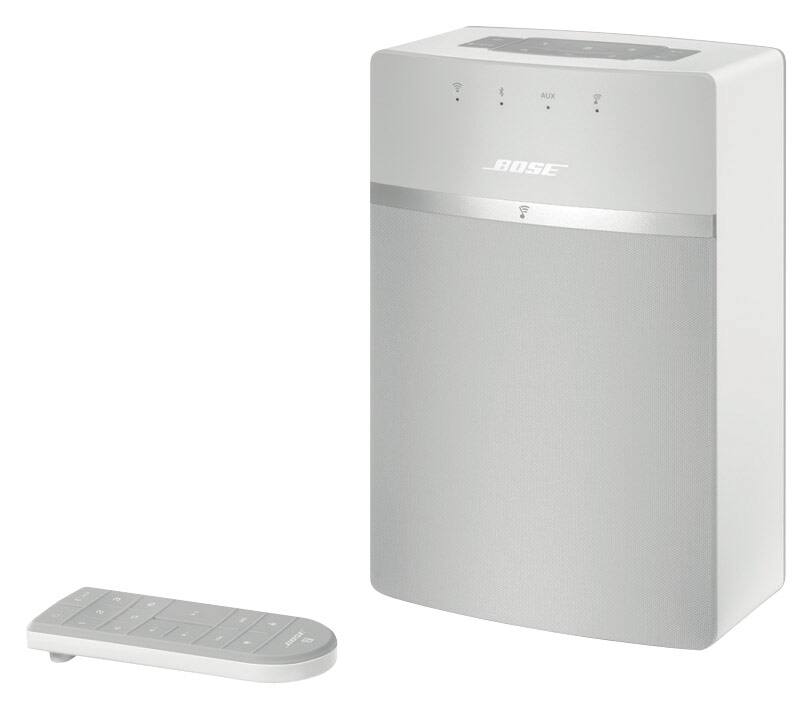
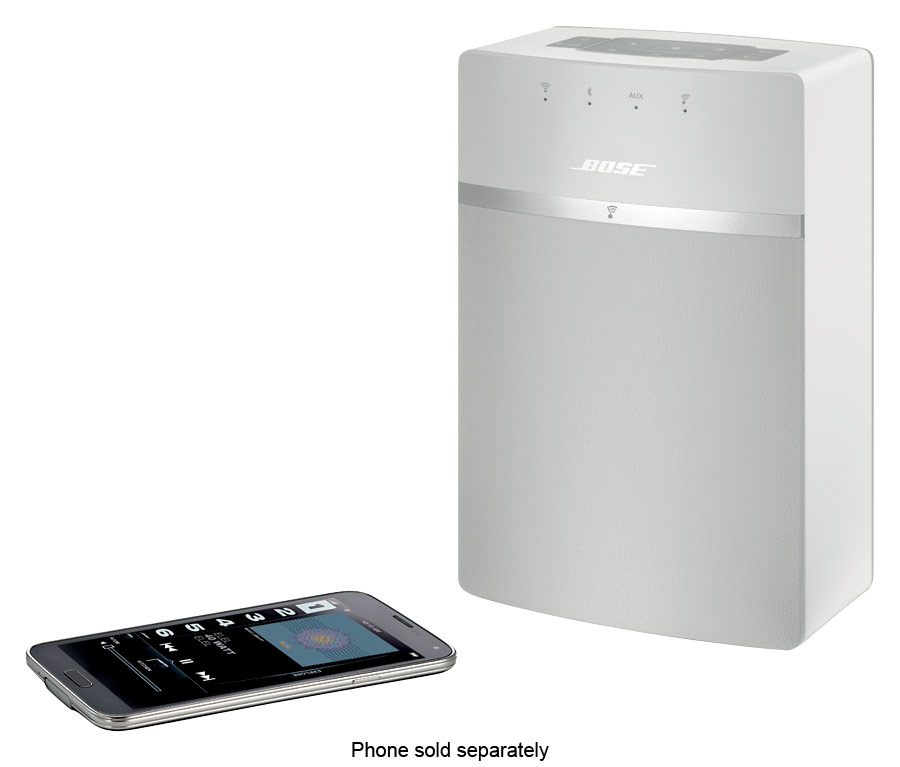
A:AnswerYou can! You'll connect the two SoundTouch 10s via WiFi then when you choose the "Play Everywhere" option you'll be able to enjoy your music through both speakers.
A:AnswerYes, however if you plan on using with any video a stereo pair will not be in sync with video. It is almost a 3 second delay. If you are just streaming music it is excellent.
A:AnswerHello, thank you for your interest in our Soundtouch 10 System!
The Soundtouch 10 uses Bluetooth version 4.0, so if your turntable supports this then yes, you would be able to connect this via Bluetooth!
Alternatively, if your Turntable has an output through 3.5mm AUX, you would be able to connect it through this instead.
We hope this helps answer your question and make the best decision!
A:AnswerI ran into exactly the same type of problems. I spent hours and hours to get it to work and then the next time I wanted to use it, here we go again. Their App really needs a lot of work.
If you are just using it as Bluetooth, it is a little better but still sometimes won't work without rebooting.
A:AnswerHi,
Thanks or the great question. You can change the preset by holding the preset button down on the speaker or by using the Soundtouch App. From the app, you can manage your SoundTouch® settings, add music services, explore local and global Internet radio stations, set and change presets, and stream music. New features are added periodically.
Regards, Tony G - Bose Support
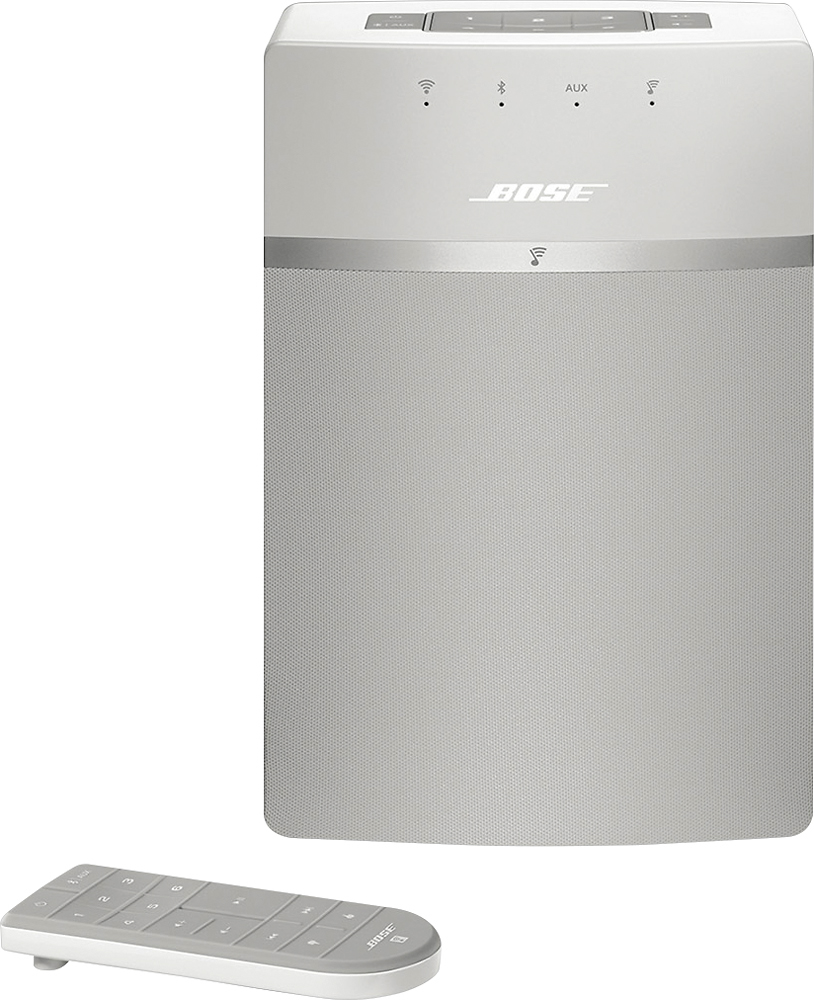
A:AnswerThank you for your inquiry. Yes, pressing the remote's skip/back button once will restart the current song. Pressing this button twice will skip back to the previous song. The Play/Pause button will start/stop the current song. We hope this helps! - Brian
A:AnswerI have used the older version of these units for several years, the WiFi or Bluetooth on the new devices are an upgrade from only the Airplay options. I think it can be done, but I do not think you will be able to play to all devices at the same time. If you are using Pandora thru the TV, just link the account to the Bose system and then it can play everywhere, otherwise, it will most likely just link to an individual speaker at a time.
A:AnswerHi there!
Thanks for your interest in our SoundTouch 10 system.
The USB port on the SoundTouch 10 is entirely for the purpose of service for the product, and the system is not able to read this and play directly from this port.
If you have music on an external drive/device, our suggestion is to migrate this music to a computer's hard drive or a NAS drive, and setup the music library through the SoundTouch app, which would allow you to play this music through the system.
We hope this helps!
A:AnswerI have not made the connection yet myself. I searched the web and found a couple of options.
Click the Bluetooth button once on top. ...
In the TV's Bluetooth menu, scan for new devices.
When the Bose speaker shows up in that search, use the TV remote to select it on the screen and pair to it.
The other is to hard wire the speaker to the TV
On your TV, insert one end of the selected audio cable into the corresponding audio output jack.
Lay the speaker array grille side down on the table in front of your TV and locate the TV input connections.
You should have a 3rd option. If you have paired the speaker to any other device. You downloaded the Bose app, then paired the speaker. This should work for your TV also.
A:AnswerI have the same Issue! Everyday I have to set up a new connection! Is there something we need to do to keep it recognizing devices more quickly and efficiently?