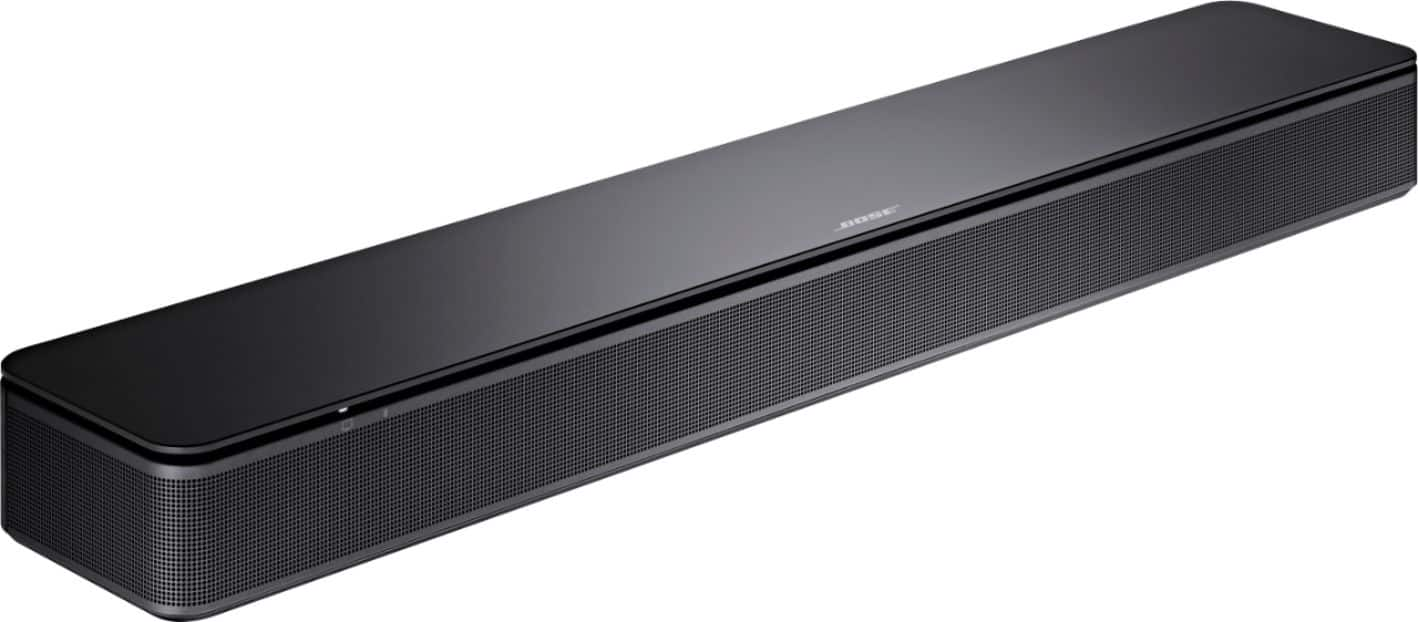
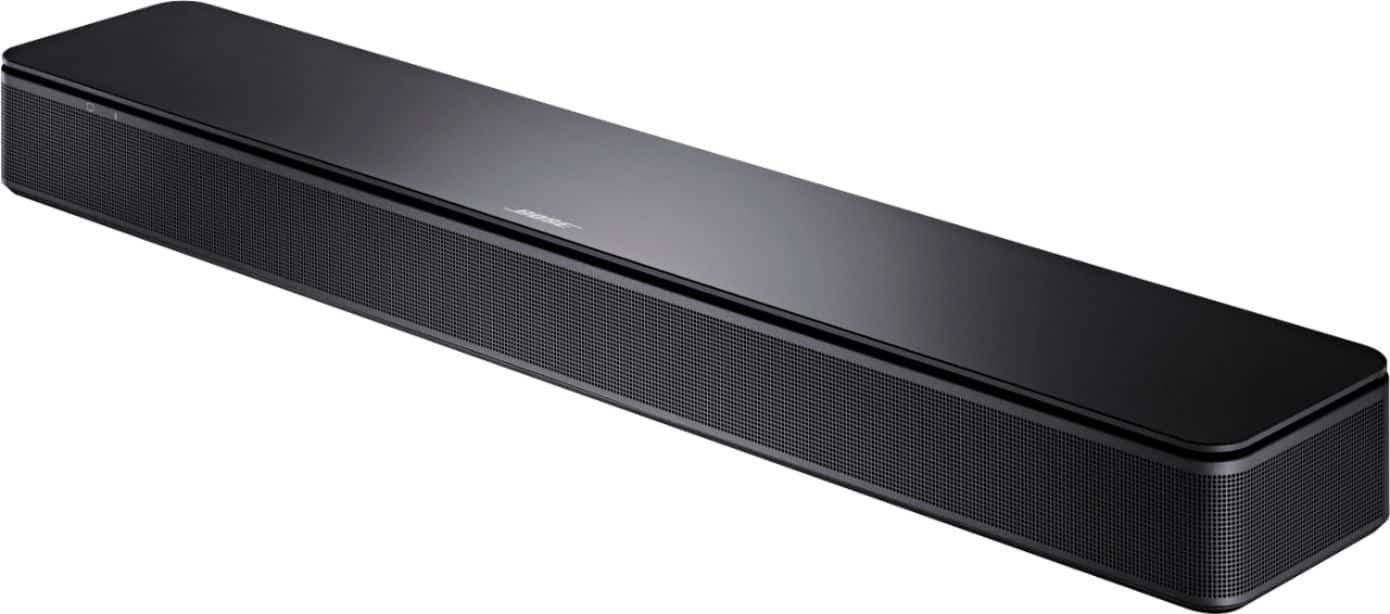
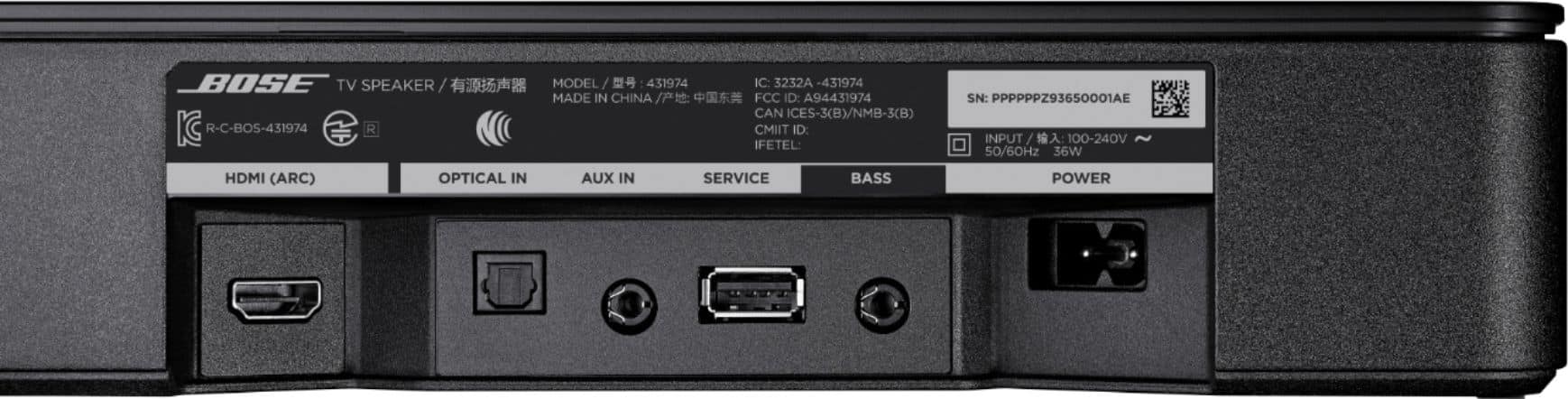
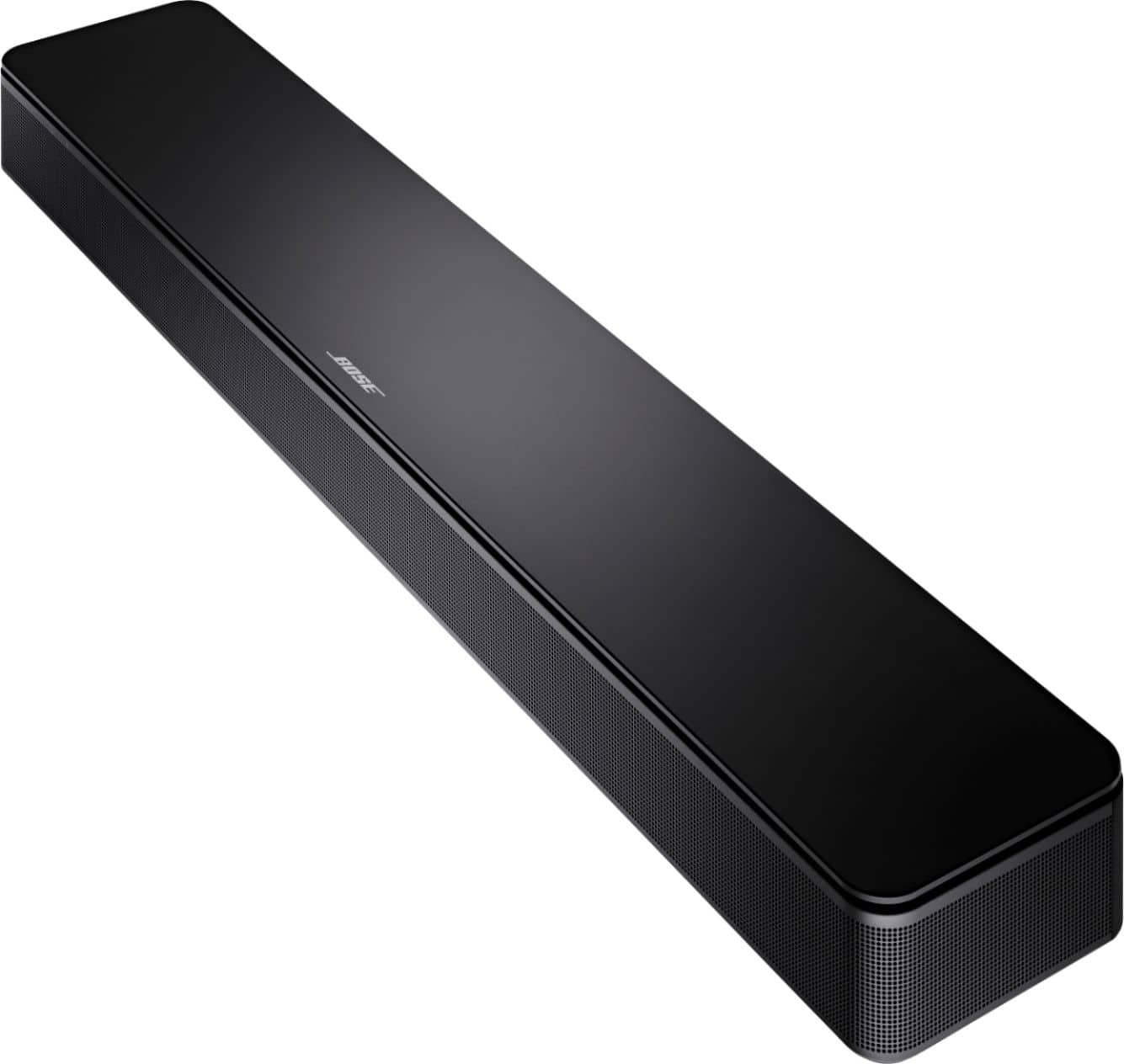
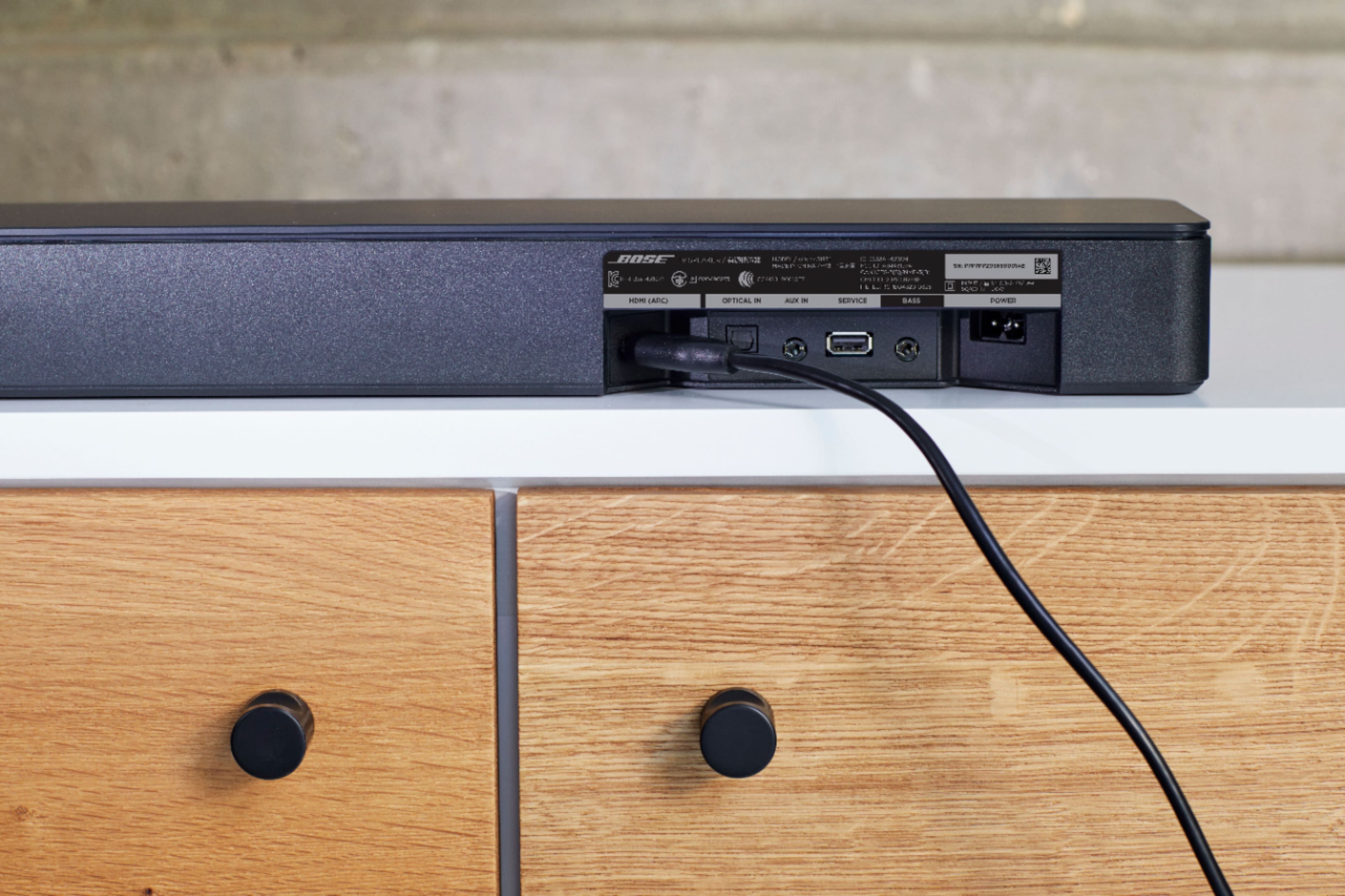
A:AnswerThe Bose TV speaker requires a standard figure of 8 cable which can be purchased through third party retailers in varying lengths. The cable included with the speaker is 5 ft (1.5 m).
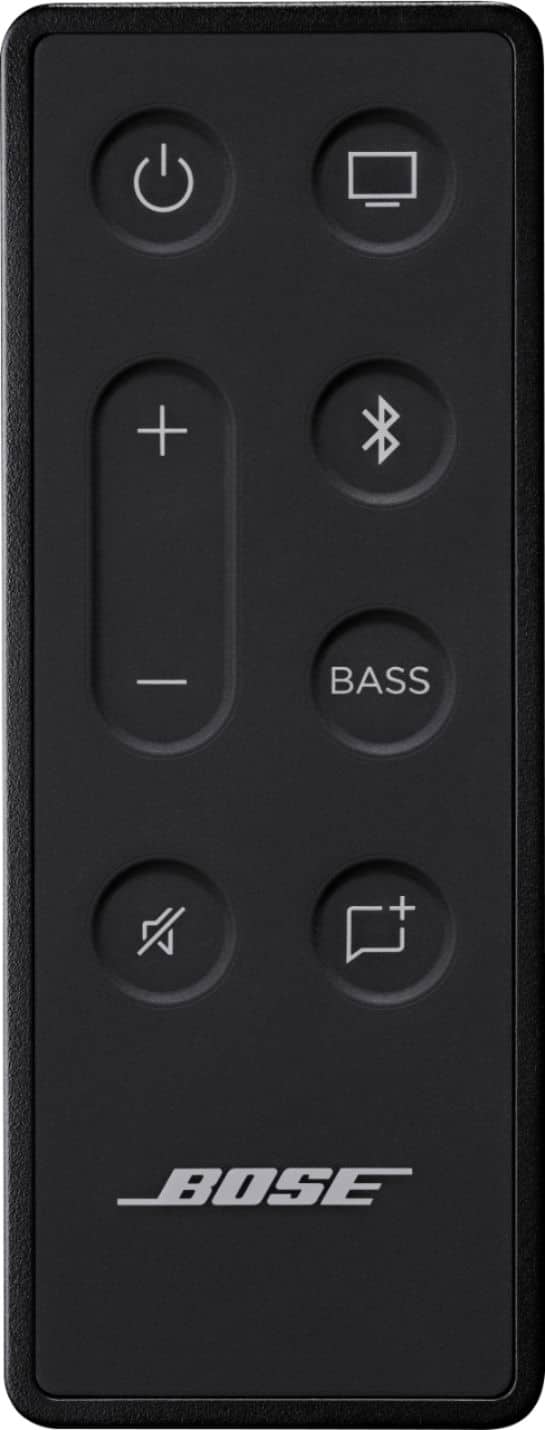
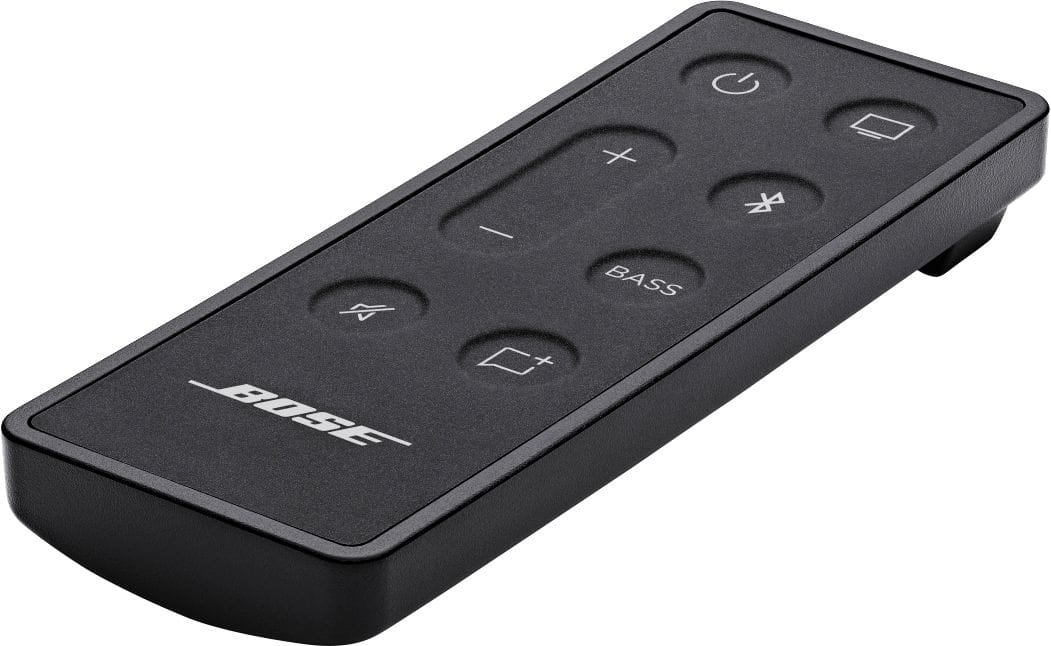
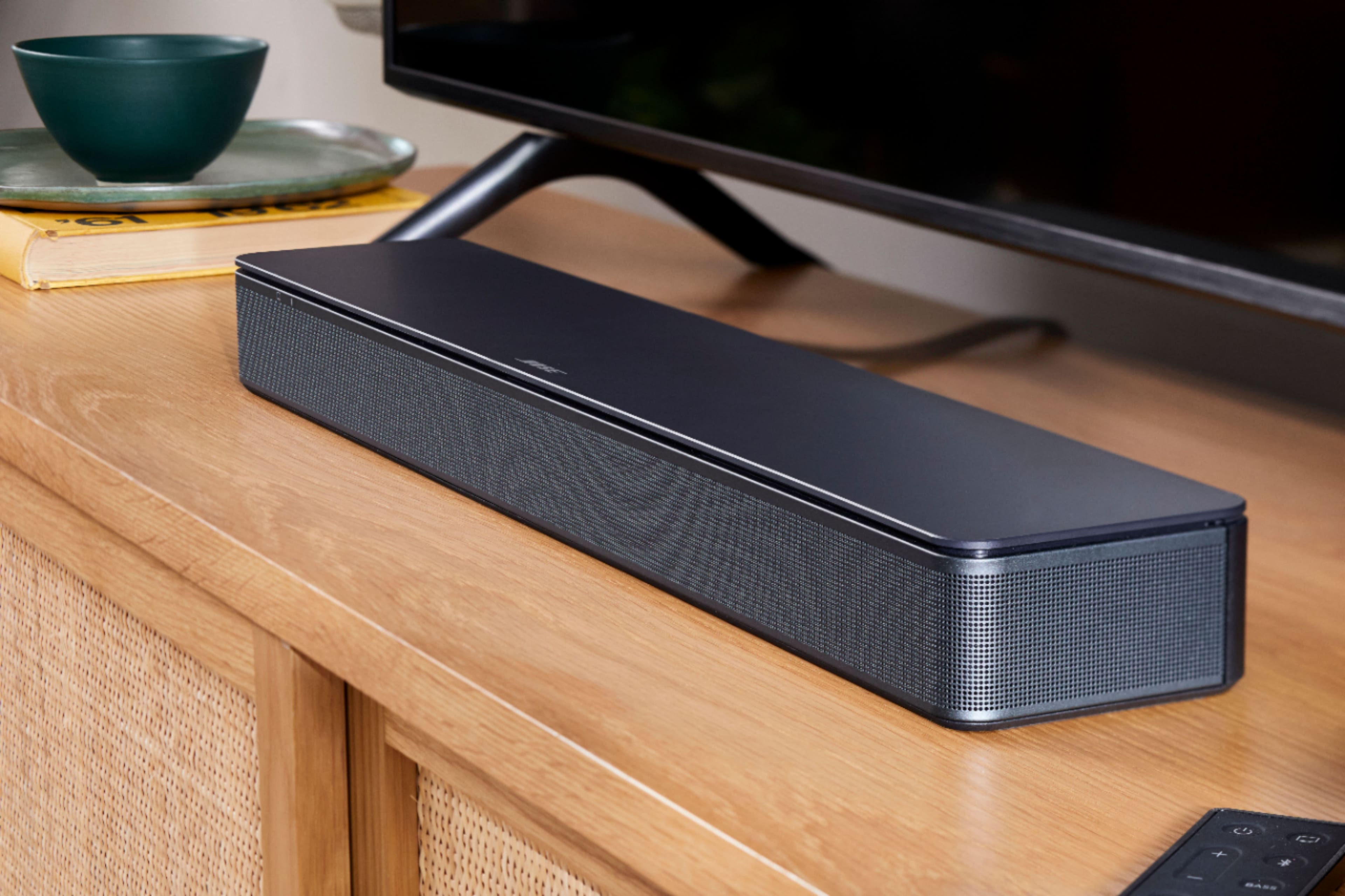
A:AnswerThere is one button that you can toggle between higher and lower level bass. The beauty of this unit lies within its simplicity, depending on what you’re looking for that could also be its biggest downfall. And for my particular application, this is absolutely perfect. It sounds great on Bluetooth as well.
Its what you’d expect from Bose…great product without all the nonsense.
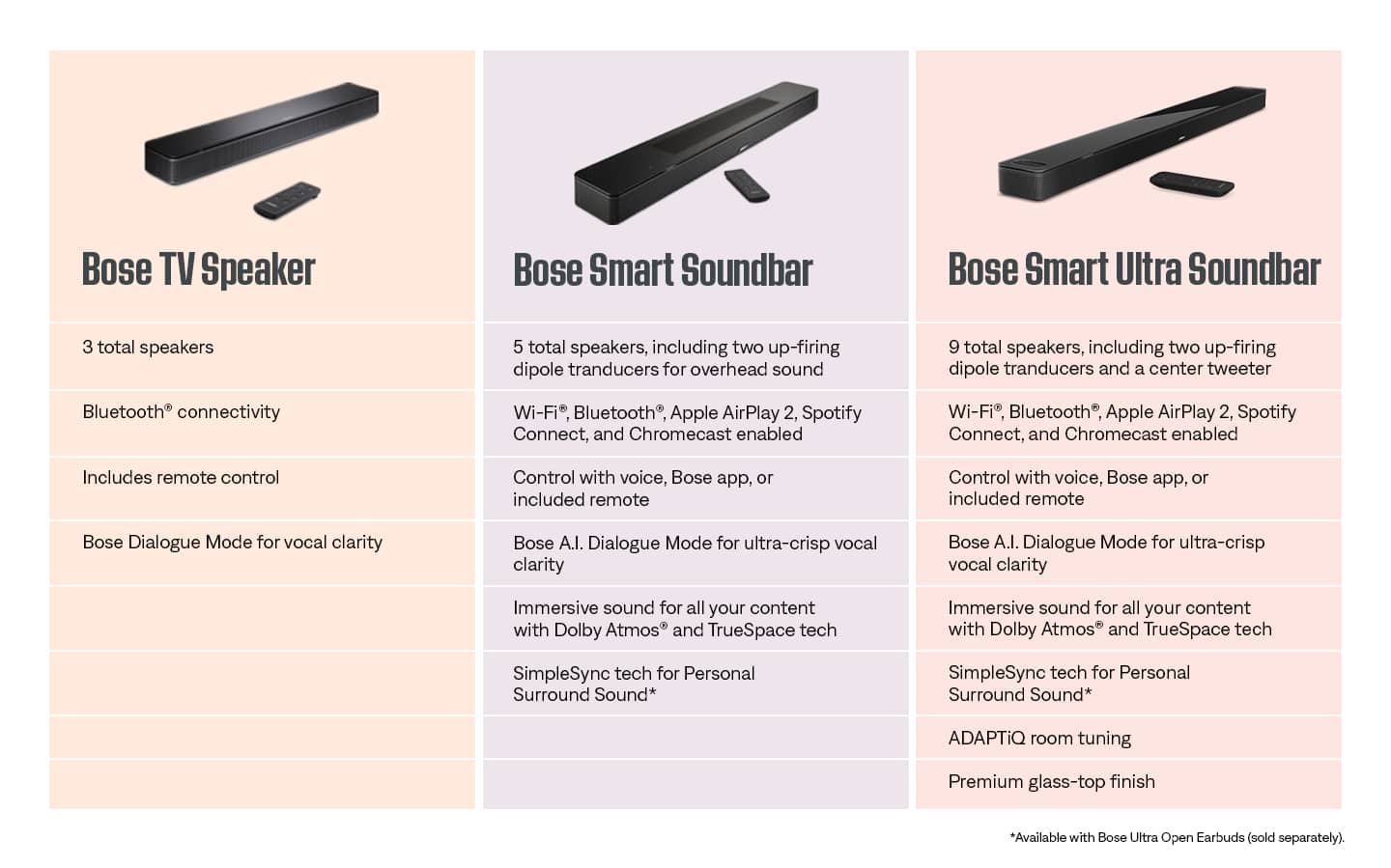
A:AnswerThe Bose TV Speaker is not compatible with the Bose Surround Speakers. It can, however, be used with the Bass Module 500 or Bass Module 700 to enhance bass audio further.
A:AnswerSimply press the BASS button on the remote, then use the Vol buttons to increase or decrease. A light on the front of the speaker gives a visual representation of the bass level.
A:AnswerYes -- If your TV has HDMI ARC connectivity, an optical audio output or you can connect from an older TV by using an analogue patchcord from the TV's headphone out to the Bose "AUX" analogue input (you need 1/8" jacks on each end of that cord).