A:AnswerI made several calls and did not experience any issues with hearing or being heard. Calls were in a quite environment, not sure if that made a difference.
A:AnswerThis will depend on whether your Samsung TV can connect to two Bluetooth devices at once. Most TVs are only capable of connecting to one device at a time via Bluetooth, so usually it isn't possible.
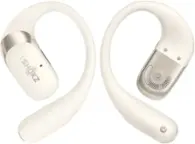
A:AnswerWhile the Ultra Open Earbuds were not strictly conceived for this purpose, as long as your live translation equipment uses a Bluetooth connection, you can try using the Ultra Open Earbuds to hear the translations in real-time.
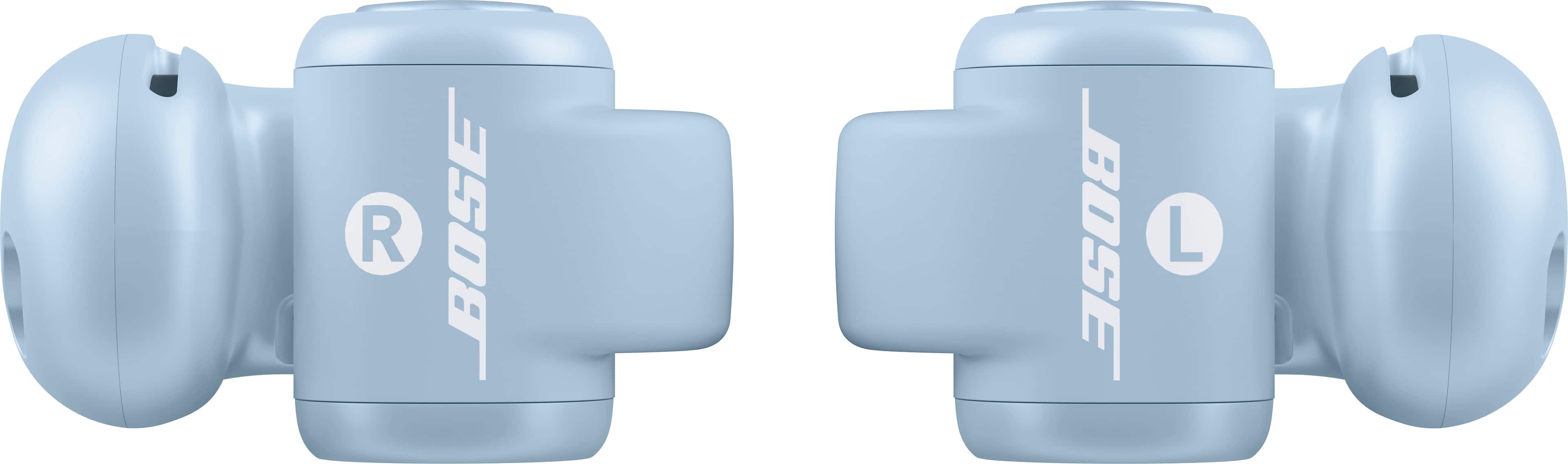
A:AnswerThe Ultra Open Earbuds' volume can also be adjusted by double-pressing and holding the right earbud button (to turn the volume up), or by double-pressing and holding the left earbud button (to turn the volume down).
A:AnswerThe Ultra Open Earbuds are primarily designed to be connected to mobile devices. However, if your TV supports Bluetooth 5.3 (backwards-compatible), then you should be able to use your earbuds with your TV.
A:AnswerThe Ultra Open Earbuds should yield the same results across all three of these devices. We do recommend using a device that has iOS 15 (or newer) or Android 10 (or newer), as this device will then be fully compatible with the Bose app.
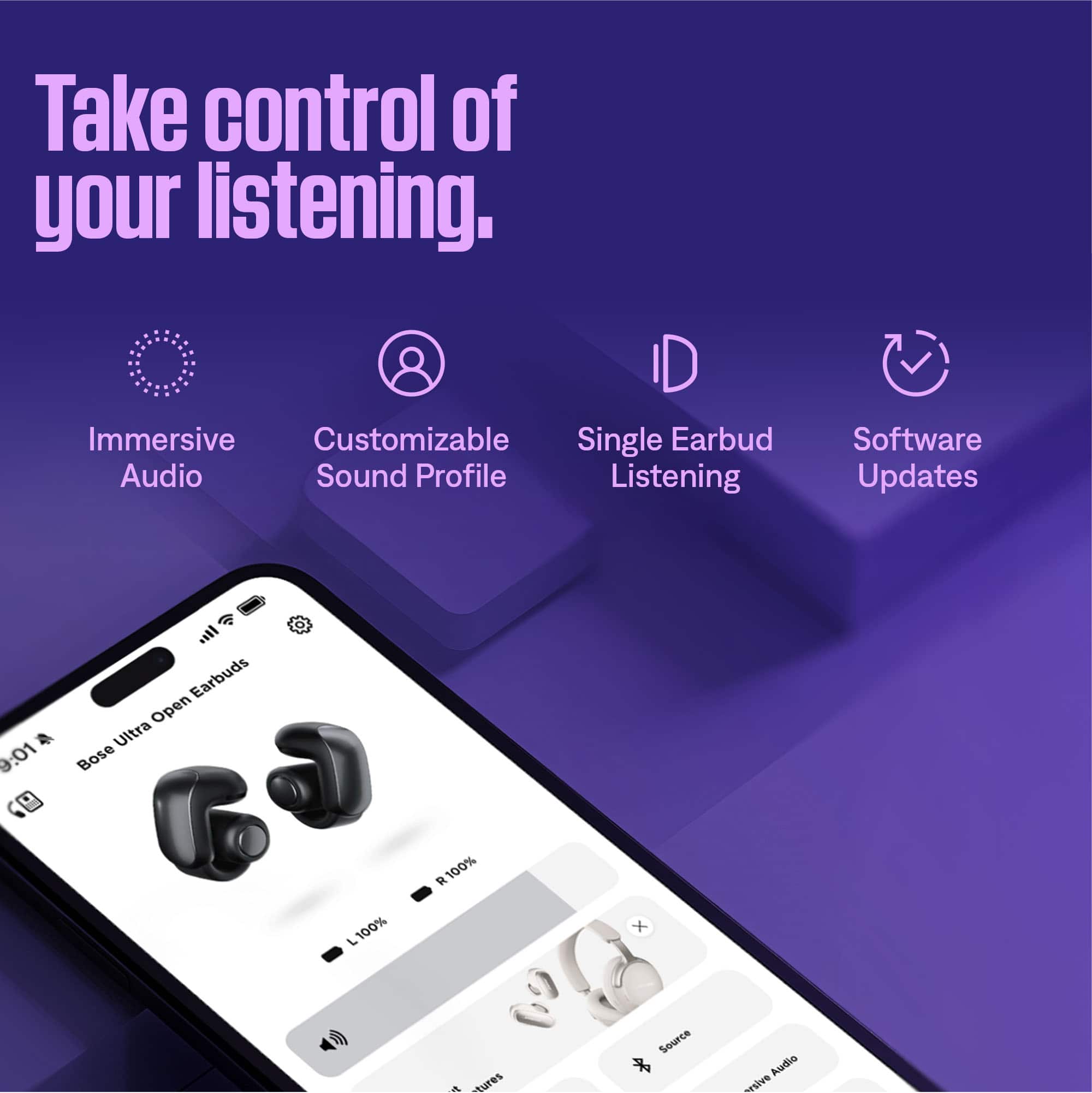
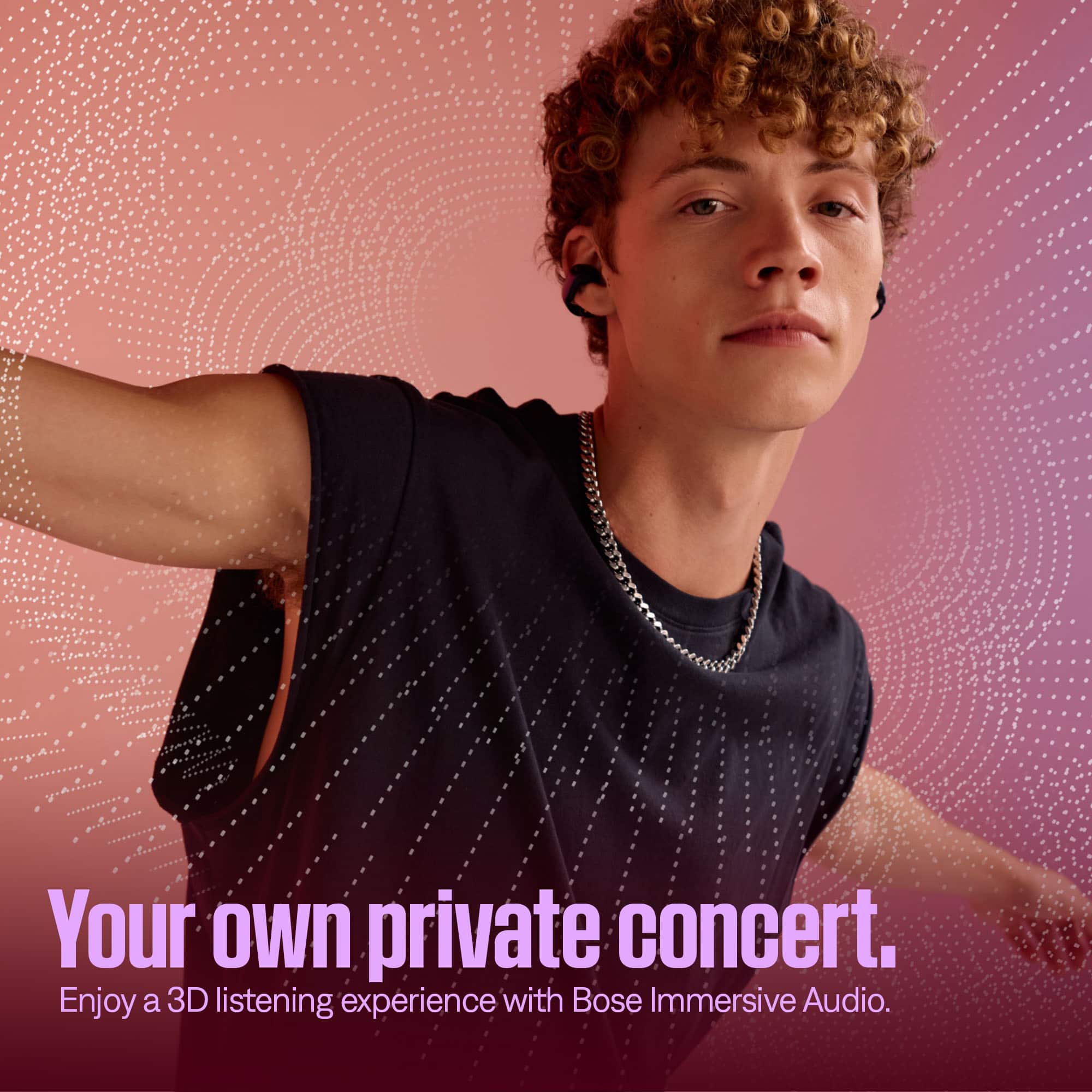
A:AnswerNo - the Ultra Open Earbuds feature Adjustable EQ and Immersive Audio via the Bose app, but there is no "hearing enhancement" option per se for e.g. those who are hard of hearing.
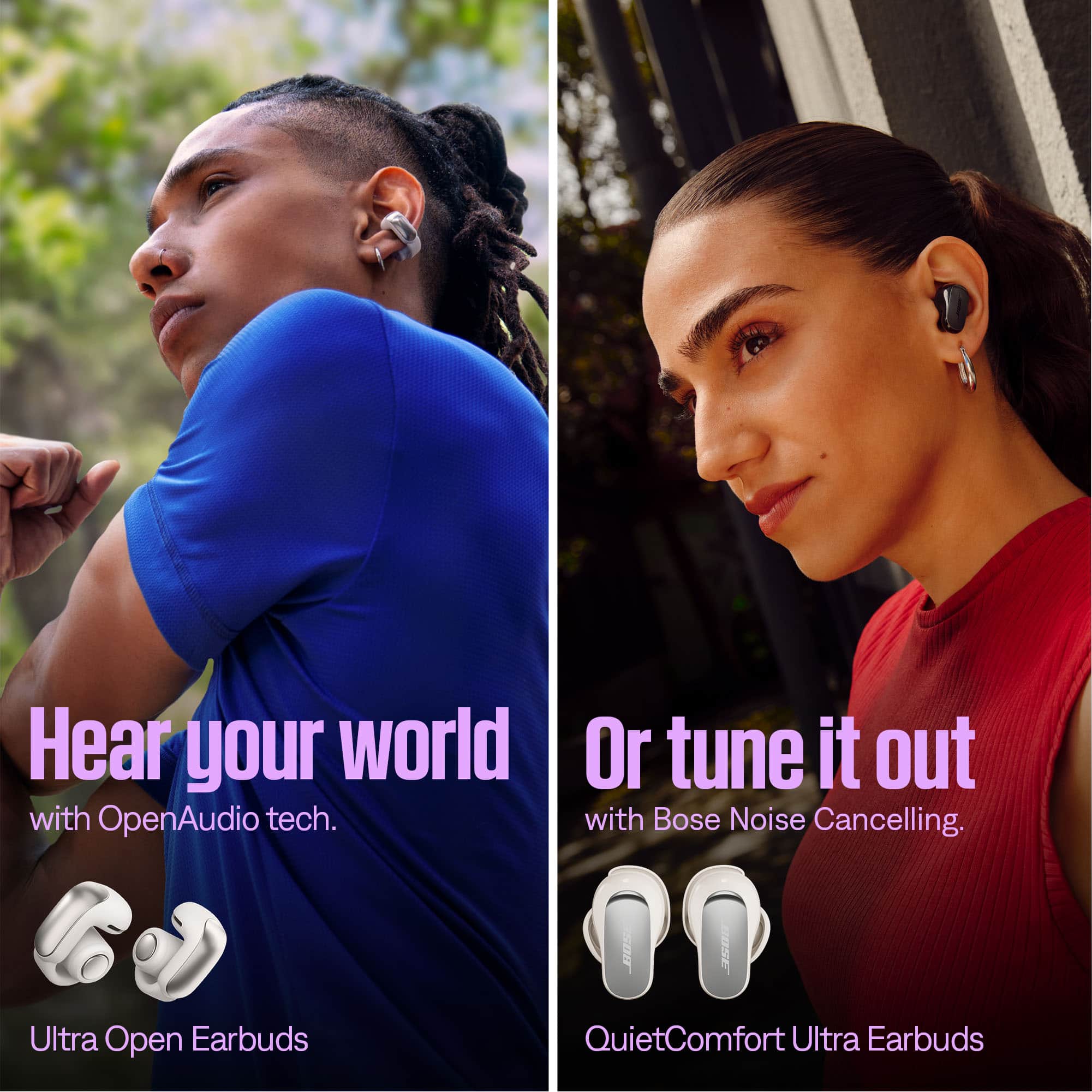
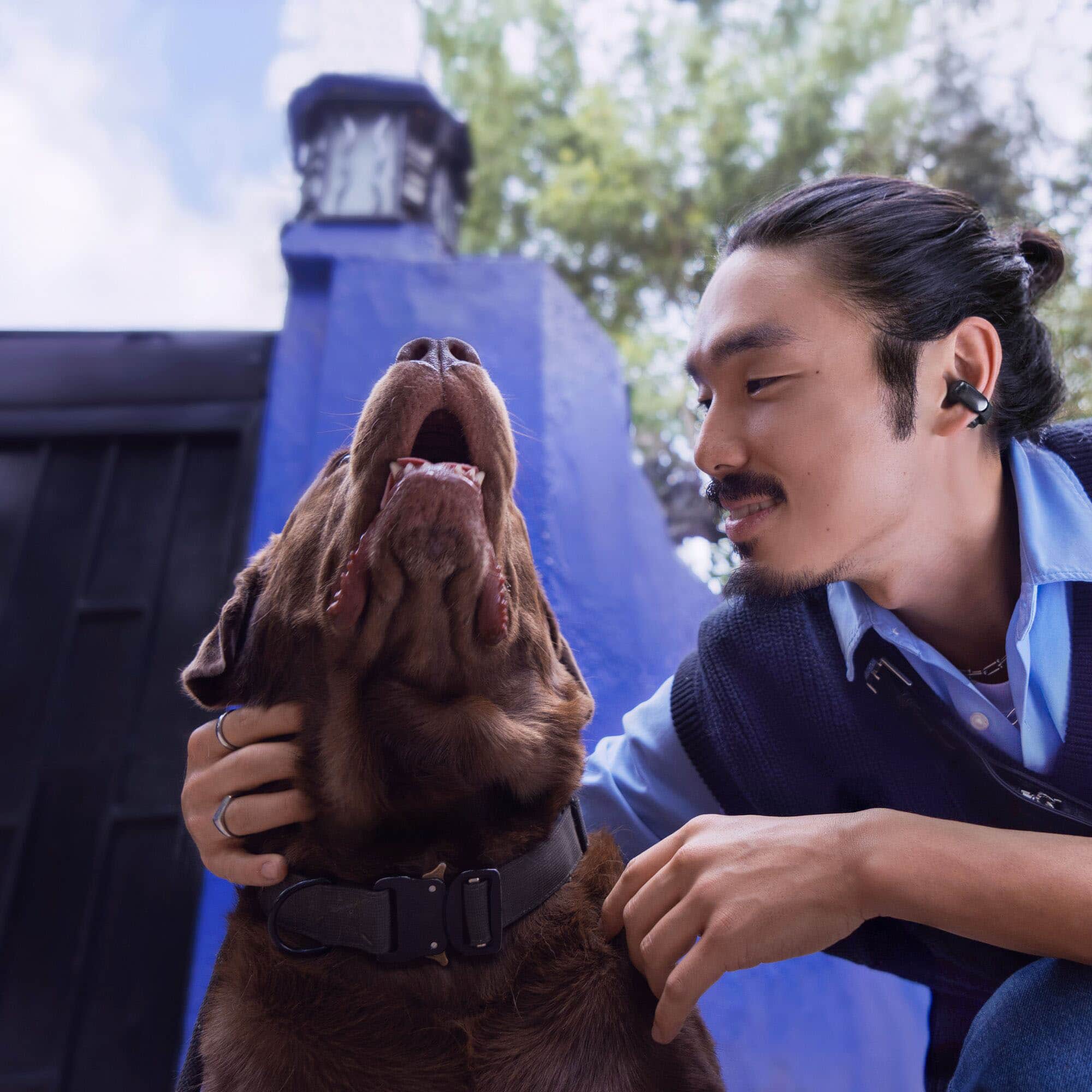
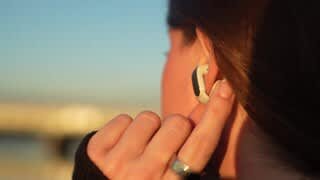
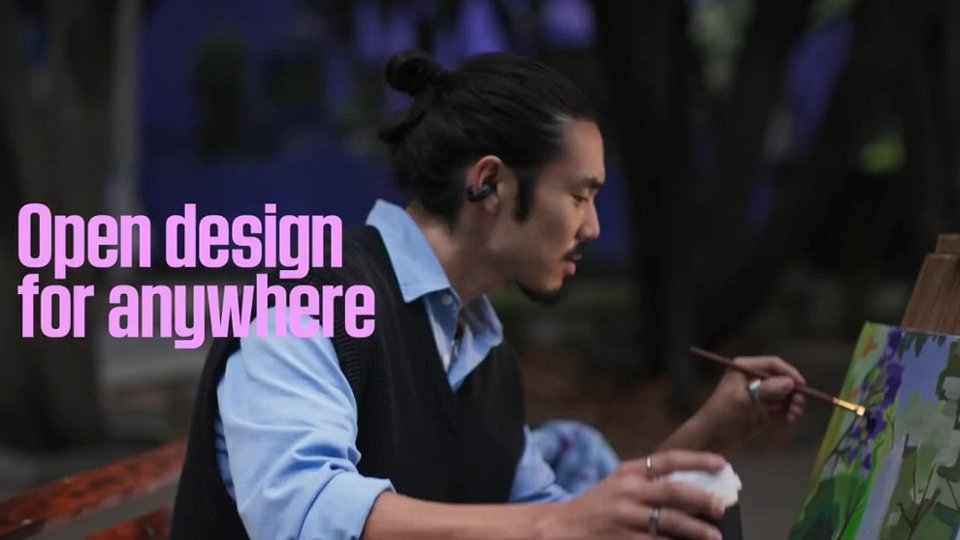
A:AnswerYes - the Ultra Open Earbuds can be used for running and exercise, thanks to their stability and open-ear design. The unique Bose OpenAudio technology will keep your ears cool and dry as well.