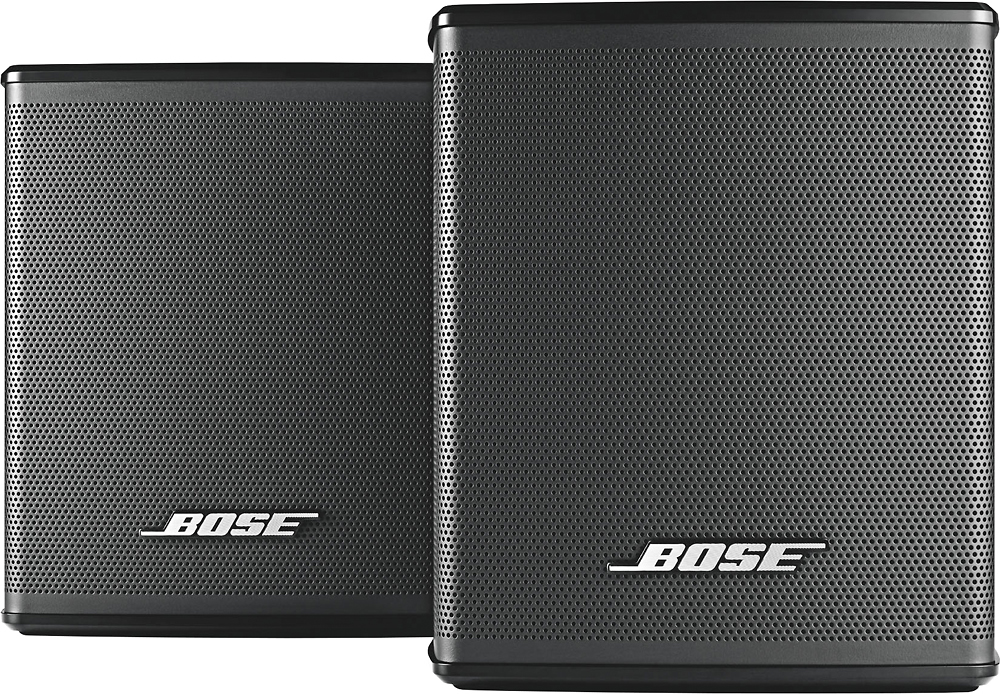
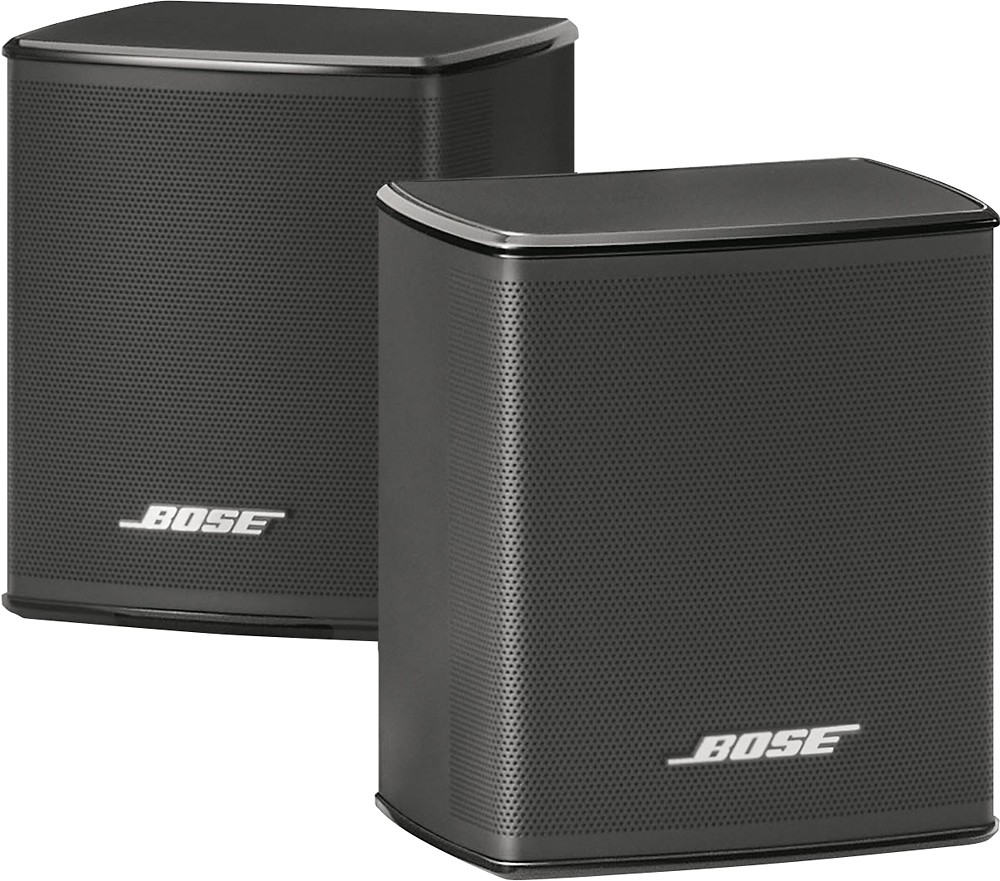
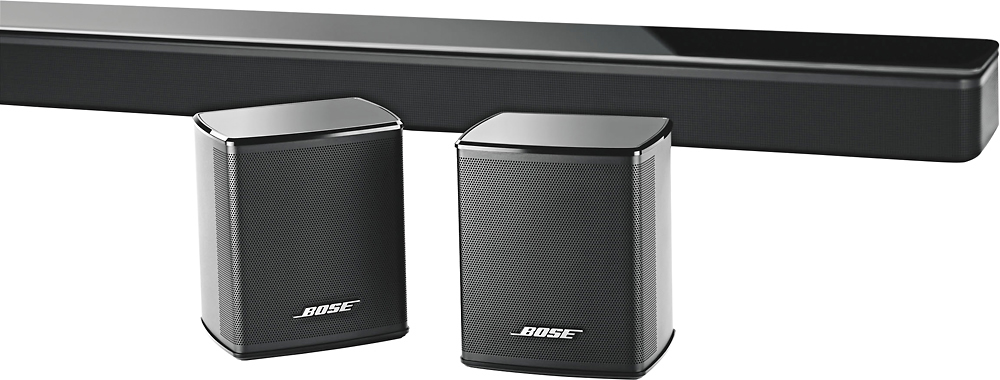
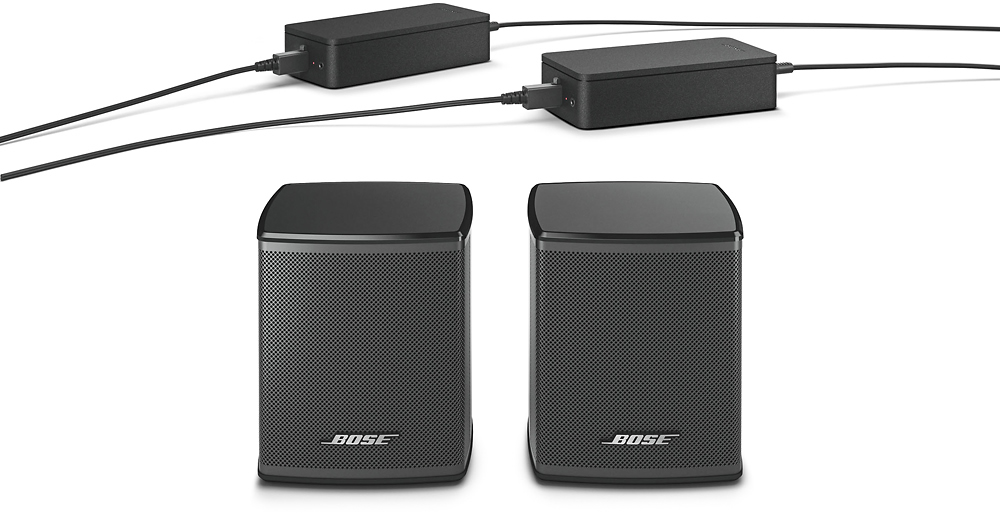
A:AnswerYes they can be added to your system. I have the same 900 setup. The surround speakers added depth and filled in the gaps to create a 5.1 surround experience. Be aware, though, the rear surround speakers only seem to work when streaming content or music that is in the 5.1 format. But, I highly recommend the surround speakers for your system. I was thrilled with the 900 bar and bass module, and blown away by the added depth of sound from the surround speakers. Buy them!
A:AnswerThe Surround Speakers can be connected to Smart Soundbar 300 & 900, and Soundbar 700 through the Bose Music app, or the SoundTouch 300 Soundbar in the SoundTouch app.
A:AnswerHave you turned the rear speakers up to 100 in the app? I have the 900 soundbar so maybe that makes a difference but when I'm watching football, the crowd noise is so loud from those speakers that I have to turn it down. I will tell you if you're not watching something with surround sound, then nothing really comes out of these speakers. Make sure what you're watching is coming through at least 5.1 surround.
A:AnswerNo, these speakers are not compatible with the Solo 5 speaker. These speakers are compatible with the Soundbar 300, Soundbar 700, and Soundbar 900.
A:AnswerOnce the speakers are paired to your device you are able to play from multiple sources on your phone. I pair and play using my iPhone 11 all the time.
A:AnswerYes, the Bose Surround Speakers are compatible with the Bose Soundbar 300, Soundbar 500, Soundbar 700, and Soundbar 900 systems. To connect the speakers, please use the Bose Music app for guidance.
A:AnswerThese surround sound speaker does pair with the sound bar 300.
During movies, surround sound audio comes from these speakers, not full sound similar to the front sound bar speaker and other background audio.
For music - you will get more audio, like the background audio.
These give very good audio when added to the Bose set up.
A:AnswerHave you downloaded the app? Make sure that you go into the app and put on search mode for all devices. Make the speakers are plugged in and that the light is on, on the base. Once set up, you can move them to desired area.