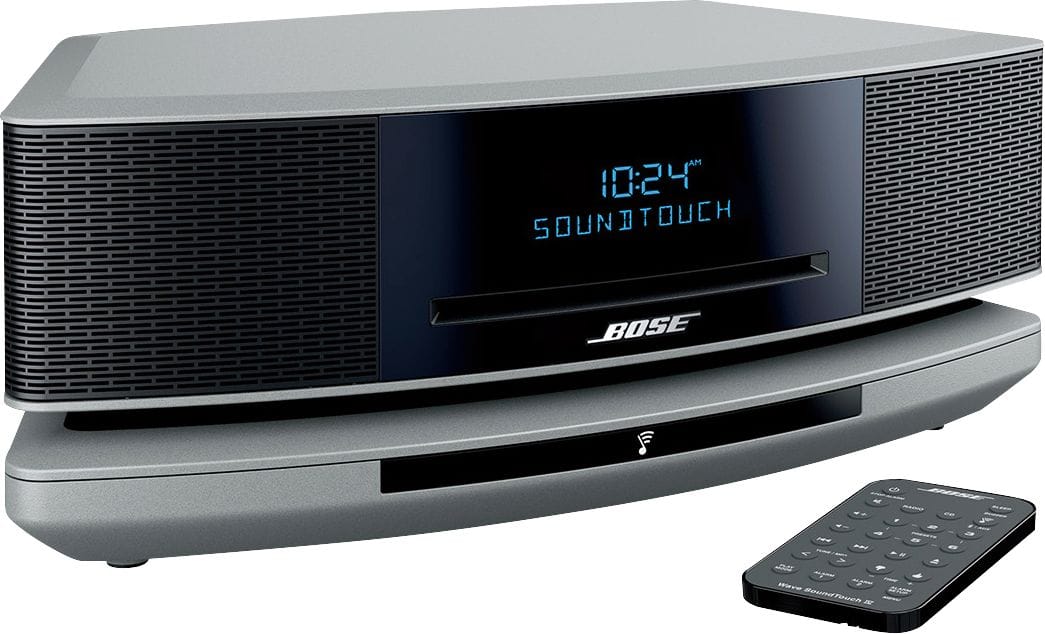
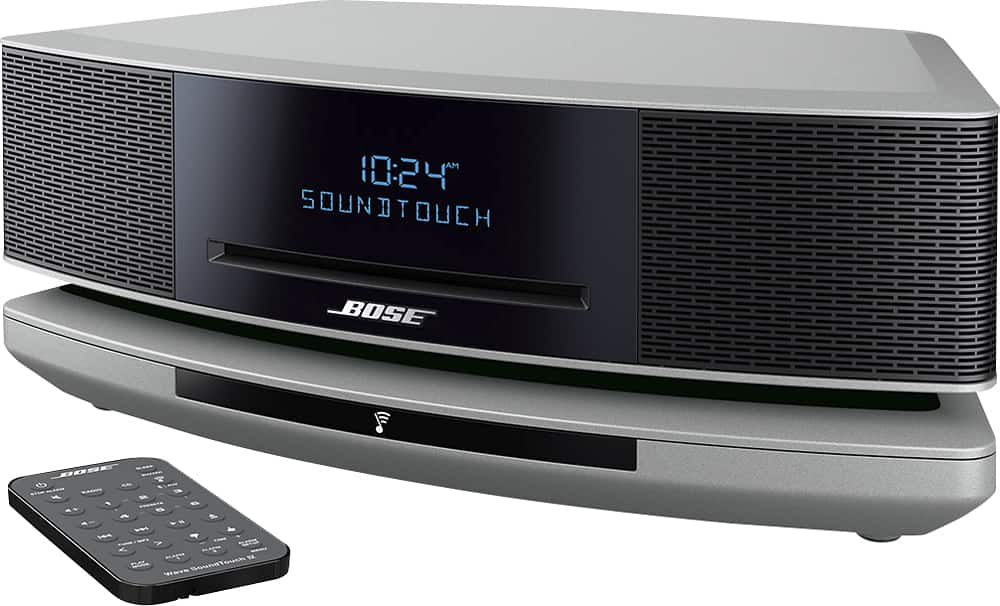
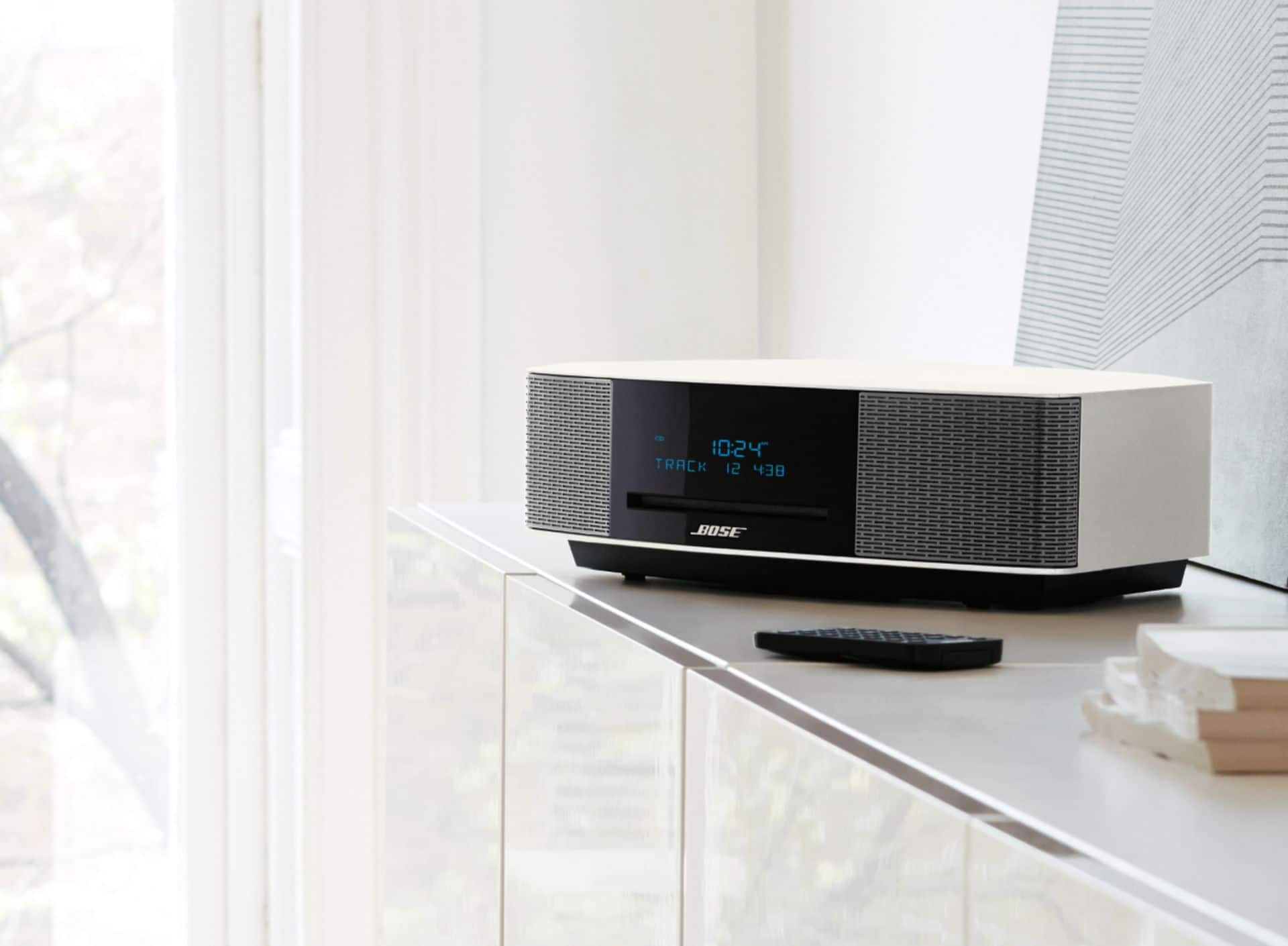
A:AnswerHello Frosty, the Bose Wave SoundTouch Music System IV is engineered with an FM/AM radio, a CD player and is Wi-Fi and Bluetooth enabled. Our included remote will control most functions while the SoundTouch app allows you to have full control of your streaming sources like Pandora, Deezer, iHeartRadio and many more. Thanks for the inquiry!
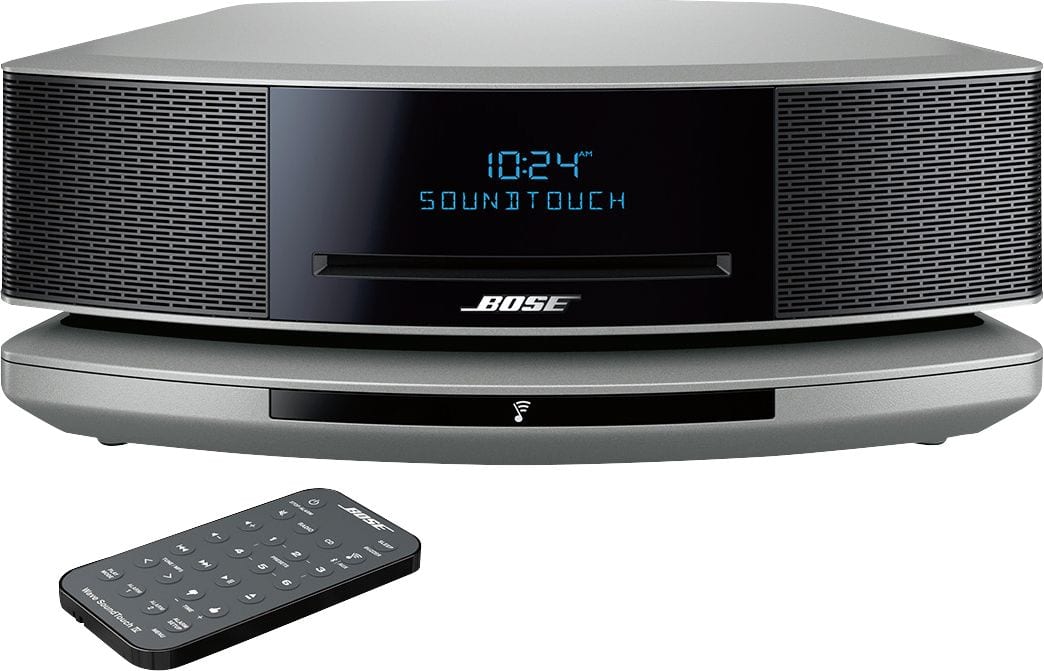
A:AnswerThe Bose Touch Soundwave System plays CD's, FM and AM radio, interactive with Pandora, Spotify, etc. or any other Wifi enabled device. You can add additional speakers if you wish.
A:Answer1 ANTENNAS - 3.5 mm FM antenna (75 ohm) connector. See “Using an
external antenna” on page 13.
2 Bose link - An input that accepts the output of another Bose link
enabled product via a Bose link cable.
3 AUX IN - 3.5 mm stereo input connector for external sources.
4 HEADPHONES - A 3.5 mm stereo headphone connector.
and of course a power connection two wire.
A:AnswerAccording to the published specifications:
The device is capable of communicating with another device via Bluetooth, provided they are within the required range of each other. A Bluetooth-enabled device must also be the same Bluetooth version or higher than the accessory it is intended to pair with.
Headphone jack ~ Yes
A:AnswerIt has a 3.5mm stereo Audio-In jack, but you would probably need a preamp for a magnetic cartridge turntable. The older Bose units used to have a L and R RCA connector for Audio In.
A:AnswerIf your TV has Bluetooth, you can stream the Audio to the Bose without any wiring. If not, you would have to have an Audio Out jack (usually Left and Right RCA Jacks) and you would need a cable which goes from RCA jacks to a single 3.5mm stereo jack. There is an "Audio In" in the back of the radio for that to plug into.
A:AnswerHi there! You can use a CD lens cleaner to clean the CD tray of the Wave SoundTouch. This is a type of disc that you run through the system to clean this from dust or debris, and you can find these from electronics or general stores! Alternatively, you can gently turn the system upside down, then right-side back up again to dislodge any kind of debris that may have come loose, but if you choose to do this please be careful!
A:AnswerHello!
We apologise for the delay in confirming this. As the other user has confirmed, the Bluetooth side of this Wave SoundTouch IV product does not require the SoundTouch app to use, and is available for use as soon as the product is connected to power.
Whilst we would recommend connecting this to Wi-Fi and using to app to update, and make use of all the features available for this product, this is not required if you just want to access the Bluetooth, built-in radio and/or CD player for this product.
We hope this helps!