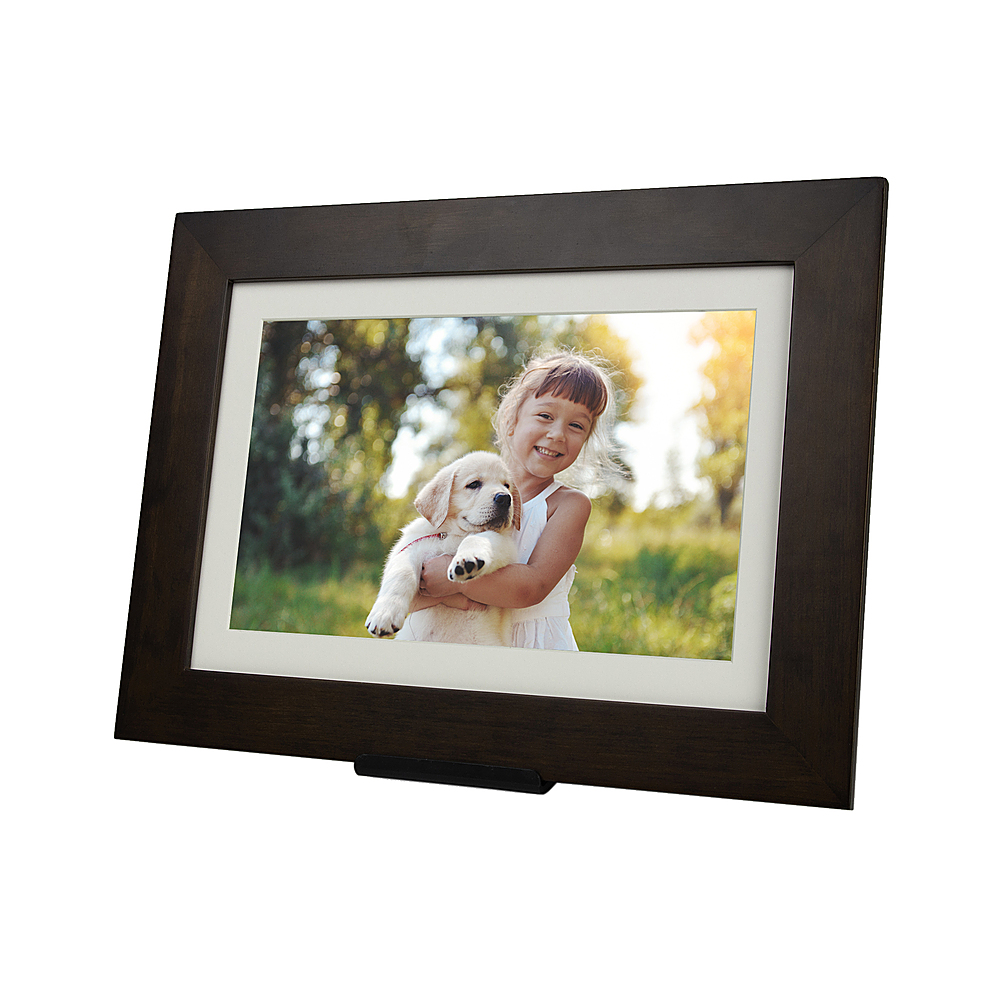
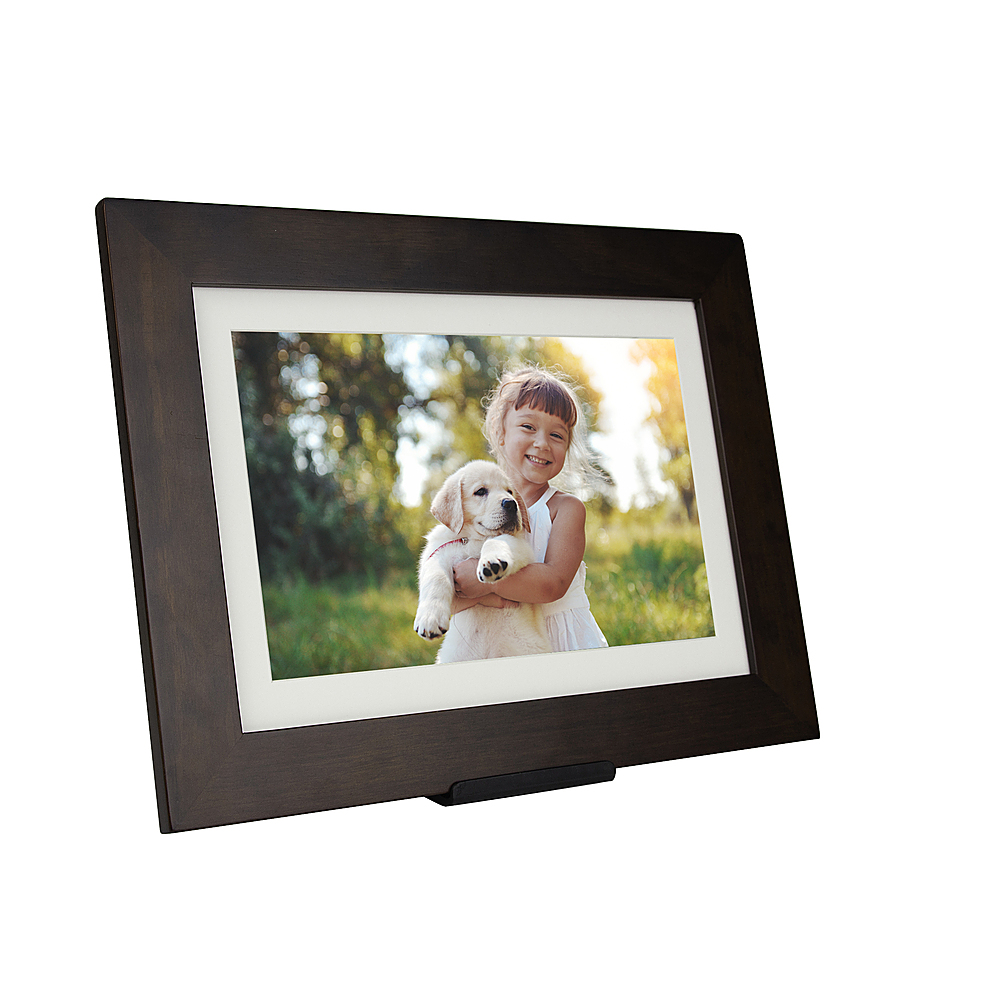
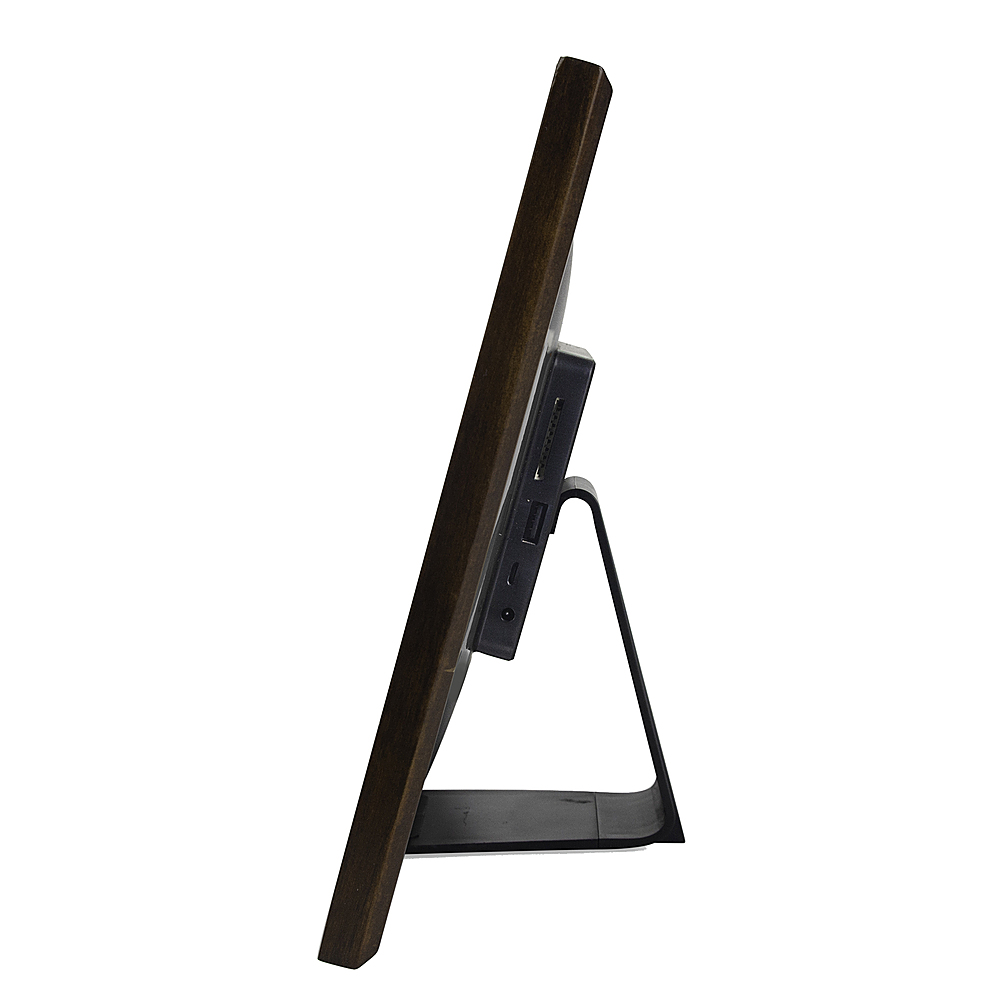
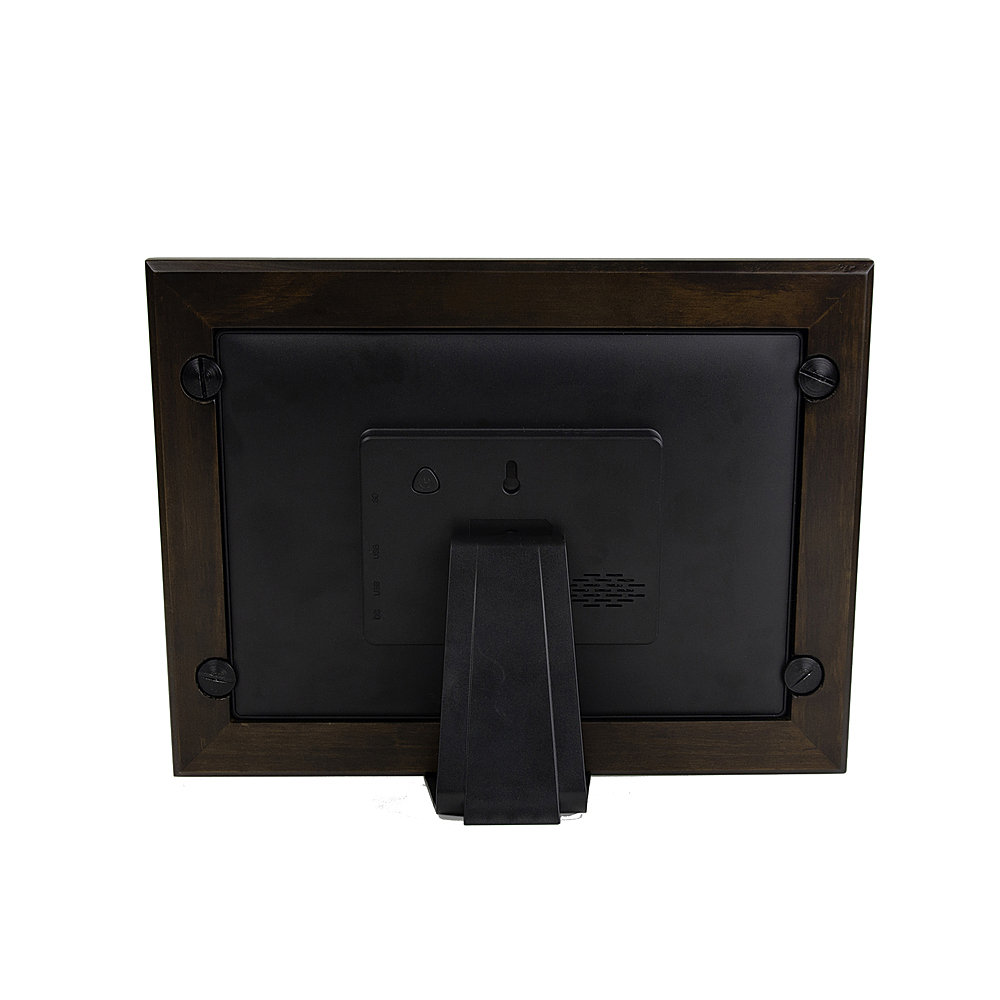
A:AnswerI bought this frame for my daughter's grandparents. I haven't set it up yet. But my plan is to simply add her pictures to a sd card and insert it in the frame before sending it to them. Then they will immediately have pictures to view before they even set it up with their email, etc.
A:AnswerHi there! The frame owner can delete images in the frame settings. New app updates are coming that will allow senders more options as well. We are always listening to feedback and making improvements!
A:AnswerHello! The frame has an automatic slideshow that shuffles through all photos, or it can be set to show just a subset or even a single photo if you like.
A:AnswerHi! The frame needs to be connected to the internet to receive new photos instantly. However, if the connection drops, it will continue to show images that are already on the frame. Users can also use the SD or USB ports to manually upload/download pictures if they like.
A:AnswerI also am having this issue. Mine says Wheeling (assuming WV) which is serval states away. I have an 8” frame that allowed me to add a second city. Then make that one the default but not on the 10.1” one. I also upgraded to the latest firmware.
A:AnswerHi! Yes - the frame owner can share the Frame ID or unique email address with anyone they like. There is no limit!. Friends and family can send from anywhere in the world and the photos will arrive on the frame in seconds!