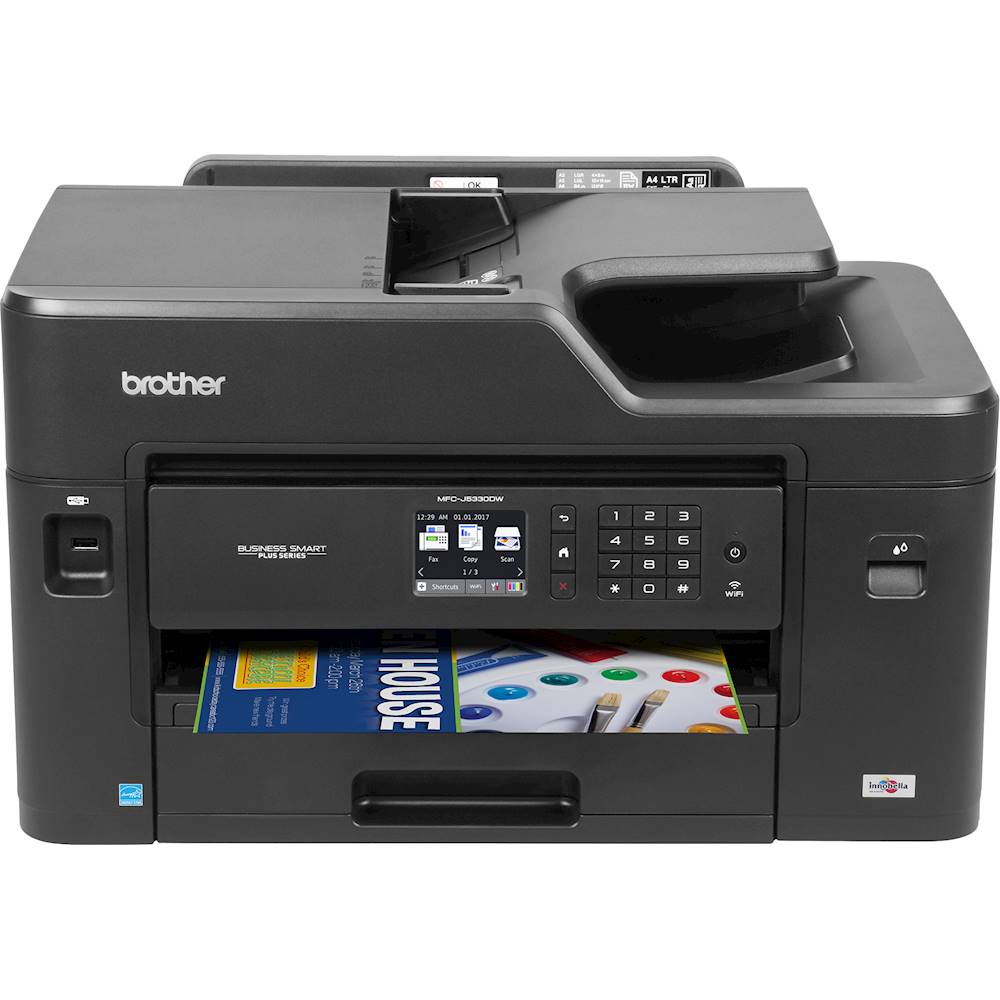
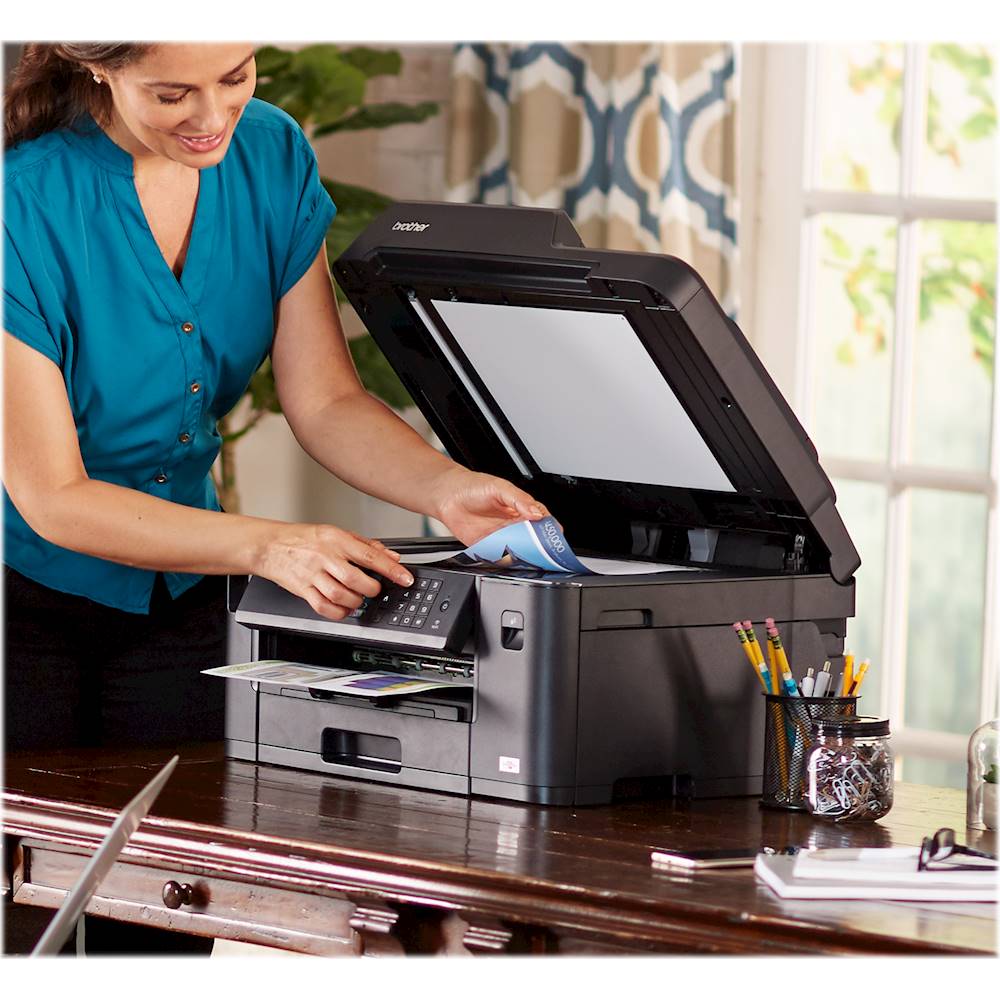
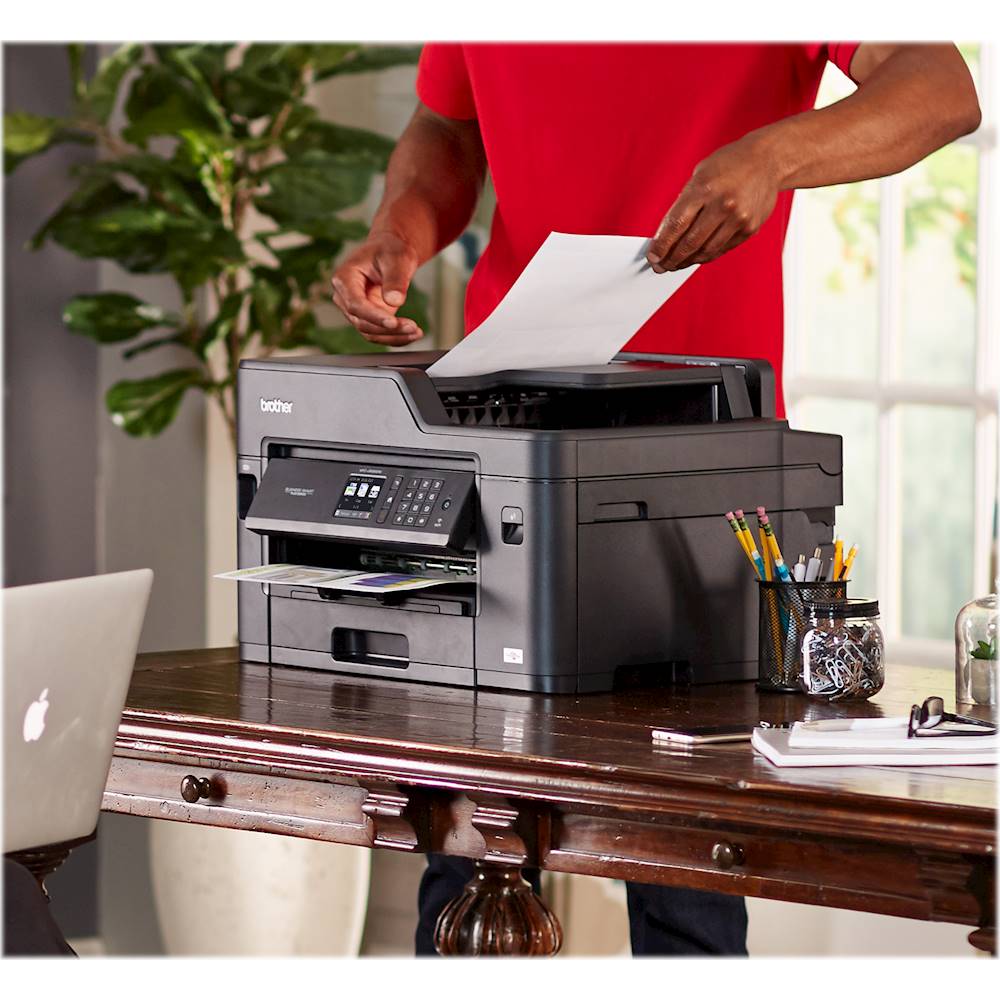
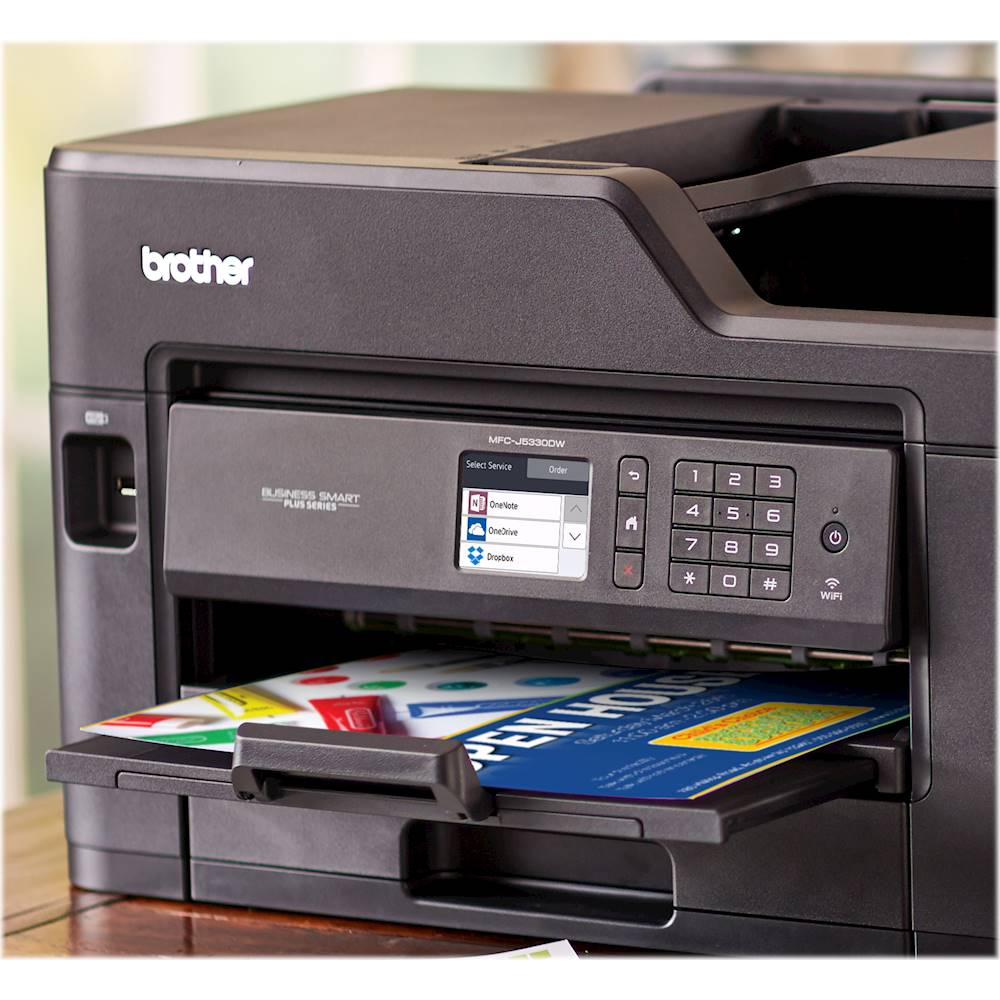
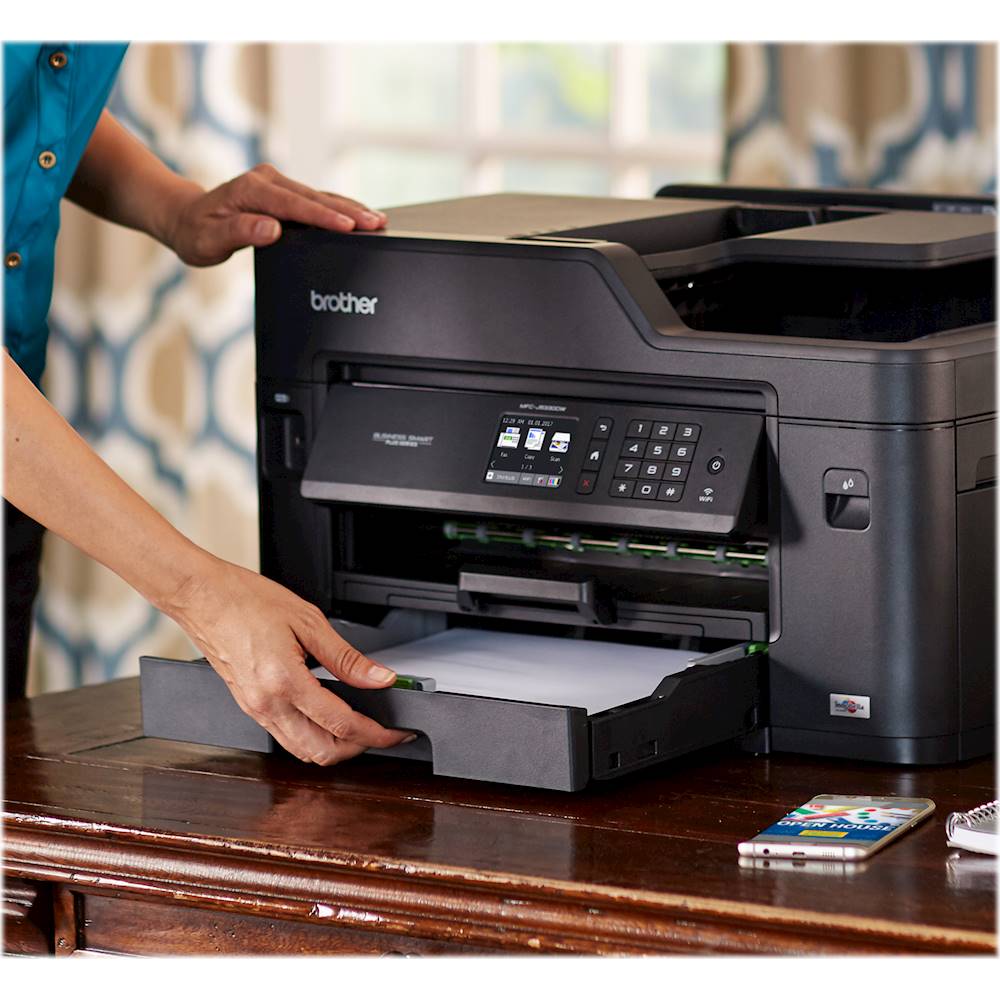
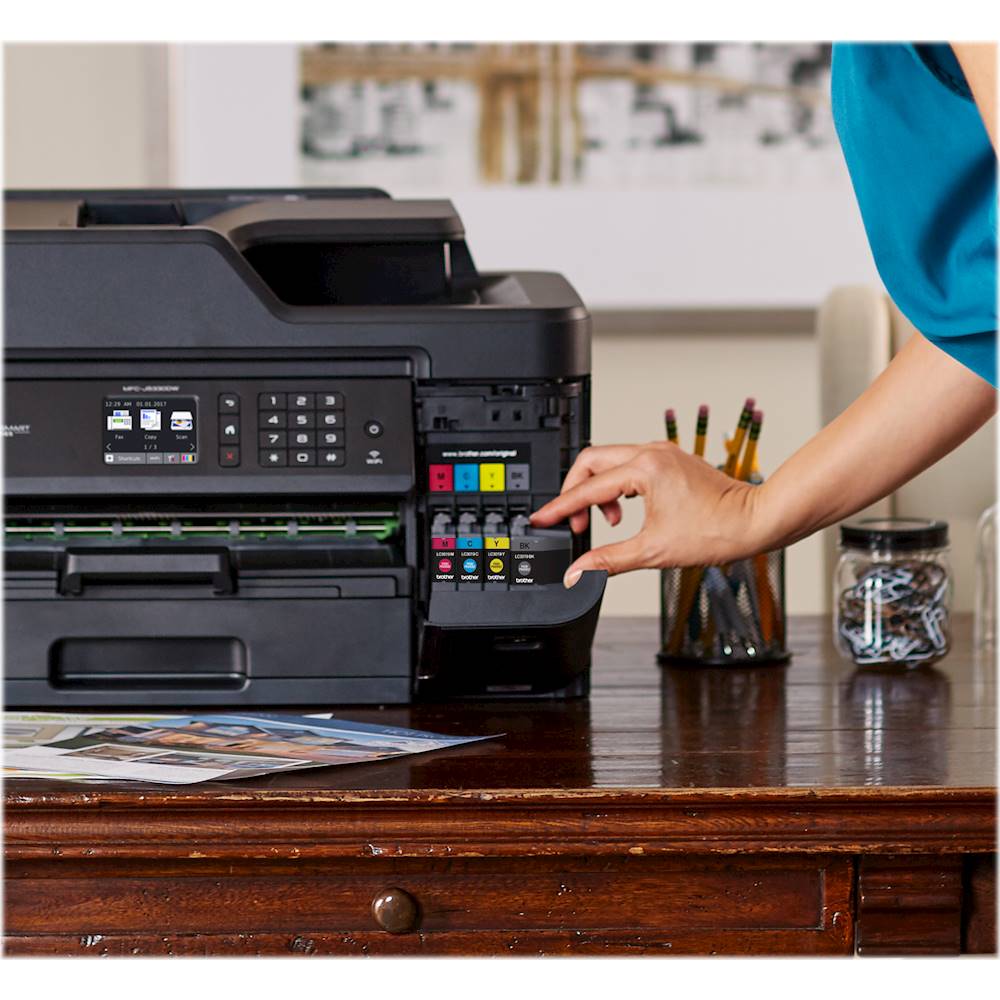
A:AnswerNormally with all inkjet printers like this one is that if one ink cartridge runs out, then the printer will not continue to print. You will have to replace the ink cartridge before continuing to print.
A:AnswerYes, the MFC-J5330DW will perform maintenance purges of the print head at regular intervals. The cleaning is to ensure consistent print quality and prevent damage to the print head. These purges remove any air or debris that may have gotten into the print head manifold. Your machine will use the minimum amount of ink necessary to perform this operation.
If the time setting on the machine isn't correct, the cleaning will be performed at an unexpected time. Please make sure the time is set correctly on your machine.
A:AnswerYes, MFC-J5330DW can duplex print up to legal size, can scan and use color ink when copying. When copying you will have to manually copy both sides using the flatbed.
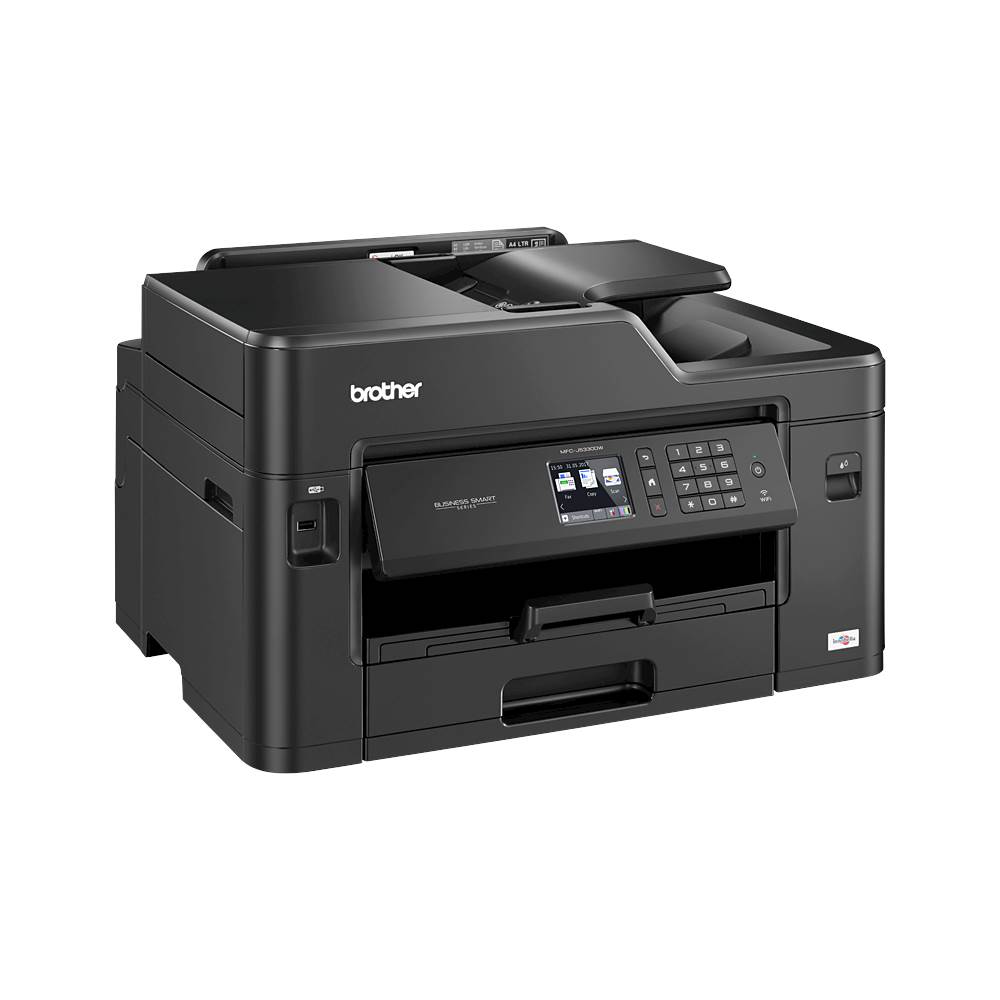
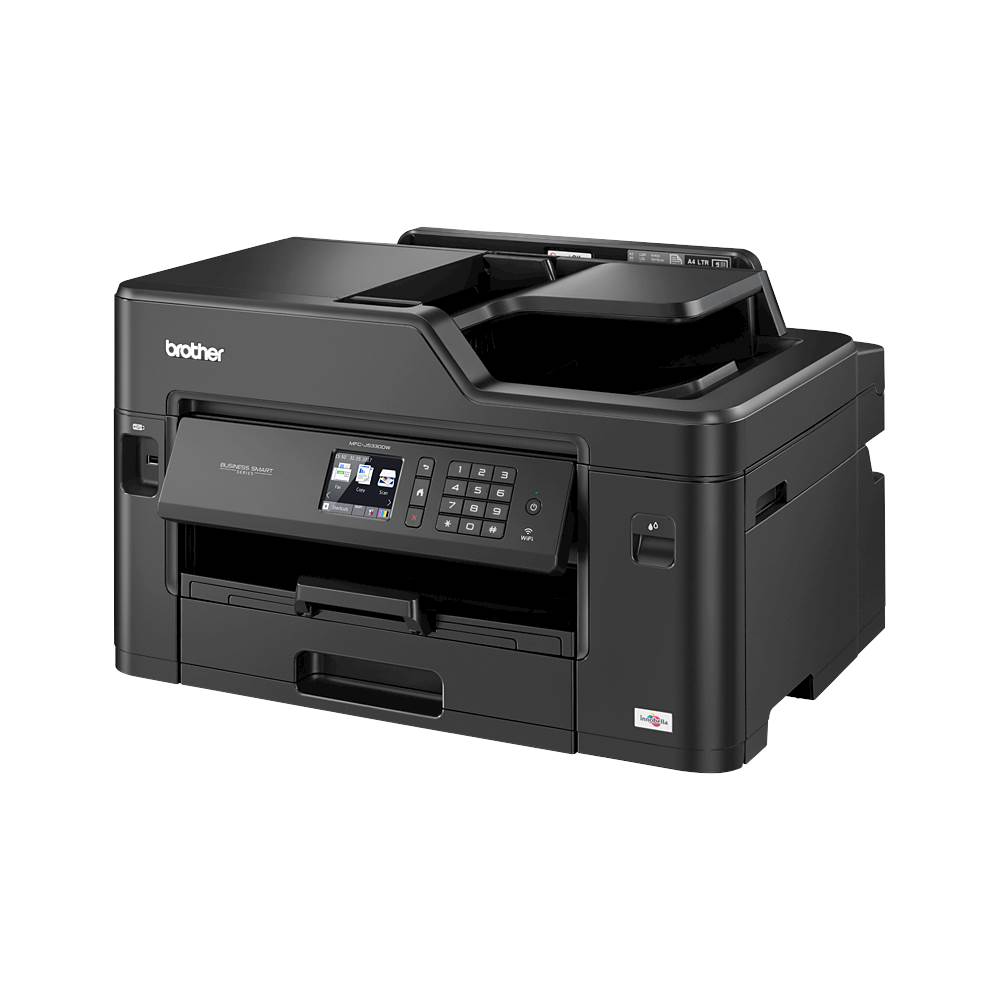
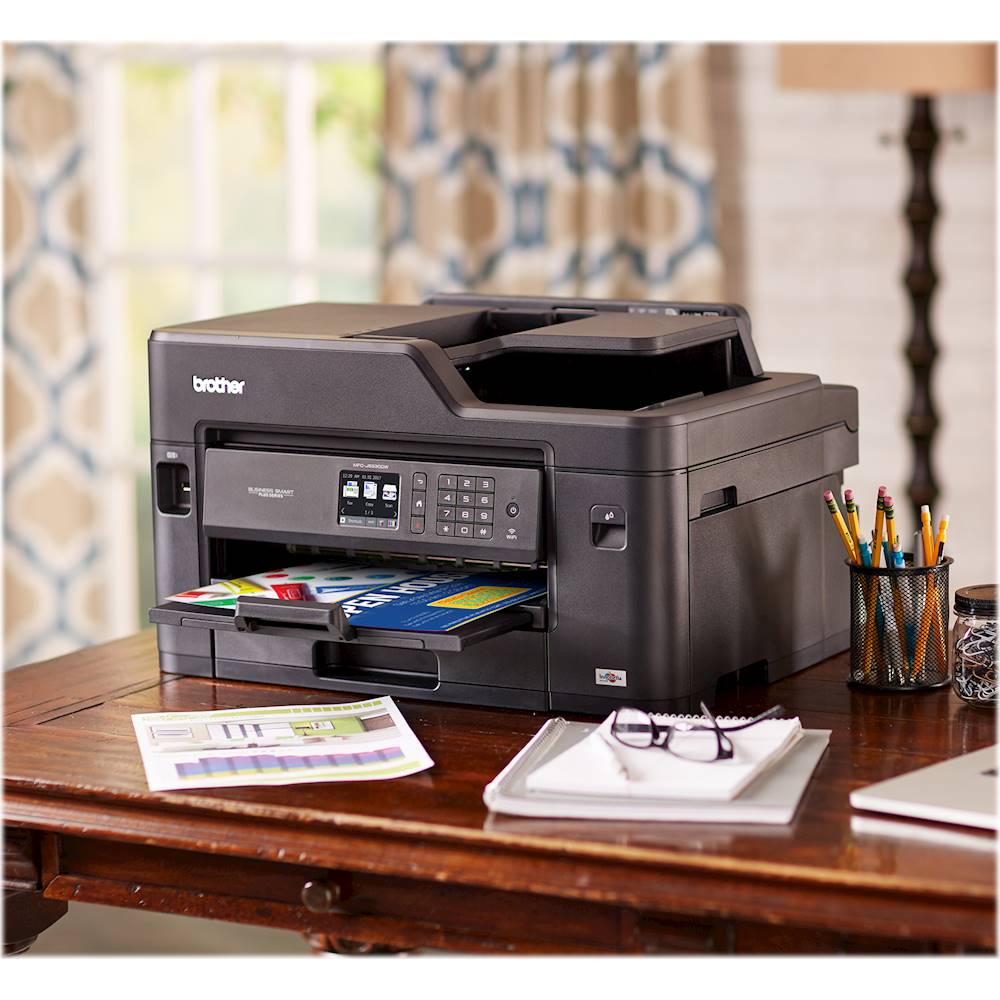
A:AnswerYes, MFC-J5330DW is Windows 10 (64-bit) compatible. It has Wireless 802.11 b/g/n and WiFi Direct connections available. It is also compatible with Brother iPrint&Scan App. It is a Business Smart Plus Color Inkjet All-in-One which prints Black and White or Color. The machine uses a Ink Cartridges and does not require a Drum.
A:AnswerThe MFC-J5330DW is able to automatic duplex print (two-sided printing) but it cannot automatic duplex scan, fax, or copy. This model does have those features for single sided scanning.
A:AnswerI see you are inquiring about why the black ink is printing very light and I would like to help. I ask that you please use the following link to reach out to our customer support team so we can assist you. You can also call us at 1-877-BROTHER (877-276-8437) Available Monday -Friday 9AM – 9PM EST. Brother does offer FREE support for the life of this machine: https://www.brother-usa.com/brother-support
A:AnswerYou can set it up to collate when you get the print preview box. I've not had to collate anything on mine but I would assume it's fairly standard.