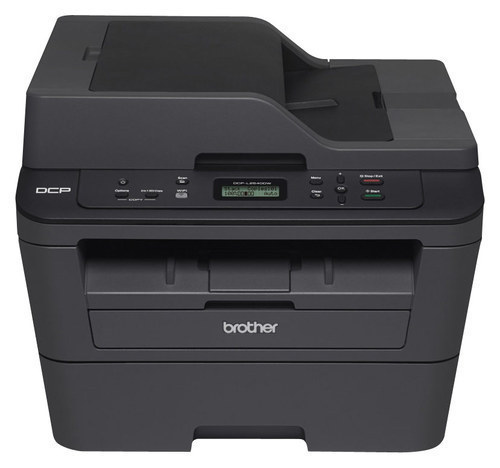
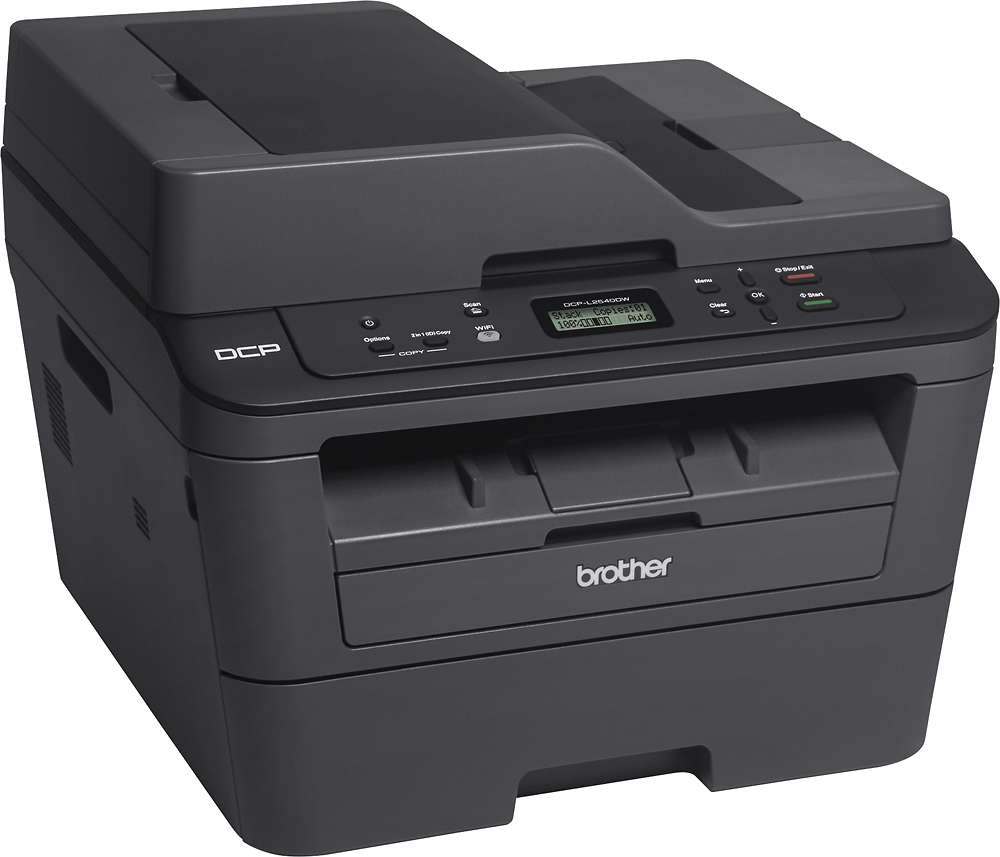
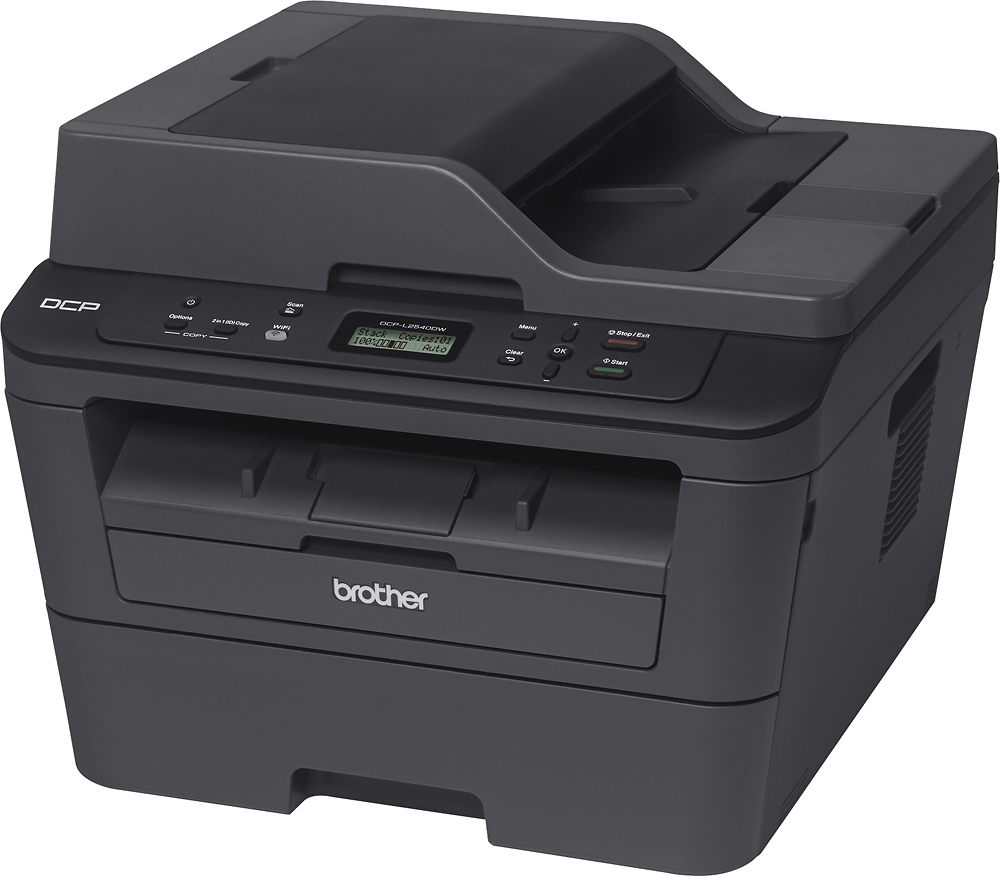
A:AnswerEnvelope can be entered singularly using the manual feed on the front or you can remove the paper from the print tray and change the guides to position the envelopes. Envelopes should be placed in tray face down with the flap to the right. You can check the layout in the manual.
A:AnswerYes, you can make copies through the printer without using the computer. Also, you will have a choice to either configure your printer as wireless or with a printer USB cable.
A:AnswerThis printer gives you the option of using toner saver mode (less toner and lighter copies) or regular toner (more toner and darker copies.) You can easily turn this on or off in the settings feature.
A:AnswerThe online guide has step-by-step instructions and illustrations for replacing the TN630/TN660 toner cartridge.
http://support.brother.com/g/s/id/htmldoc/mfc/cv_dcpl2520dw/use/manual/index.html#GUID-39519B32-BEE9-42AA-835E-EA46CF2FBC3E_525
A:Answerthis printer has only one tray, however the page size (length) is determined by the printer, and should call for you to load the correct paper.