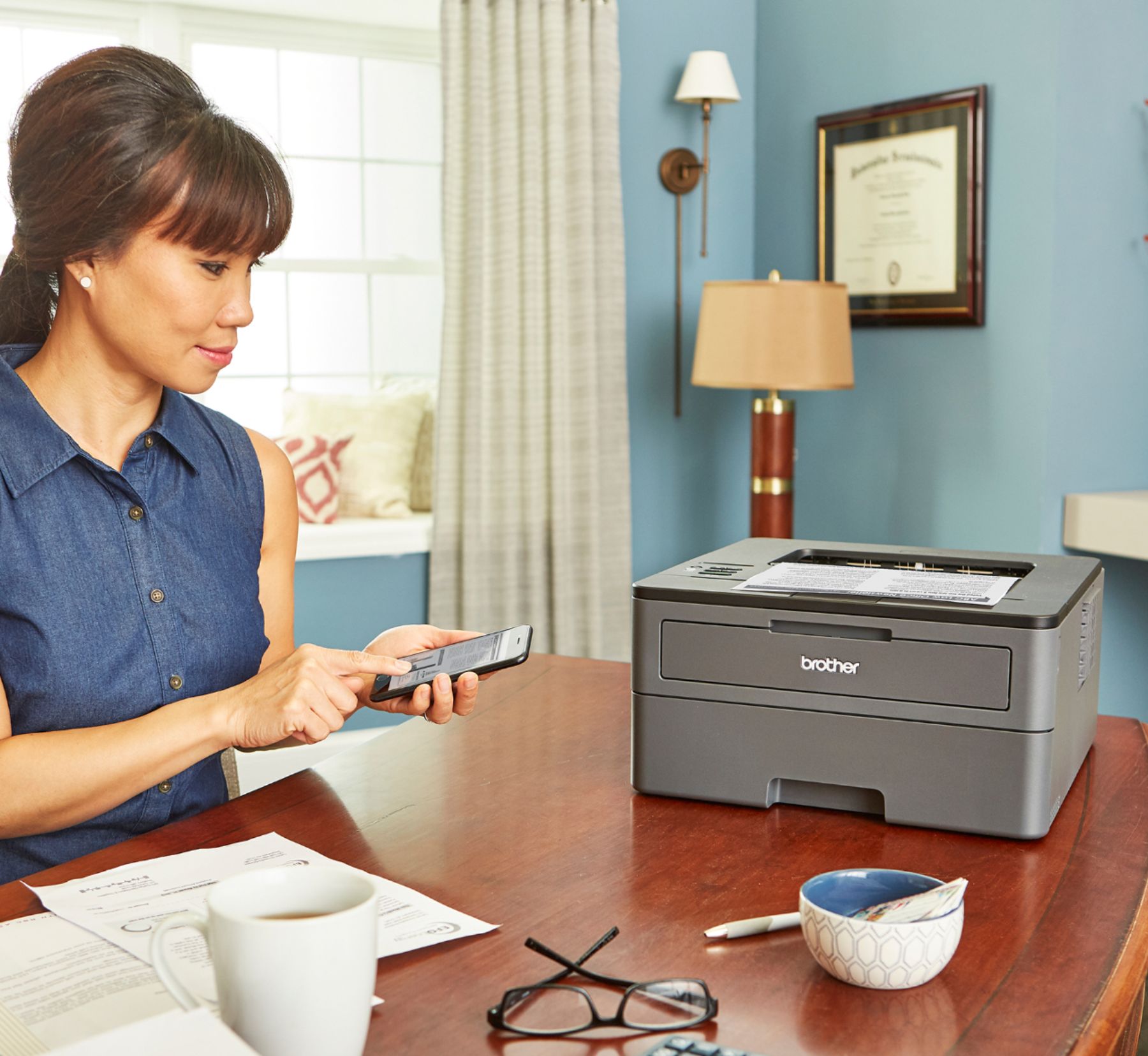
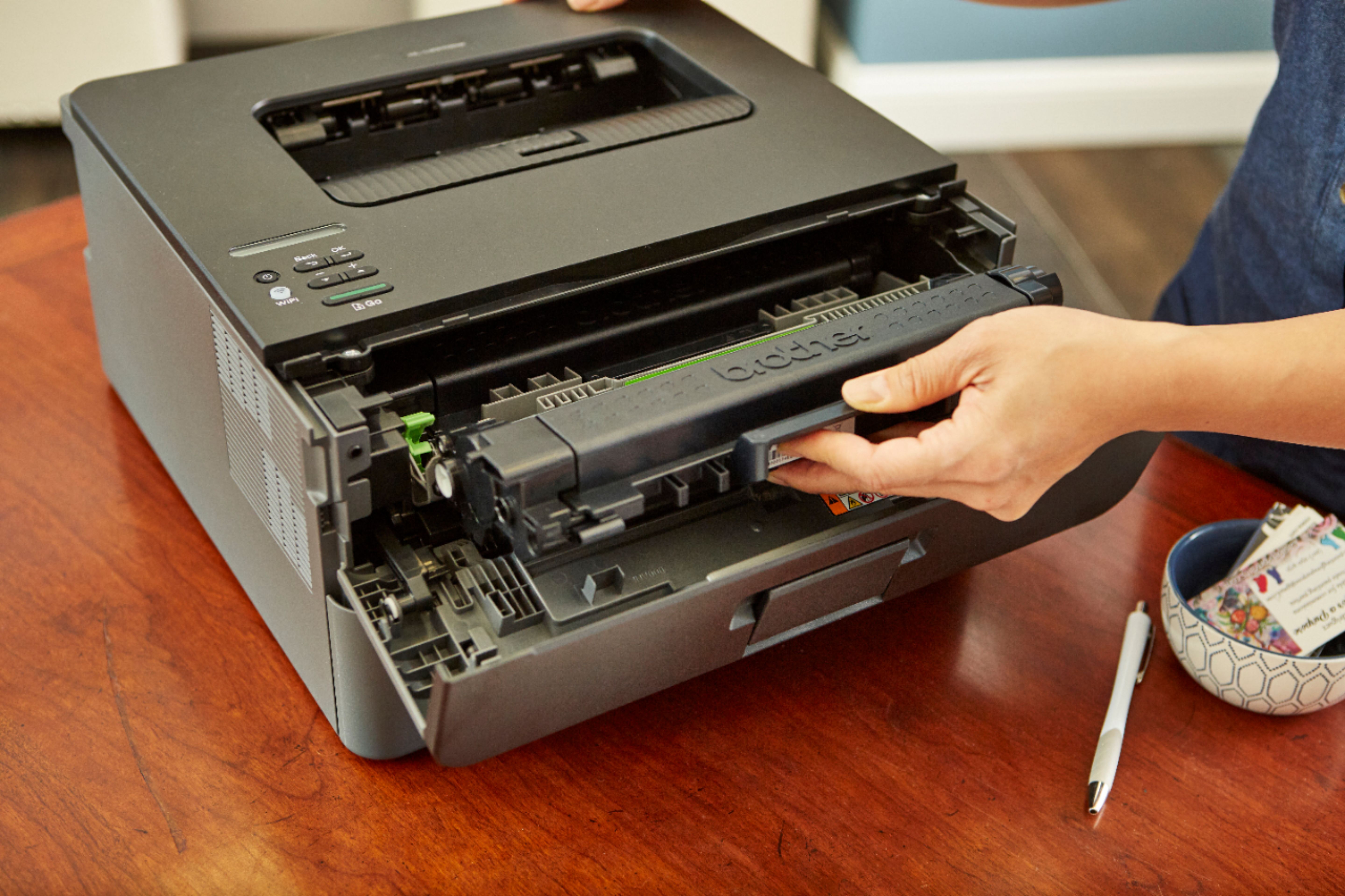
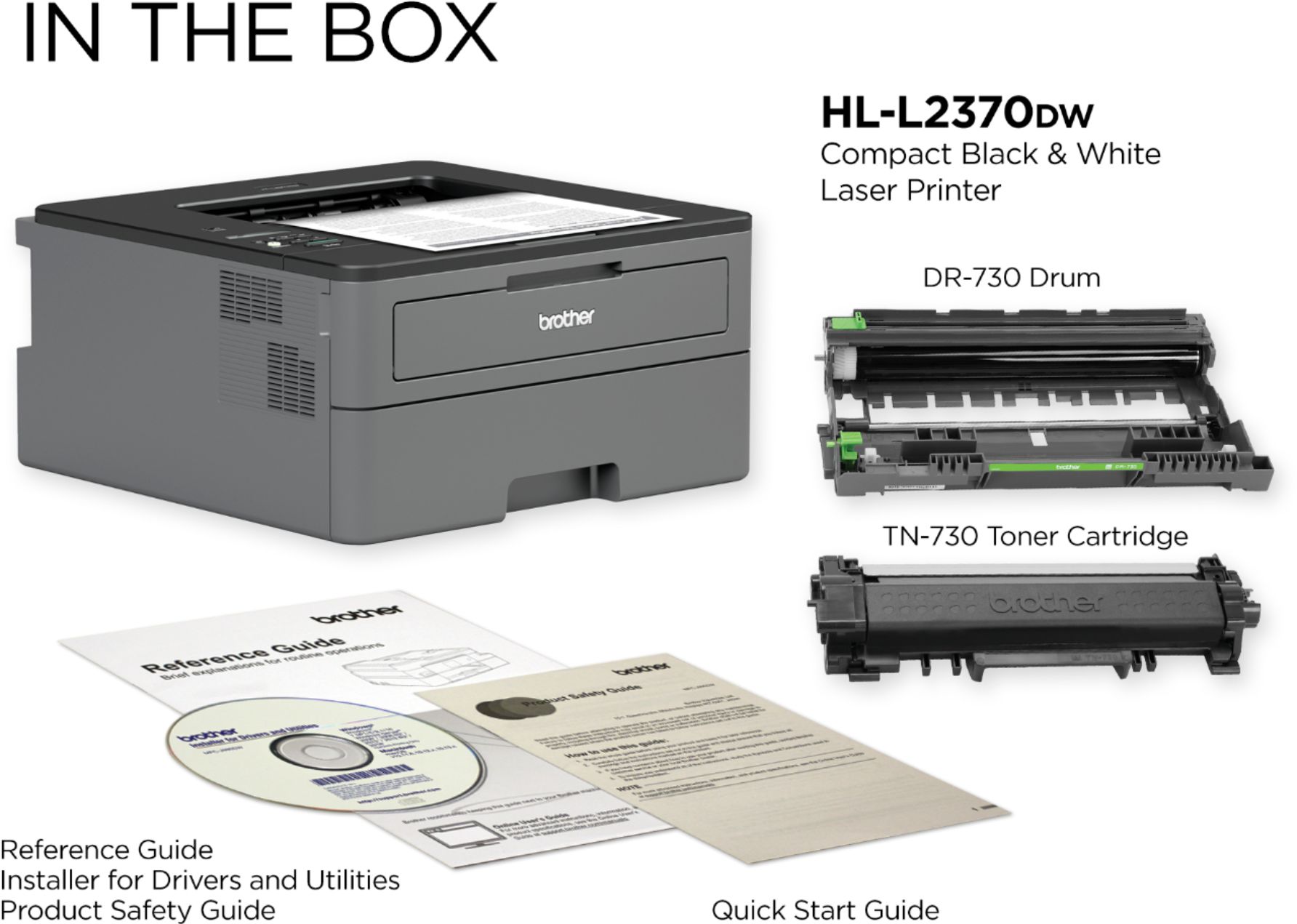
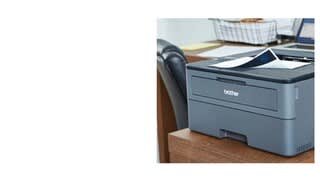
A:AnswerThe peak power consumption of the Brother HL-L2370DW printer is approximately 1,104 W. While this power supply device may work, it is not recommended.
A:AnswerTypically used printers have a low resale value due to new technology improvements in size, print speed and quality. Used printers are also hard to resell on line due to high shipping costs. Given these issues and the costs to store and handle the used printers there is no profit to be made.
A:AnswerThe Brother HL-L2395DW is a similar model to the Brother HL-L2370DW that offers a convenient flatbed scanner. You may also consider the Brother DC-L2550DW which offers scanning capabilities through an Automatic Document Feeder. Feel free to contact Brother Customer Service directly at https://www.brother-usa.com/brother-support for more information.
A:AnswerNo. The printer has to be on to receive any print jobs. If the the printer is off, when you try to print it will say the printer is unavailable.
A:AnswerYes, you can print wirelessly without Internet.
Here is a link to the specifications of the USB cable needed:
https://help.brother-usa.com/app/answers/detail/a_id/51249
A:AnswerThe manual for the Brother HL-L2370DW is available on our website.
https://support.brother.com/g/b/manualtop.aspx?c=us&lang=en&prod=hll2370dw_us&_ga=2.150172799.89353196.1607438928-2005029213.1584449811