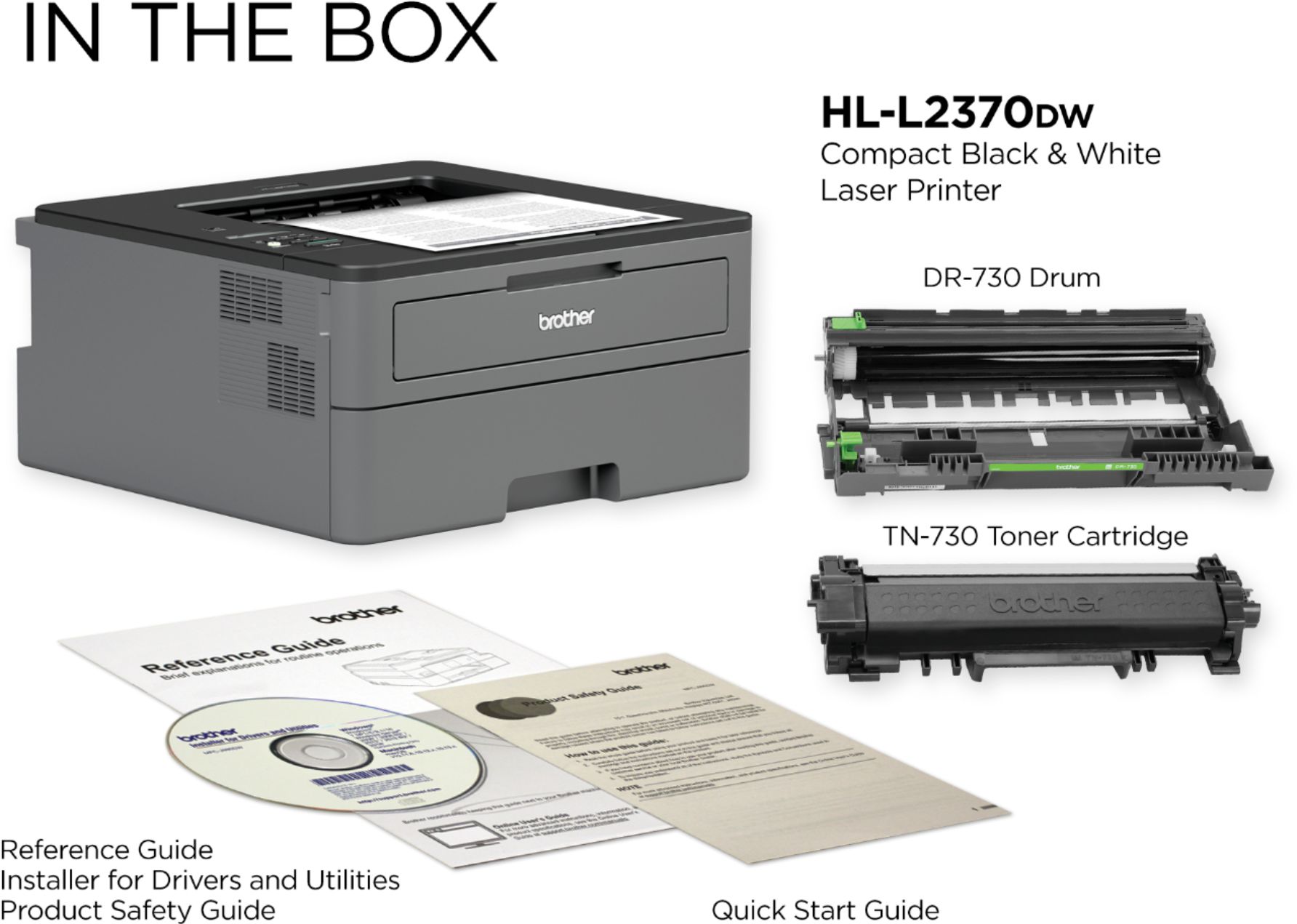
A:AnswerThe Brother HL-L2370DW is not compatible with the Brother TN-330 toner cartridge. This printer is compatible with Brother TN-730, TN-760 and TN-770 toner cartridges.
A:AnswerBelow is the meaning for cleaning the pick-up roller for the tray mean for the HL-L2370DW.
https://support.brother.com/g/b/faqend.aspx?c=us&lang=en&prod=hll2370dw_us&faqid=faq00002541_514
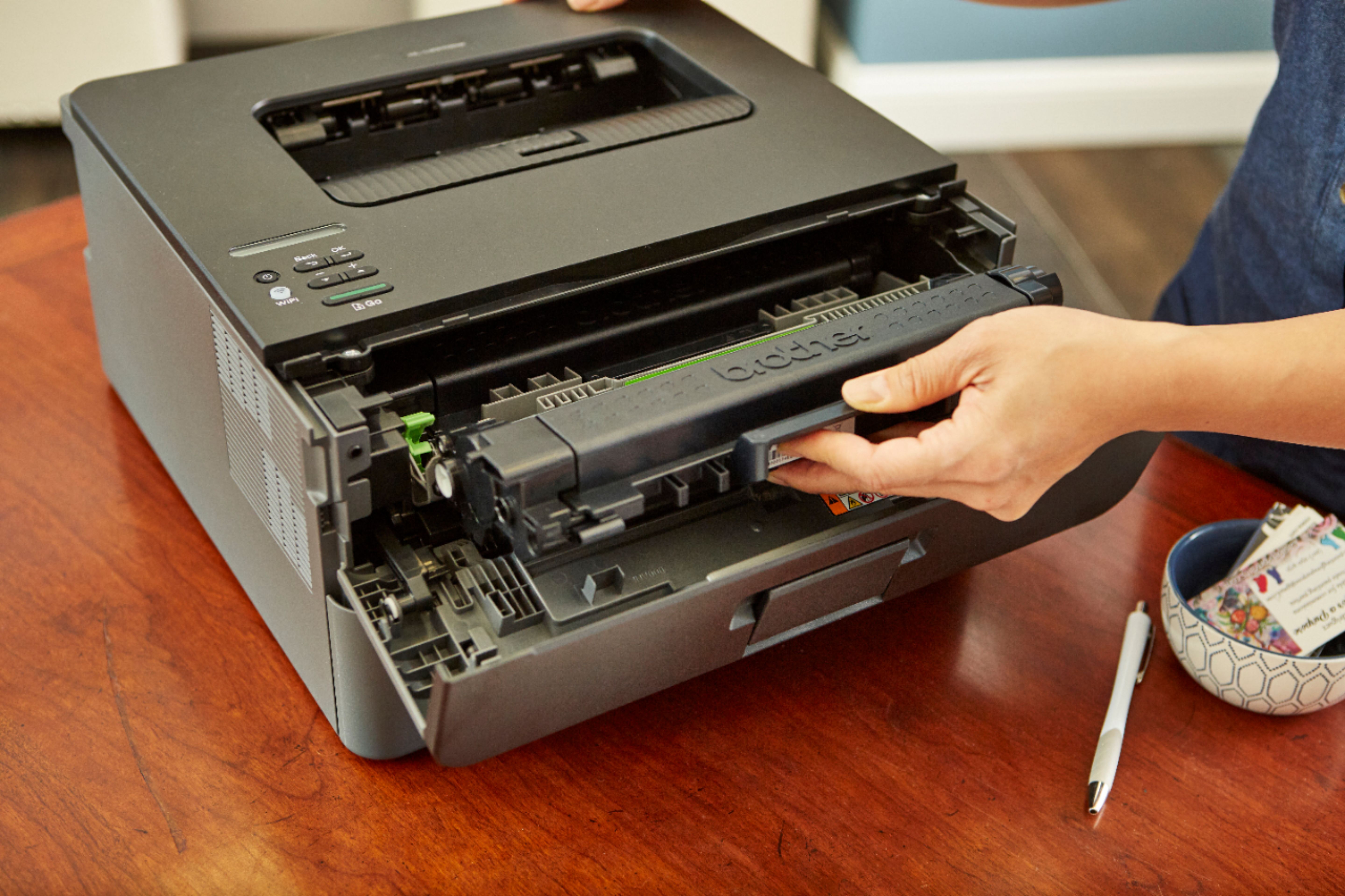
A:AnswerFollow the steps in the link below to install the drum and toner for the Brother HL-L2370DW.
https://help.brother-usa.com/app/answers/detail/a_id/155400
A:AnswerThe Brother HL-L2370DW will print on numbered checks in the reverse order using the paper tray. You have the option to load checks face up one at a time through the manual feed slot.
A:AnswerBrother strongly recommends that customers use only Brother Genuine cartridges for optimal results. Using non-Brother supplies may affect the hardware performance, print quality and machine reliability. The Brother limited warranty may not apply to any problem that is caused by the use of third-party supplies. If you have purchased a compatible cartridge and have any questions, please contact the seller.
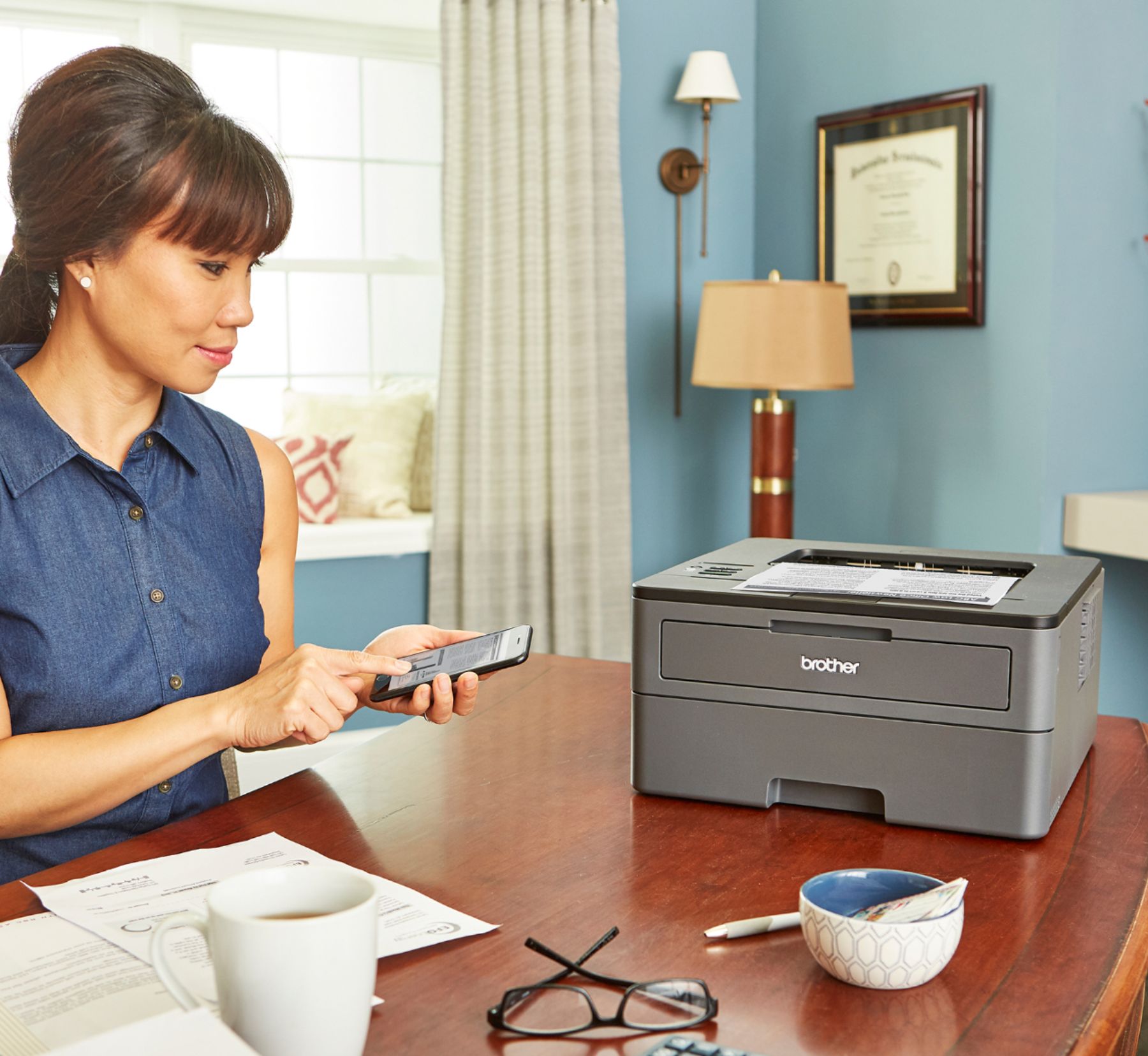
A:Answerdrivers download automatically these days - the CD isn't necessary. It's been effortless to print from iPhones on the same network. It just pops up.
A:AnswerThe Brother HL-L2370DW can print different envelopes (No specific brand recommended), however, it can only print one label brand (Avery laser labels white #5160).