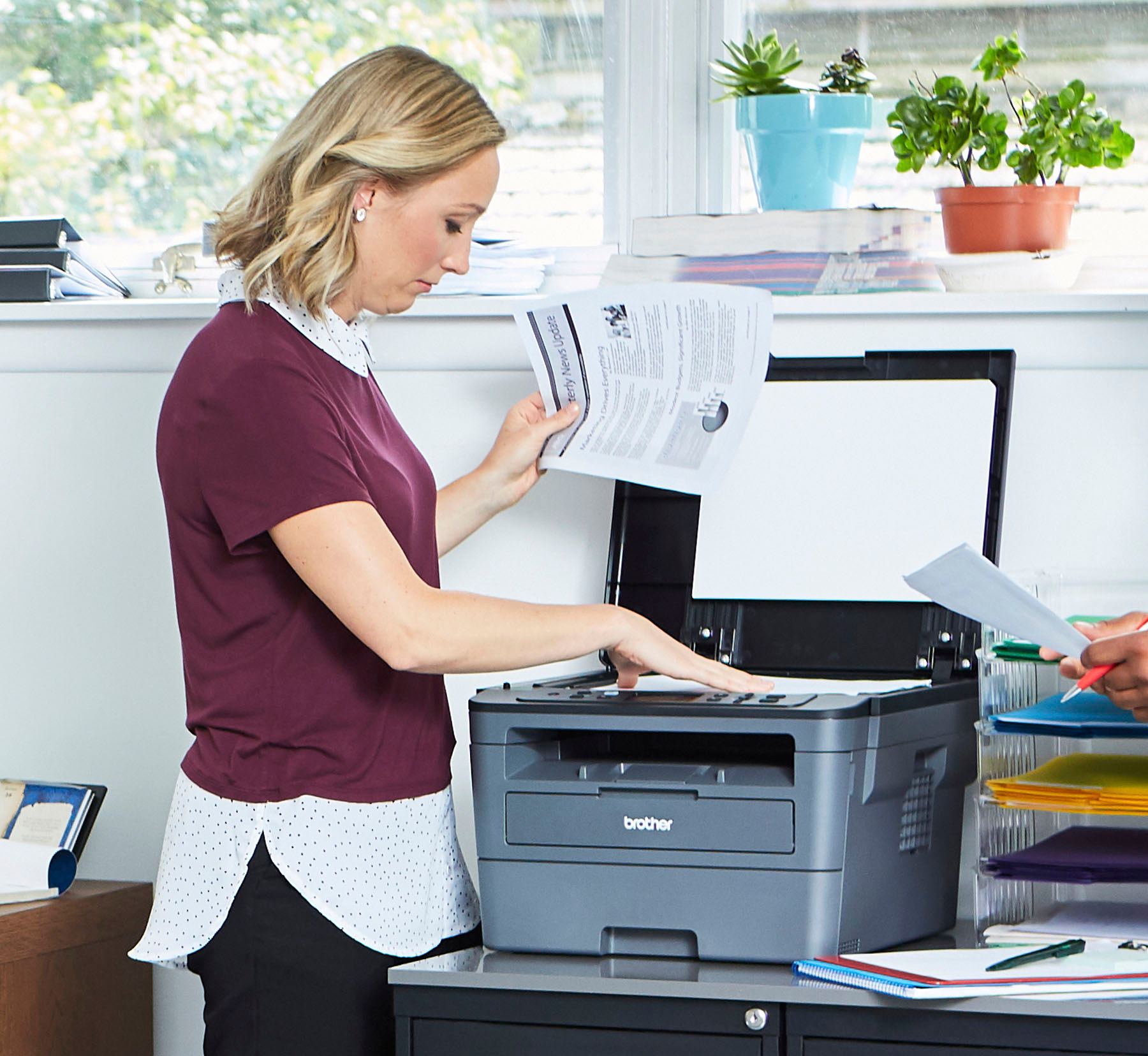
A:AnswerYes, the Brother HLL2390DW is capable of making copies using the flat bed on your machine. Feel free to contact Brother customer service for additional information.
A:AnswerYou will need a USB Type B connection for the printer side of the connection cable and either a USB Type A or USB Type C on the other end depending on your PC or Mac requirements.
A:AnswerUnfortunately cardstock is not listed as a recommended paper for the Brother HLL2390DW machine, we suggest you to check the recommended paper list for this model at:
https://help.brother-usa.com/app/answers/detail/a_id/151721
A:AnswerI use the Brother Iprint and Scan app on ANDROID just fine. ChromeBook is ANDROID so it should use the same Android app that the S7+ tablet does or possibly the Android phone app. Chrombooks use Android 9 Pie so match that up with the tablet / phone app and it should work.
A:AnswerYou can but this isn't a thermal LABEL printer and doesn't use the heat type ink imbedded in the label stock if that's where you are going with the question. You need a label printer for that specific type of paper stock. It can print adhesive type blank label stock, however. But no, the L-HL2390DW is not specifically a thermal label printer.
A:AnswerYes, the HL-L2390DW will print envelopes. A manual feed slot with adjustable width shoulders allow you to simply slide them to fit the envelope width and select the proper SIZE in the print software.
A:AnswerHL-L2390DW Unit Dimensions (W" x D" x H")16.1" x 15.7" x 10.7"
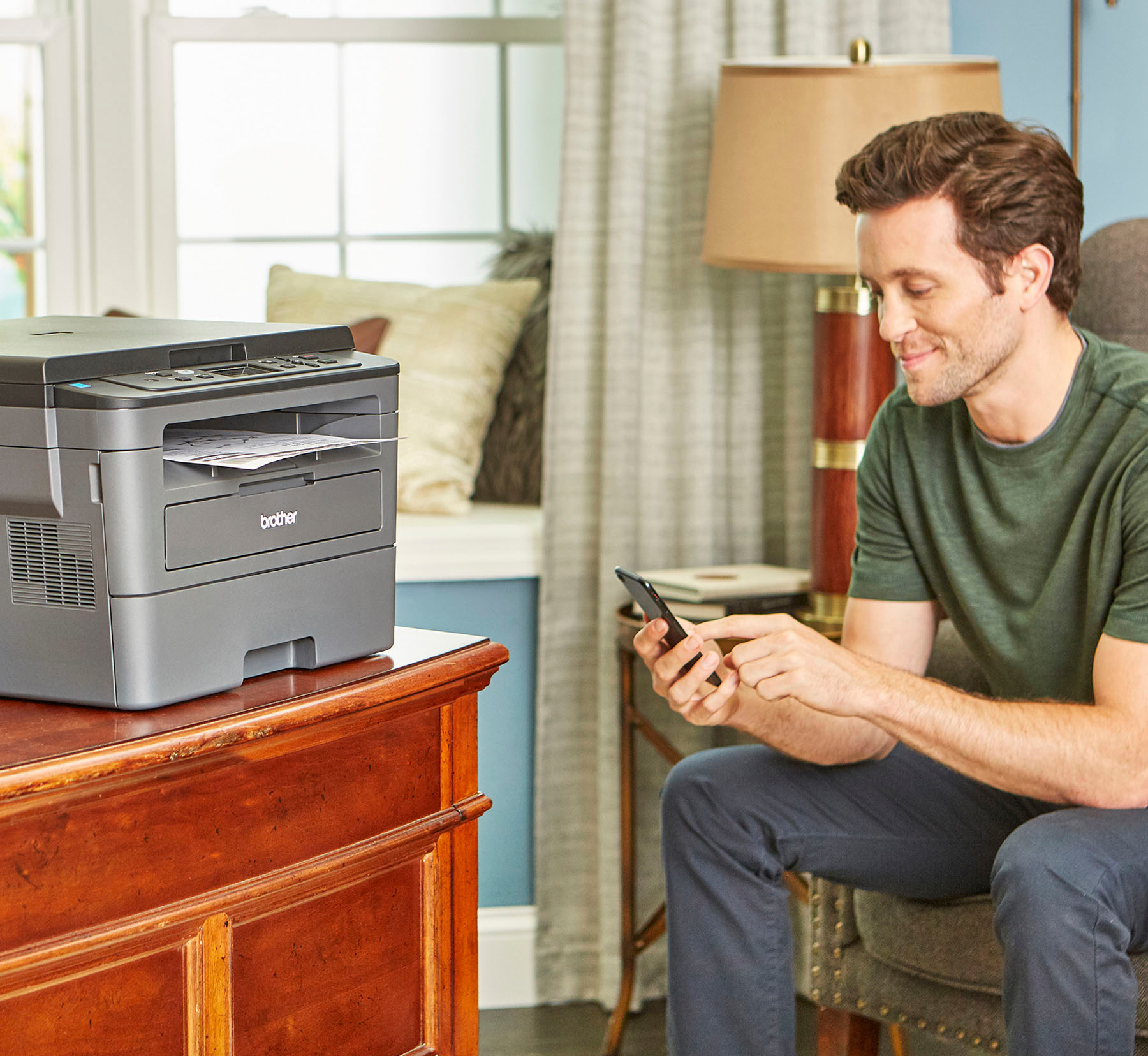
You scan to a device and chose the format you want to save to. I can scan and save as a .PDF or .JPG for instance on my S7+ Samsung tablet.
A:AnswerHere is the official PC based OS for Apple support provided by Brother.
macOS v10.10.5
macOS v10.11.x
macOS v10.12.x
You may need to use the wireless connection and Apple Iprint and scan Brother software like I do on my tablets (one a S7+ Android and one an iPAD Air). Works fine that way. The MAC MINI has WIFI and that's likely the easiest connection to use.
A:AnswerThe HL-L2390DW is a current model on Brother's web site as of 09/29/2021. Like you I wanted a true laser printer only for durability. Liquid Ink Jets don't like infrequent use.