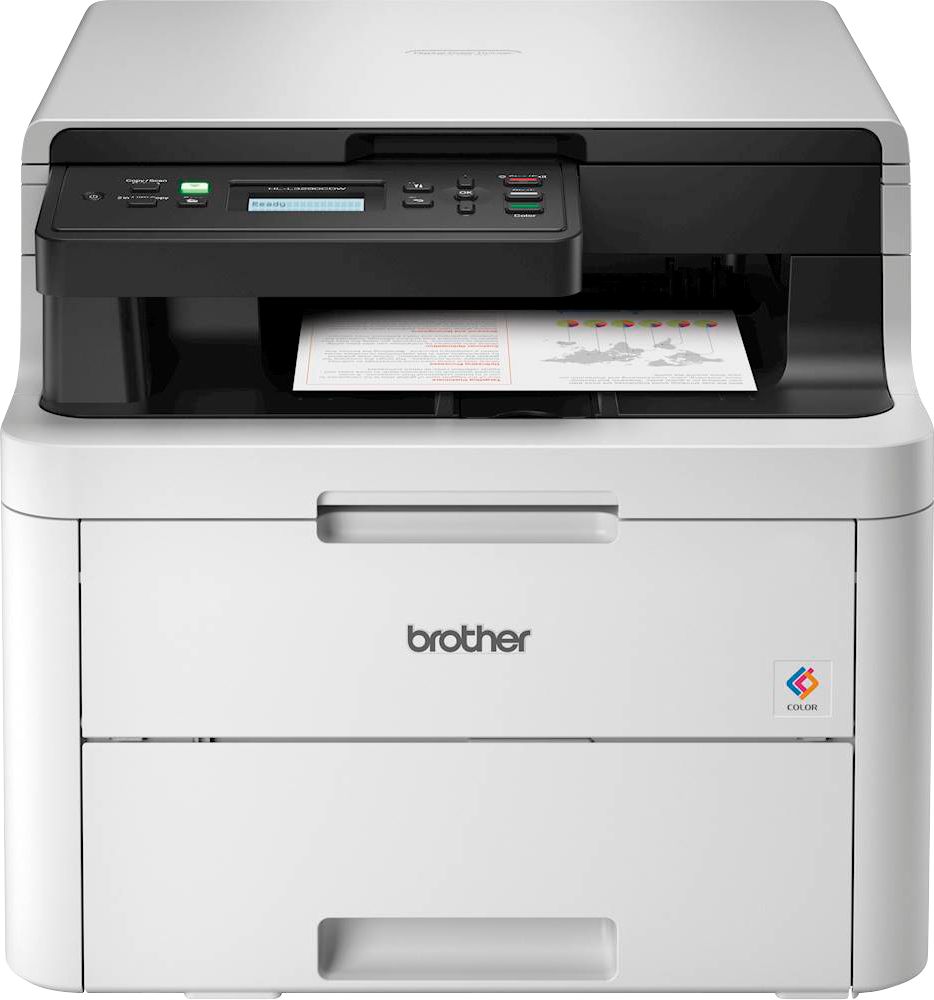
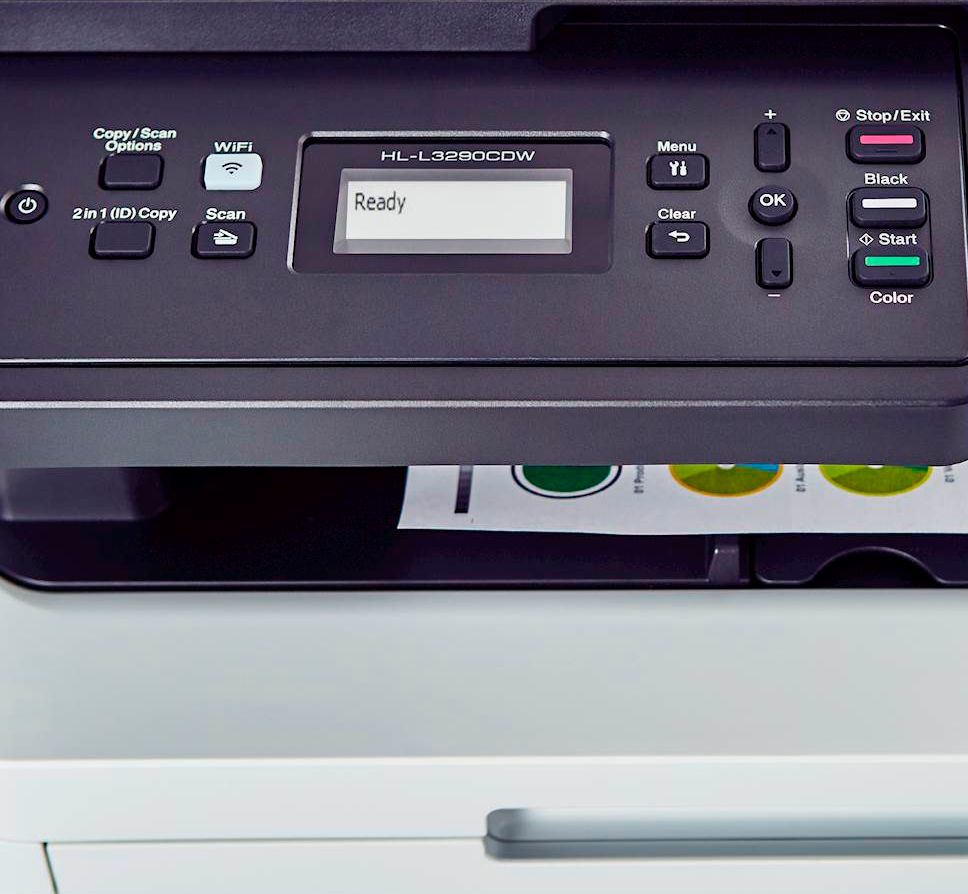
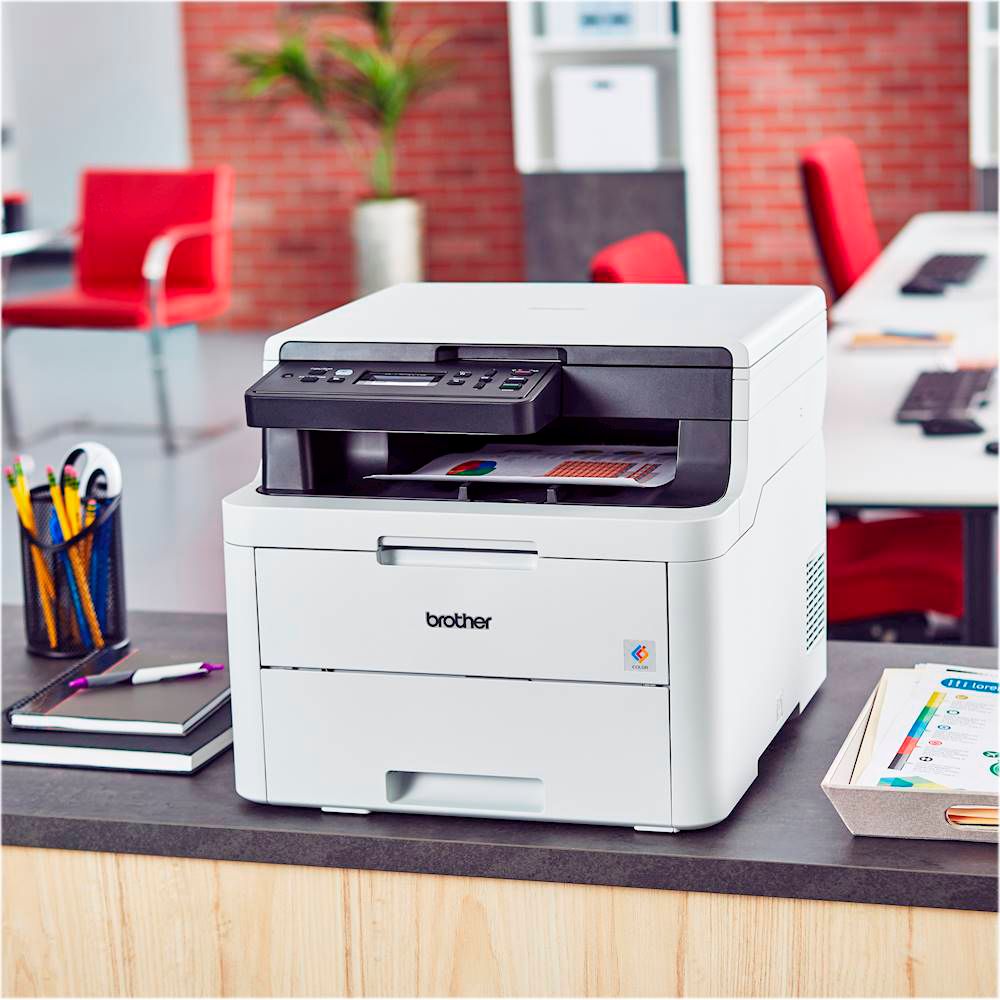
A:AnswerUnfortunately the Brother HLL3290CDW machine is not able to handle Ledger size paper. Brother does not manufacture any laser printer that will handle that paper size, we recommend you to check our Inkjet models.
A:AnswerTo view how much ink or toner is remaining, access your machine's Web Based Management if is connected to a network, if not, please enable the status monitor in your computer to get information about your Brother HLL2390CDW machine.
A:AnswerWe have the drivers for the Brother HLL3290CDW machine available for free t our support site. You can get them at:
https://help.brother-usa.com/app/answers/detail/a_id/157587
A:AnswerWe are sorry to hear that you are having power issues with your Brother HLL3290CDW machine. We know this is frustrating. Please review the machine's specifications using the link below:
https://support.brother.com/g/b/spec.aspx?c=us&lang=en&prod=hll3290cdw_us
If you still having issues, please follow the steps listed here:
https://help.brother-usa.com/app/answers/detail/a_id/157147
If you continue to have issues, our Brother Customer Support Team is available to assist you direct: www.brother-usa.com/brother-support
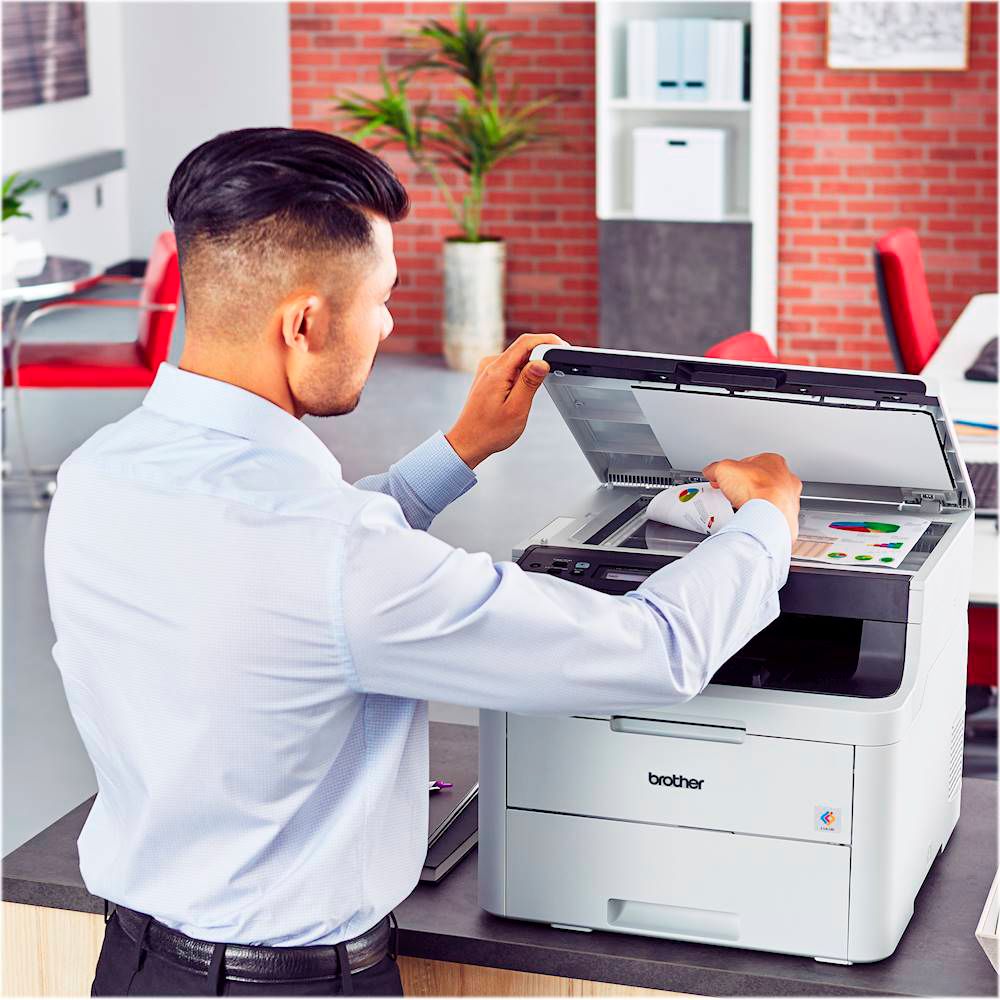
A:AnswerThe Brother HL-L3290CDW printer allows to enlarge/reduce copies within a range of 25% to 400%. For more information, feel free to contact Brother Customer Service directly.