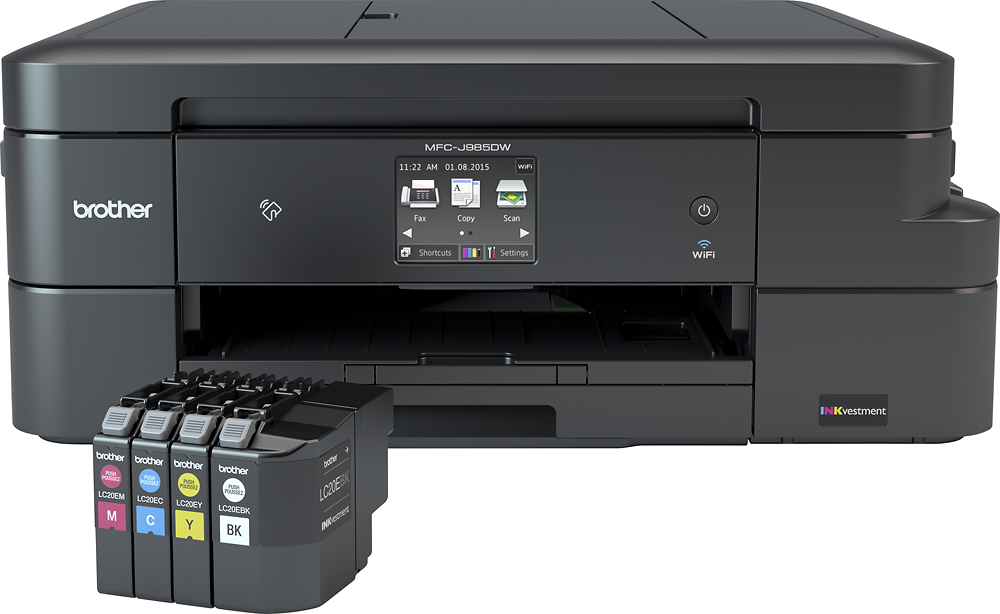
A:AnswerI've seen the black ink for $21, and each of the colors for under $13 each on Amazon. That's a good deal given that they are super high capacity.
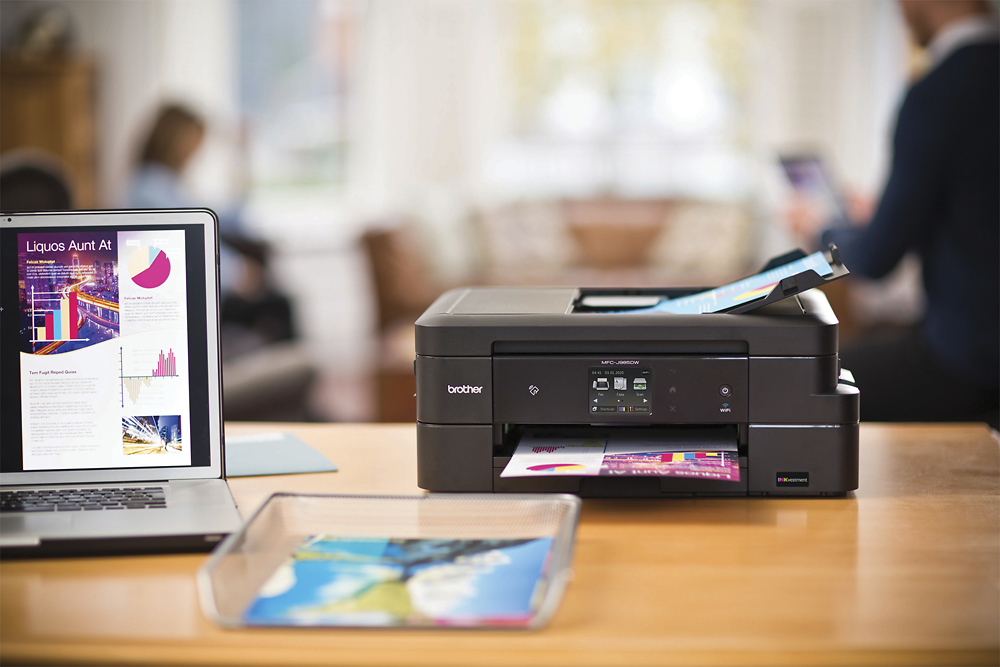
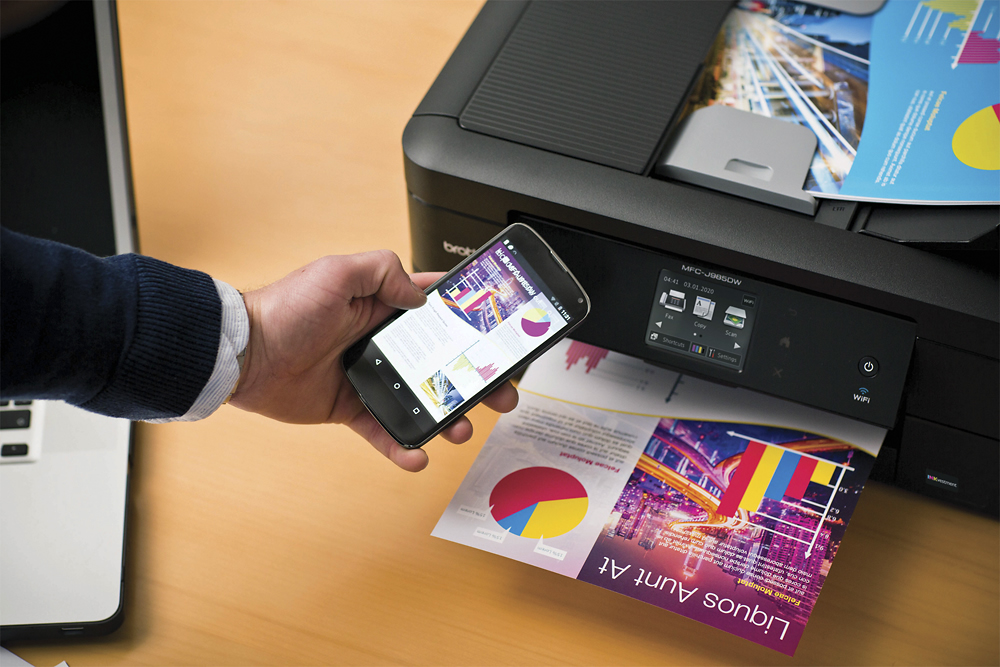
A:AnswerYes. You tell the printer during setup which WiFi network to use. Any device (iPhone, MacBook Pro, etc., on the same network can use the printer. This is my first AirPrint ready printer and it was super easy to setup.
A:AnswerThis printer can be directly connected to any computer with a USB A/B Cable. Printer’s USB connector is located “below” the scanner’s glass and not at the rear where you’d expect. There is a small picture on the printer’s right side that shows how to lift up the scanner’s glass to get to the USB connector as well the wired network connector.
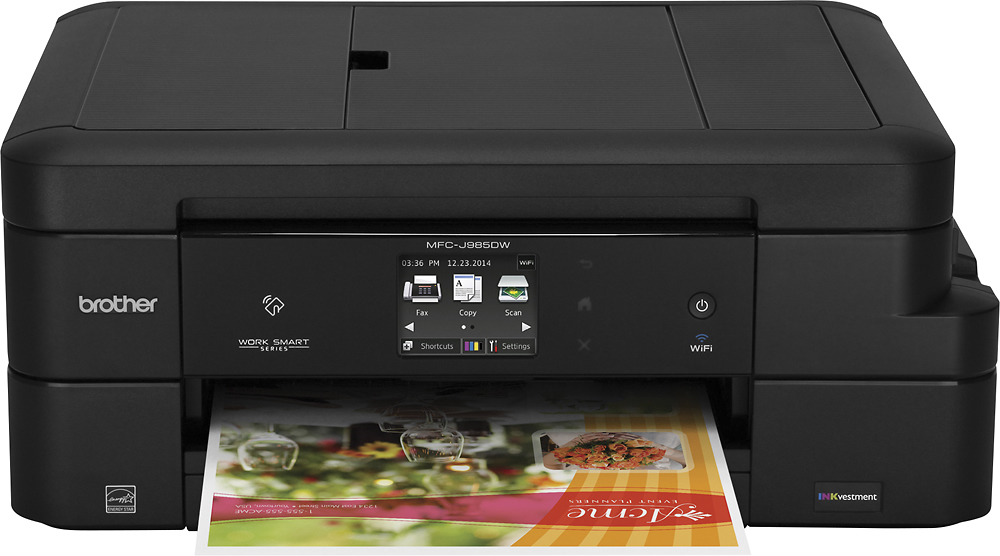
A:AnswerIt loads from the front. At the very bottom of the machine pull out the tray and lift up the top where the small slide out tray is. That's it.
Hope this helps, have a good day.
A:AnswerHard to say. The Quick setup Guide says: "Starter Ink Cartridges [x4]" but the sticker on top of the printer says: "Super high-yield cartridge included in box"