A:AnswerWhat a bummer. I had to install the latest Win 10 package just last week from scratch and haven't had any problems with the printer. Have you called Brother and MS tech support?
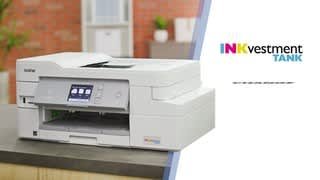
A:AnswerNo, Your Brother MFC-J995DW will perform maintenance purges of the print head at regular intervals. The cleaning is to ensure consistent print quality and prevent damage to the print head. These purges remove any air or debris that may have gotten into the print head manifold. Your machine will use the minimum amount of ink necessary to perform this operation. Here is a FAQ that may help.
https://help.brother-usa.com/app/answers/detail/a_id/85399?R3ModelID=MFCJ995DW
A:AnswerAn updated driver is available for the Brother MFC-J995DW. Please uninstall and reinstall your driver with the latest update. Here is the link for updating the driver.
https://www.brother-usa.com/support/MFCJ995DW
A:AnswerNo, MFC-J995DW can not print on fabric. Here is a FAQ with recommended paper weight.
https://help.brother-usa.com/app/answers/detail/a_id/156594?R3ModelID=MFCJ995DW
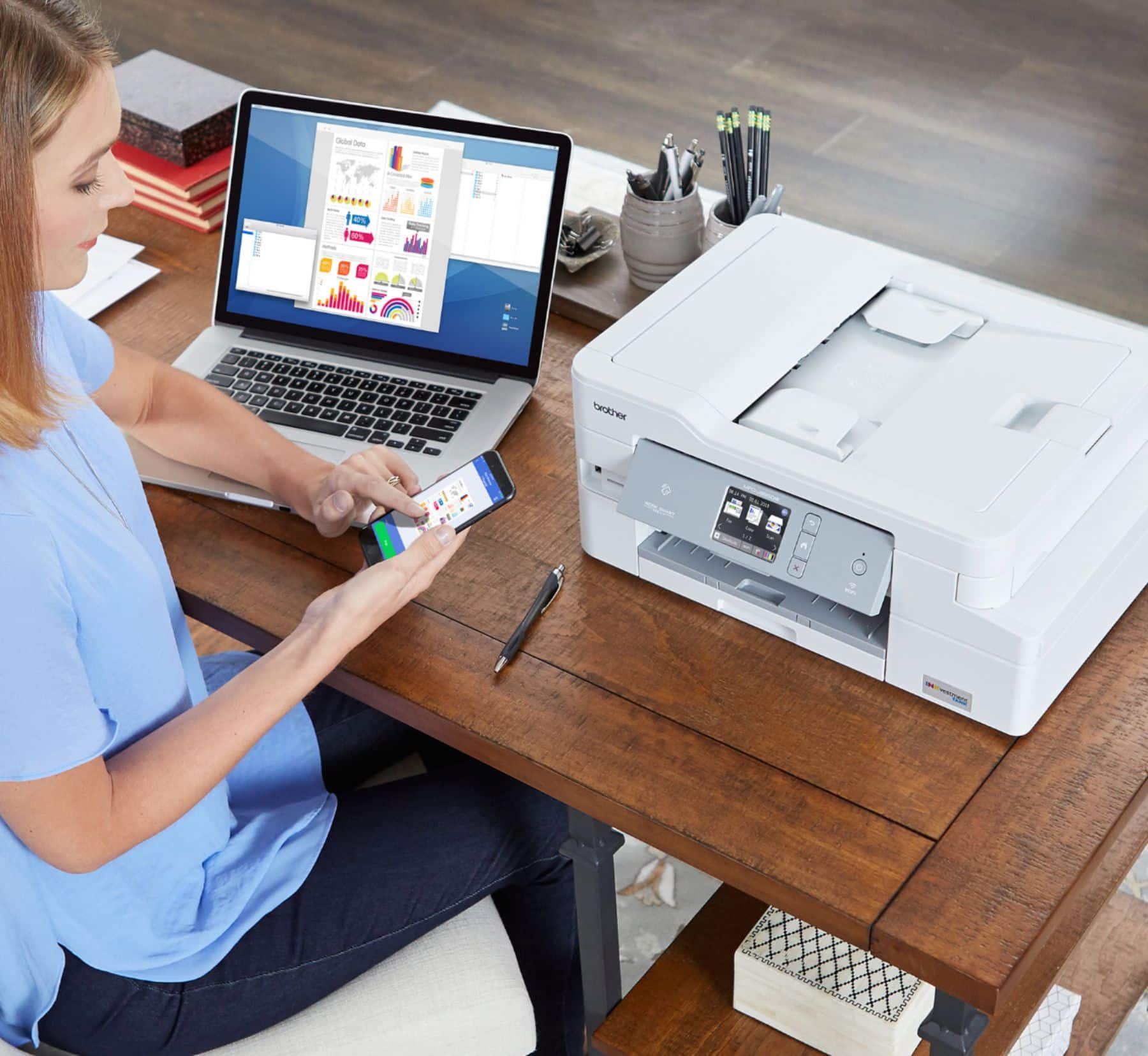
A:AnswerOur printer is connected to our wireless router, which my Mac connects to by WiFi. I haven't had any problems printing. I can't remember if the computer had the drivers or I had to download them from Brother (I might have downloaded them). I haven't tried scanning over WiFi to my computer. (The computer and printer are in different rooms, so I scan to my phone and then transfer from phone to computer when convenient).