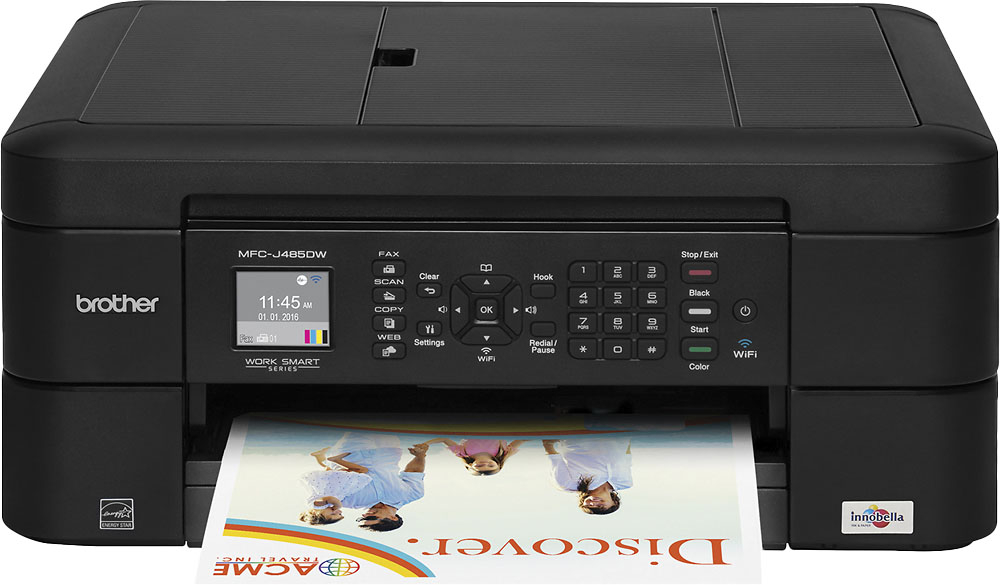
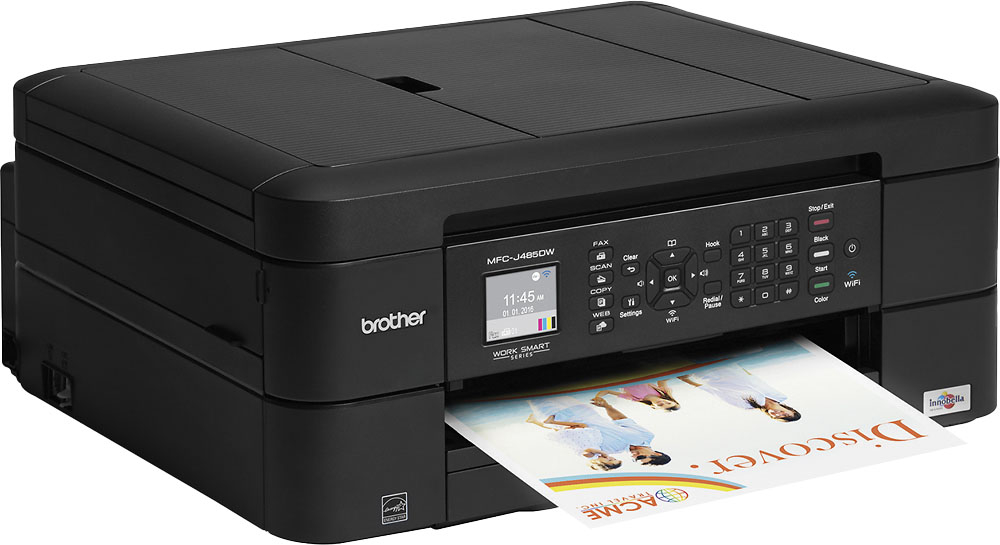
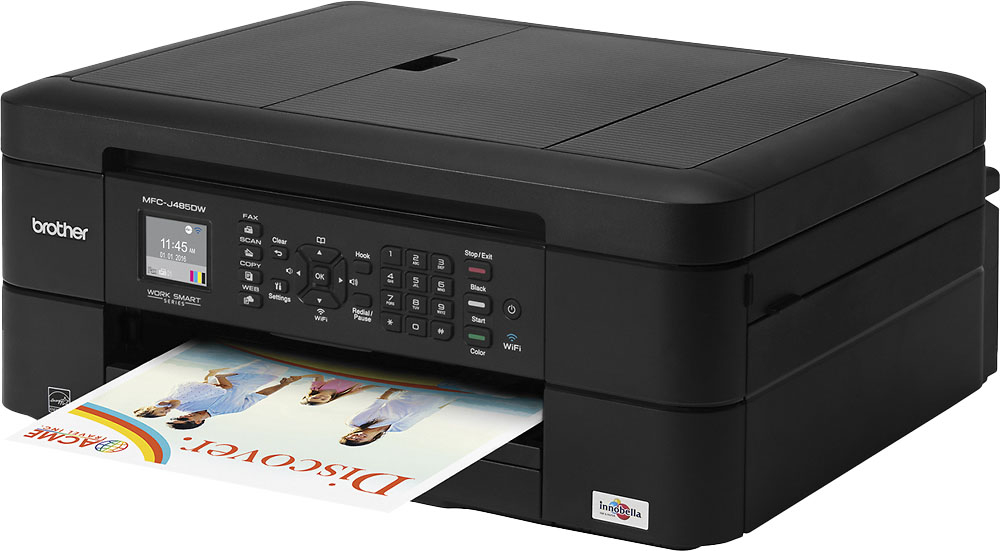
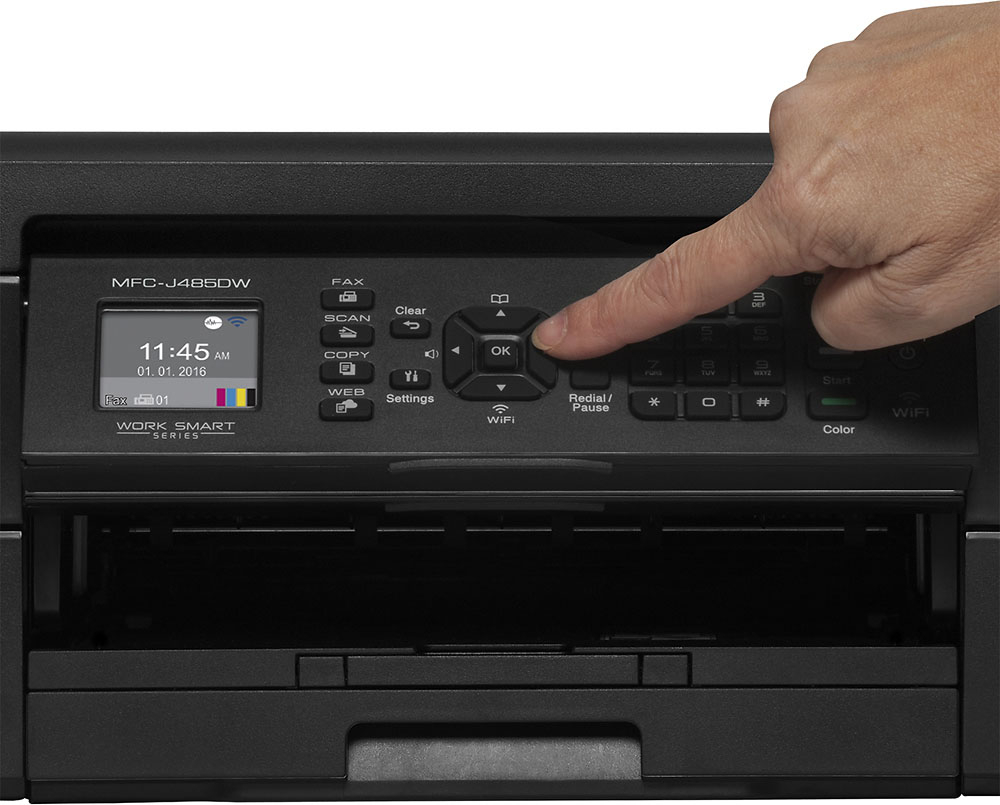
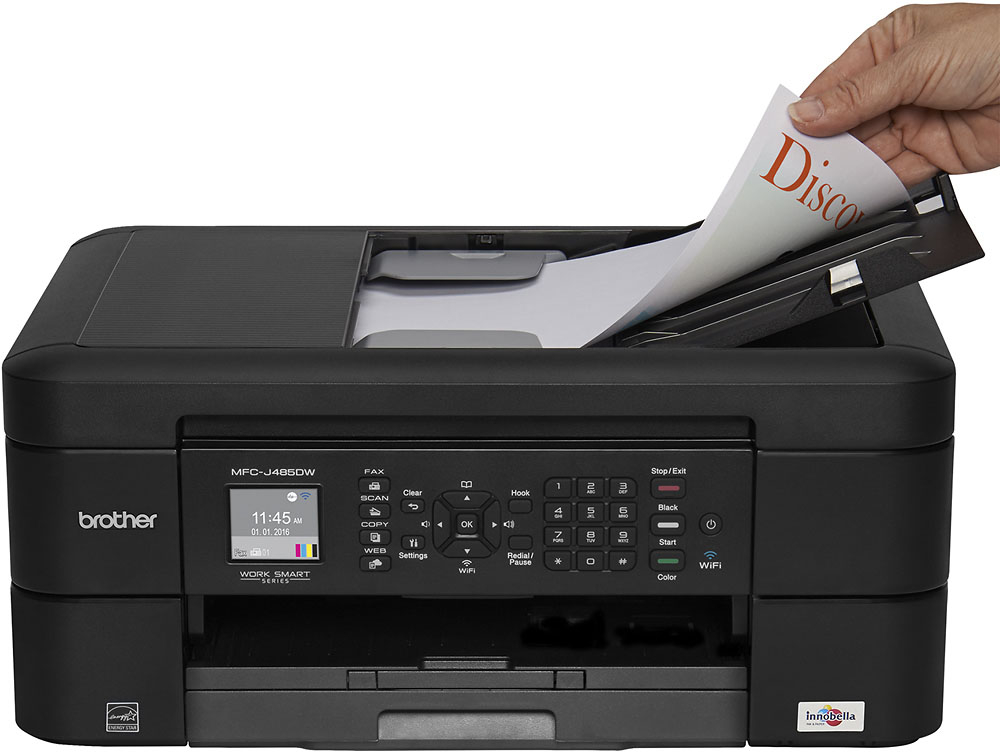
A:Answer Yes, it does print wireless via wifi and is not hard to setup.
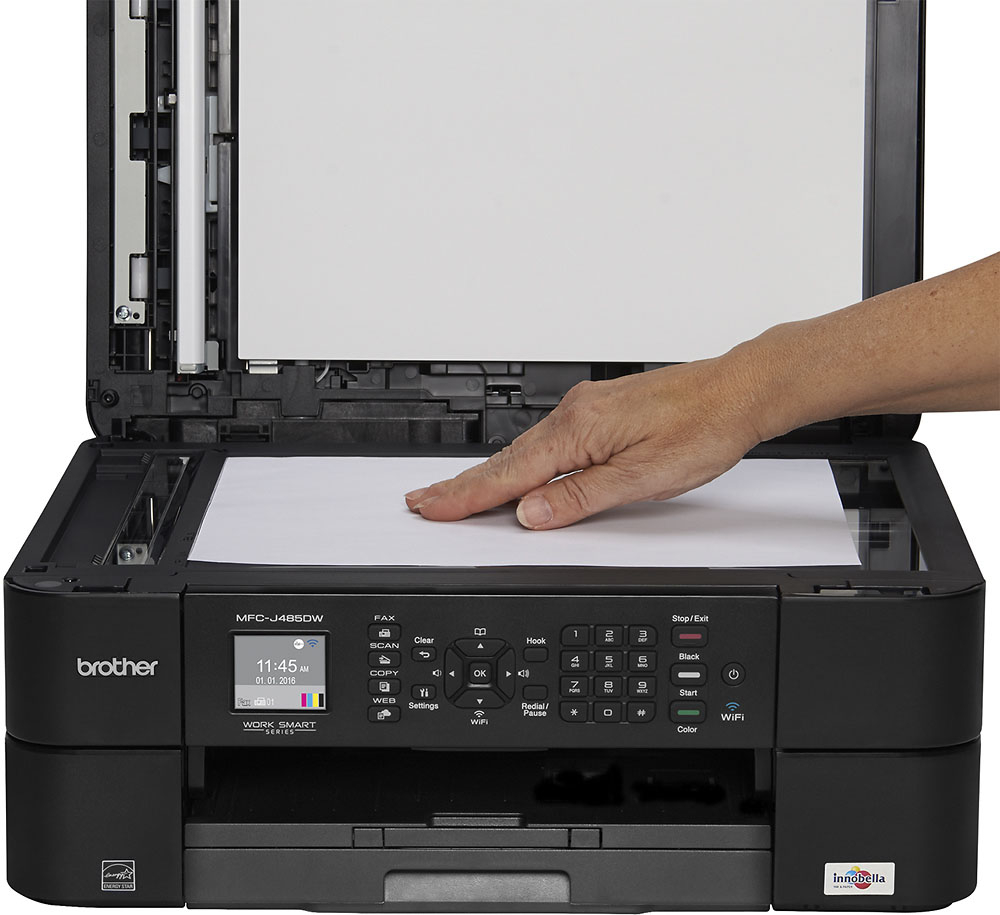
If you want to print via a direct connection to your computer so you are not using wifi, you will need to purchase a cable that is USB on one end to fit into your computer and the other end is the kind that is shaped like a house. There are no directions in the user's guide for hooking the printer directly to the computer but my husband found it online somewhere. Hooking it to the computer is easy, just use an available USB slot. To get to the printer's plugin, you need to lift the top up as if you were going to copy a page, and then there is a tab on the right side that lifts the next section up. You will see a place marked USB and the place where you plug in the "house" end is sort of hidden to the right of the words USB, and then the cord fits in the grooves and comes out the back. The instructions are not user friendly and the plugin is in a very awkward location.
Good luck!