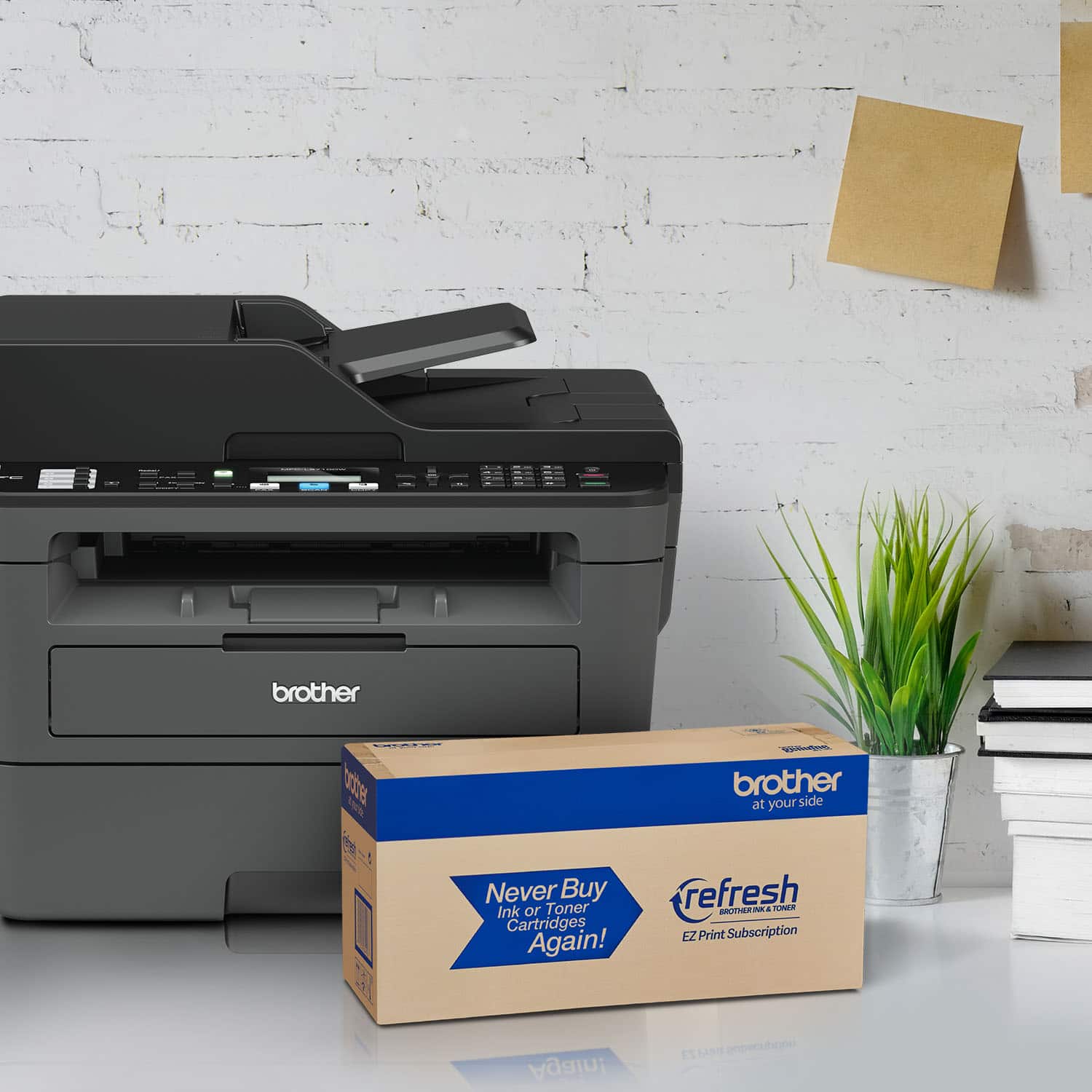
A:AnswerYou'd think that would be a legitimate question / easy to find an answer. I've been wondering about that for a while now.
So far the only difference I can see is the color of the plastic.
Actually, now manually comparing the 2 brother spec pages:
www.brother-usa.com/mfc/modeldetail/4/mfcl2710dw/spec
www.brother-usa.com/mfc/modeldetail/4/mfcl2700dw/spec
2710 - faster black print speed 32 vs. 27 page per minute
2710 - faster black copy speed 32 vs. 27 page per minute
2710 - less fax autodial locations and less broadcast fax locations ( only 200 vs. 208 autodial and 250 vs. 258 broadcast) both are more than most anyone would ever need : )
2710 - different flatbed scan resolution (1200x1200 vs. 600x2400) Both are more than I would use - stupidly large file size
2710 - more RAM (64MB vs. 32MB)
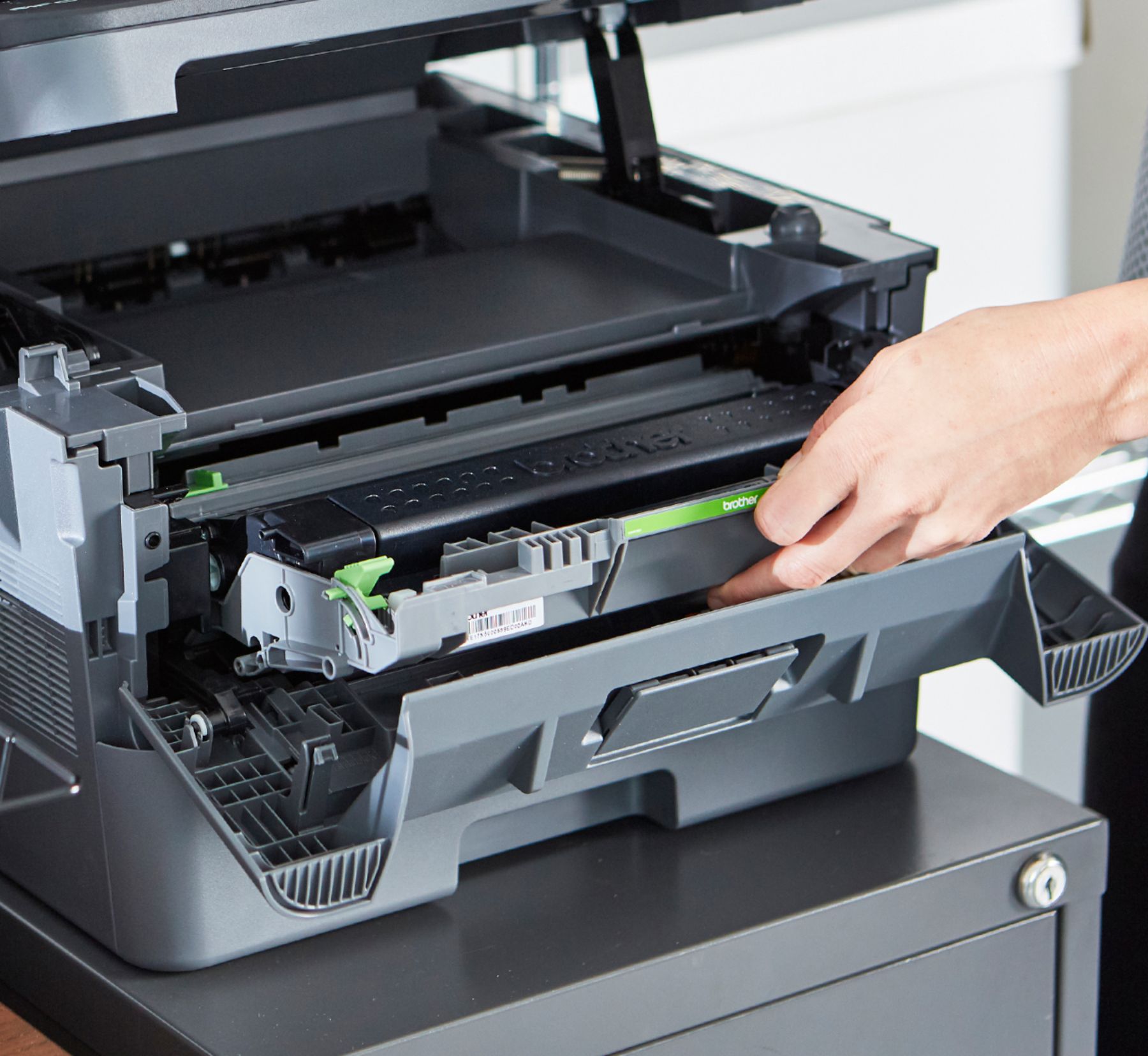
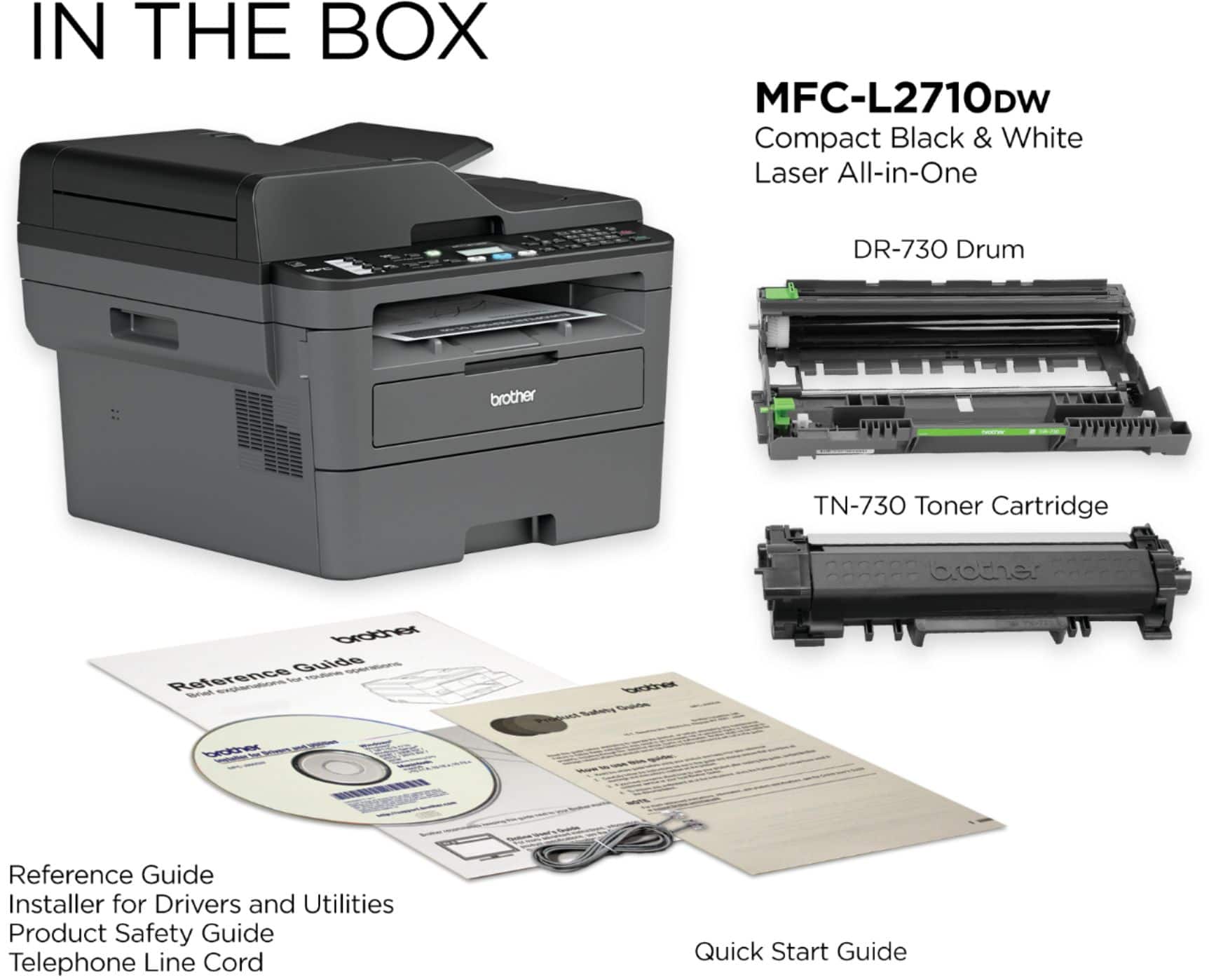
2710 - use TN760 / DR730 toner and drum vs. TN660 / DR630 for the 2700!! So similar marchines using diff replacements!?!?! A quick look the TN660 is cheaper than TN760 cost per page. And the TN660 works in the 2700... AND the 2720. What's the difference with THAT model : )
2710 - scanner feeder holds 50 vs. 35 pages
A:AnswerI needed to do this recently. I didn't have a lot of time to trouble-shoot, so I scanned to my computer and saved the scan to my USB drive. That worked and I was able to use the scanned PDF on my thumb drive in the college class that I taught that night.
A:AnswerYes, the printer scans in color; prints in black & white. You will be able to save as .jpg or .pdf files. The files are saved to your computer not to your email. You may attach the files to your email to send if you choose to do so.
A:AnswerThe telephone plug is for faxing. If you don't have a phone line, you can still scan, save the image to your computer and fax for free using an online faxing service, Or you can attatch the image to an email. Don't get wrong, this is a good printer. A little big, but adequate. Still honestly unless you own a business, few have a telephone line anymore. I have a business, and don't even fax anymore, so this feature is a little bit antiquated.
A:AnswerIf you select 'Auto Select' as the Paper Source, the application will automatically print from the appropriate tray based on the document's paper size. For this feature to work, the tray settings must be defined from the machine's control panel, the printer driver must be configured properly, and the paper size must be configured properly within the document's properties. Auto Select is the default setting of the printer driver.
A:AnswerThe Brother MFC-L2710DW will duplex copy. Please contact us by Email or Live Chat so we can investigate this issue.
https://www.brother-usa.com/support/mfcl2710dw
A:AnswerDear Elle;
Based on all the machines I have set up, I don't see a problem with using replacement toner on a Brother laser. My suggestion is to have one good toner around and one every-day toner around. Not all printouts are for professional purposes. This will help in case one fails.
All the best,
Consultant Brian