A:AnswerI understand how frustrating this can be. To check software, driver and machine compatibility or for the release schedule of Brother original drivers, please visit our macOS 10.15 Catalina Support Statement: https://support.brother.com/g/s/os/mac/index.html
Here is a FAQ with additional information:
https://help.brother-usa.com/app/answers/detail/a_id/166678?R3ModelID=MFCL2710DW
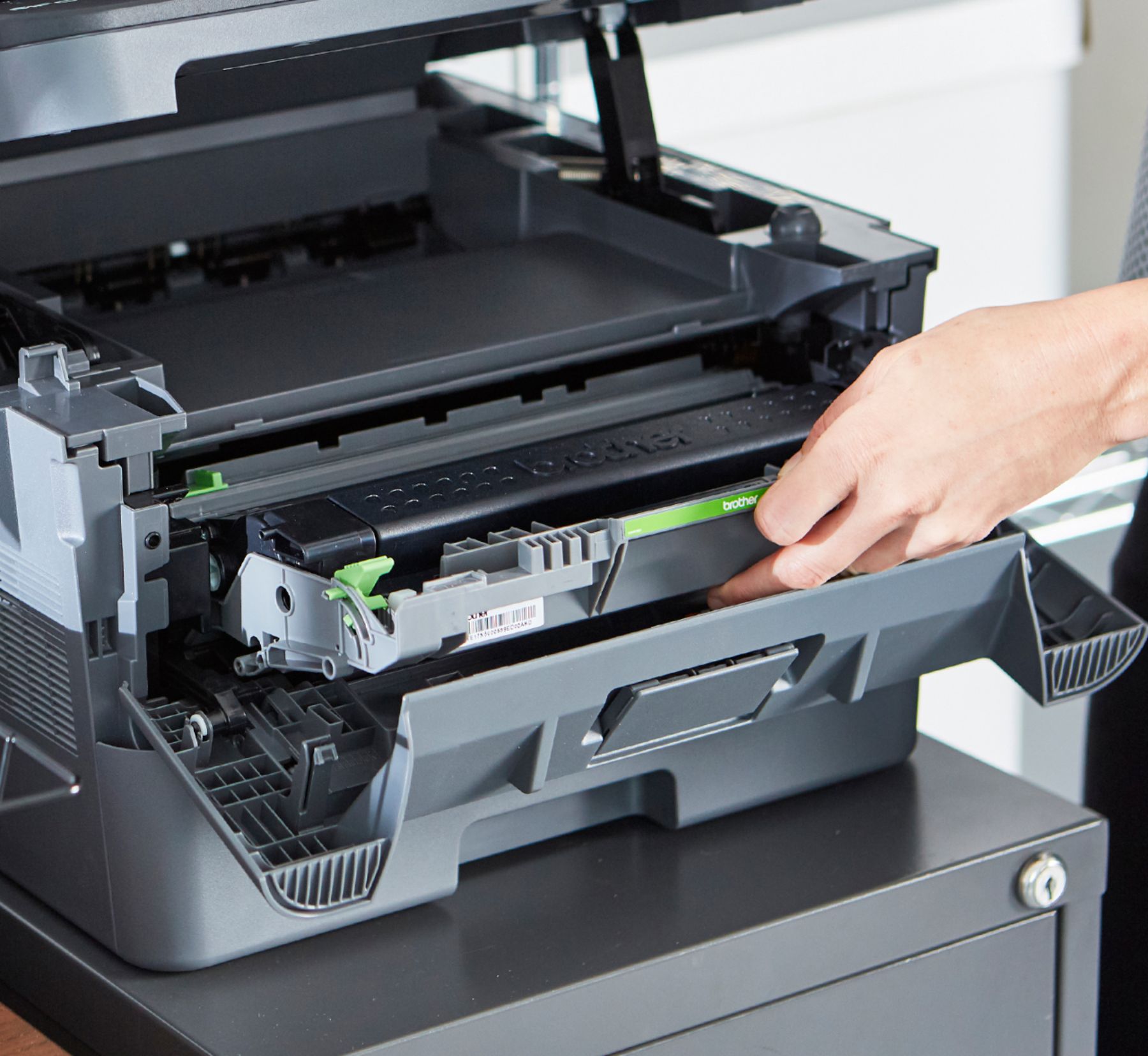
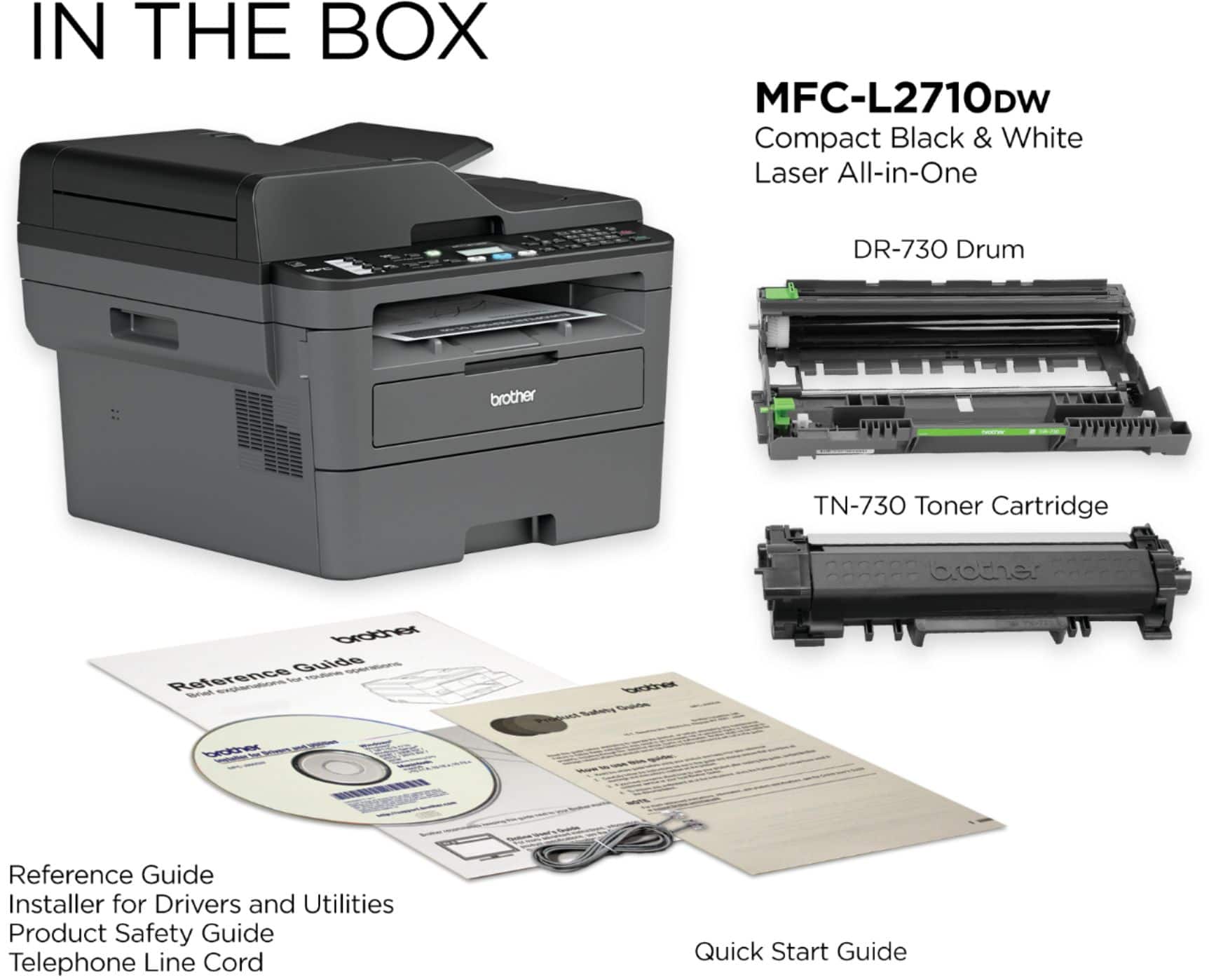
A:AnswerIf this printer was manufactured after October 2018 it will not recognize generic or remanufactured Brother toner cartridges because the I.D. "chips" on these cartridges are not compatible with post Oct. 2018 models of this printer.
A:AnswerThe Brother MFC-L2710DW does not have a limit for scanning documents to a single PDF file, the maximum amount of pages that can be scanned will depend on your computer's available resources.
A:AnswerMine always goes into sleep mode, but it always wakes up when I send something to print over my wifi. Are you having a problem with it not waking up?
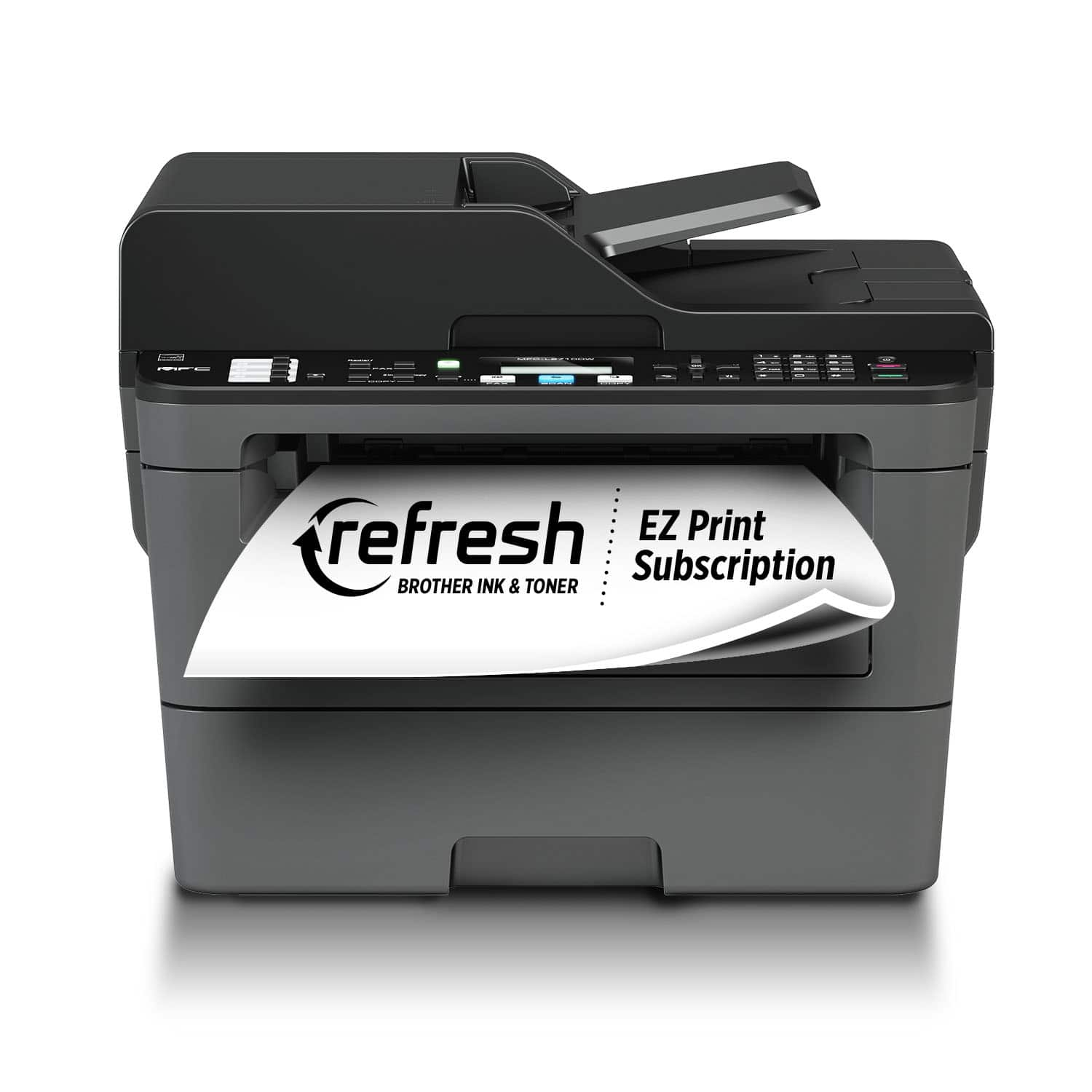
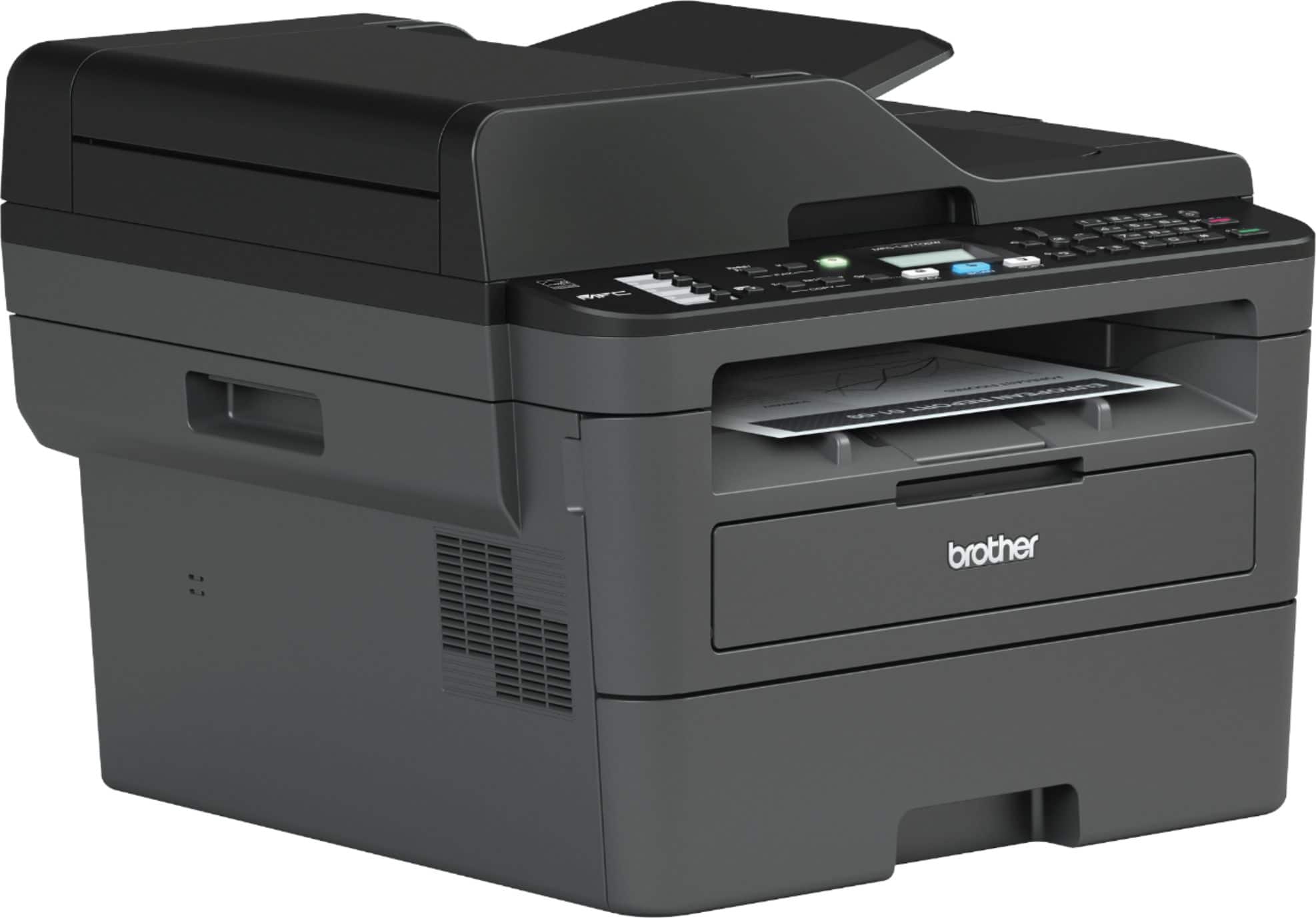
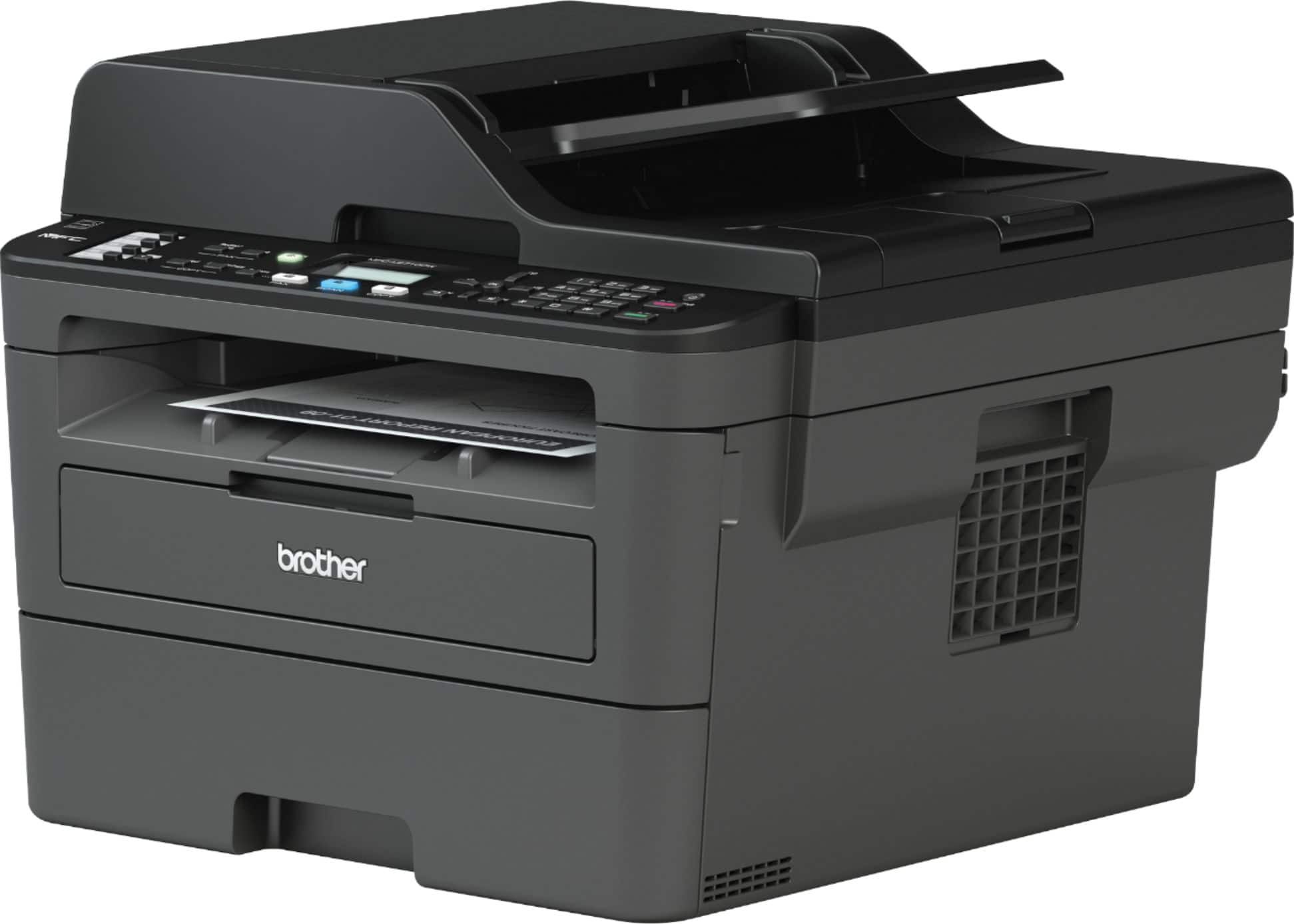
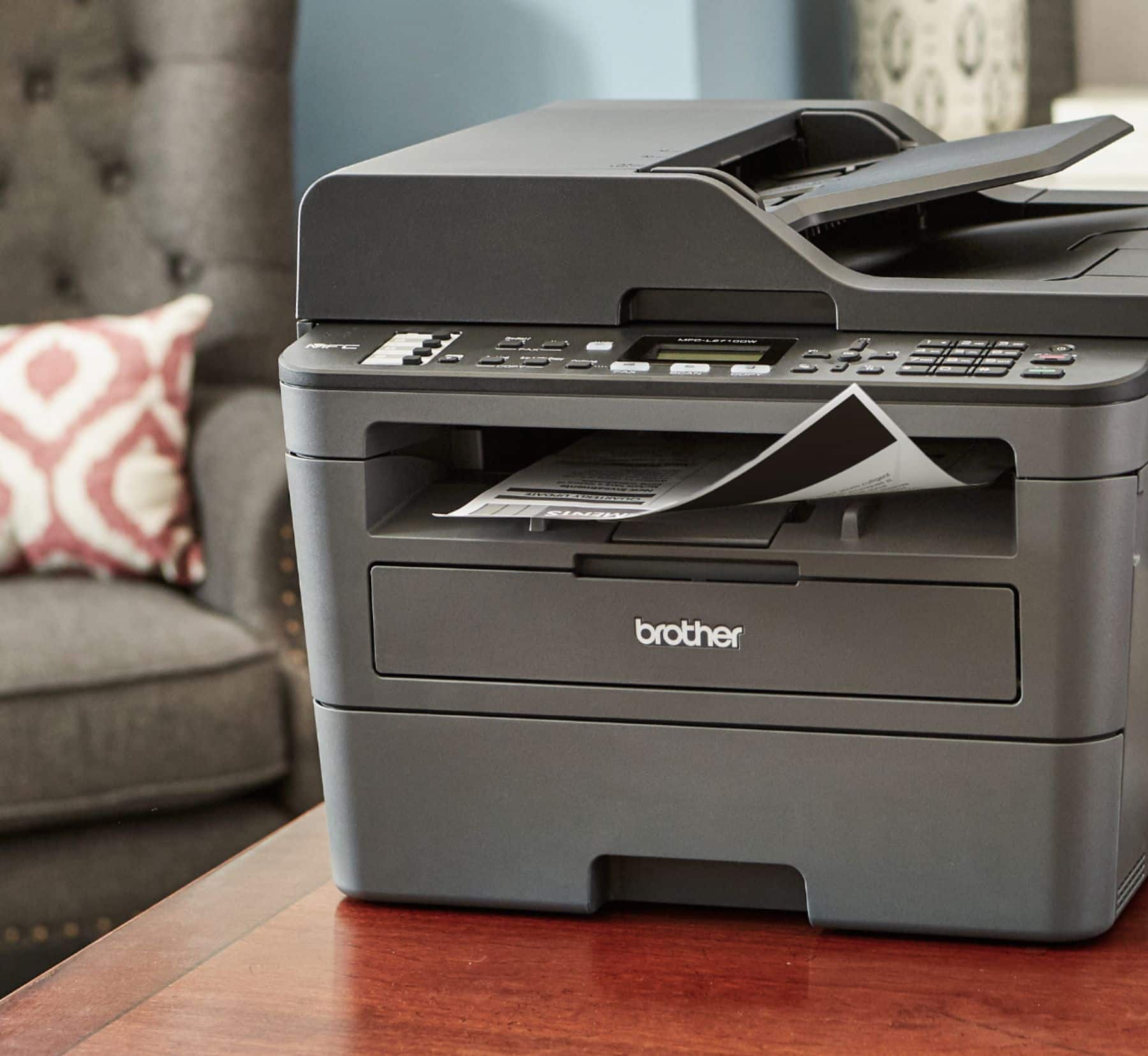
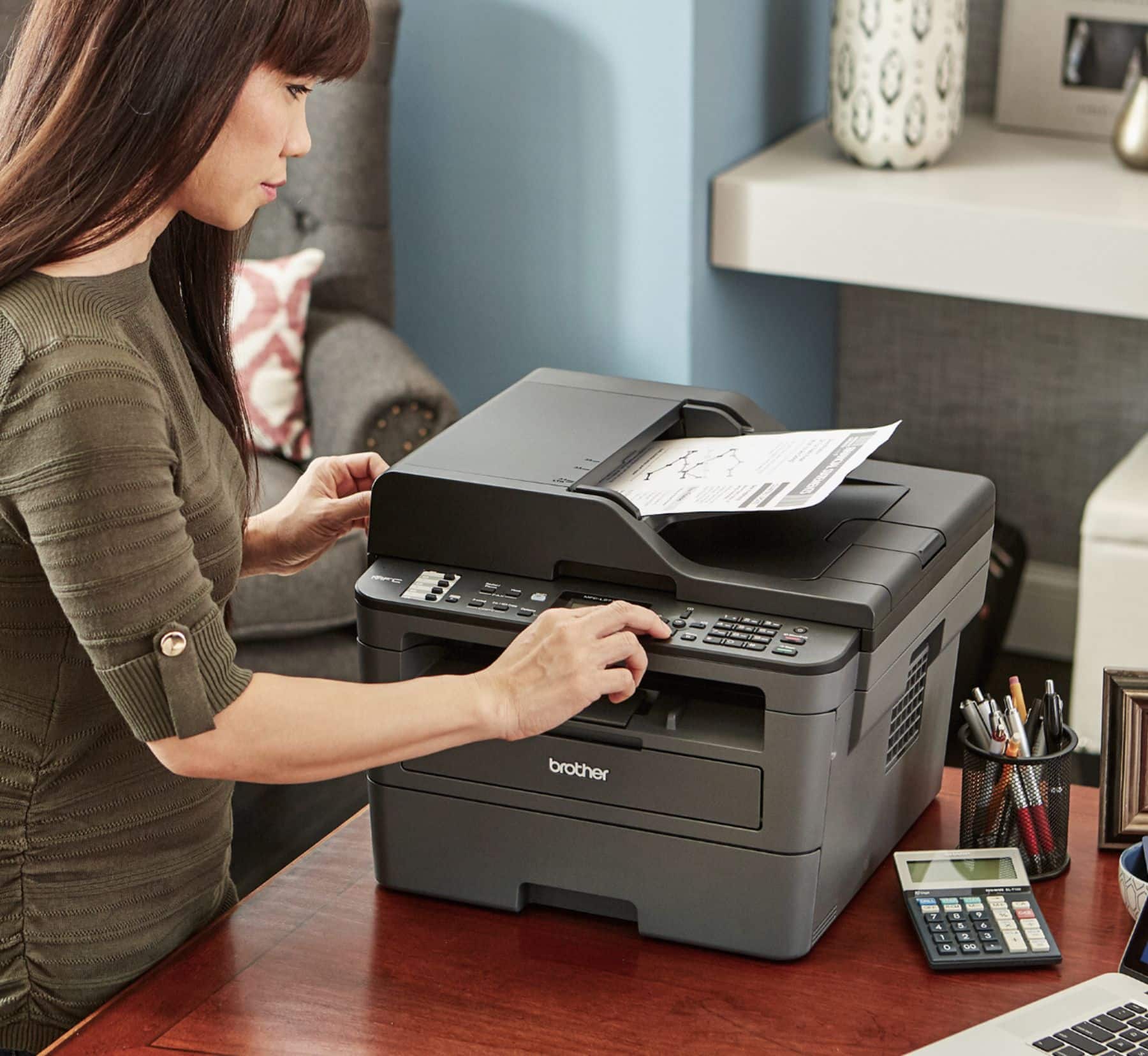
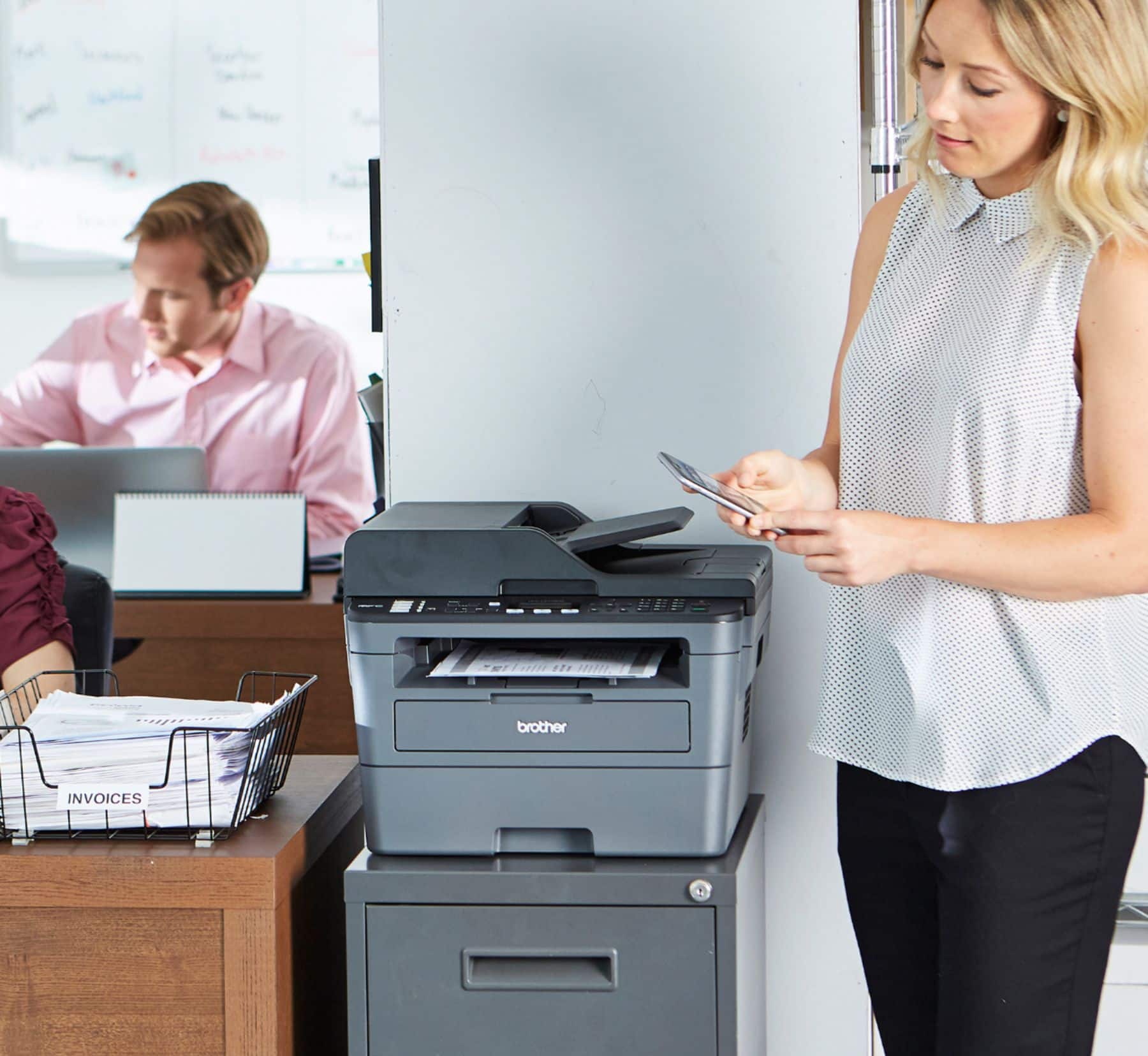
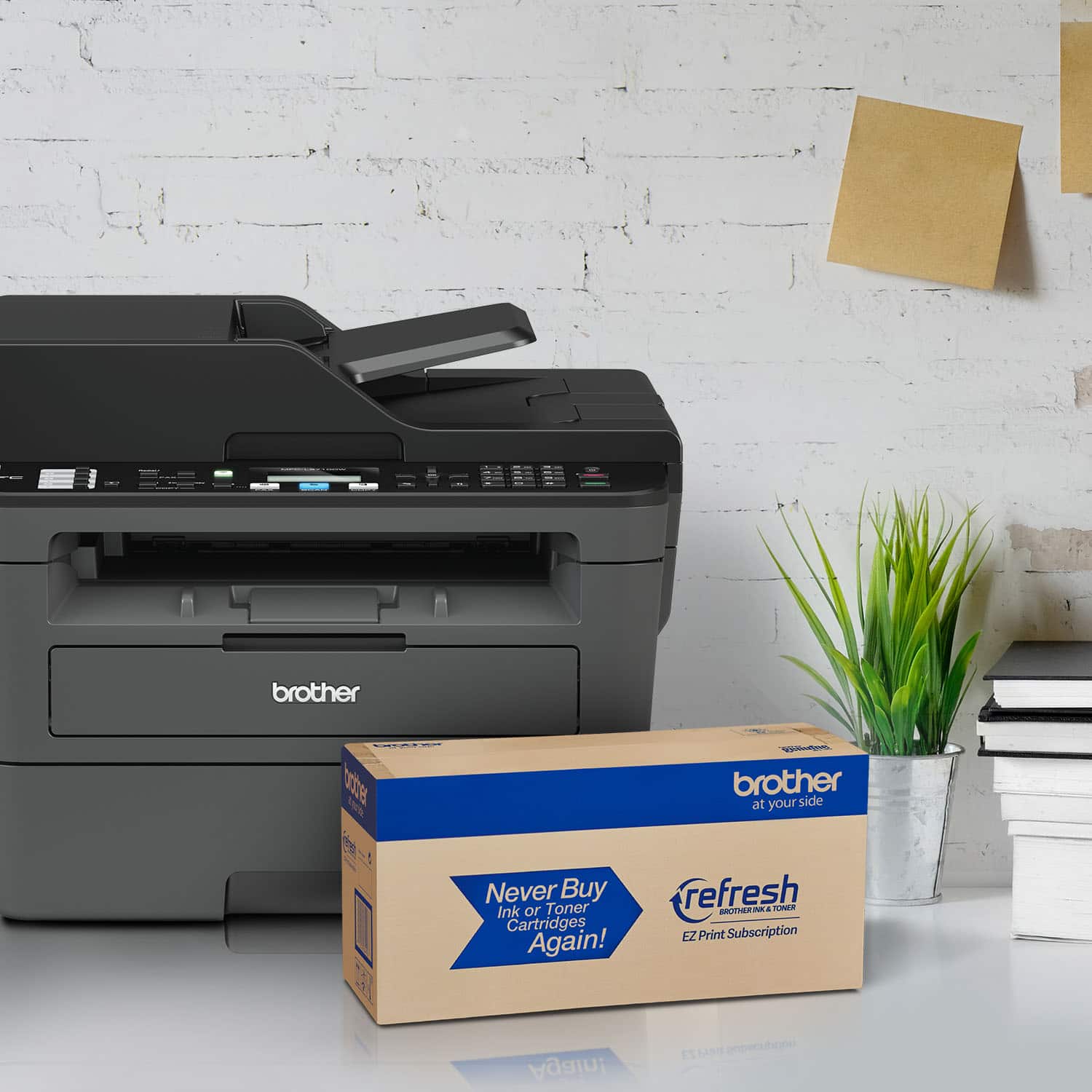
A:AnswerI will be glad to provide you with the differences between the Brother MFC-L2710DW and DCP-L2550DW. The Brother DCP-L2550DW is the ideal choice for the busy home or small office looking for a fast, reliable multi-function copier. The Brother MFC-L2710DW All-in-One is a great choice for home or small offices that need full functionality in a compact footprint.