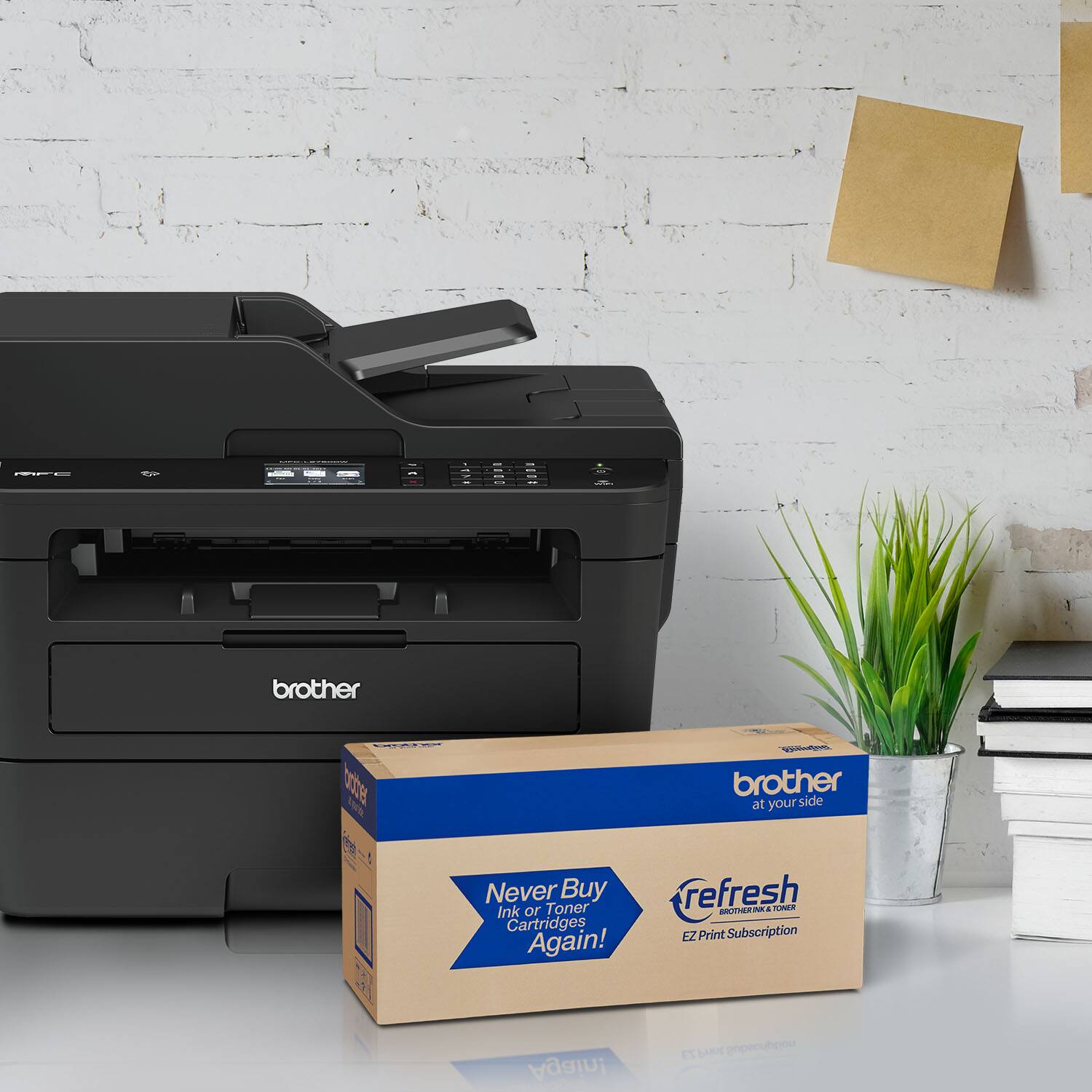
A:AnswerYour machine has a one-year limited exchange warranty. You may use the link below to find a Brother-authorized service center in your area. You may also contact Customer Support for additional warranty options. https://www.brother-usa.com/dealer-locator
A:AnswerThis issue is usually resolved by cleaning and/or replacing the drum unit in the Brother MFC-L2750DW. Here is a FAQ that may help. https://help.brother-usa.com/app/answers/detail/a_id/152426?R3ModelID=MFCL2750DW
A:AnswerWith the Brother MFC-L2750DW printer we do not currently offer Google Chrome OS-compatible printer or scanner drivers. However, you may print to your machine using the Google Cloud printing feature. Refer to how to "Register and Print using Google Cloud Print", for your model.
We don't offer support for scanning to your Chrome OS device or Chromebook.
A:AnswerWeb pages and email documents often do not display pages correctly for printing. Many times there is a link on the page for a printer-friendly version, which should be used if you want to print. If there is no printer-friendly version, one of the following methods may help resolve page display problems when printing. Here is a FAQ that may help. https://help.brother-usa.com/app/answers/detail/a_id/53700?R3ModelID=MFCL2750DW
A:AnswerWe don't currently offer Google Chrome OS-compatible printer or scanner drivers. However, you may print to your machine using the Google Cloud printing feature. Refer to how to "Register and Print using Google Cloud Print", for your model.
We don't offer support for scanning to your Chrome OS device or Chromebook.