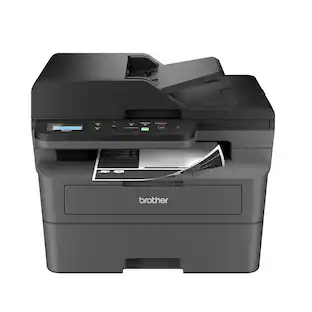
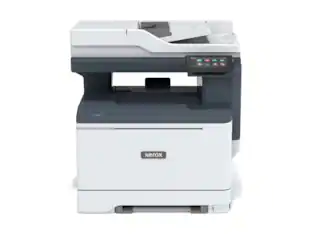
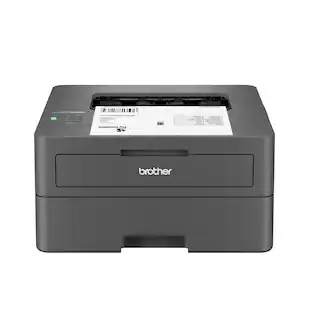
Brother - HL-L2480DW Wireless Black-and-White Refresh Subscription Eligible 3-in-1 Laser Printer, Great for Small Offices - Gray
About this product
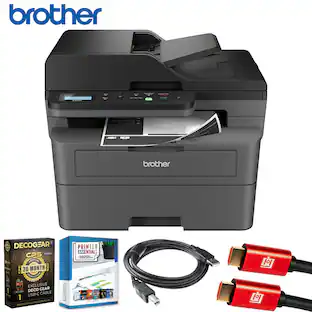
Best for small offices and work from home, the Brother HL-L2480DW Wireless Compact Black & White (Monochrome) Multi-Function Laser Printer is the affordable 3-in-1 option for exceptionally efficient printing, copying, and scanning. This compact, multi-function wireless printer is an effective, time-saving addition to any home or small workspace. As quick as it is efficient, the HL-L2480DW consistently produces crisp, easy-to-read black & white prints at speeds up to 36 ISO pages per minute(1) (ppm). Automatic duplex printing saves time and reduces paper waste, while the 250-sheet capacity paper tray(2) decreases paper refill frequency. With an integrated 2.7” touchscreen, navigation is simple and straightforward, and the touchscreen allows you to print-from and scan-to popular cloud-based apps.(3) Flexible connection options include dual-band wireless, Ethernet, and USB 2.0 interfaces. Plus, advanced security features help protect your information and maintain secure connections while you're printing.
Brother Genuine Toner
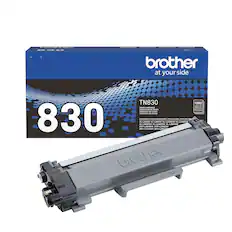
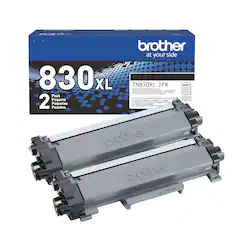
Choose Brother Genuine TN830 Standard or TN830XL High Yield replacement cartridges. And with Refresh EZ Print Subscription Service, you’ll never worry about running out of toner again and you’ll enjoy savings up to 50%.(4) Get started today with a Free Trial.(5)
Efficient, Compact, Convenient
Dynamic black & white print, plus convenient flatbed scan glass adds copy and scan functions in one compact footprint.
See the difference quality makes
Elevate your small or home office with consistent, premium print quality: the Brother HL-L2480DW produces documents that are clear, crisp, and easy to review and share.
Cloud connection
The intuitive 2.7” touchscreen allows for effortless navigation. It also means you can print-from and scan-to popular Cloud-based apps such as Google Drive, Dropbox, Evernote, OneNote, and more.(3)
Speeds that keep pace
Produces documents quickly with print speeds up to 36 ISO ppm,(1) while automatic duplex printing saves time and reduces paper waste.
Print from virtually anywhere with the Brother Mobile Connect App
Print, scan, and manage your printer anytime, from almost anywhere with your mobile device. Order Brother Genuine Supplies, track toner usage, and complete more work on-the-go.(6)
Flexible connection options
Connect securely to multiple devices with built-in dual-band wireless (2.4GHz / 5GHz) and Ethernet interfaces, or connect locally to a single computer via USB interface.
Versatile paper handling
Handle everyday and high-volume printing with the 250-sheet capacity paper tray(2), and take on special printing needs like envelopes and specialty paper with the manual feed slot.
Print with purpose
Designed with sustainability in mind, with eco-friendly printer features including Toner Save Mode and automatic duplex printing. ENERGY STAR compliant and EPEAT Silver rated.
Brother at your side support
Backed by Brother with a 1-year limited warranty and free online, call, or live chat support for the life of your printer.
(1) Based on one-sided printing. Change from default setting required.
(2) Maximum capacity based on using 20-lb. paper.
(3) Requires an Internet connection and an account with desired service.
(4) Based on monthly subscription cost in U.S. for Mono Laser Power Plan vs. average cost per page of eligible like standard capacity cartridges. Savings will vary based on Refresh EZ Print Subscription plan selected.
(5) Requires enrollment in a monthly billed Brother Refresh EZ Print Subscription service plan based on monthly printed page allotments. Unused pages roll over, limitations apply. Additional page set charges and taxes apply during trial.
Refresh plan, options offer and pricing subject to change. Open to new subscribers located in the contiguous United States only. After the free trial period your credit card will be charged on a monthly basis for the Plan Fee, Overages, and Taxes in accordance with the Terms of Service.
Overage fees will apply during free Refresh trial. Your service will continue on a month-to-month basis until you cancel it. May be canceled at any time. Upon cancellation, cartridge will be deactivated and must be replaced at users’ expense in order to continue printing.
(6) Free app download and wireless connection required. Compatibility may vary by device and operating system.
Images are for illustrative purposes only. Specifications subject to change. ENERGY STAR and the ENERGY STAR mark are registered trademarks owned by the U.S. Environmental Protection Agency.
- NetworkingWireless, WiredENERGY STAR CertifiedYesPrinter TypePrinter, Copier, ScannerDuty CycleUp to 35,000ISO Mono Print Speed36 pages per minuteMonochromatic/ColorMonochromatic
Reviews
Rating 4.7 out of 5 stars with 73 reviews
Top Mentions
- Print Quality (48)
- Ease of use (17)
- Setup (9)
- Size (7)
- Overall Performance (6)
Customer Images
The vast majority of our reviews come from verified purchases. Reviews from customers may include My Best Buy members, employees, and Tech Insider Network members (as tagged). Select reviewers may receive discounted products, promotional considerations or entries into drawings for honest, helpful reviews.



Compare similar products
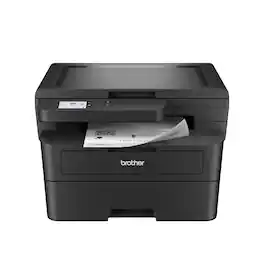
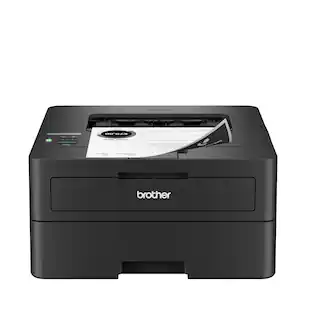
Best for small offices and work from home, the Brother HL-L2480DW Wireless Compact Black & White (Monochrome) Multi-Function Laser Printer is the affordable 3-in-1 option for exceptionally efficient printing, copying, and scanning. This compact, multi-function wireless printer is an effective, time-saving addition to any home or small workspace. As quick as it is efficient, the HL-L2480DW consistently produces crisp, easy-to-read black & white prints at speeds up to 36 ISO pages per minute(1) (ppm). Automatic duplex printing saves time and reduces paper waste, while the 250-sheet capacity paper tray(2) decreases paper refill frequency. With an integrated 2.7” touchscreen, navigation is simple and straightforward, and the touchscreen allows you to print-from and scan-to popular cloud-based apps.(3) Flexible connection options include dual-band wireless, Ethernet, and USB 2.0 interfaces. Plus, advanced security features help protect your information and maintain secure connections while you're printing.

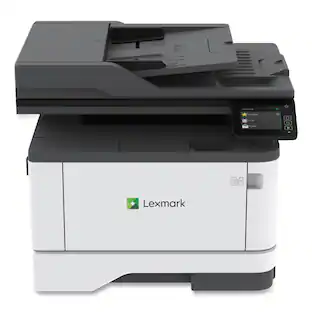
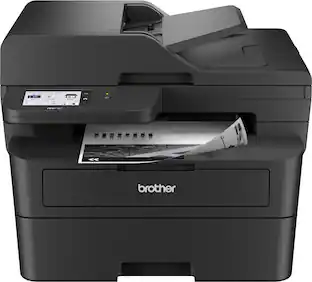
Best for small businesses, the Brother DCP-L2640DW Wireless Compact Black & White (Monochrome) Multi-Function Laser Printer combines three critical business functions in one footprint. Scan, copy, and produce professional-quality prints quickly and easily with this compact multi-function wireless printer. The DCP-L2640DW is the smart way for any business to create and share pristine prints, economize workspaces, simplify supply management, and reach operational goals. Efficient and affordable, this 3-in-1 printer is the practical choice for high-volume printing, copying, and scanning. Designed with features to save you time and cost: print speeds up to 36 ISO pages per minute (1) (ppm); automatic duplex printing; a 250-sheet paper tray (2) that reduces the frequency of paper refills; and a 50-page auto document feeder (2) that expedites multi-page copy and scan jobs. Dual-band wireless, Ethernet, and USB 2.0 interfaces provide an array of flexible connection options. Finally, advanced security features help safeguard information and maintain secure connections while printing.
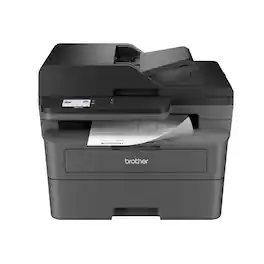
Best for small offices, the Brother MFC-L2820DW Wireless Compact Black & White (Monochrome) All-in-One Laser Printer is an affordable choice for high-volume printing, copying, scanning, and faxing. With print speeds up to 34 ISO pages per minute (1) (ppm) and automatic duplex printing, it quickly produces crisp, easy-to-read black & white prints. Versatile paper handling features like its 250-sheet paper tray (2) and 50-page auto document feeder (2) reduce the number of manual tasks in your day. The integrated 2.7” touchscreen makes navigation simple and allows you to print-from and scan-to popular cloud-based apps. (3) Flexible connection options include dual-band wireless, Ethernet, and USB 2.0 interfaces. Advanced security features provide peace of mind as they help safeguard your information and maintain secure connections while printing. An efficient, time-saving addition to any workspace, this affordable wireless printer combines four critical business functions into one compact footprint.

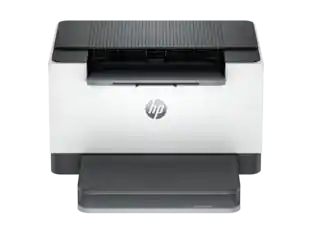
Best for home offices and small teams, the Brother HL-L2460DW Wireless Compact Black & White (Monochrome) Laser Printer combines affordability and reliable quality. Designed to provide high-volume printing with exceptional efficiency, it consistently produces crisp, easy-to-read black & white prints at speeds up to 36 ISO pages per minute (1) (ppm). The convenient 250-sheet paper tray (2) means you'll make fewer paper refills, while the automatic duplex printing feature saves additional time and decreases paper waste. Flexible connection options include dual-band wireless, Ethernet, and USB 2.0 interfaces. Best of all, you can print from virtually anywhere with the Brother Mobile Connect App. (3) Plus, you can feel safe knowing that advanced security features are helping to protect your information and maintain secure connections while you're printing.
| Pros for Brother - HL-L2480DW Wireless Black-and-White Refresh Subscription Eligible 3-in-1 Laser Printer, Great for Small Offices - Gray | |||
|---|---|---|---|
| Print Quality, Ease of use, Setup, Overall Performance, Size | Print Quality, Overall Performance, Ease of use, Setup, Connectivity | Overall Performance, Print Quality, Connectivity, Setup, Ease of Use | Print Quality, Overall Performance, Ease of use, Connectivity, Setup |
| Cons for Brother - HL-L2480DW Wireless Black-and-White Refresh Subscription Eligible 3-in-1 Laser Printer, Great for Small Offices - Gray | |||
| There were no cons for this product— | There were no cons for this product— | Noise Level | Sleep Mode |
Specs
Does it scan in color?
Answered by BrotherYes, the Brother HL-L2480DW is a monochrome (black & white) laser printer, but its built-in scanner can scan in color. Below is a link with the Brother L2480DW specifications. Answer Link: https://support.brother.com/g/s/id/htmldoc/mfc/cv_dcpl2508dw/use/html/GUID-7A38839F-5CD3-4CAD-A170-5EA17E89A64E_1.html?c=us&lang=en&prod=hll2480dw_us_as
does the Brother HL L2480dw come with an ink cartridge?
Answered by BrotherThe Brother HLL2480DW comes with Starter Black Toner Cartridge (700 pages‡), DR830 Drum Unit (15,000 pages‡), AC Power Cord, Product Safety Guide, Reference Guide, Warranty Card, Quick Setup Guide.
will this printer be able to be installed on my Mac book with OS Catalina version 10.15.7?
Answered by BrotherNo, the Brother HLL2480DW is not compatible with Mac OS Catalina version 10.15.7.

Can I use this printer to print from my iPad and iPhone?
Answered by BrotherYes the Brother HLL2480DW does support printing from iOS devices.
Is this printer compatible with cloud-based apps?
Yes, you can print from and scan to popular cloud-based apps like Google Drive, Dropbox, Evernote, and more.
This question and answer was generated by AI based on customer and product data.

Customers often buy these together
Toner Cartridges

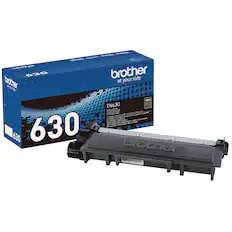
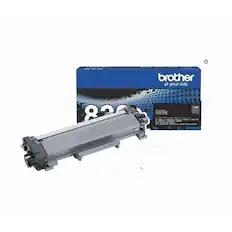
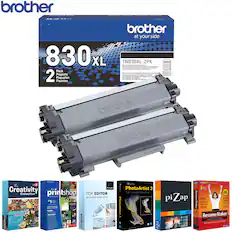
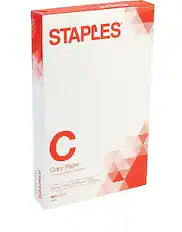
Copy and Multipurpose Paper









More to consider
 $179.00The price was $239.00
 Top Deal$349.99The price was $479.99

Explore tech essentials Sponsored


Discover related products
 $229.99The price was $239.99
 $81.99The price was $116.99
 $12.99The price was $13.99










Keep exploring
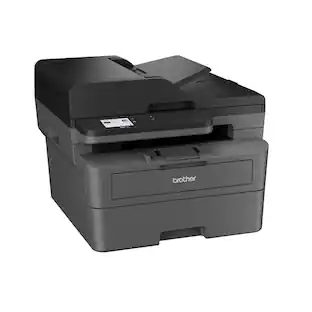 $359.92The price was $434.99
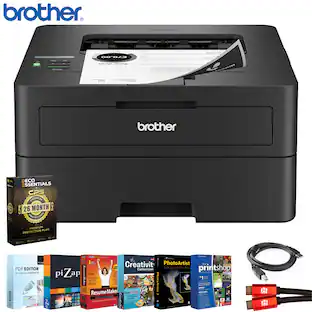 $259.99The price was $336.92
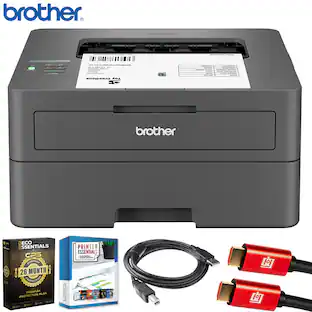 $189.99The price was $277.92
 $1,619.95The price was $1,759.95
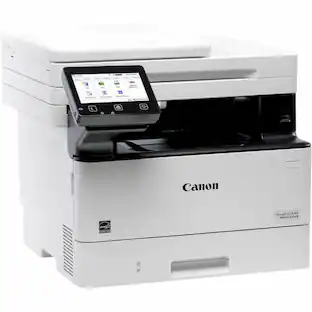 $316.49The price was $432.52