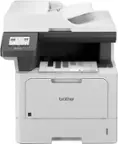
A:AnswerThe scanner options for the Brother MFCL2750DW can be viewed in the manuals section on our website using the following link: https://support.brother.com/g/b/manualtop.aspx?c=us&lang=en&prod=mfcl2750dw_us_eu_as
A:AnswerYes, the Brother MFCL2750DW is compatible both Windows and Mac Os operating systems. Below is a link to all the compatible operating systems for the Brother MFCL2750DW.
Answer Link: https://support.brother.com/g/b/oslist.aspx?c=us&lang=en&prod=mfcl2750dw_us_eu_as
A:AnswerUnfortunately, the Brother MFCL2750DW is not able to Print a document with mixed paper sizes from different paper trays. I apologize for any inconvenience this issue may have caused you.
Below is a link for the Brother MFCL2750DW specifications.
Brother MFCL2750DW specifications: https://support.brother.com/g/b/spec.aspx?c=us&lang=en&prod=mfcl2750dw_us_eu_as
A:AnswerBought this printer near the beginning of 2024 and my laptop has Windows 11. Works awesome, just downloaded the software from the Brother website. They just sent me a software update which only took a couple minutes. Printing from my Android phone is awesome, too.
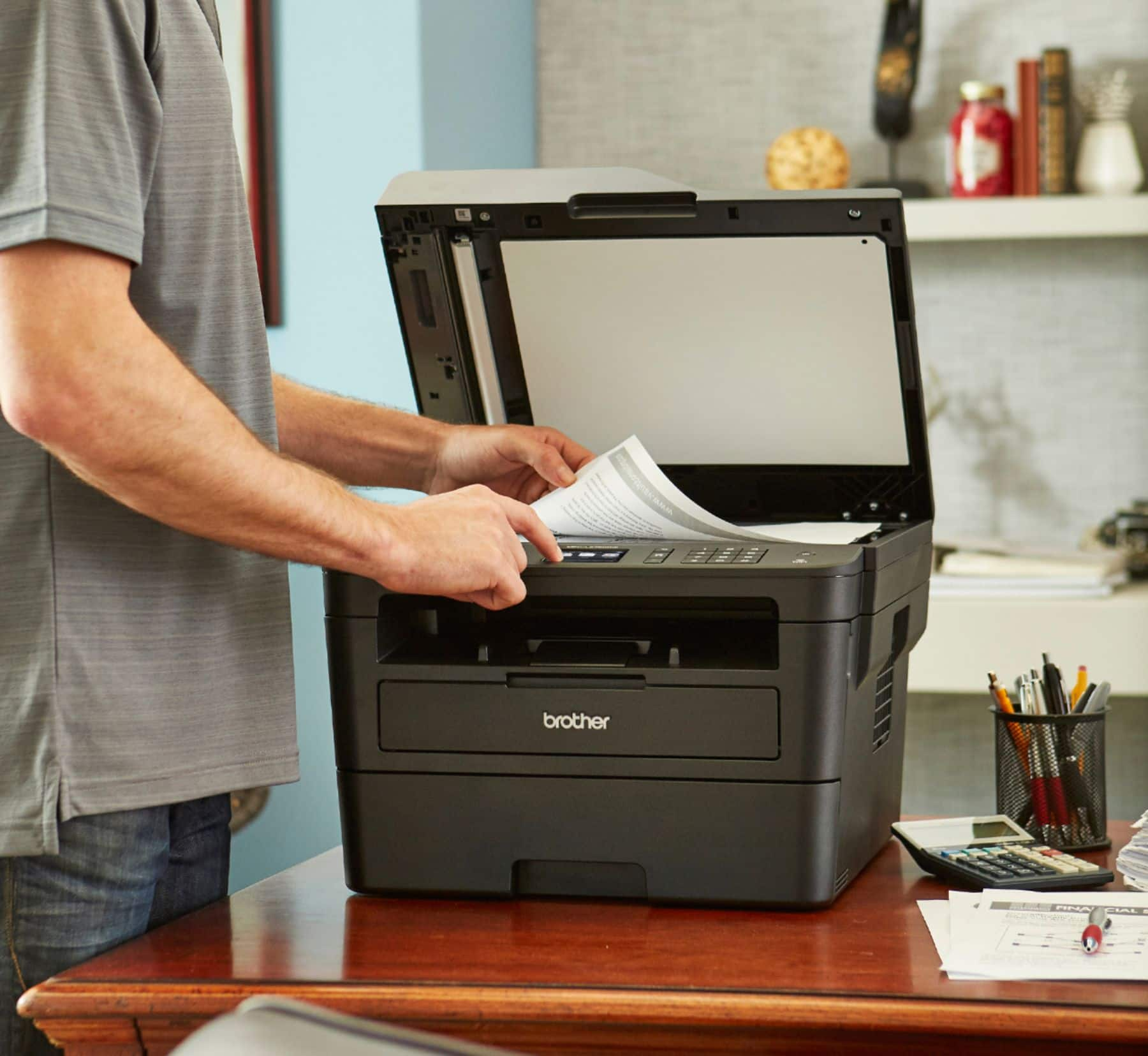
A:AnswerI havent timed it. But it is quick with no effort from you. Just place the paper on the scanning tray and click the scan button and it will do so in about 3-5 seconds per page
A:AnswerTo reduce or enlarge a printed document with the Brother MFCL2750DW, the settings would need to be adjusted on the computer or mobile device that is being printed from and not the touchscreen of the machine.