Questions & Answers
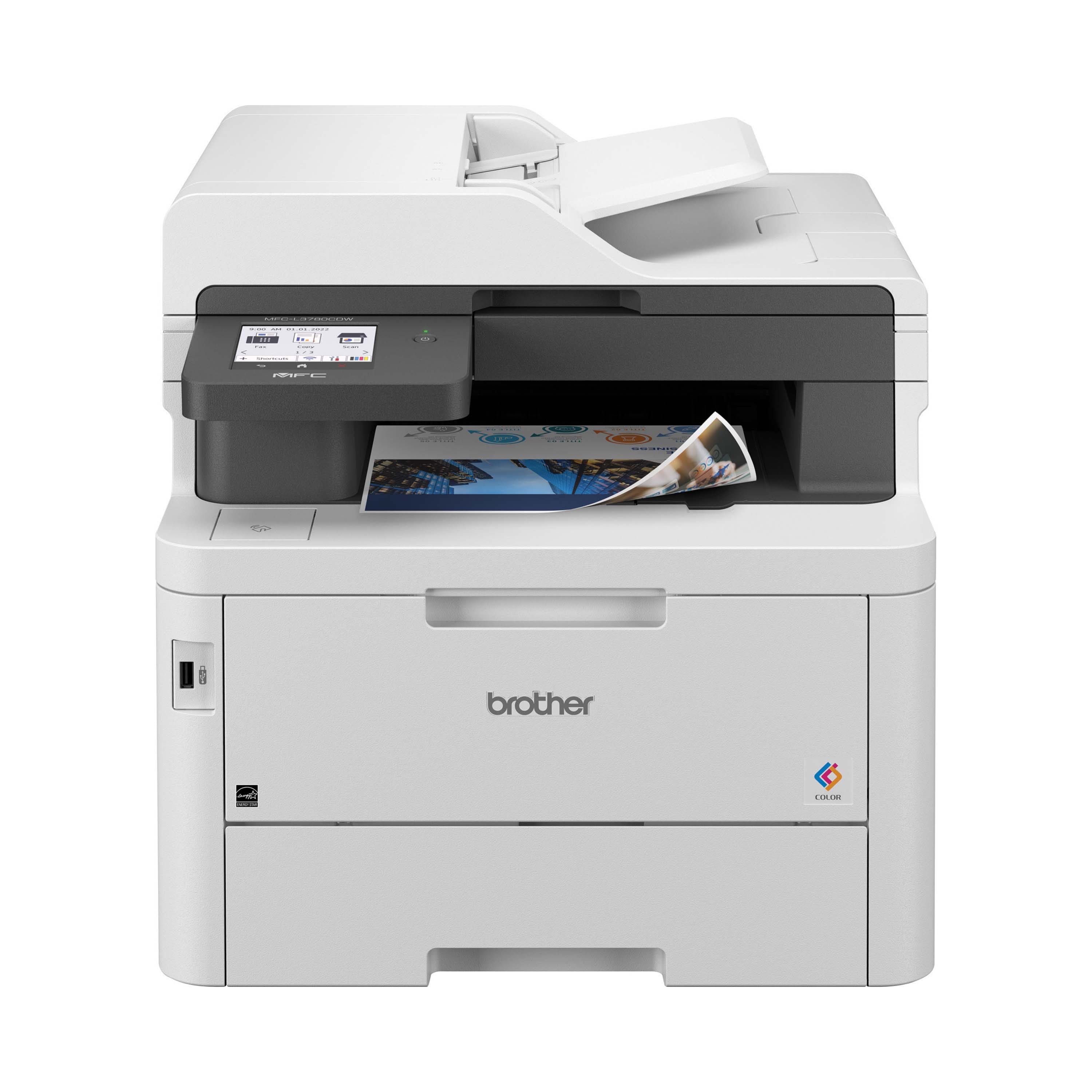
- Model:
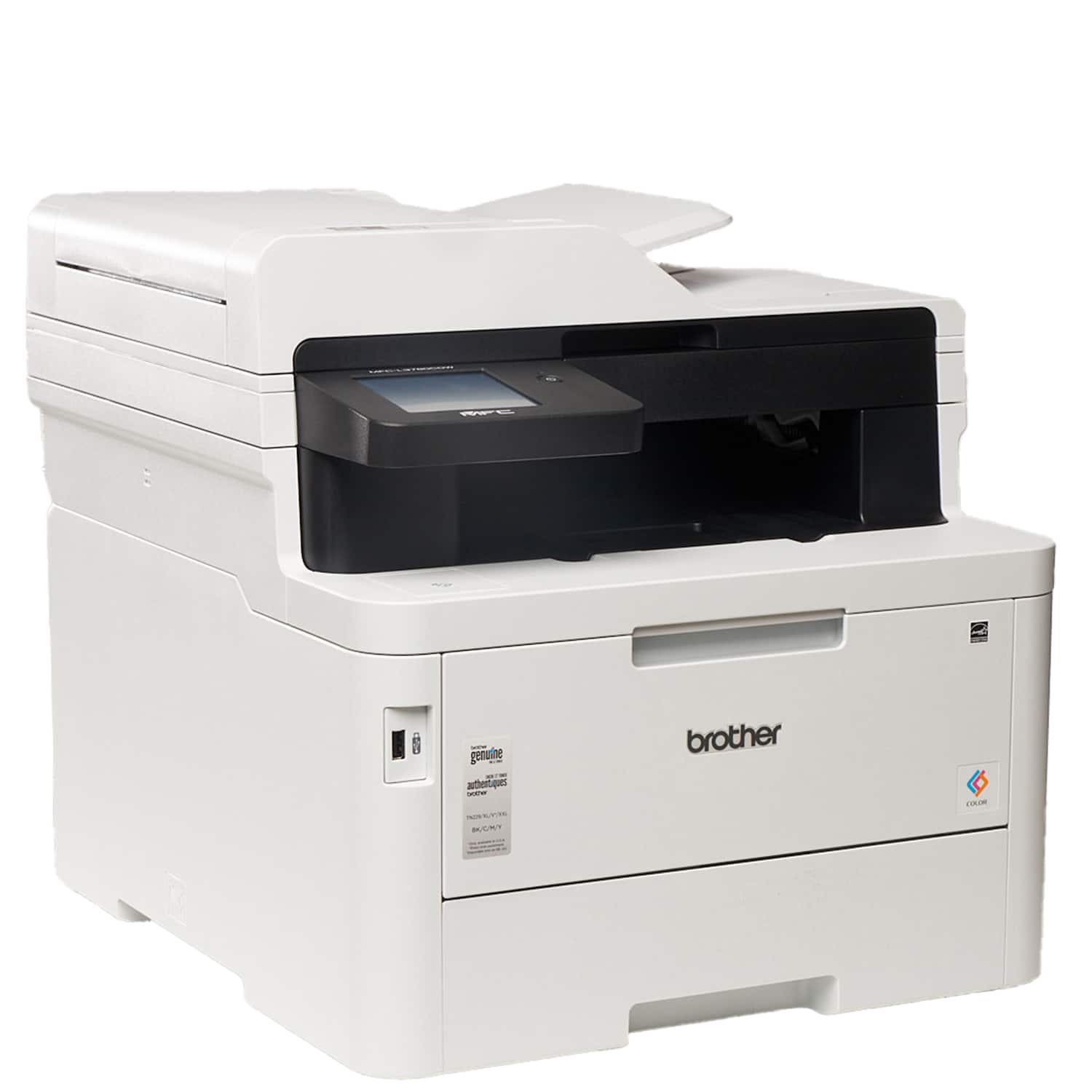
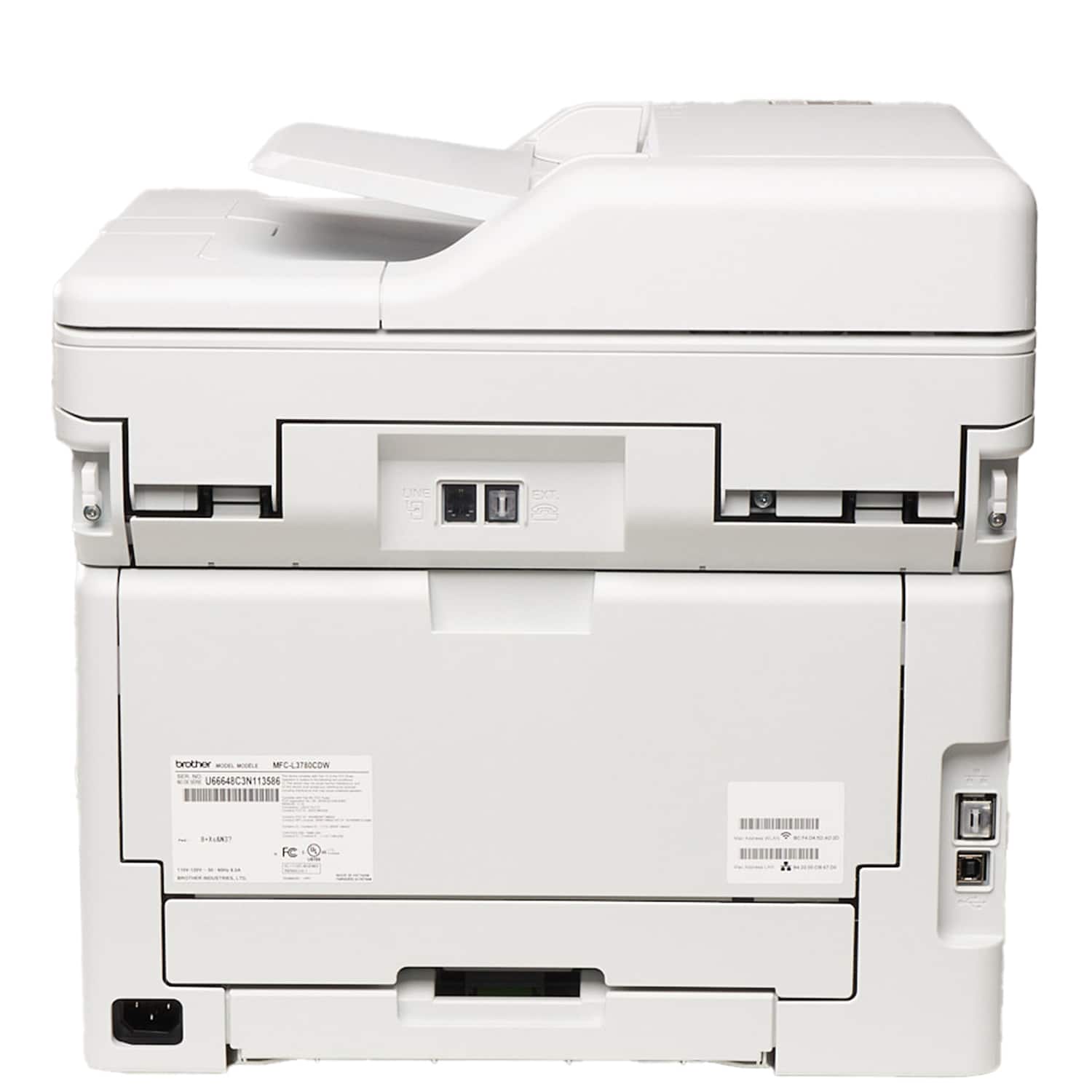
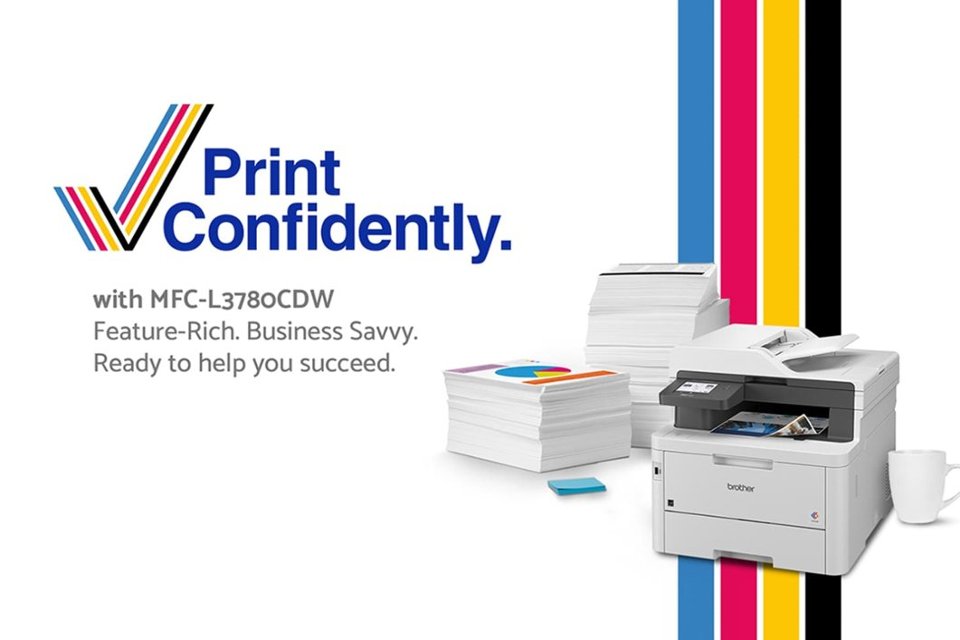
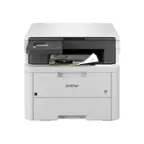
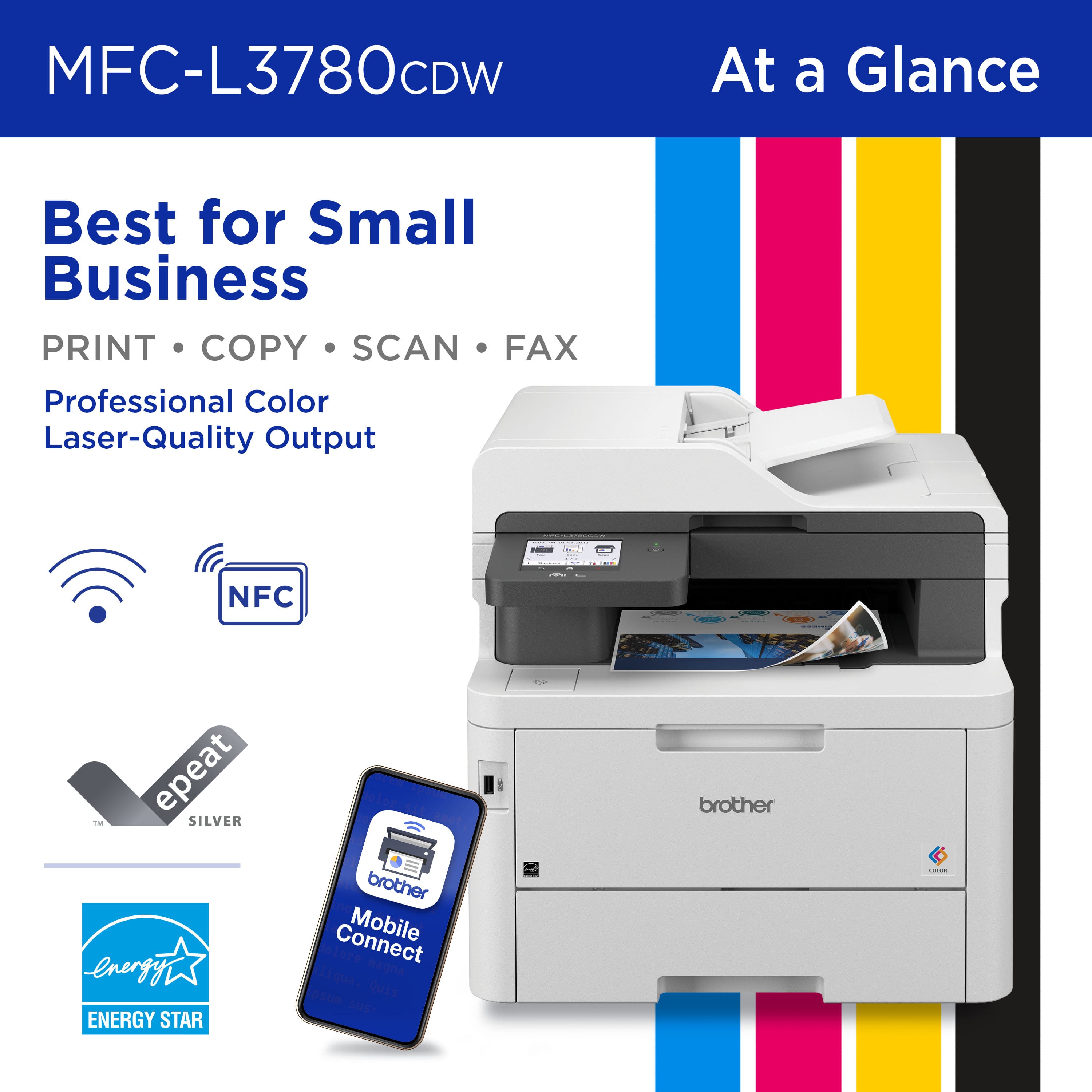
- MFC-L3780CDW
- |
- SKU:
- 6560840
Highly rated by customers for: Print Quality, Overall Performance, Setup
Page Showing 101-110 of 110 questions
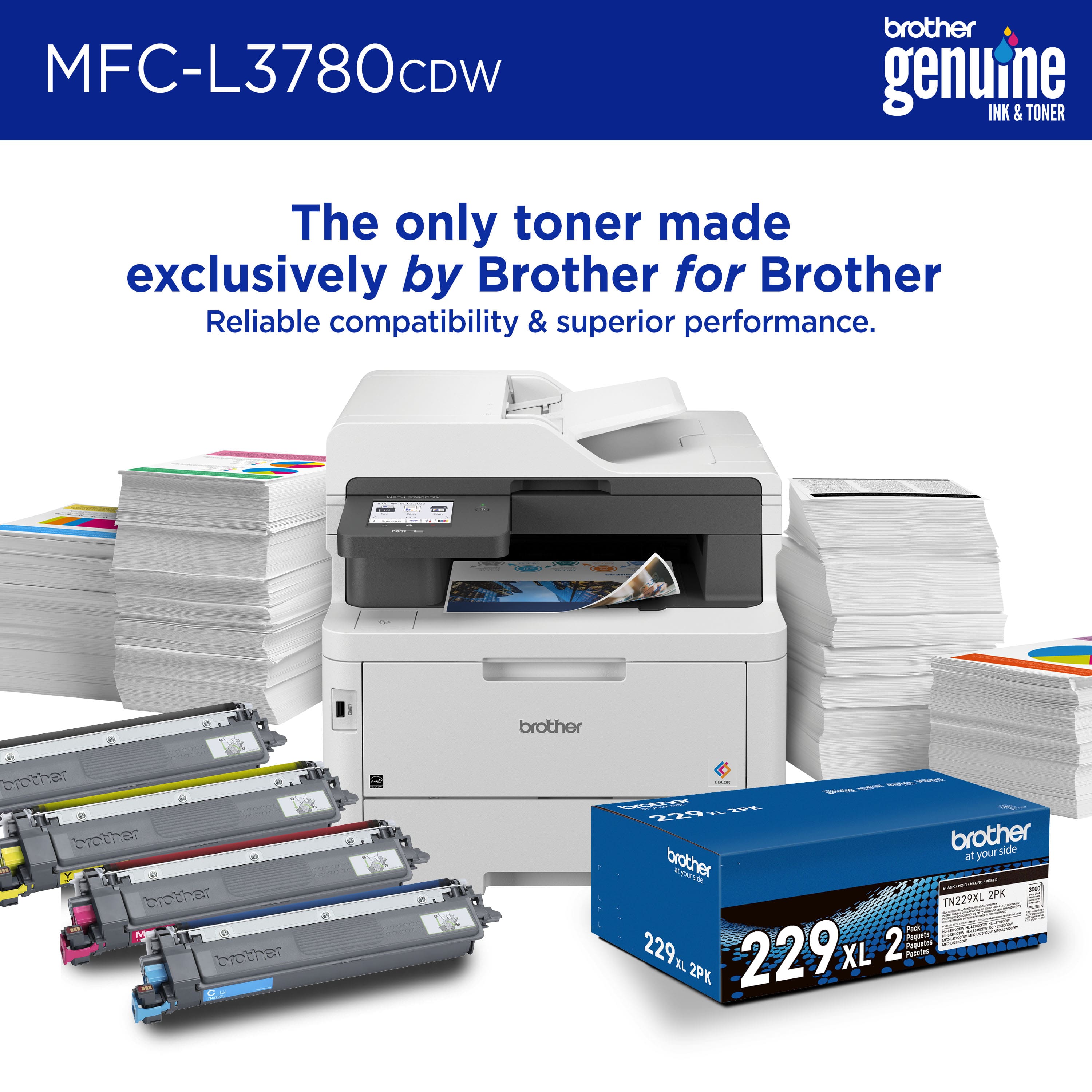
Q: QuestionDoes the printer come with toner?
Asked by GG.
- A:Answer Yes, you can print "out of the box".
Answered by ChuckInTheGump
Q: QuestionDoes this printer duplex scan. For example can i put 2 sided documents in the feeder tray and will it will scan both sides of each paper?
Asked by Keith.
- A:Answer Yes the Brother MFCL3780CDW does support auto duplex scanning.
Answered by Brother

Q: QuestionDoes this printer print labels?
Asked by Dale.
- A:Answer Yes, you can print labels with the Brother MFCL3780CDW from the Multi-Purpose Tray (MP tray). Below is a link with the Recommended paper for the Brother MFCL3780CDW. Answer Link: https://help.brother-usa.com/AgentWeb/api/contextmanager/v.32311020002/workspaceContext/workspace/processedPrint/Answer/155932
Answered by Brother

Q: QuestionWhy does this printer wrinkle #10 envelopes? I have even tried envelopes that claim “heat-resistant seals - great for laser printers”. Not very professional-looking envelopes when they come out wrinkled!
Asked by Suzy.
- A:Answer Yes the Brother MFCL3780CDW does support printing envelopes. We understand you're experiencing wrinkled printing issues with your Brother MFCL3780CDW machine. We'd like to help. Please contact our Customer Service department and we will work with you to resolve these issues. Brother Customer Support Team is available to assist you direct: www.brother-usa.com/brother-support
Answered by Brother

Q: QuestionDoes this printer print envelopes?
Asked by NETRF.
- A:Answer Yes, the Brother MFCL3780CDW is able to print envelopes.
Answered by Brother

Q: QuestionCan the standard paper tray also hold 11 x 14 legal paper?
Asked by Anonymous.
- A:Answer Yes
Answered by Happywithmypurchase
Q: QuestionHOW can one print other than 3x5 photos? That is the ONLY option on either the print or display menus. I selected 4x6 in MacBook's Photos / File / Print menu, put 4x6 photo paper in the sheet feed, and it printed a 3x5 image on the 4x6 paper.
Asked by JRB.
- A:Answer We understand you are experiencing issues printing photos with your Brother MFC-L3780CDW machine. We'd like to help. Please contact the Brother USA support team at: https://www.brother-usa.com/support
Answered by Brother

Q: QuestionIf I don’t want to print 2 sided, how can I switch to one sided printing?
Asked by Agb3.
- A:Answer We understand that you would like to disable duplex printing on your Brother MFCL3780CDW machine. We'd like to help. Below is a FAQ that may help you with this issue: Answer Link: https://help.brother-usa.com/AgentWeb/api/contextmanager/v.32402020002/workspaceContext/workspace/processedPrint/Answer/145712 If you continue to have issues, our Brother Customer Support Team is available to assist you direct: www.brother-usa.com/brother-support
Answered by Brother

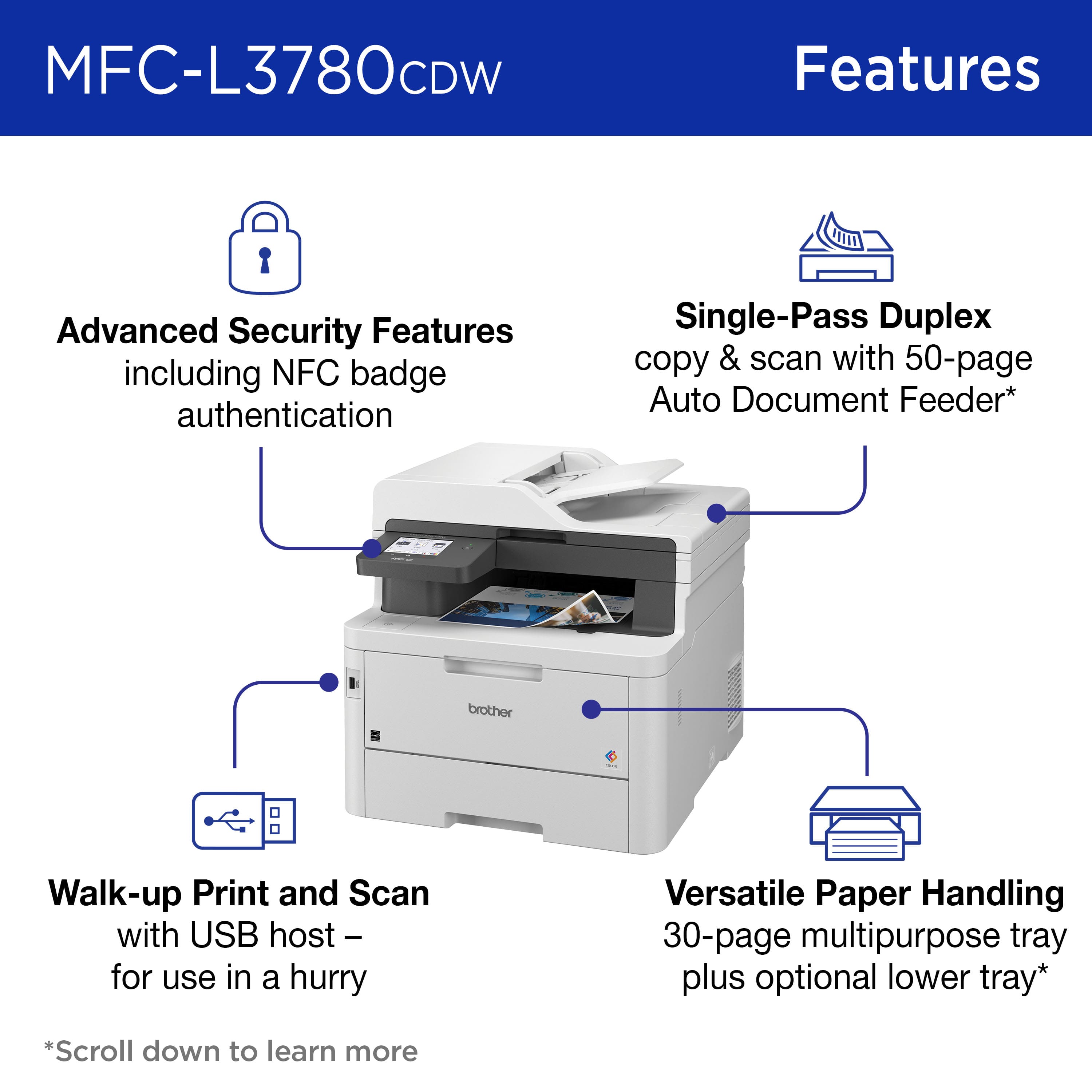
Q: QuestionDoes this printer have multi sheet scanning. I don't see it in the specs... Thank you for your time.
Asked by Lou.
- A:Answer Yes the Brother MFCL3780CDW can scan up to 50 sheets at a time using the machine's auto document feeder.
Answered by Brother

Q: QuestionCan the MFC-L3780CDW print 4x6, 5x7, or 8x10 inch photos? Only 3x5 appears in the print menu. Thank you.
Asked by JRB.
- A:Answer Yes, the Brother MFCL3780CDW can print 4x6, 5x7, or 8x10 inch photos. You can set the paper size to a custom paper size.
Answered by Brother