A:AnswerThis is one thing I love about this printer.
There are a lot of recommendation's out there that you leave your printer turned on because when you turn it off, every time you turn a inkjet printer on, it goes through a cleaning process to prevent nozzle's from getting clogged. This wastes a large amount of ink.
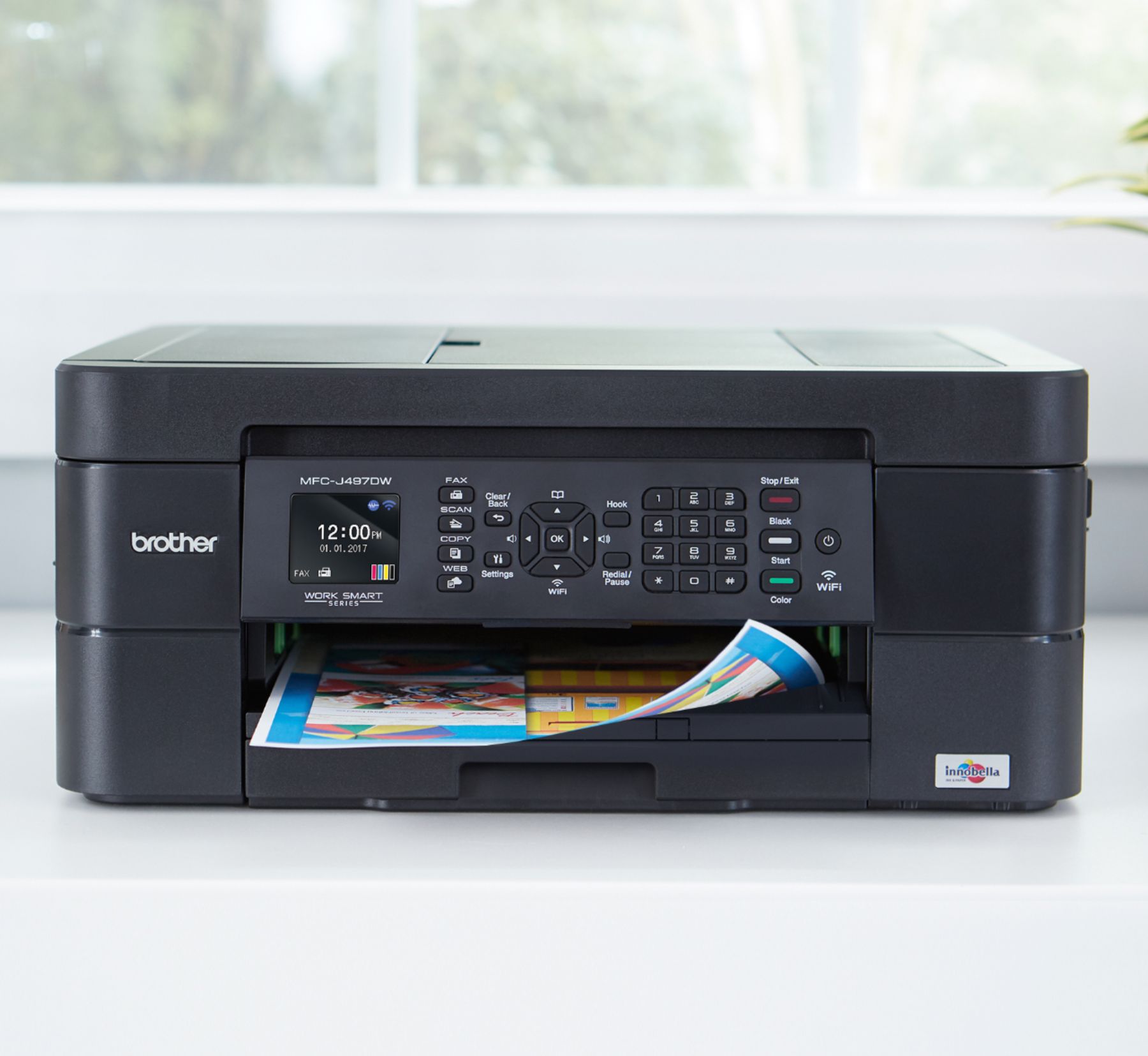
This printer can be left on and it enters a sleep mode. All lights go off and it conserves power and ink. It will start the cleaning process only when necessary thus saving ink, keeping the cartridges from drying out and saving electricity, as it IS an Energy Star unit. You save on ink, power, and are not bothered by having all those lights and screens on 24-7.
Also this unit keeps checking to see if there are any software or firmware updates automatically. Thus keeping your machine up to date with no worries on your part.
I forgot to mention this in my review. Glad you asked!
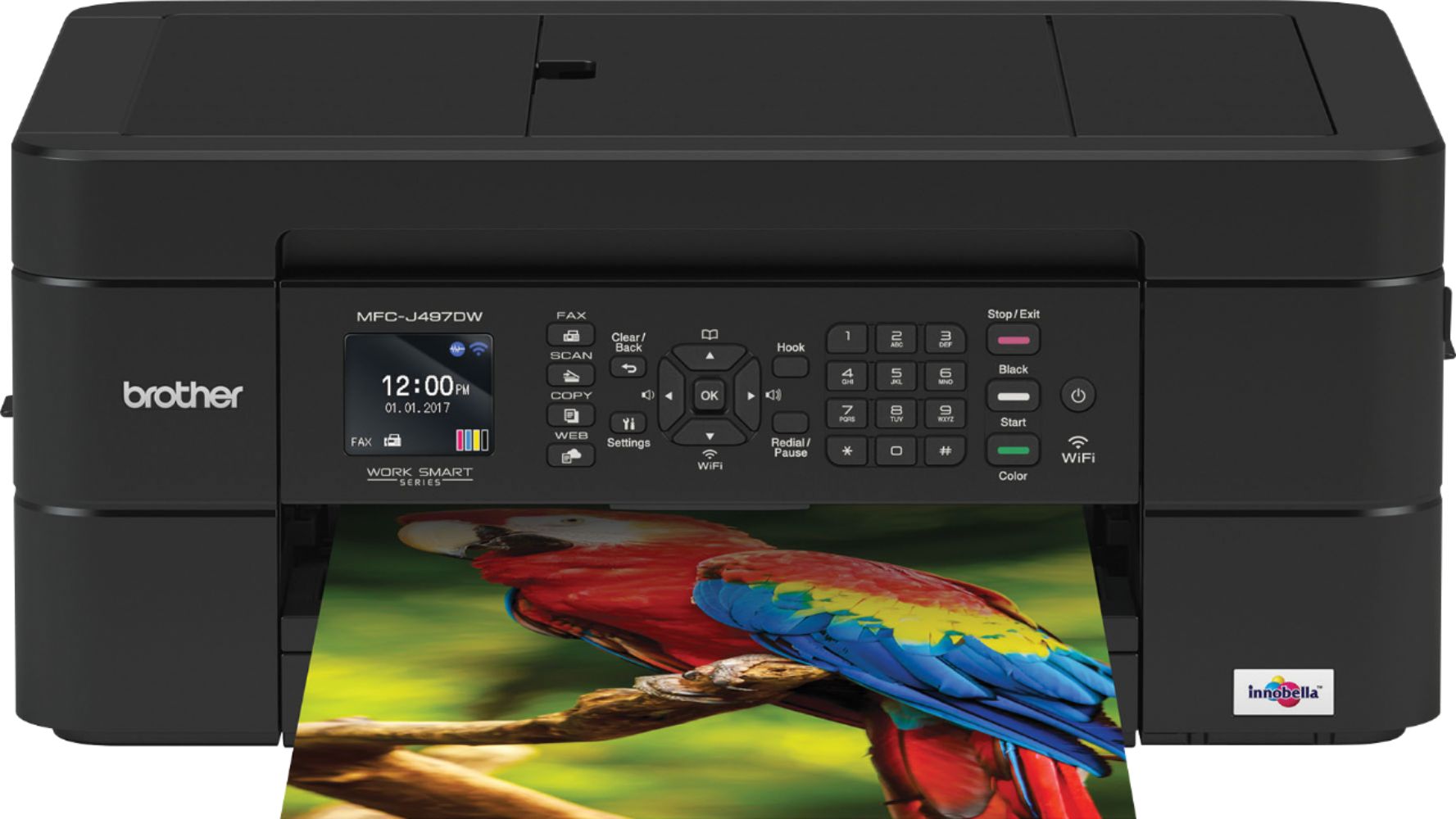
A:AnswerI do not believe this machine will print on CDs or DVDs. There is no reference to printing CDs or DVDs in the Brother User Guide for models MFC-J491DW, MFC-J497DW, MFC-J690DW, or MFC-J895DW.
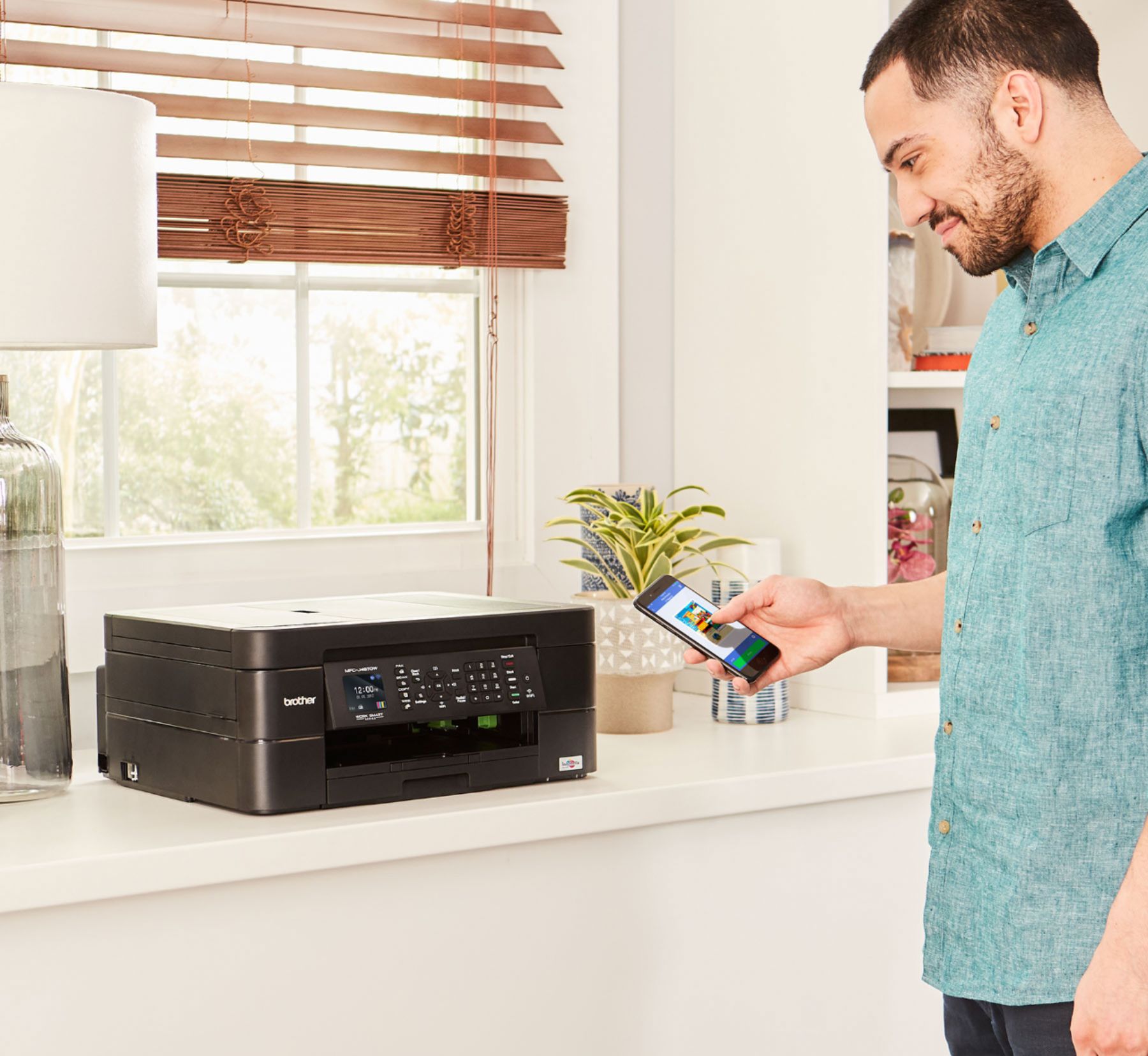
A:AnswerYes you can via Bluetooth! I have used this feature many times...I also have my house set up on WIFI and I'm not sure if you need that to print.
A:AnswerWe understand you are experiencing issues with your print quality for your MFCJ497DW. We'd like to help. Below is a FAQ that may improve the quality of your print.
https://help.brother-usa.com/app/answers/detail/a_id/156046
If you continue to have issues, our Brother Customer Support Team is available to assist you direct: www.brother-usa.com/brother-support
A:AnswerThe one I wanted was not in stock on the website. They had an option to be notified when one was available. I selected notify me. Within the hour I was notified and had my new mfc-j497dw shipped to my home.
A:AnswerNot through the Brother MFC-J497DW, but there are several ways to connect a memory card to your computer. Best Buy should be able to provide recommendations.