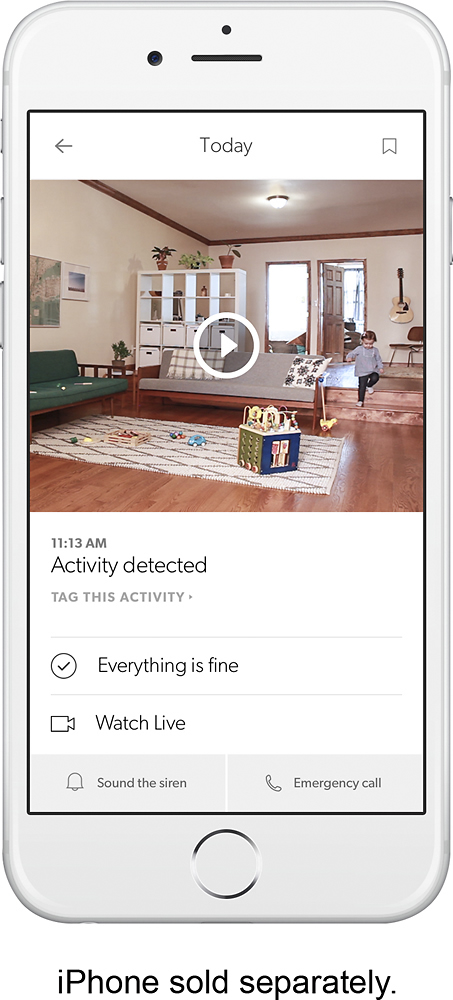
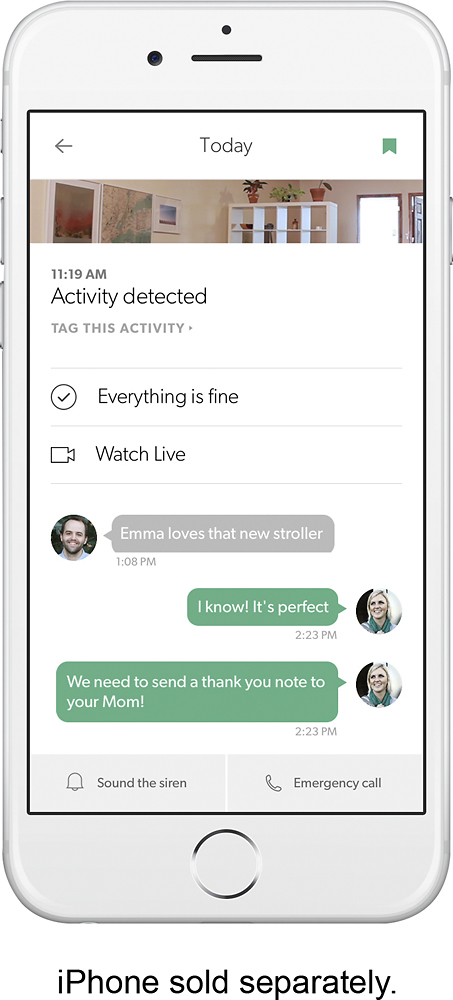
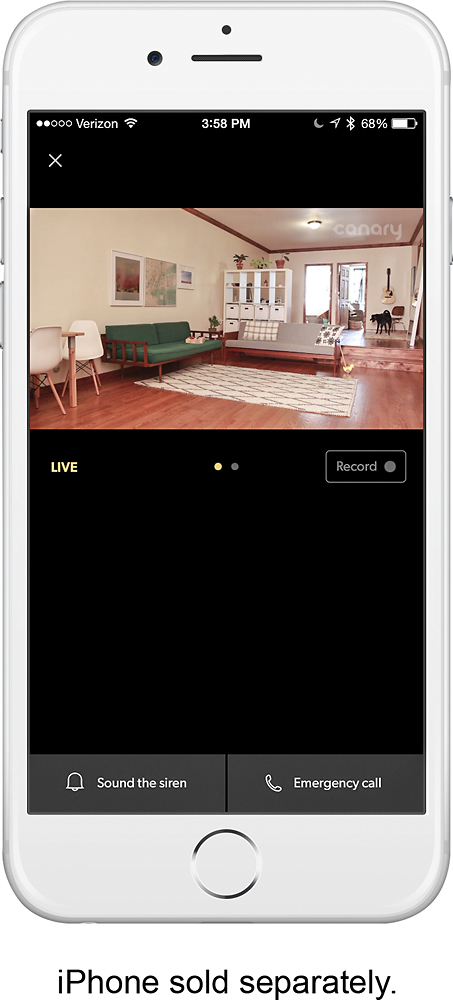
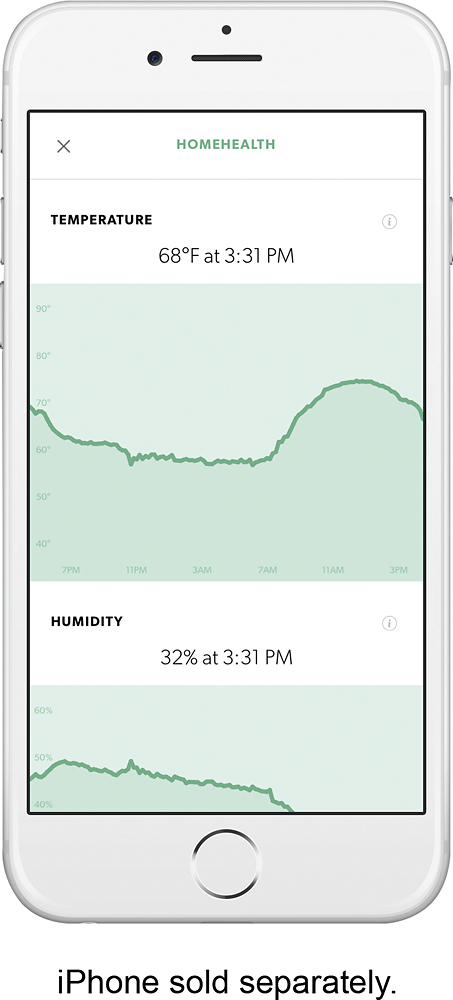
A:Answer Hi, I hope this helps. On mine, when your at the home page of the app. You can see the icons for, air, humidity, and temp. If you touch the icon for air quality, a graph should pop up, then at the top right corner there should be a system tool icon. Touch that and you can adjust your preferences or turn off air,temp,humidity, alerts from there.