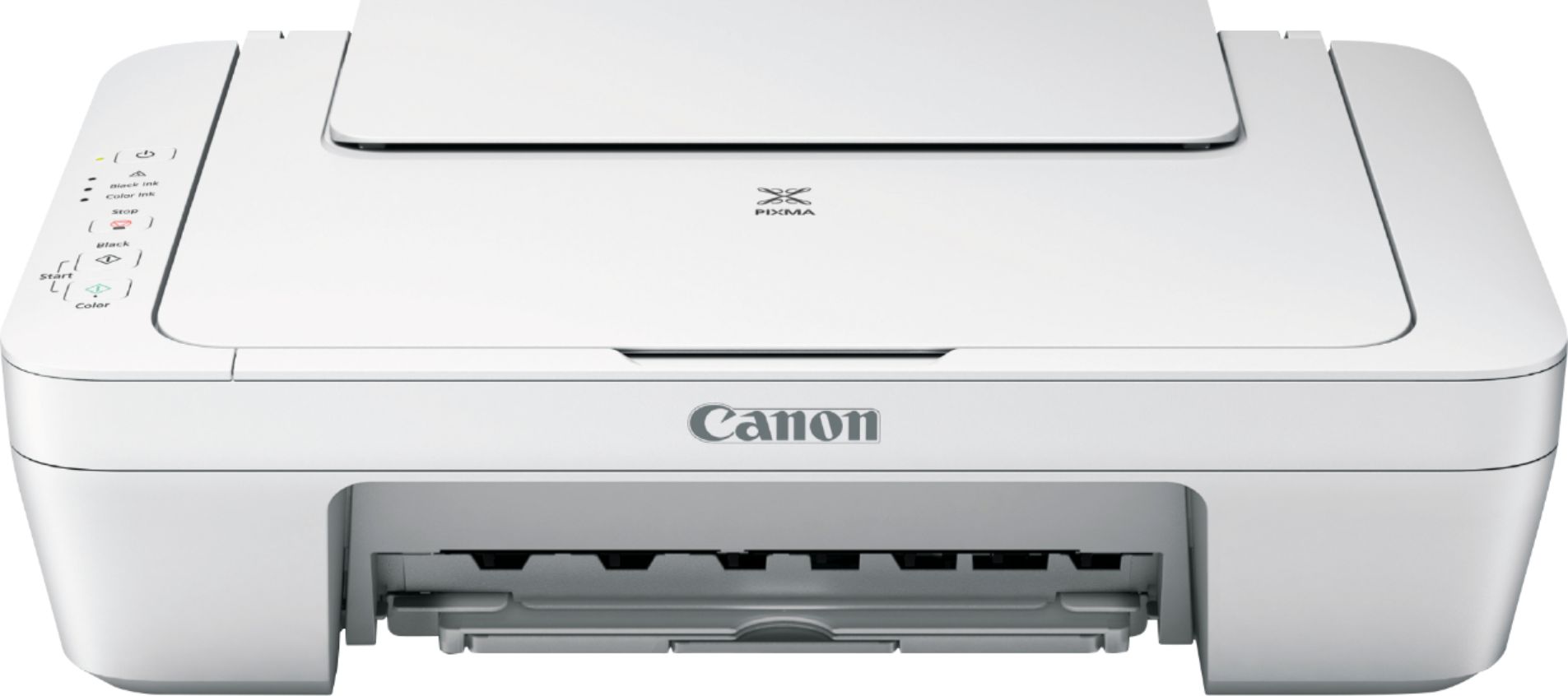
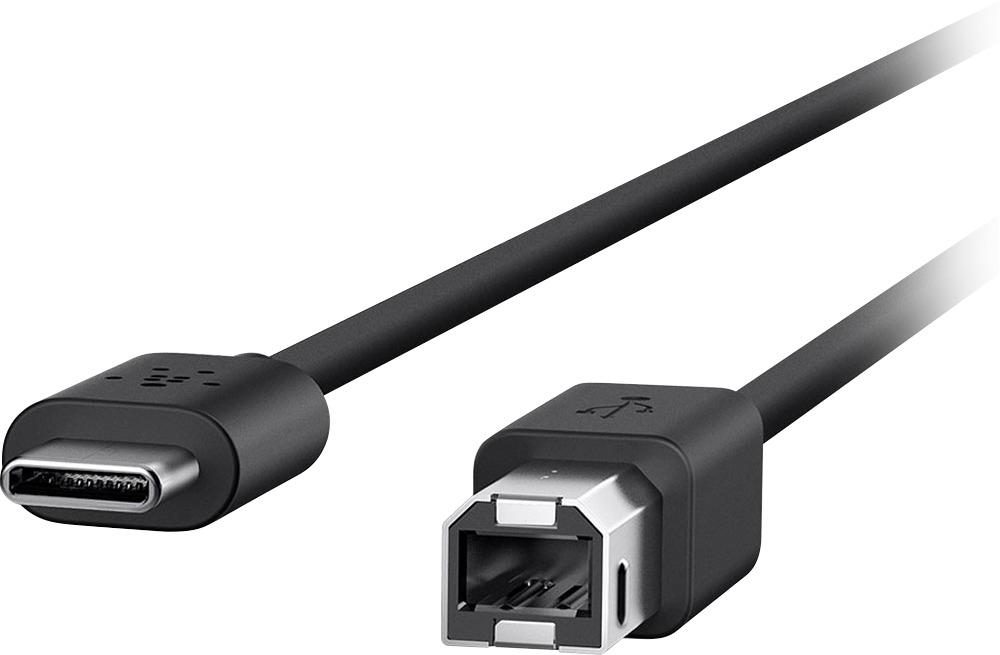
A:AnswerYou can go to canon web site and download to your Chromebook you will also need a printer cable to USB to your P/C you need to plug into both hardwire!!you should also pick up printing paper!!
A:AnswerHere is one that Best Buy has in black that is smaller in width:
Canon - PIXMA TS5120 Wireless All-In-One Printer - Black
Model:2228C002 SKU:6042709
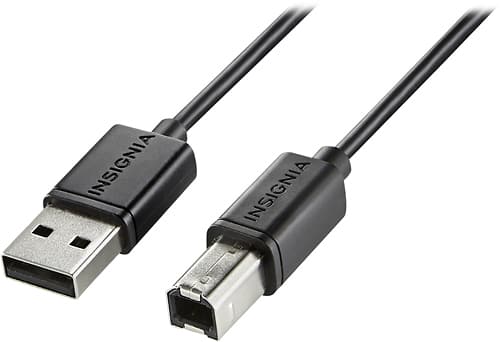
A:Answeri have this printer.if you go too the cannon website they can tell you what you asked.i had a fancier all in one hp copier printer fax,, loved it but i hardly used it so i sold it.about a month later i needed a printer so i got this on sale for $24.99 bought paper for it.got the printer but it does not come with the printer too usb cable so you will need 1 of these.i run my printer too a lap top here with internet thru my phone.quick printing easy set up takes maybe 5 mins too set upi run windows 8.1 here.this printer will run on any system u can plug in the usb end of the printer cable into.hope this helps.nothing fancy about this printer,,but its quiet,,and copies and scans.works great for me. printer cable you need >>> Insignia™ - 6' USB 2.0 A-Male-to-B-Male Cable - Black
Model: NS-PU065AB
SKU: 5886035
Quantity: 1
Condition: new
A:Answeryou'll need a usb port and the cable from printer too the usb. Insignia™ - 6' USB 2.0 A-Male-to-B-Male Cable - Black
Model: NS-PU065AB
SKU: 5886035
Quantity: 1
Condition: Open-Box i run a lap top here tethered too my phones internet. printer cable from printer plugs in usb port on lap top or u can puy a cheap 4 port usb hub and do thathe printer does NOT come with the cable you need.you have too buy onet way.