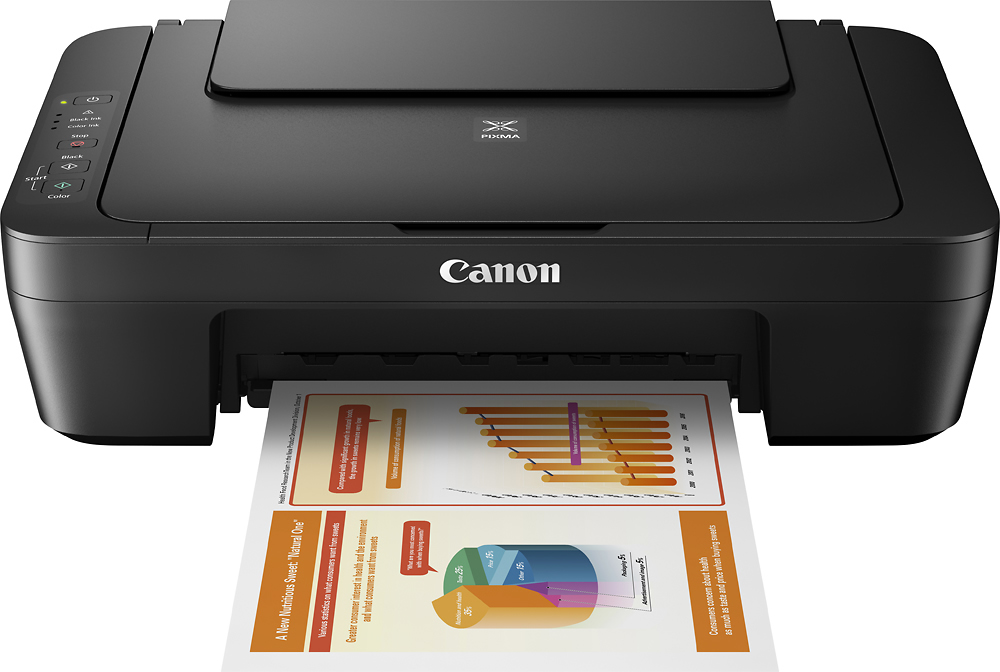
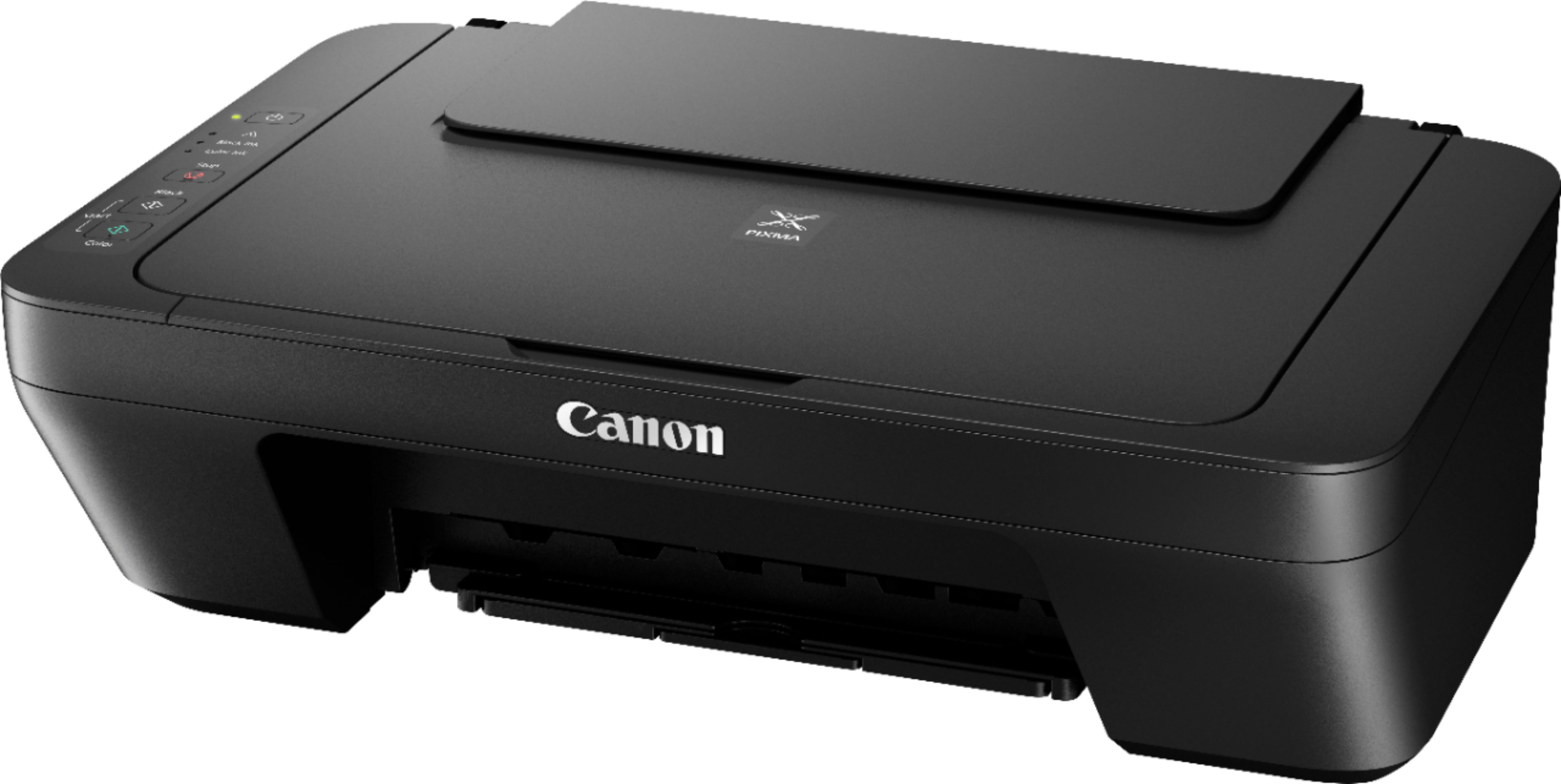
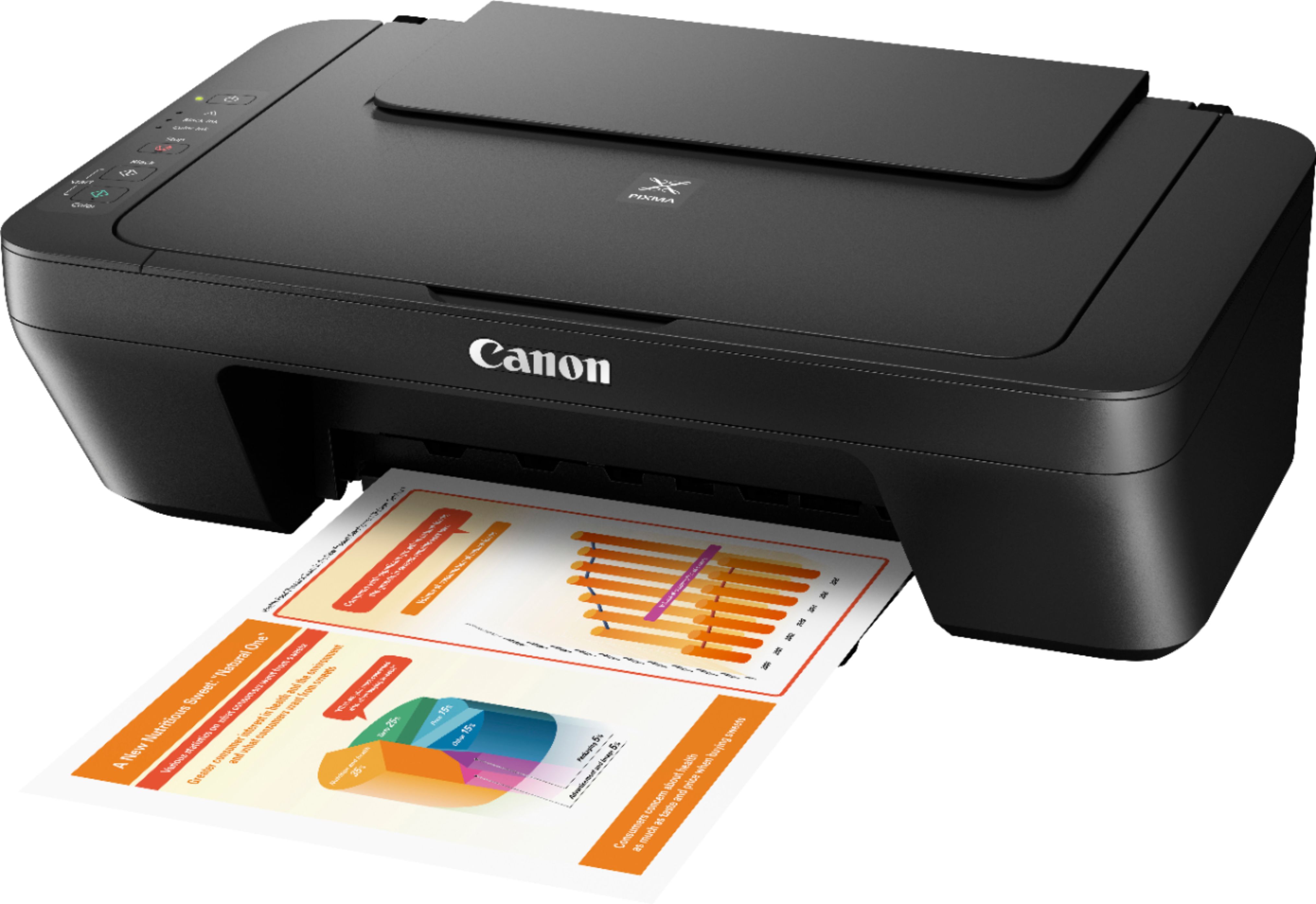
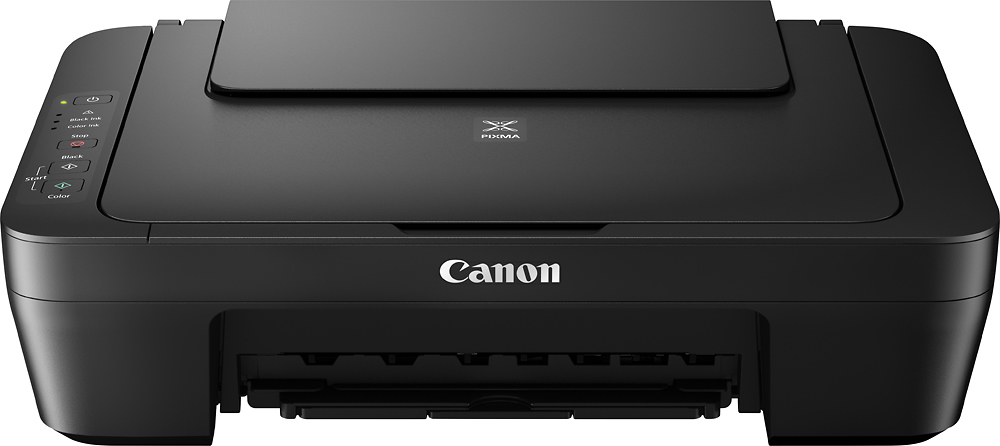
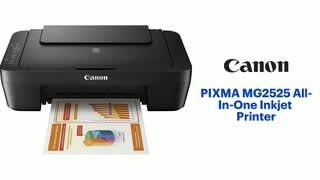
A:AnswerThe instructions should guide you properly. First turn on the unit. Underneath the Canon logo on the front is a latch. Pull it out and lay the attachment down and the cartridges will slide to the left. Reach into the unit, press down on the cartridges to pull out and just do the reverse to put the new ones in. Close the unit and await the instructions.
A:AnswerSee your manual. I think it is possible but check the manual. If you do not have one you can go online to find it through the manufacturer's website. Best Buy may have it located with the product as well.