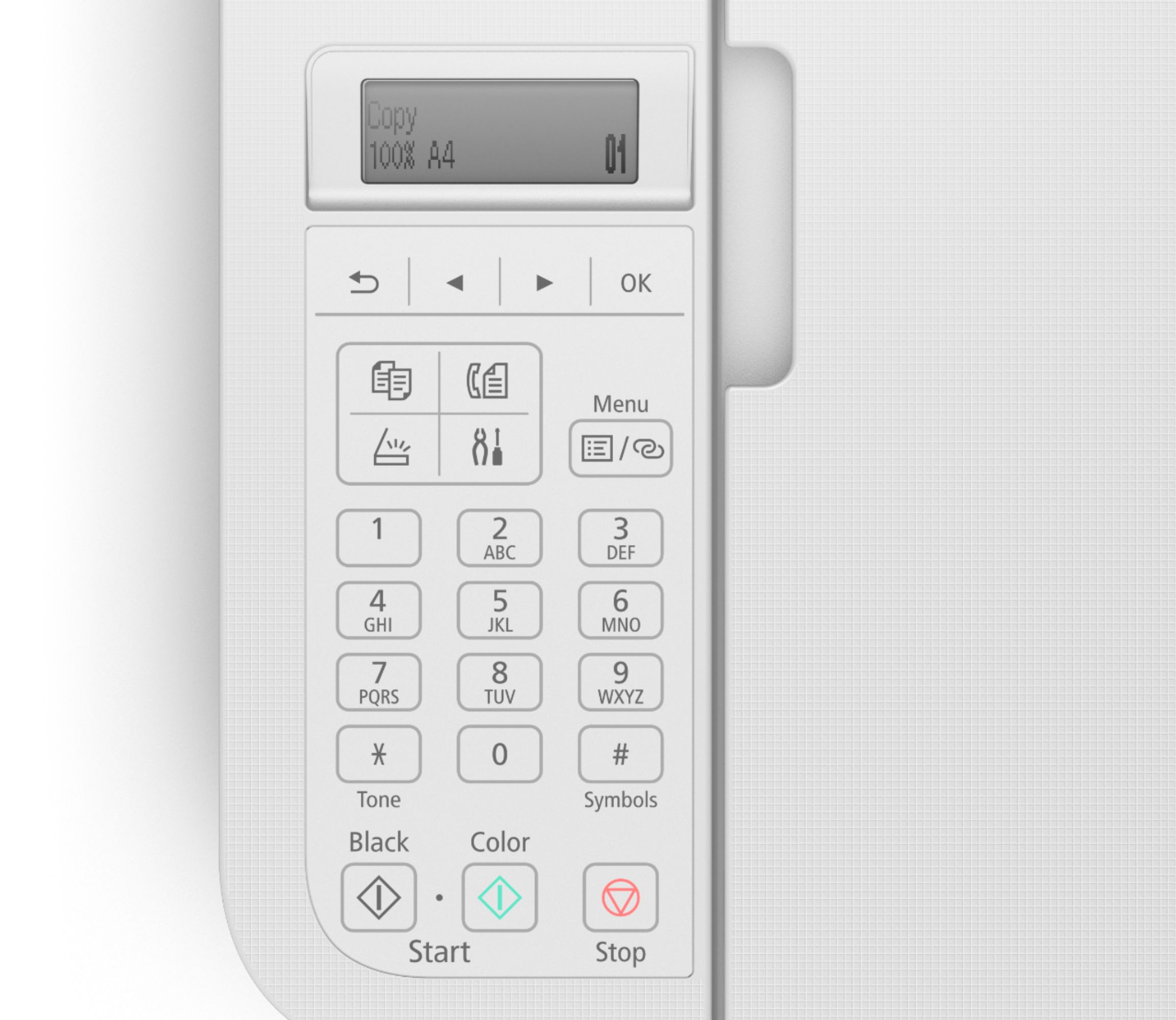
A:Answer I am running Windows 7 Professional and the printer is compatible. Pros: print quality, speed, and capabilities (it can do lots of things). And, the computer recognized the printer and did allow for immediate printer. That is, when I wanted to print something, the printer did it from the first time I turned it on. Cons: I could not get anything on-screen to allow me to select multiple printer functions. My previous Canon MG2520 had an on-screen box with about 25 printer functions to choose from. I had to get my IT guy to figure out how to get a Scan function icon on my desktop for the TR4520. If I want the printer to do anything else I have to go into the on-line manual and read what to do. And, the ON/OFF button has about a 3 second lag time between when you press it and when the printer turns off and you have to keep your finger on the button. Just a quick press of the button turns the printer on. But you have to hold the button in for 3 seconds or so to turn it off.
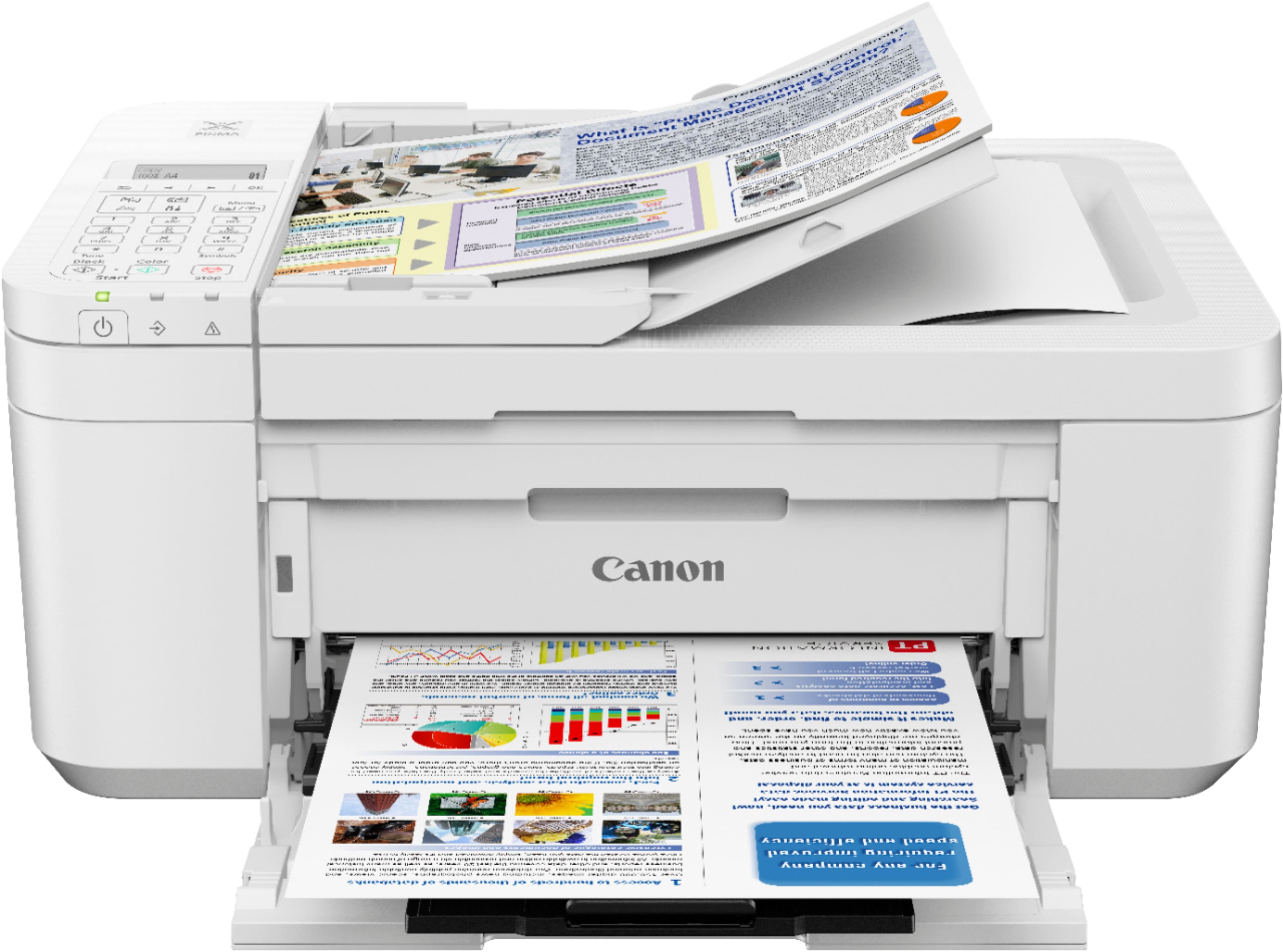
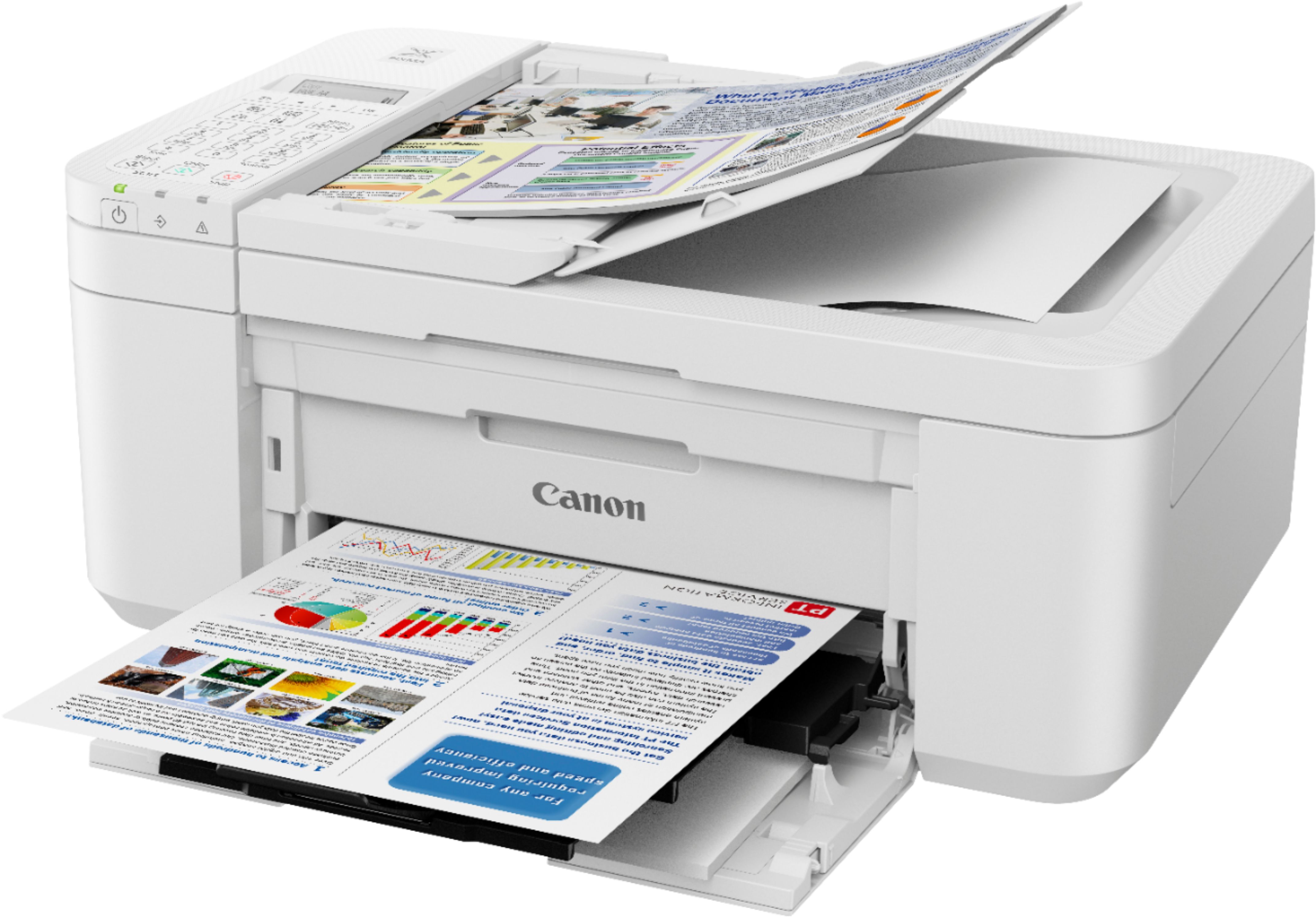
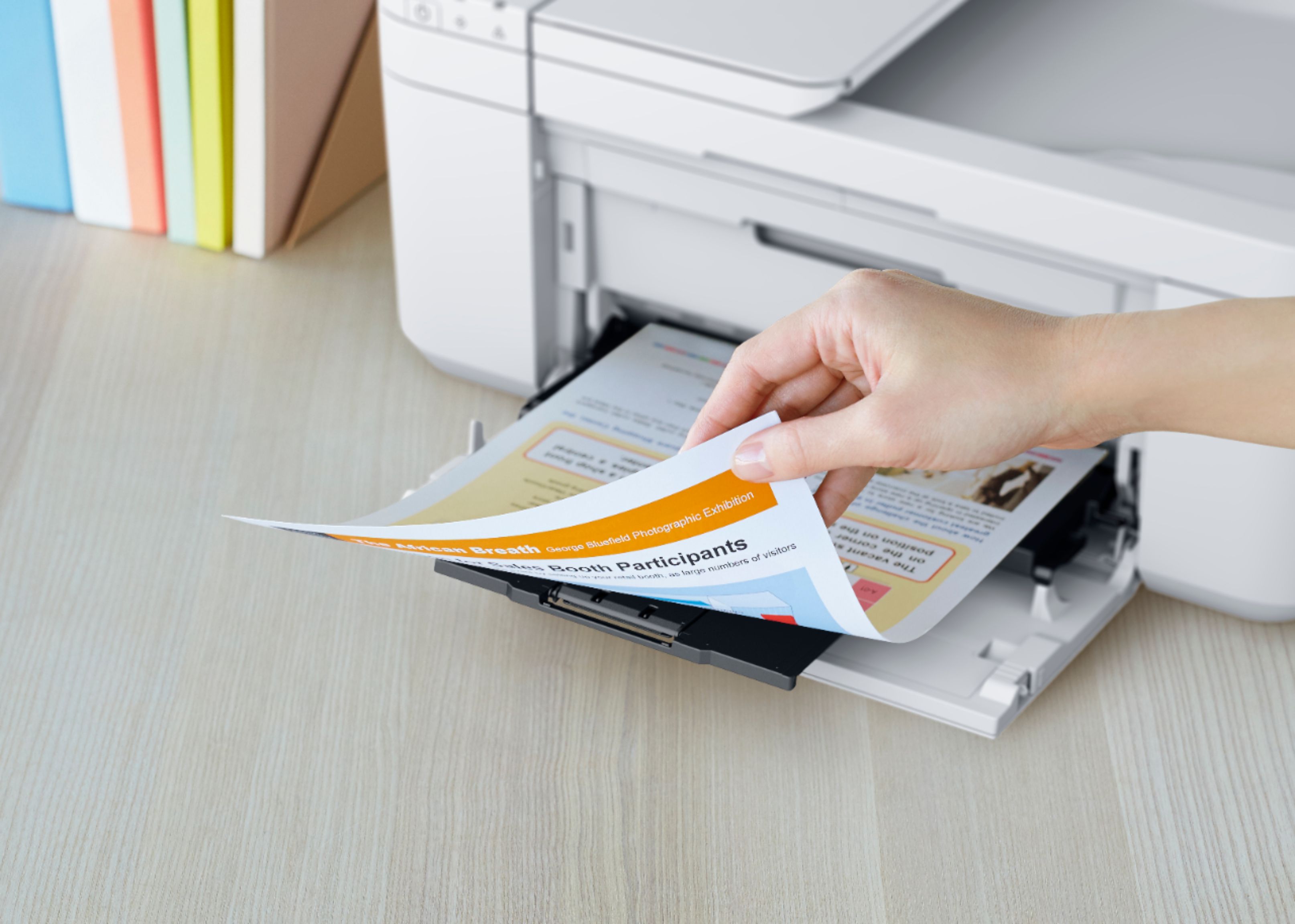
This was the least expensive printer at my local Best Buy and so far I think it is great. Paper tray is easy to access. Automatic multiple sheet feed is great. You get a lot of machine for the money.