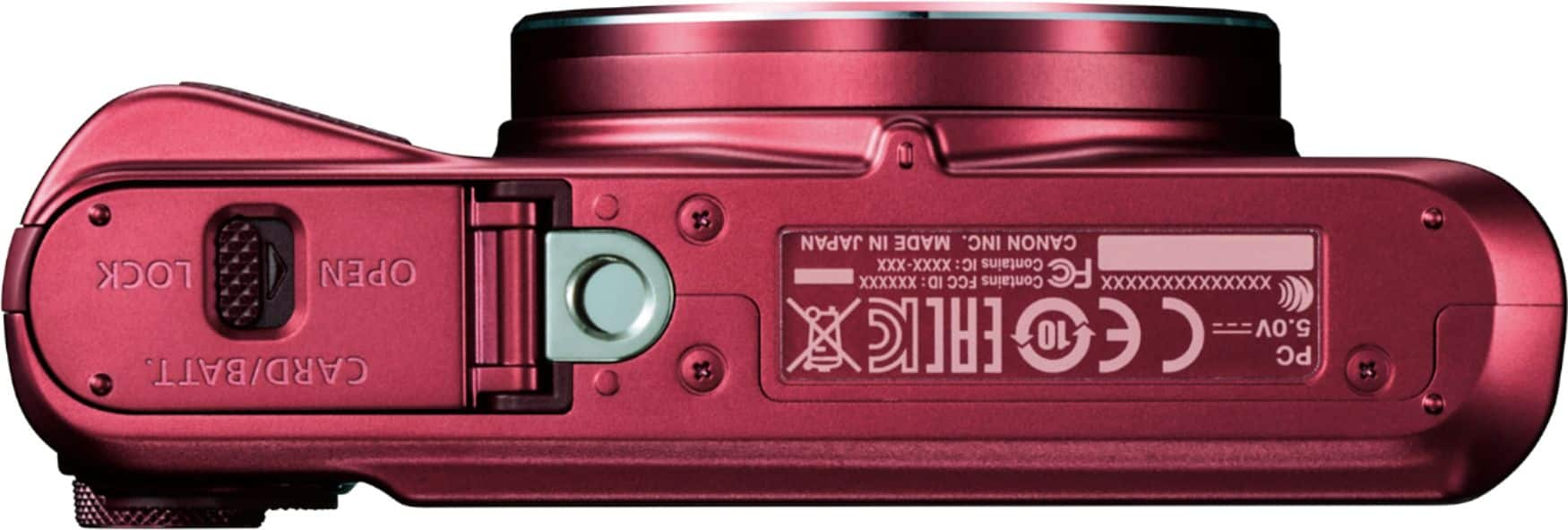
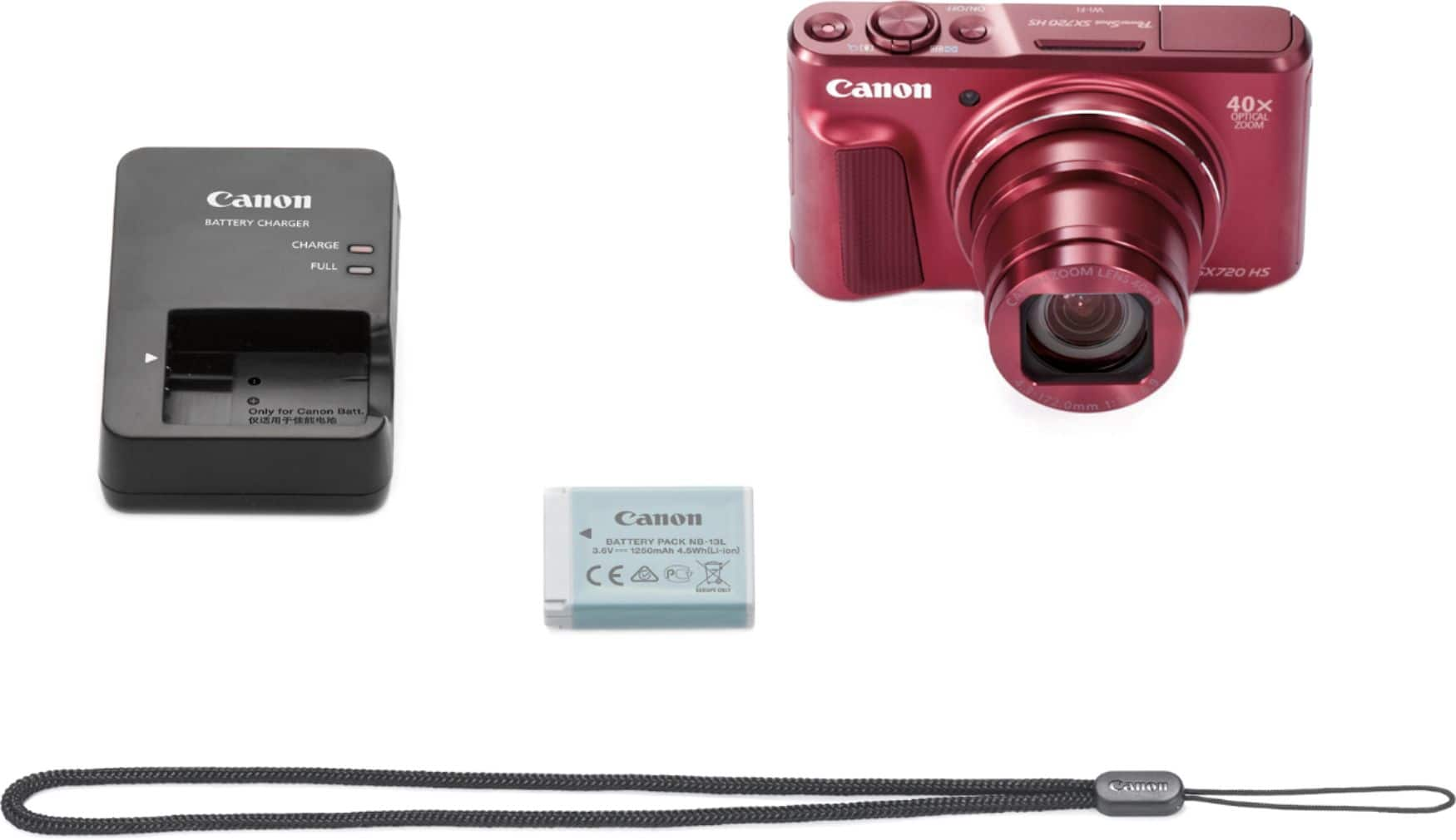
A:AnswerIt uses a standard USB micro B connector, this is the same cable used to charge most Android smartphones, Kindles, and Android tablets. And it does charge while connected to a PC.
A:AnswerHaven't noticed any shutter lag so far (used it for a month so far). Night photos are a bit on the grainy side. If you use the flash you'll be find, but night photos using another light source yield grainy photos.
A:AnswerCheck what kind of plug is used in that country and just buy plug adapters on line. That is what i do when traveling to Australia/New Zealand. The plug adapters are not expensive and work well. The battery charger will work just fine with the adapters to plug it in.
A:AnswerThe same optical zoom applies to both video and photos. I should mention that on a 40x zoom, it is hard to avoid camera shake. The image stabilization works well on photos. If it works at all, not so well on maximum zoom video. But to your question, zoom in as a still, start a video-same zoom.
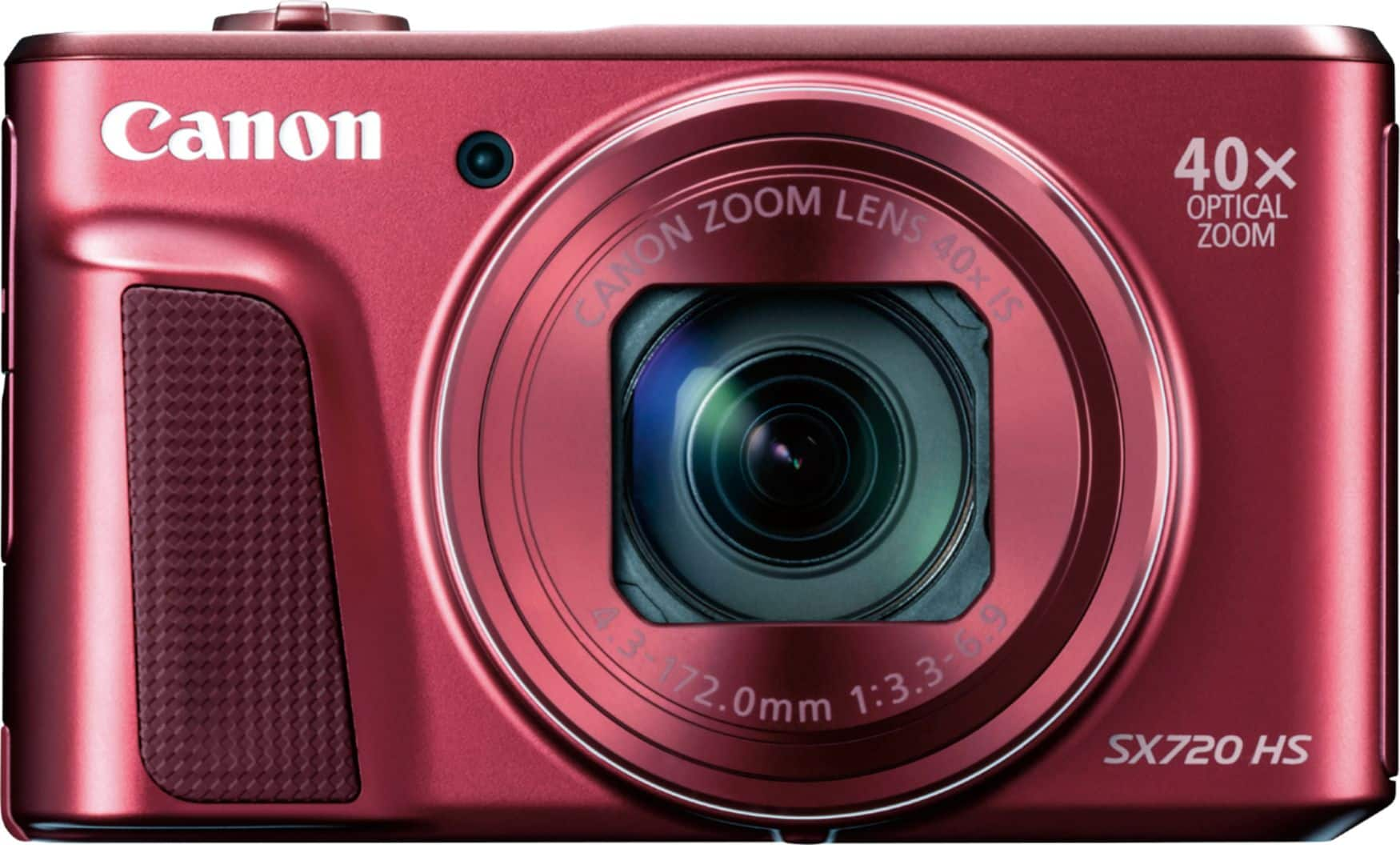
A:AnswerI'm using a Sandisk 16GB HC1 mirco SD & adapter. Works fine for pictures. I haven't done taken any videos yet, so I don't know if it needs a faster card for that.
A:AnswerThe answer by HuggyBear above is for another camera that is specified as waterproof: the Canon SX... series are not. I would treat it like a non-water-resistant cell phone or maybe a little more carefully as there are moving parts like the lens cover and zoom mechanism that could be damaged by impact or water intrusion. Check Canon's website and/or warranty for more specific info.
A:AnswerThis camera does not have WI-FI at all. The more expensive versions do. Not sure if they work with WI-FI and Win 10; maybe SONY needs to update their drivers. I have discovered you need to use the SONY USB cable to transfer data; any mini USB will charge the camera, but may not carry data to your PC. Don't lose the SONY cable!