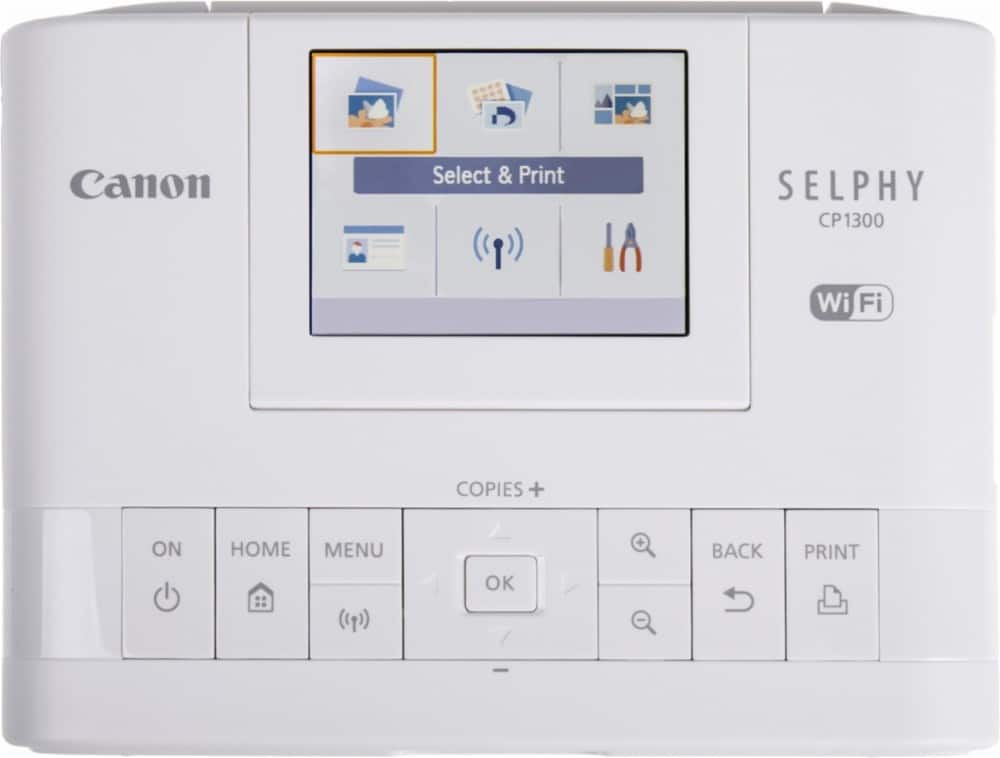
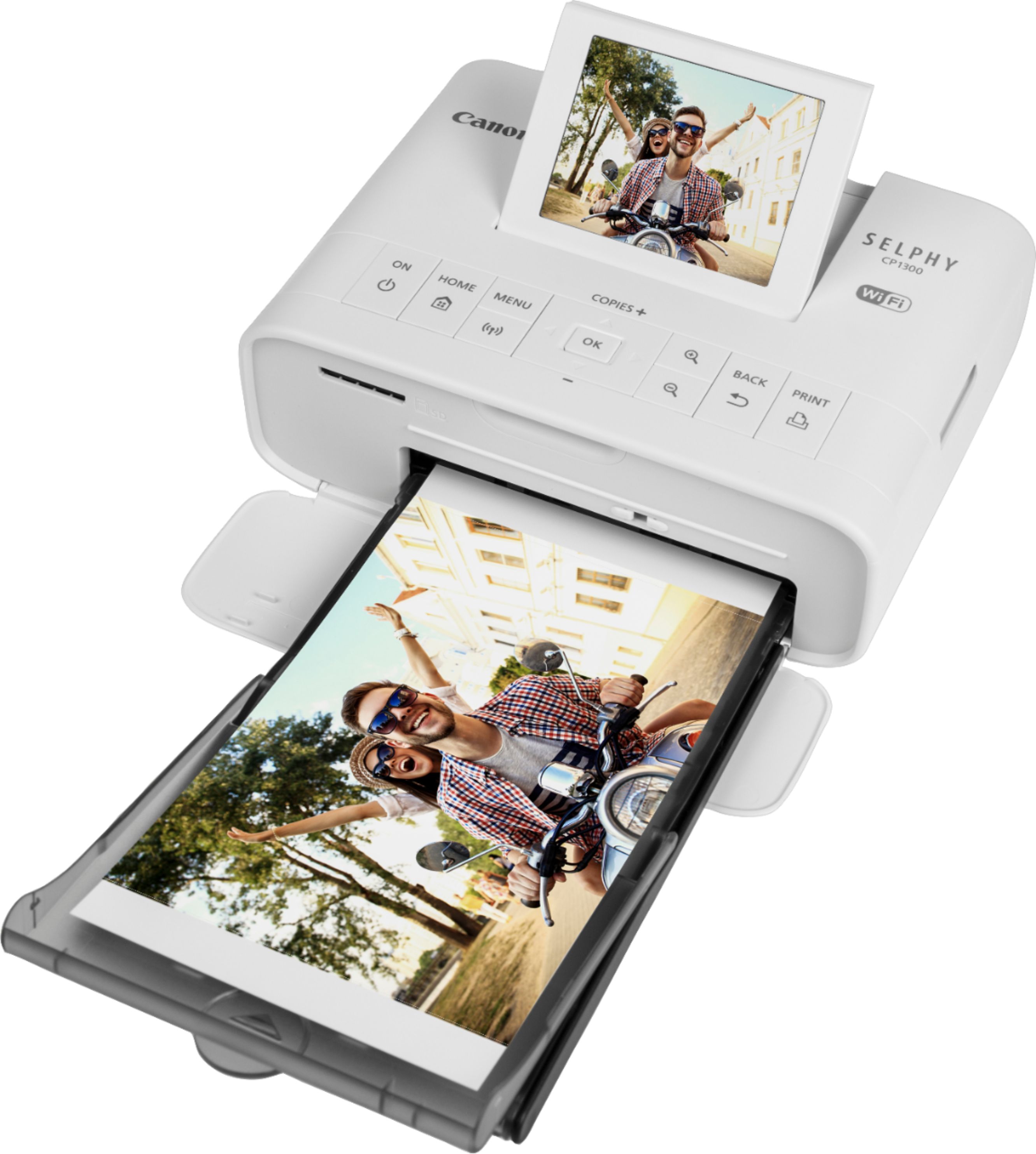
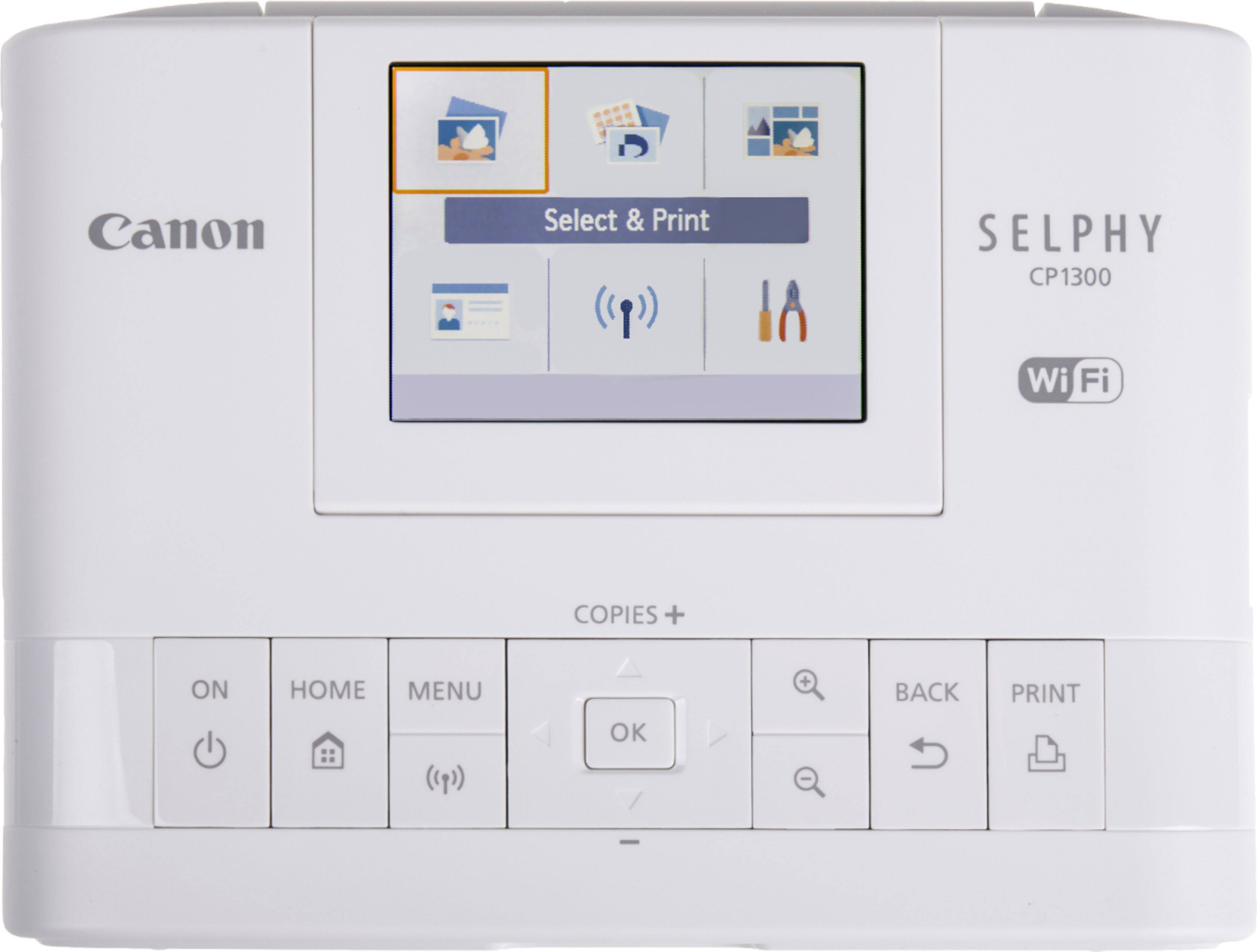
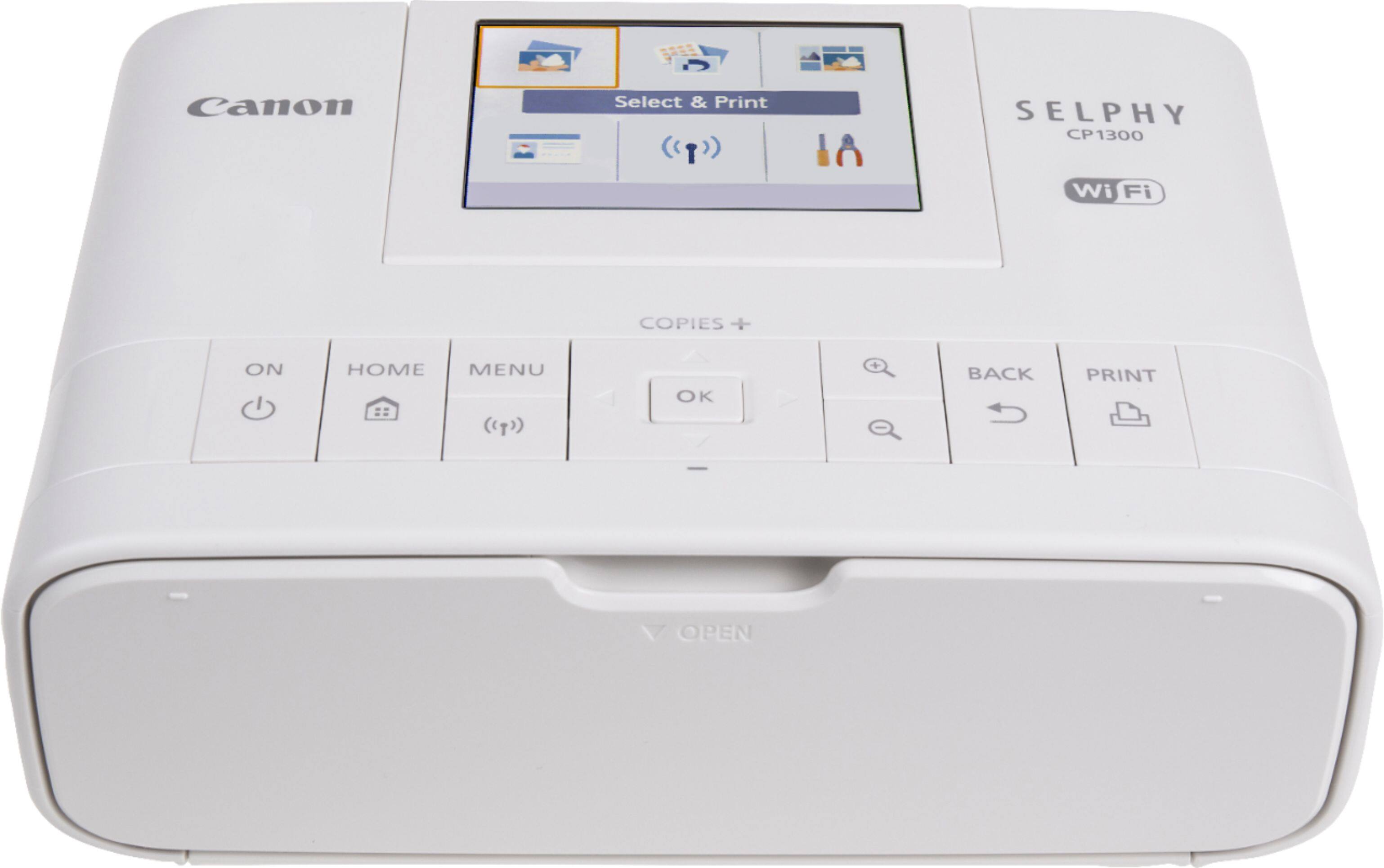
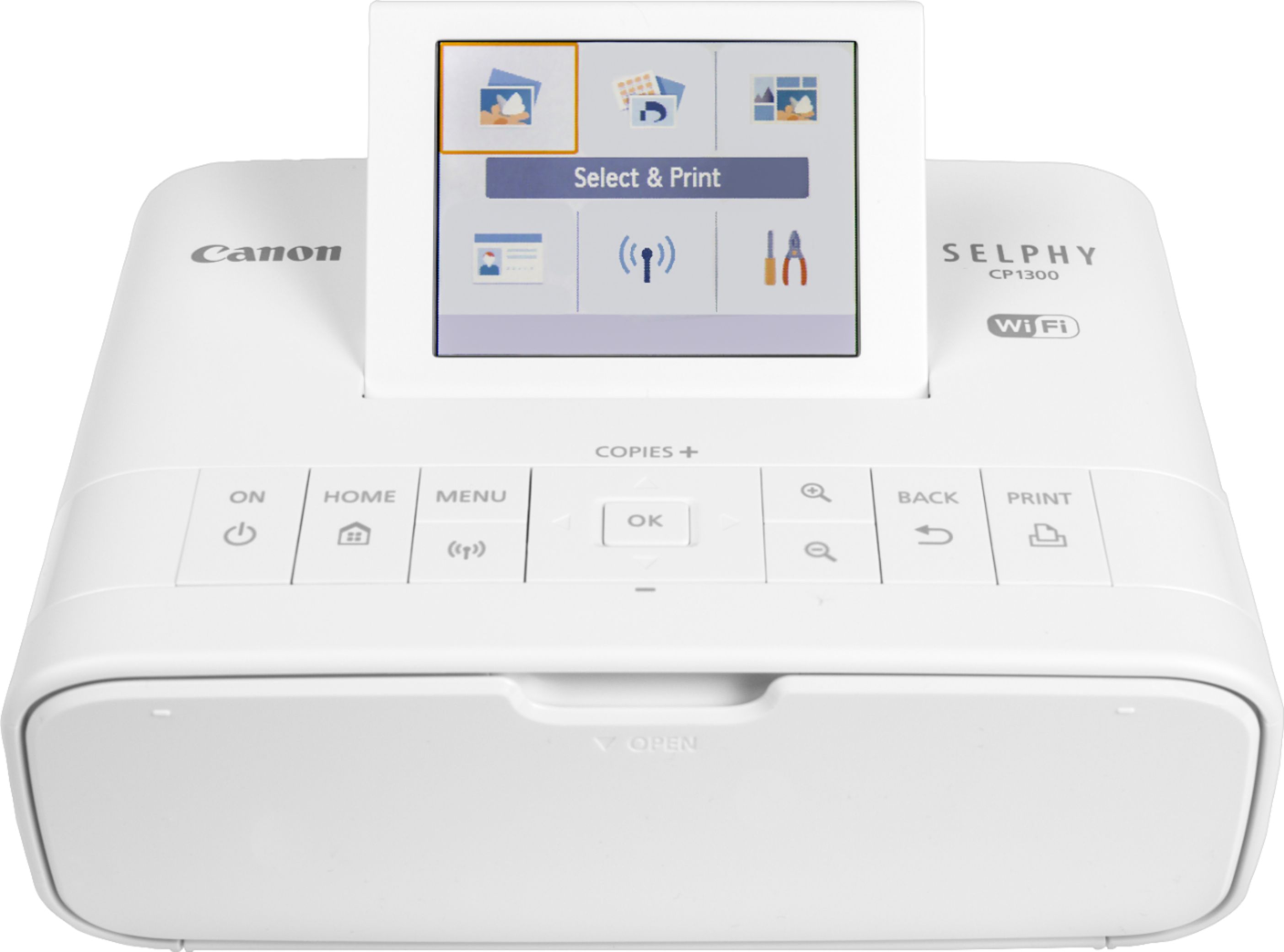
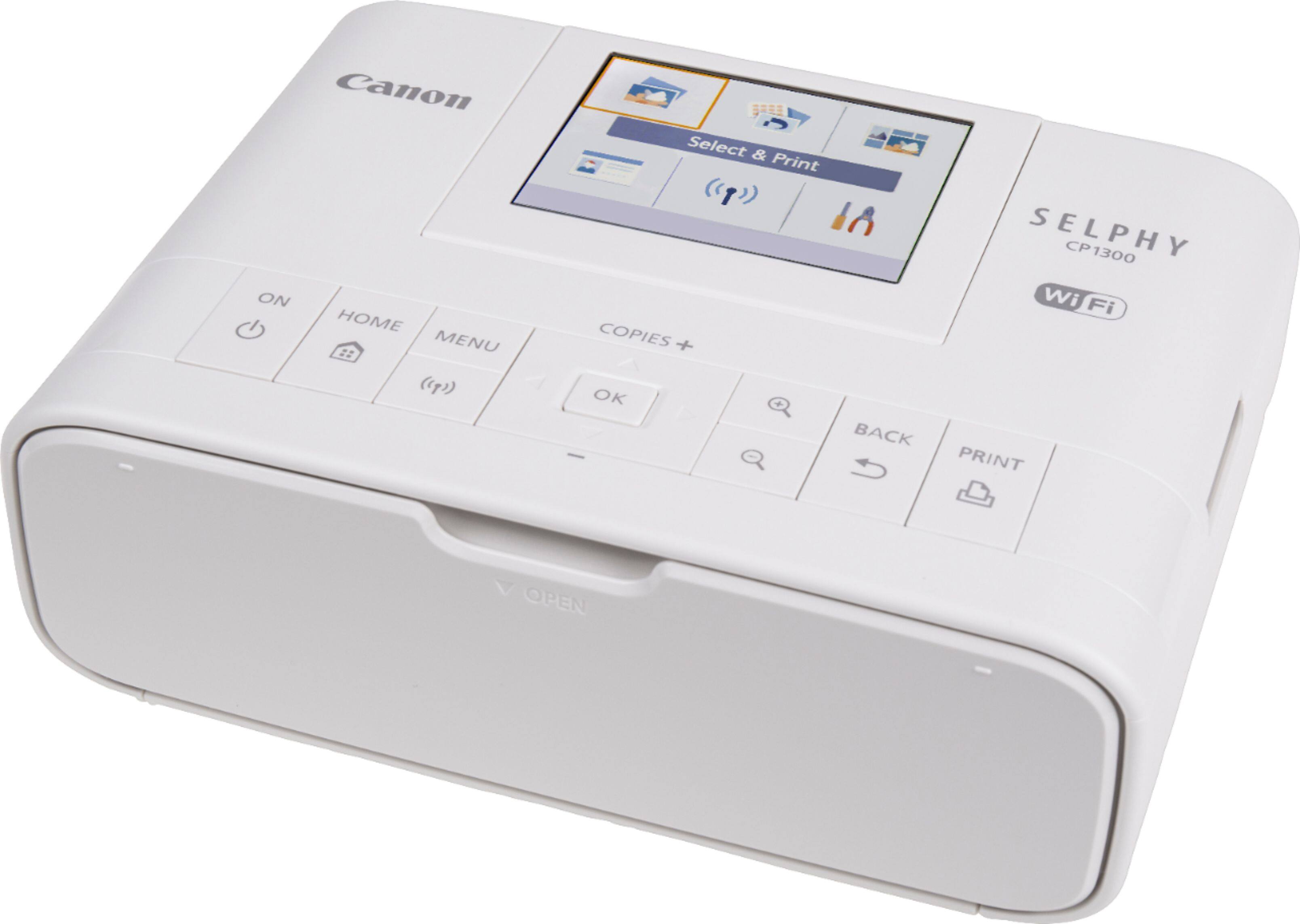
A:AnswerYou can connect with any device that has a Wifi option, so any brand phone, tablet or computer will work. You just turn on Wifi, push the wifi button on the printer and then select the printer on your device. Once connected, you go to the photo, choose print on your device, and choose that printer. You can also password protect it.
You can also insert an SD card. (We use a micro SD with adapter. ) No phone app required.
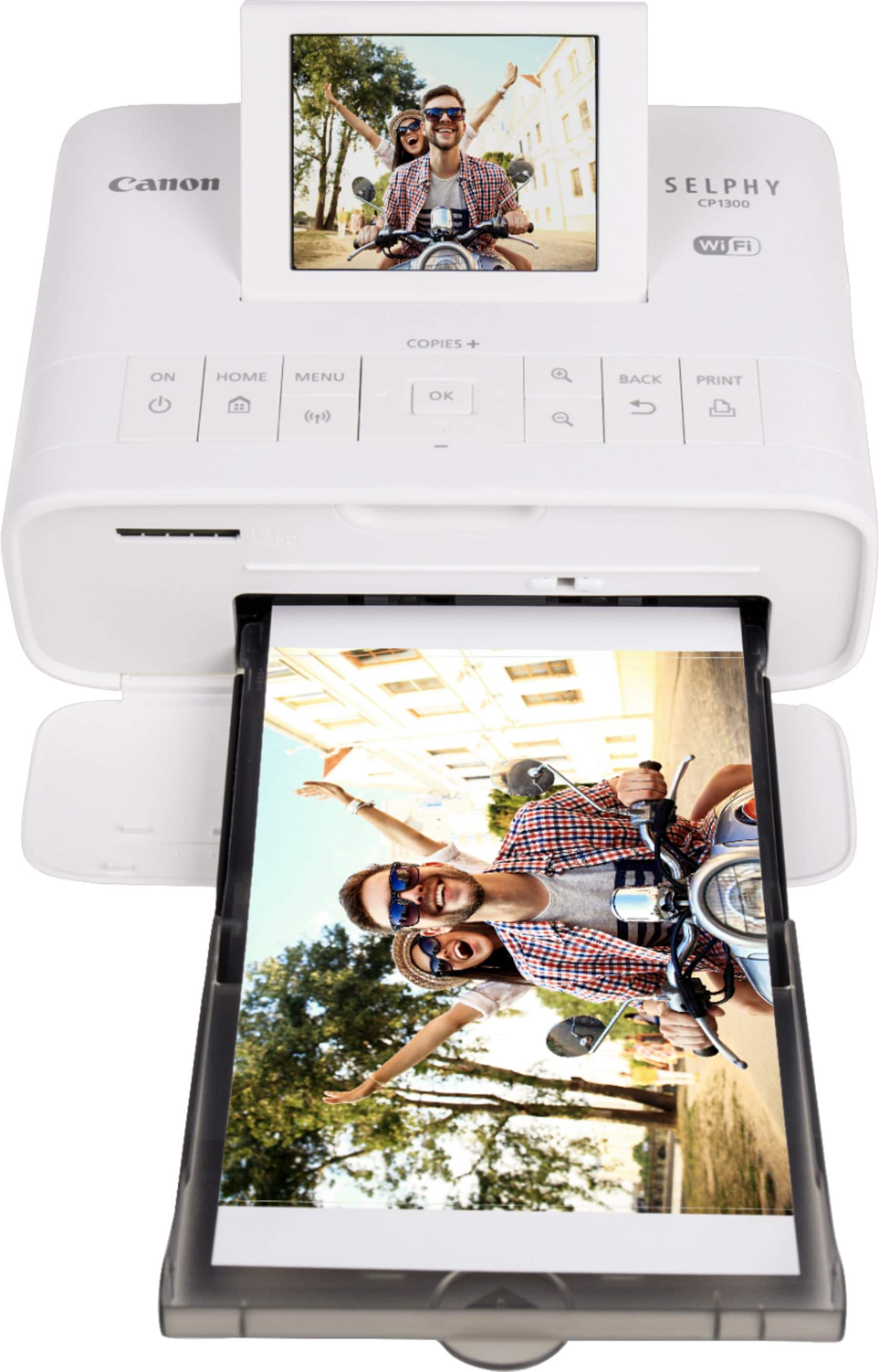
A:AnswerI have three of these now and use them for my photography business. The output is high quality and seems to last well. I have multiples just so I can print a higher volume of pictures in a shorter time, meeting client needs.
A:AnswerNot sure, but I would lean towards no without trying it. The reason I say that is because it doesn’t really use ink cartridges, it has a special “ink” cartridge and uses special paper. I’m not sure if it will print on regular paper, haven’t tried yet
A:AnswerYou can connect with any device that has a Wifi option, so any brand phone, tablet or computer will work. You just turn on Wifi, push the wifi button on the printer and then select the printer on your device. Once connected, you go to the photo, choose print on your device, and choose that printer. You can also password protect it.
You can also insert an SD card. (We use a micro SD with adapter. ) No phone app required.