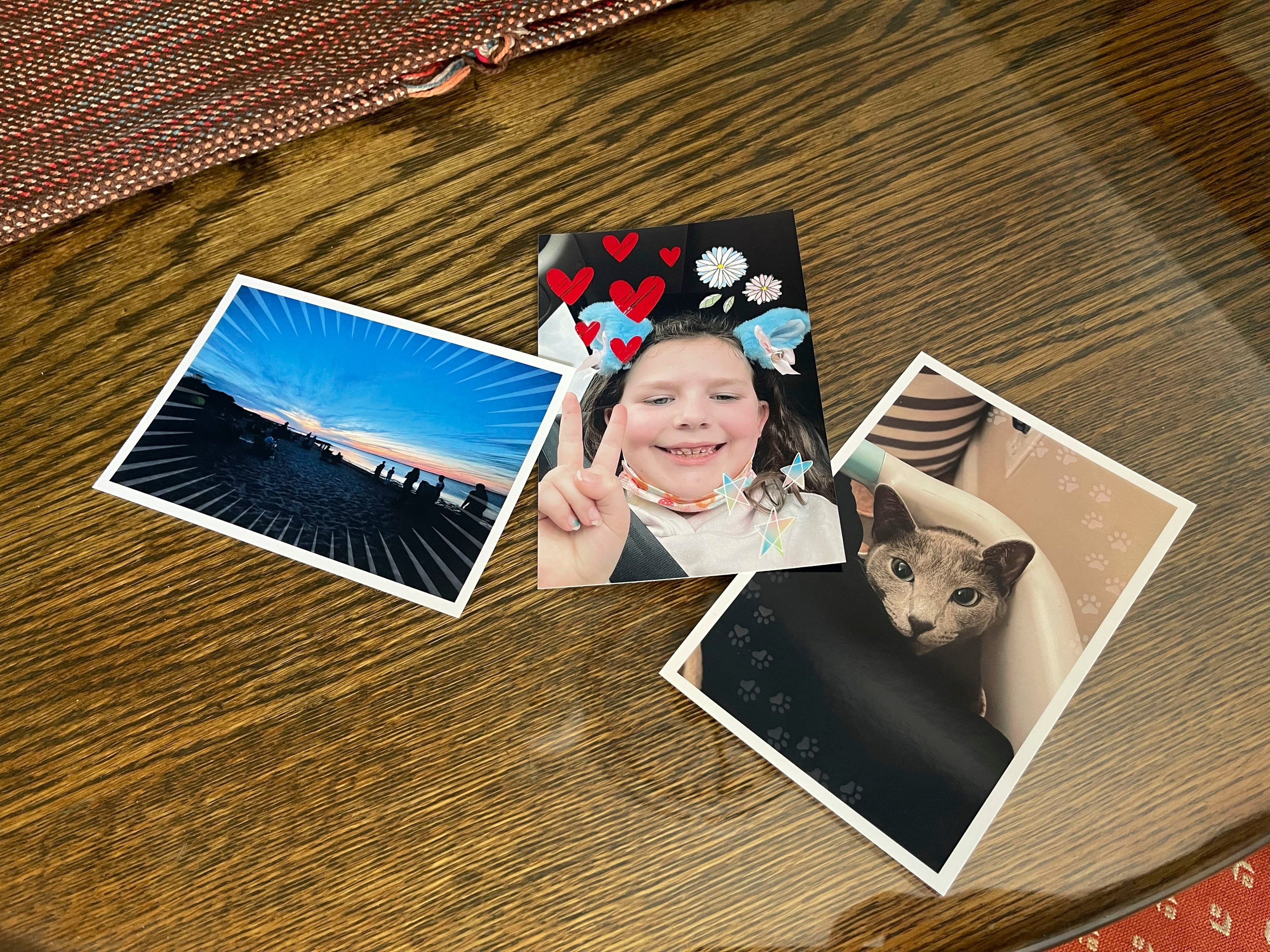
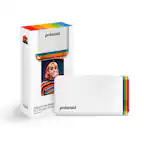
A:AnswerYes - you can buy additional batteries that will allow you to print when there is no elect. I used a small power tool inverter so I had my own elect. source - I did purchase 2 batteries in case I am off grid, but I have not used them yet. Nice that the option is there!
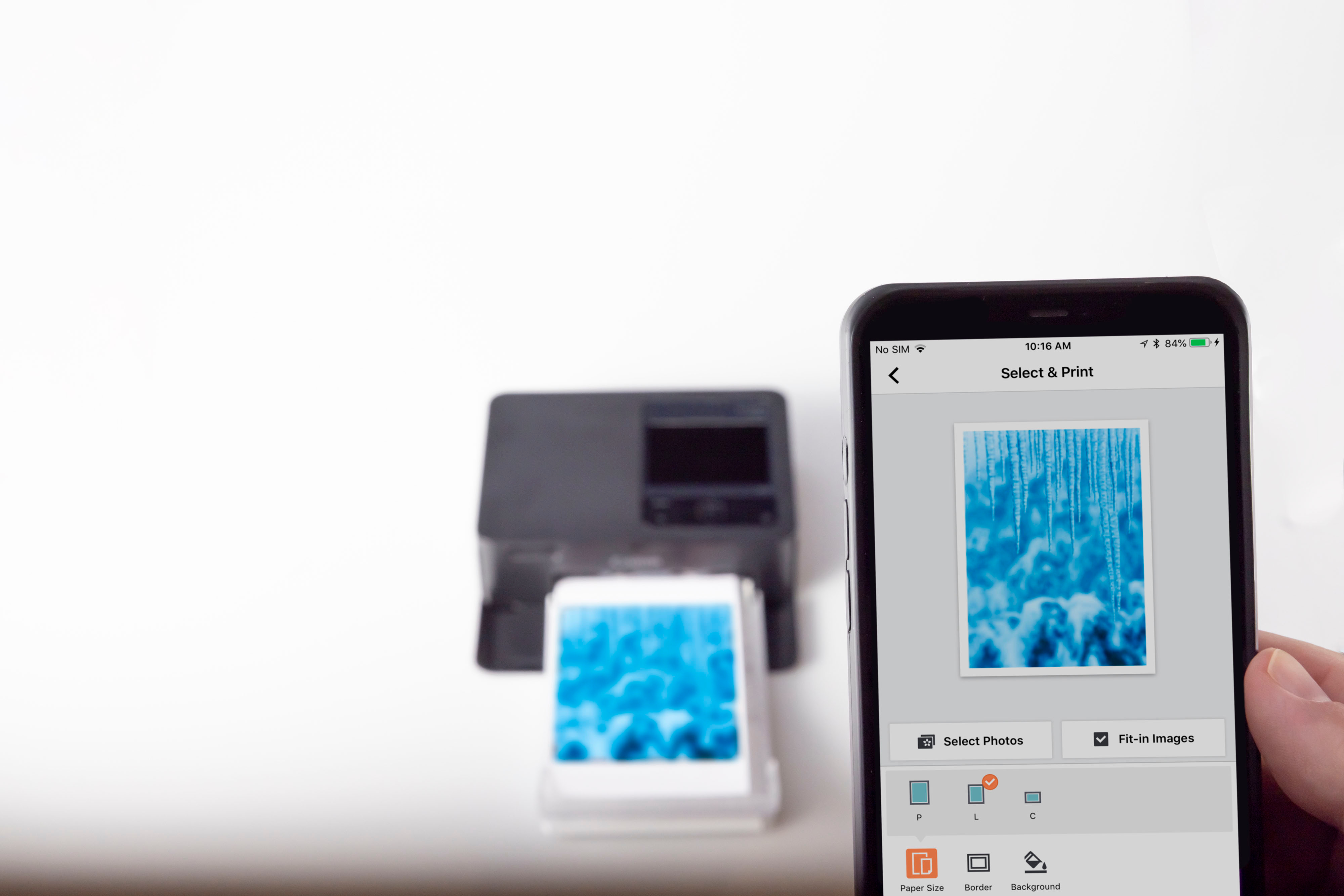
A:AnswerYes, you can edit photos before you print using mobile app. You can also print from desktop, just add printer like normal and choose paper type.
A:AnswerThe ink cartridges are pretty close to the amount of prints they say. Ive had some print less then. The print quality setting may have something to do with the quantity of prints.
A:AnswerFrom the YouTube unboxing videos I have seen, it is shipped in a retail box meant for off the shelf buying. Try looking up your questions before posting them here.
A:AnswerYou can perhaps use a custom software or the printer app to size the photo and print 2x2 passport photos. The printer won't automatically print them in that size. Also, you'd have to cut them manually with some siccors.
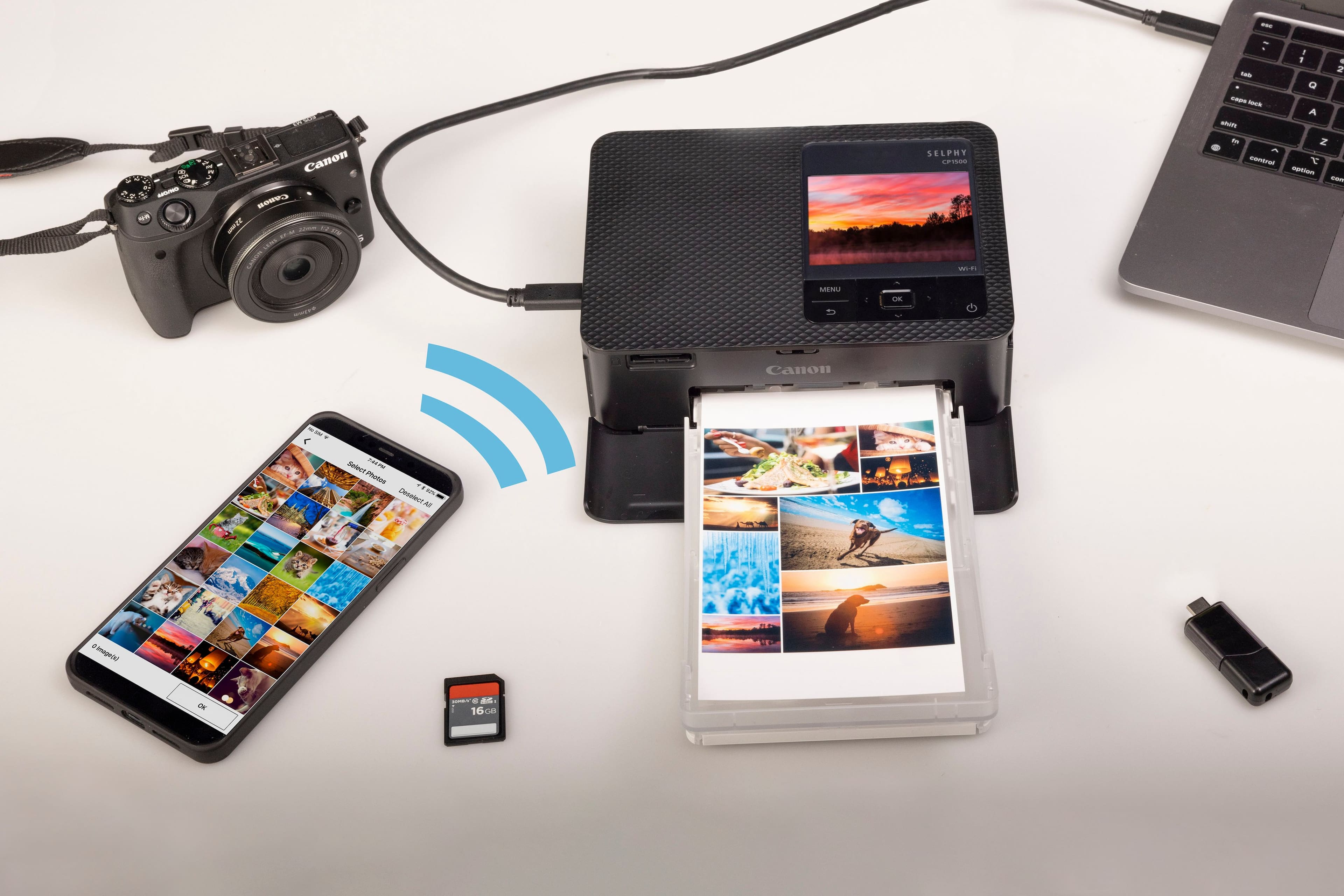
A:AnswerThe printer has a USB C port for plugging into a computer or for a flashdrive. If you have a USB C flashdrive or a USB A to USB C adapter then yes it will print from the drive.