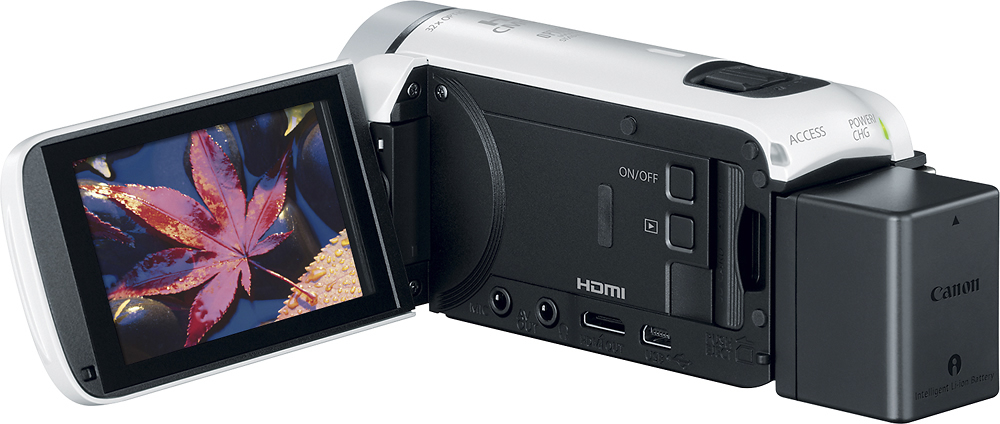
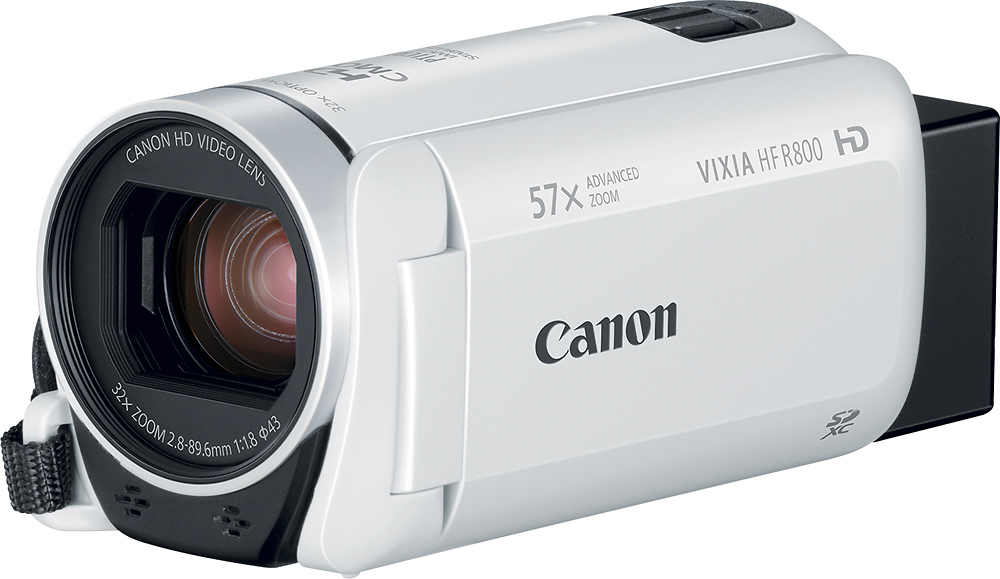
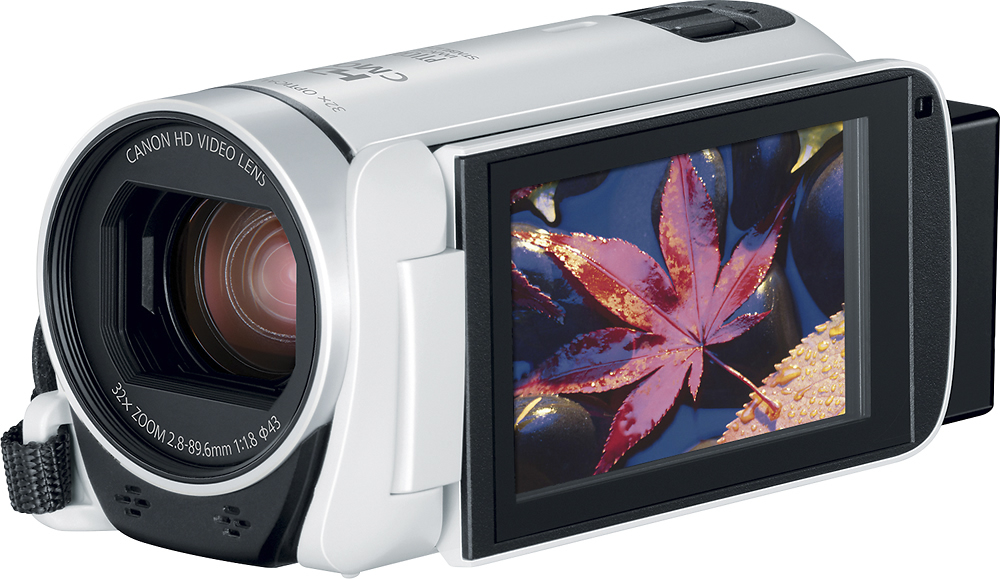
A:AnswerThe camcorder is just that - a camcorder. . It does output a clean HDMI signal (although you have to change a setting for that to happen) - clean as in, no UI icons - so with the appropriate capture equipment that can capture HDMI, you can livestream using it, yes. But you will need the appropriate HDMI capture equipment, which will be set as an input on whatever software you are using to stream to FB or YT (OBS, xSplit, vMix, whatever).
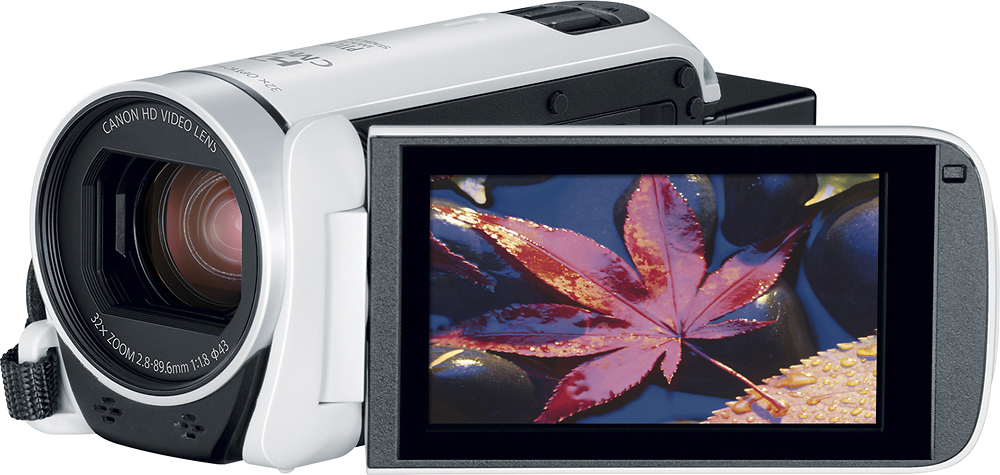
A:AnswerIt depends on the memory card and the recording settings. At maximum settings, 1080p 60 frames a second you will need a memory card with 64GB of memory. That will take up the entire card. I use 128GB cards just to be safe and I recommend the ones that are a speed of 90 or 95 cause then you can use the cameras full potential but also the video transfers to your computer much faster. The only thing that would keep you from filming for 4 hours straight is the battery, I always have our cameras plugged into an outlet when recording our games so finding a place to plug in and having an extension cord is also a must.
A:AnswerI have pretty good luck shooting indoors. But shooting indoors at Disney Land, there might be shining lights pointed at the camera, so you might get some flaring
A:AnswerTook it to Disney had no issues recording the fireworks on New Years on the auto mode. I also think there is a fireworks feature but did not need it to capture the moments.
A:AnswerThe camera records, at most, 60 frames per second, so that is the smallest interval you can pause on afterward. Whether the individual frames are clear depends on the amount of light available and the amount of movement in the video.
A:AnswerYeah it seems pretty good.. I have some footage with it on my YouTube channel- 999Holt. I purchased this camera recently before gun hunting season in Wisconsin..
A:AnswerOn the cameras's LCD screen, select "Home", "Other Settings", "Display Settings", and set "Output Onscreen Displays" to "OFF". This affects the external monitor only.
A:AnswerImport the video from the SD card into your editor of choice and upload the resultant edited video to YouTube, Vimeo, Google Drive, or the video-sharing source of your choice.
A:AnswerYes, but you will need to buy a capture card that connects to the camcorder’s mini HDMI port and then to your PC or laptop’s HDMI. You can get the HDMI capture card from Ebay or Amazon.
A:AnswerYes, you can stream to Facebook for more than an hour. You will need a video capture device as well as an encoder such as OBS. The camera works Great for our Facebook live streams.