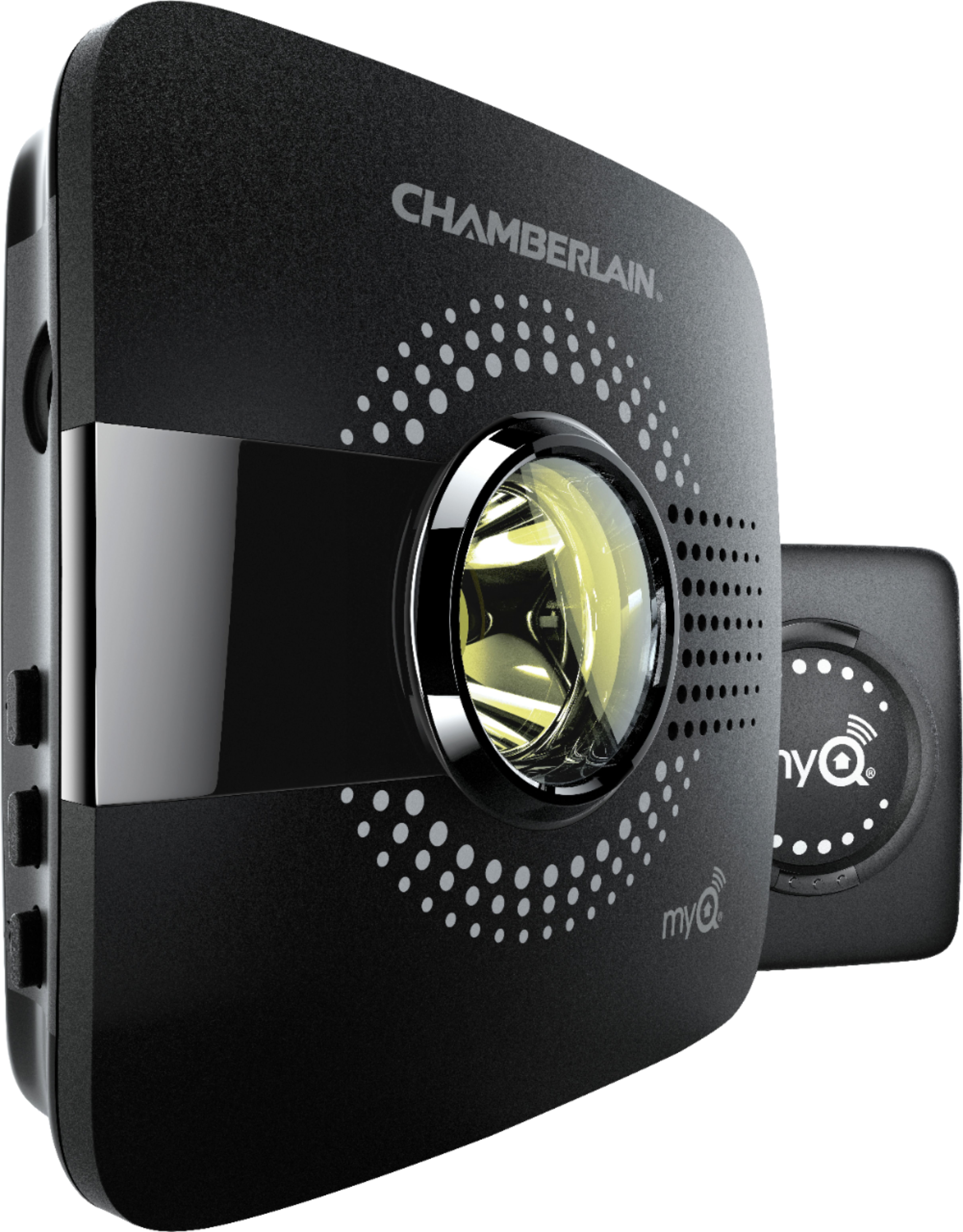
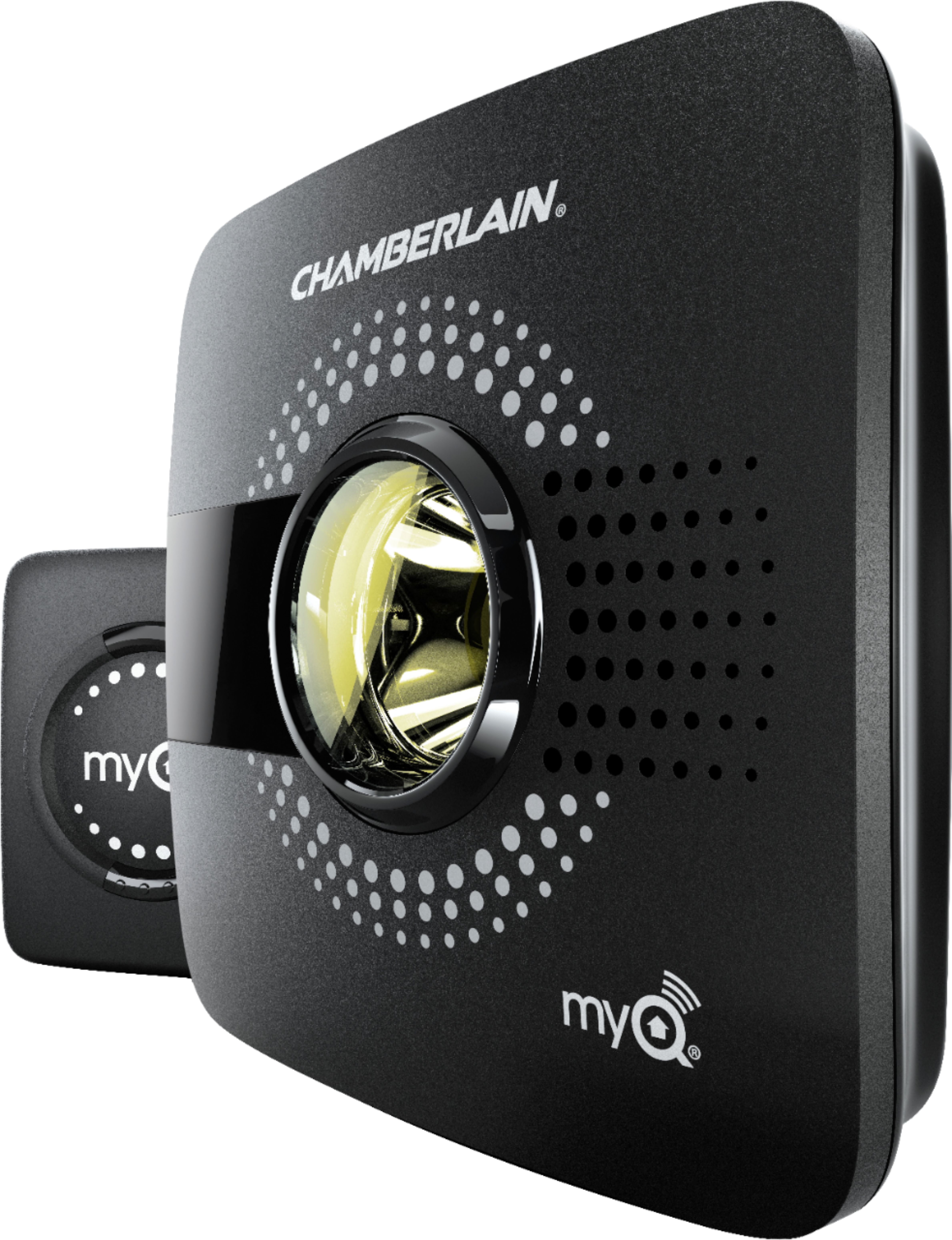
A:AnswerPerform a hard reset on the gateway to clear it from the old myQ account. Press and hold the settings button (gear) on the Wi-Fi hub until the blue LED blinks.
While the blue LED is blinking, press and hold the settings button (gear) again until the blue LED pauses then blinks or beeps.
The Wi-Fi hub is set to factory default.
A:AnswerWe are sorry that we did not have the opportunity to troubleshoot with you; our technical support agents are extremely knowledgeable and can help assist you with this issue. Please contact us at 1-800-528-5880. We are available M-F, 5am-6pm, MST, and on Saturday 7am-4pm, MST. You can also reach us via chat - https://support.chamberlaingroup.com/s/
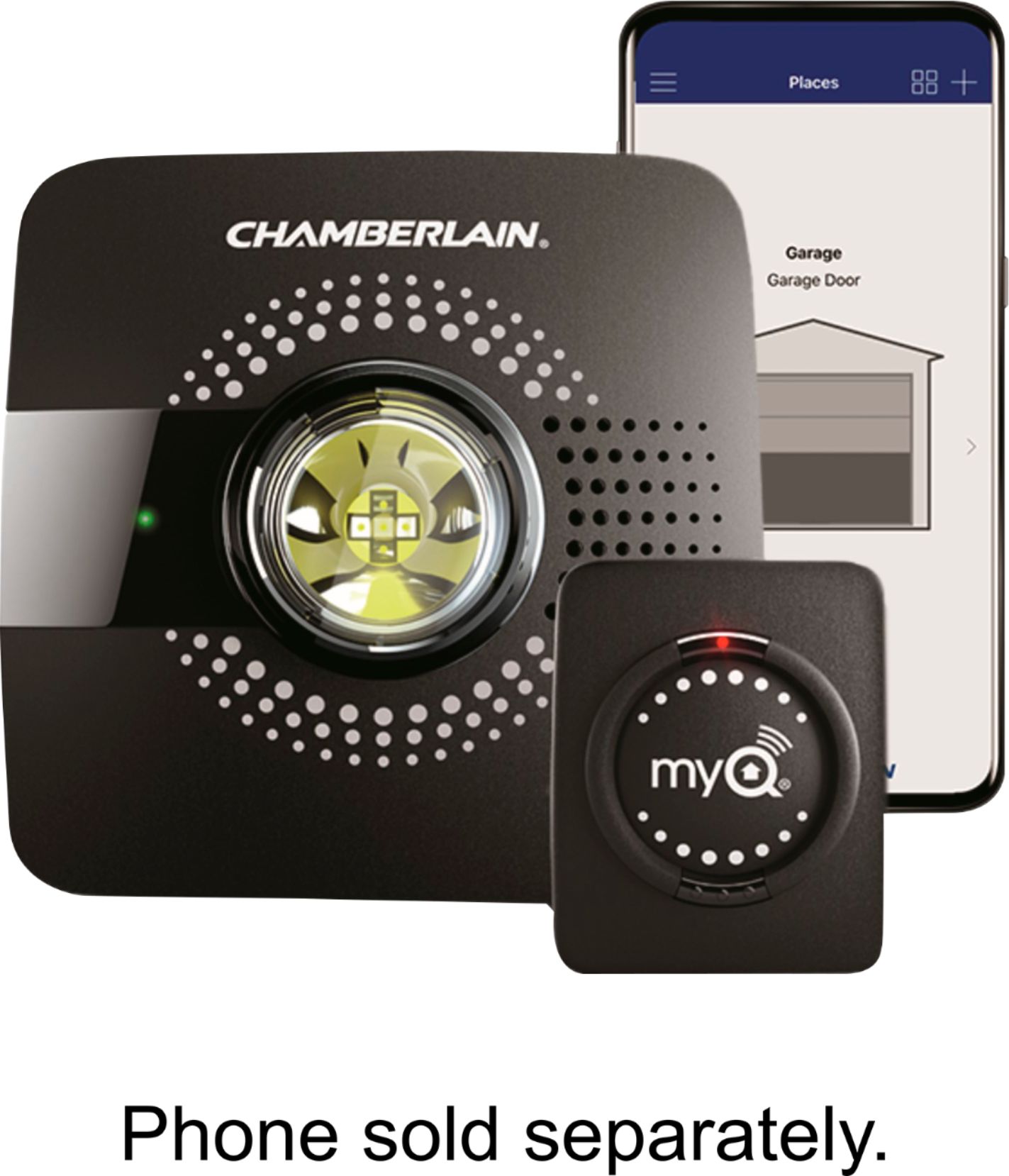
A:AnswerWe are sorry that we did not have the opportunity to troubleshoot with you; our technical support agents are extremely knowledgeable please contact us at 800-528-9131. We are available M-F, 5am-6pm, MST, and on Saturday 7am-4pm, MST. Any of our agents will be able to assist you with this issue. Thank you!
A:AnswerYes, the Smart Garage Hub can pair to two separate non-myQ operators, you will need the additional door sensor for the second unit. Part number for additional door sensor is MYQ-G0302. You will be able to operate each door separately. Thank you!
A:AnswerIt is compatible with Google Assistant, you can use the link below for linking: https://support.chamberlaingroup.com/s/article/Link-MyQ-to-Google-Home