Black Friday is hereShop new DoorbustersShop now

Main Content

Questions & Answers

Your price for this item is $39.99
The comparable value price is $79.99
Page Showing 1-20 of 58 questions
  • QuestionDoes the MyQ Smart Garage Video Keypad require a subscription?

    • Answer A subscription is optional and not included with the purchase of the keypad.
    This question and answer was generated by AI based on customer and product data.
  • QuestionDoes the keypad have night vision?

    • Answer Yes, the keypad is equipped with night vision.
    This question and answer was generated by AI based on customer and product data.
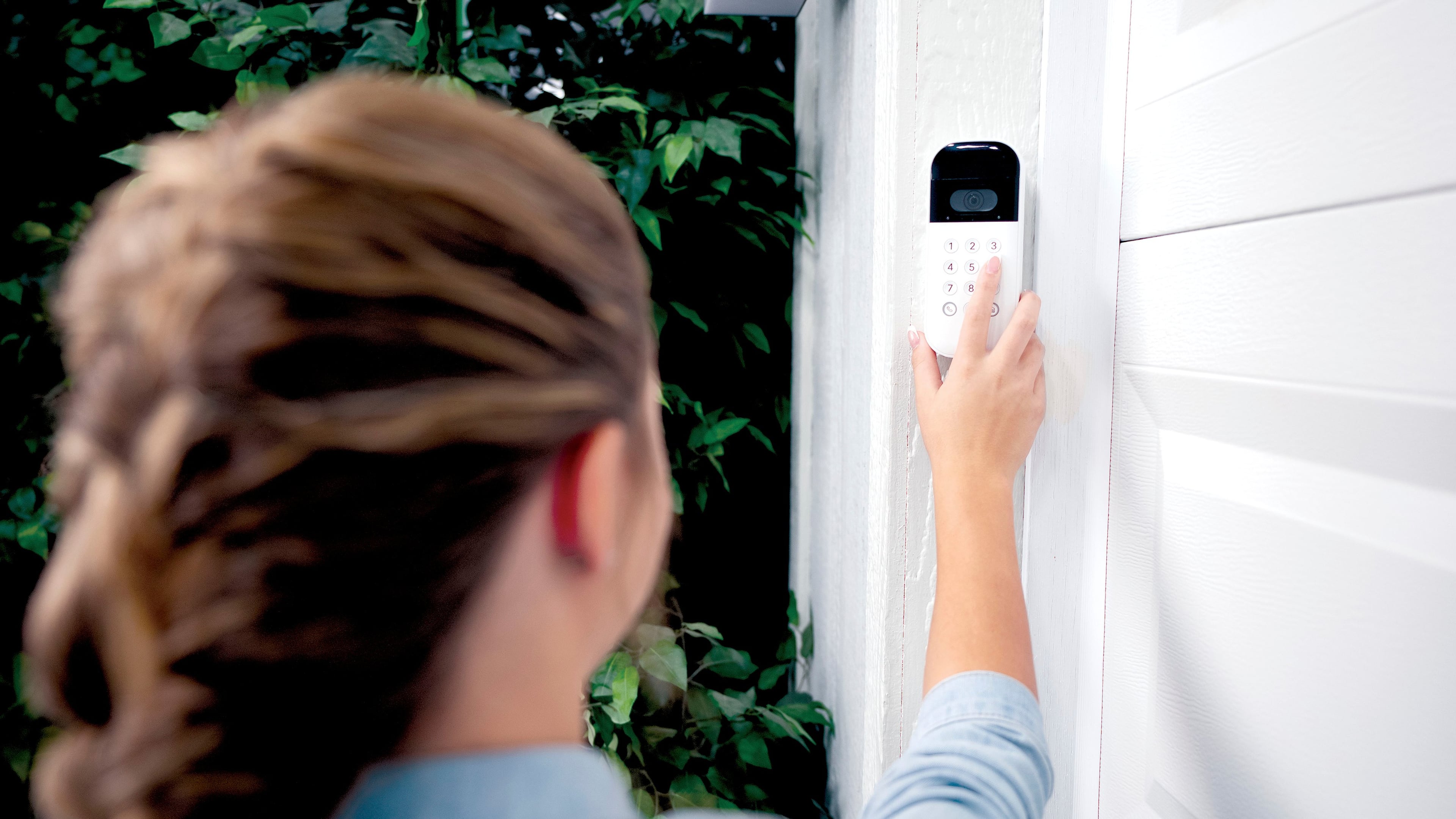
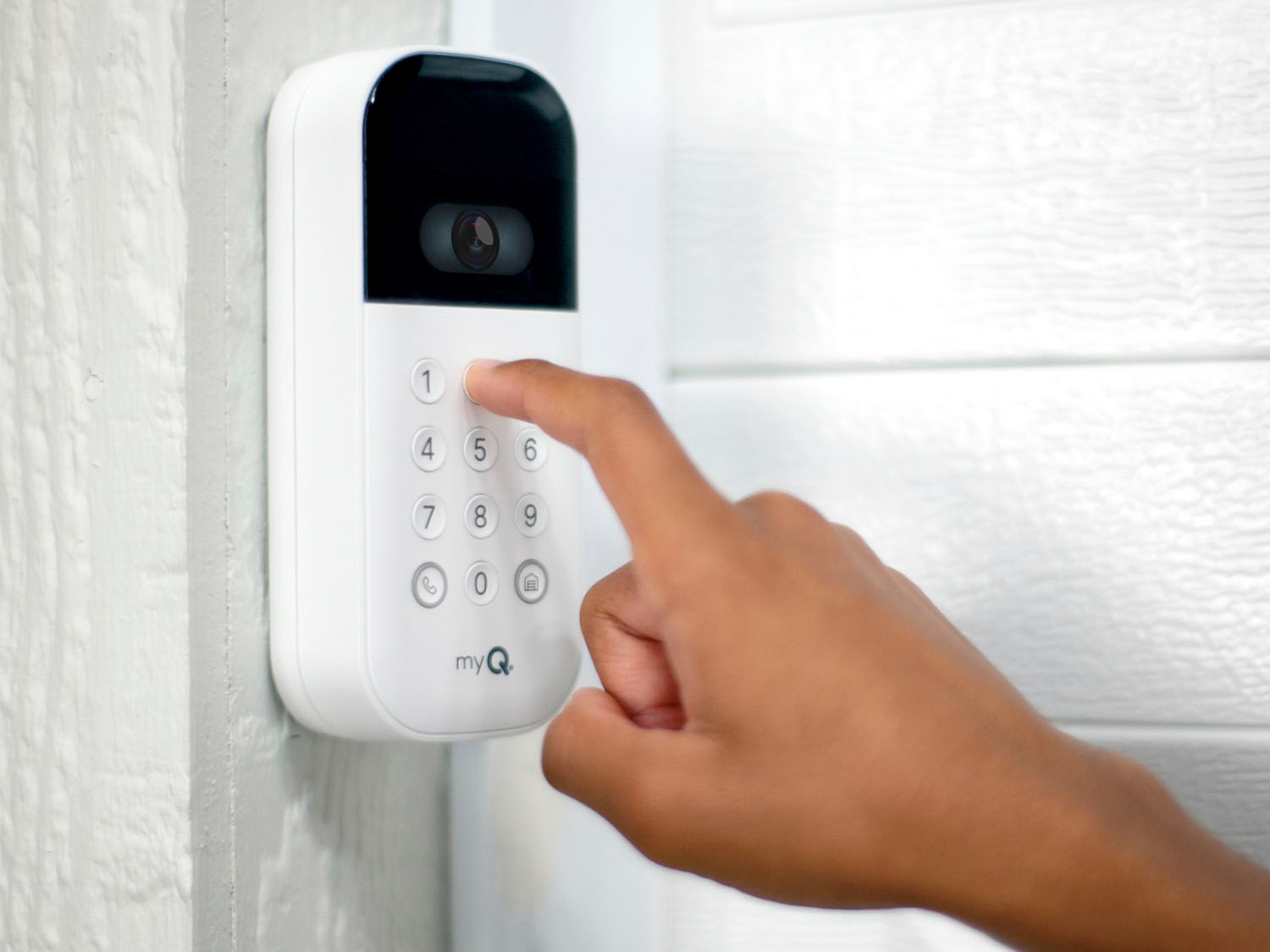
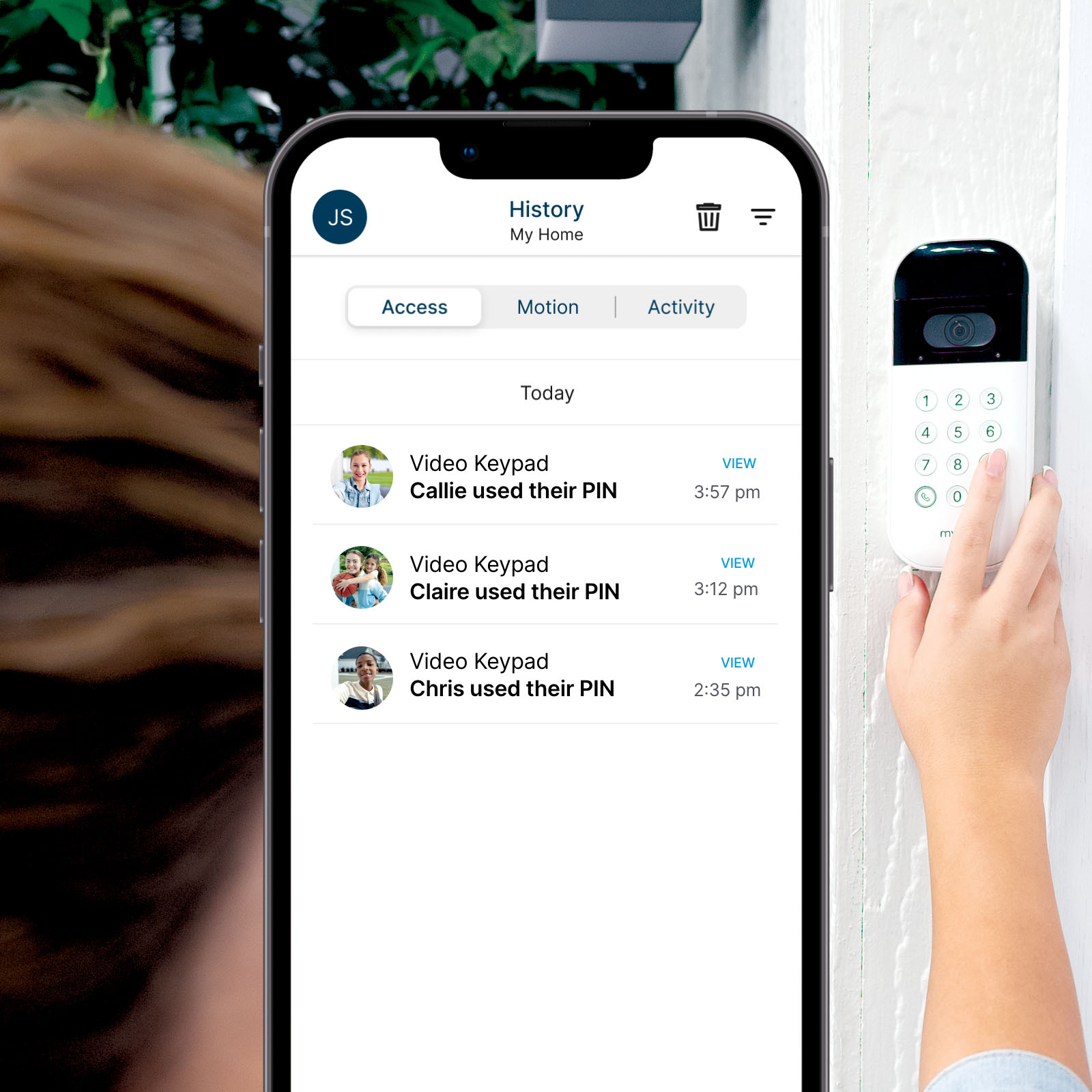
  • QuestionCan I use this keypad to give access to guests or service providers?

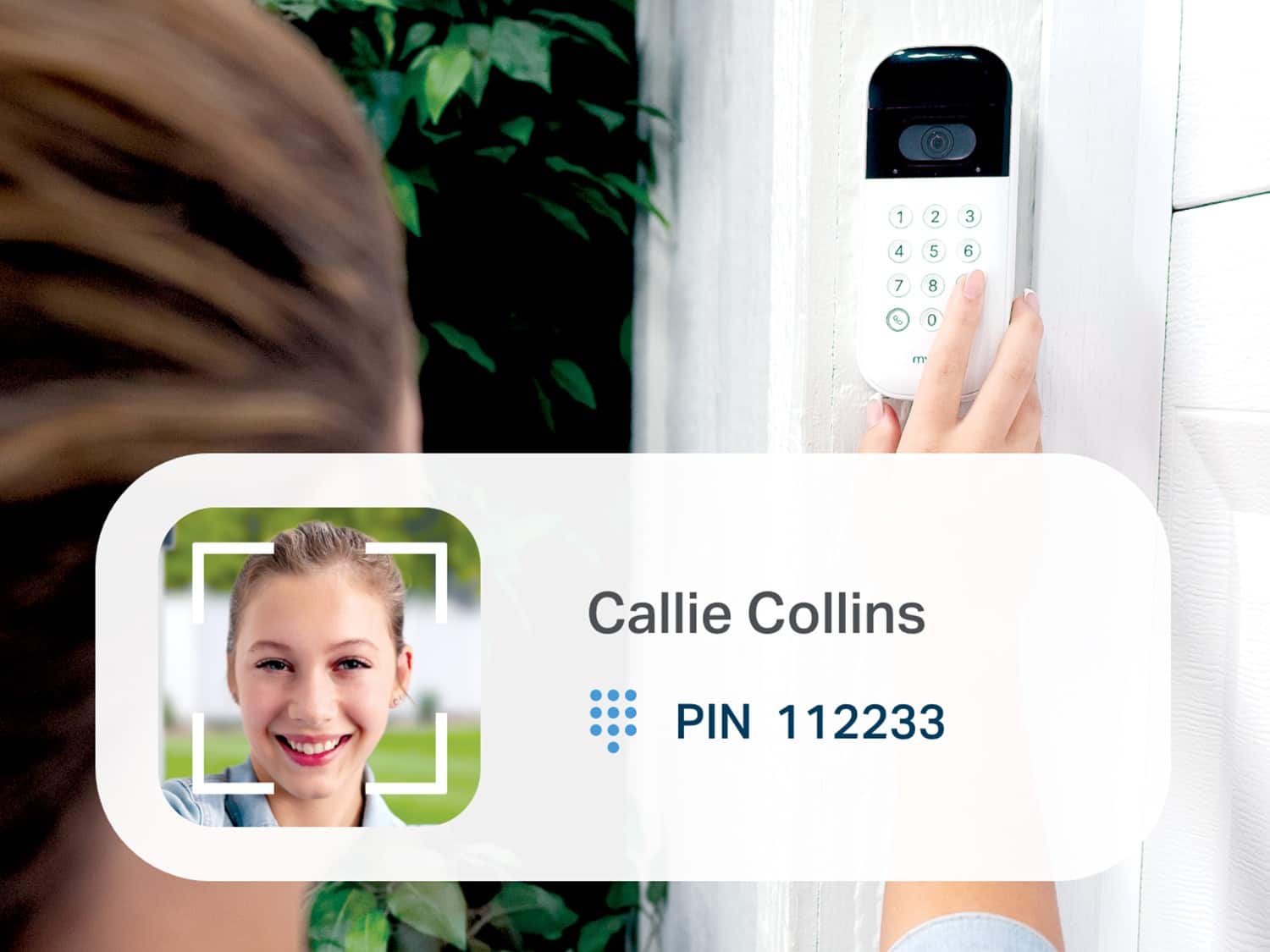
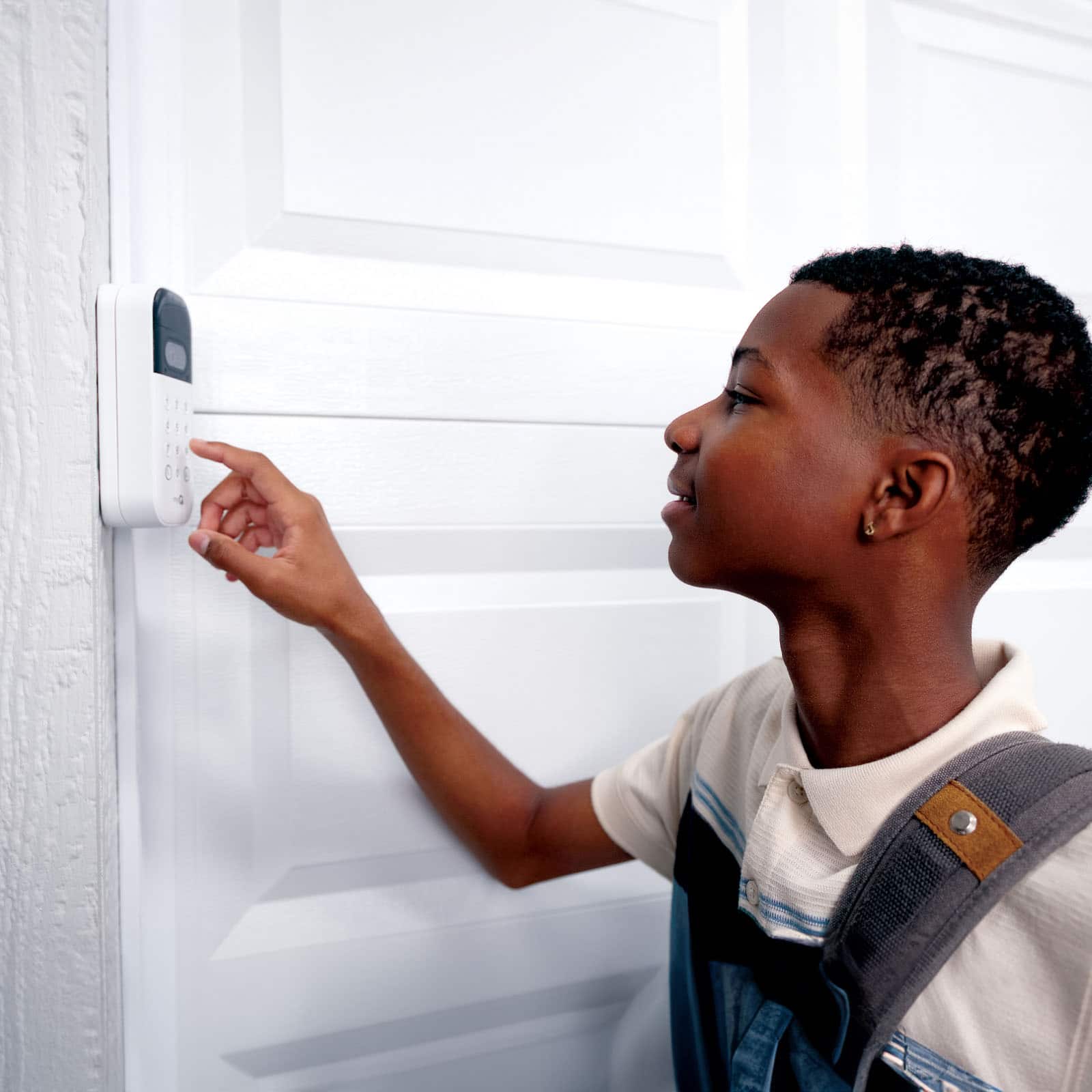
    • Answer Yes, you can assign unique PIN codes for family, guests, or service providers.
    This question and answer was generated by AI based on customer and product data.
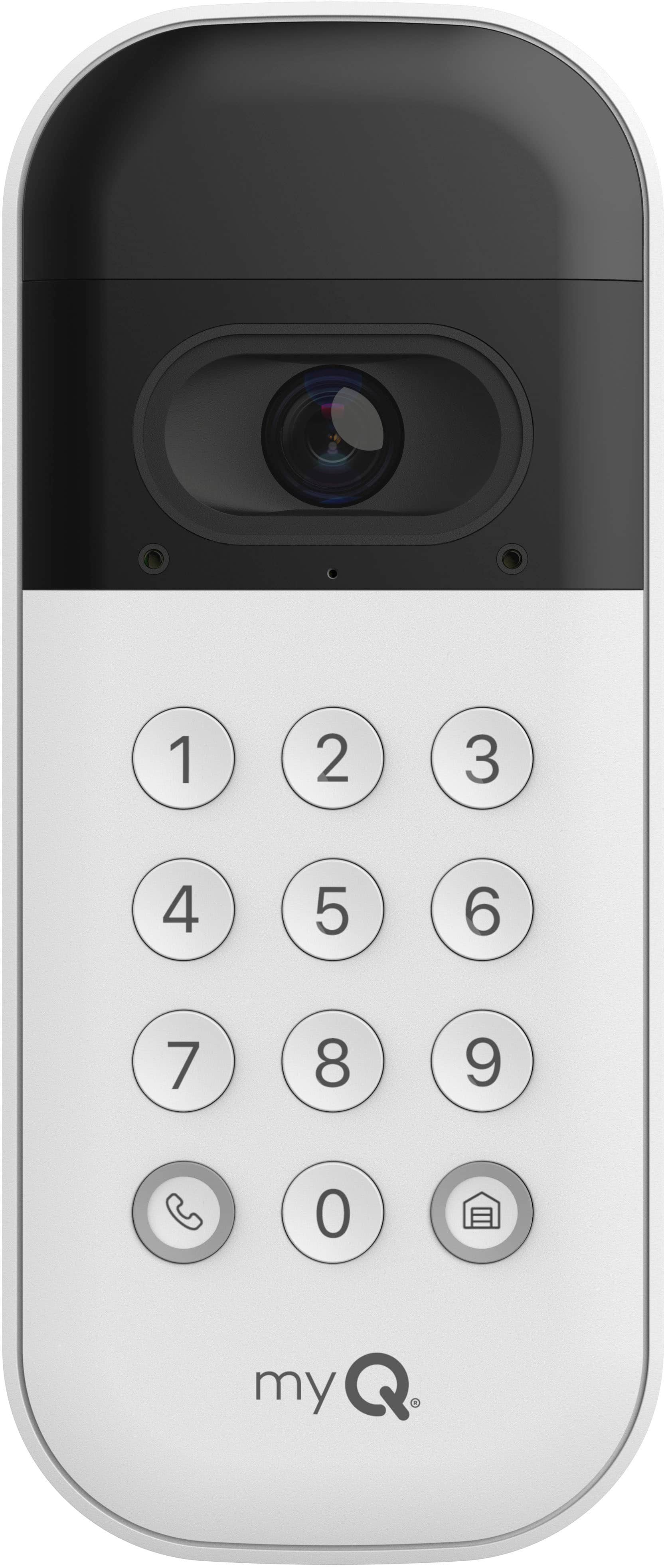
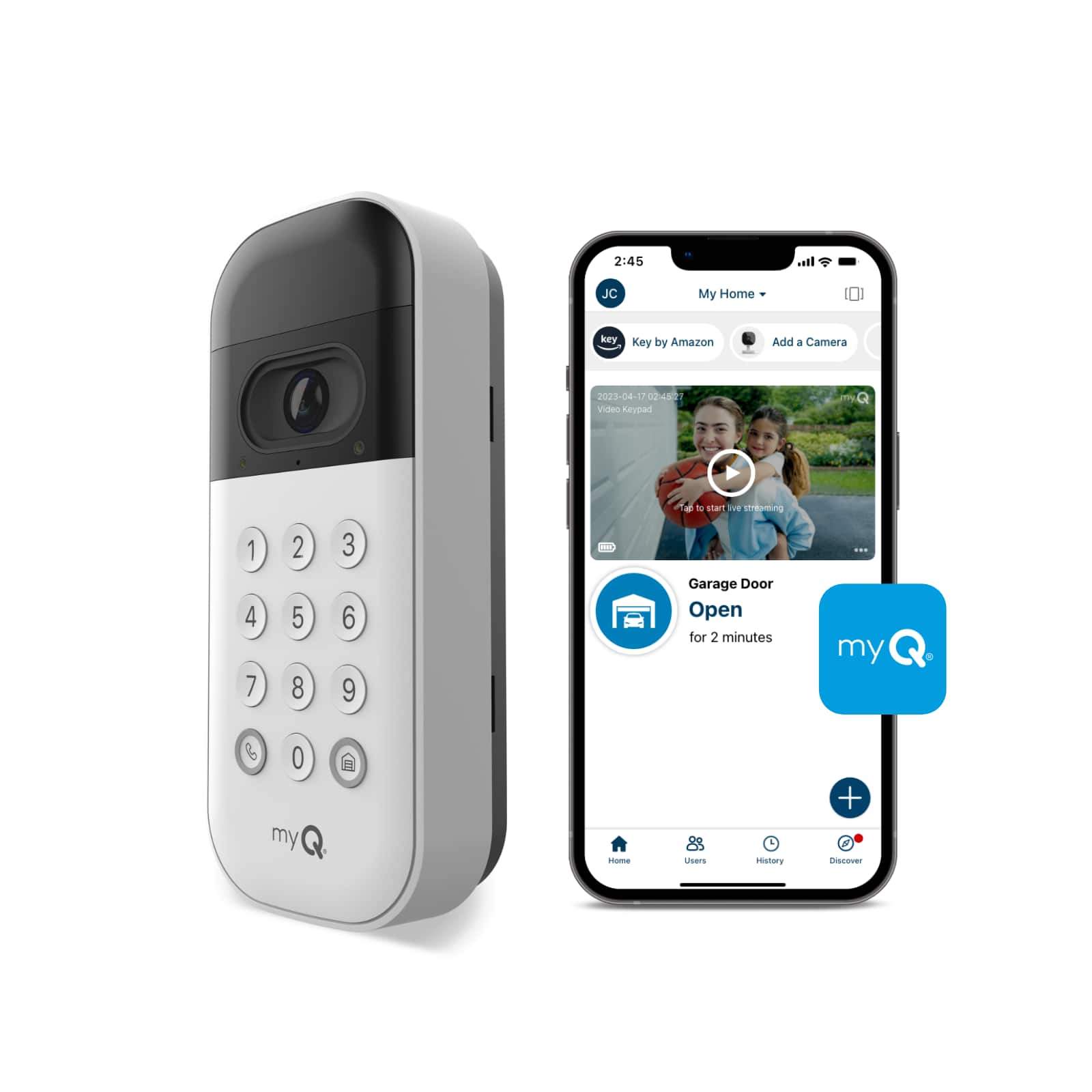
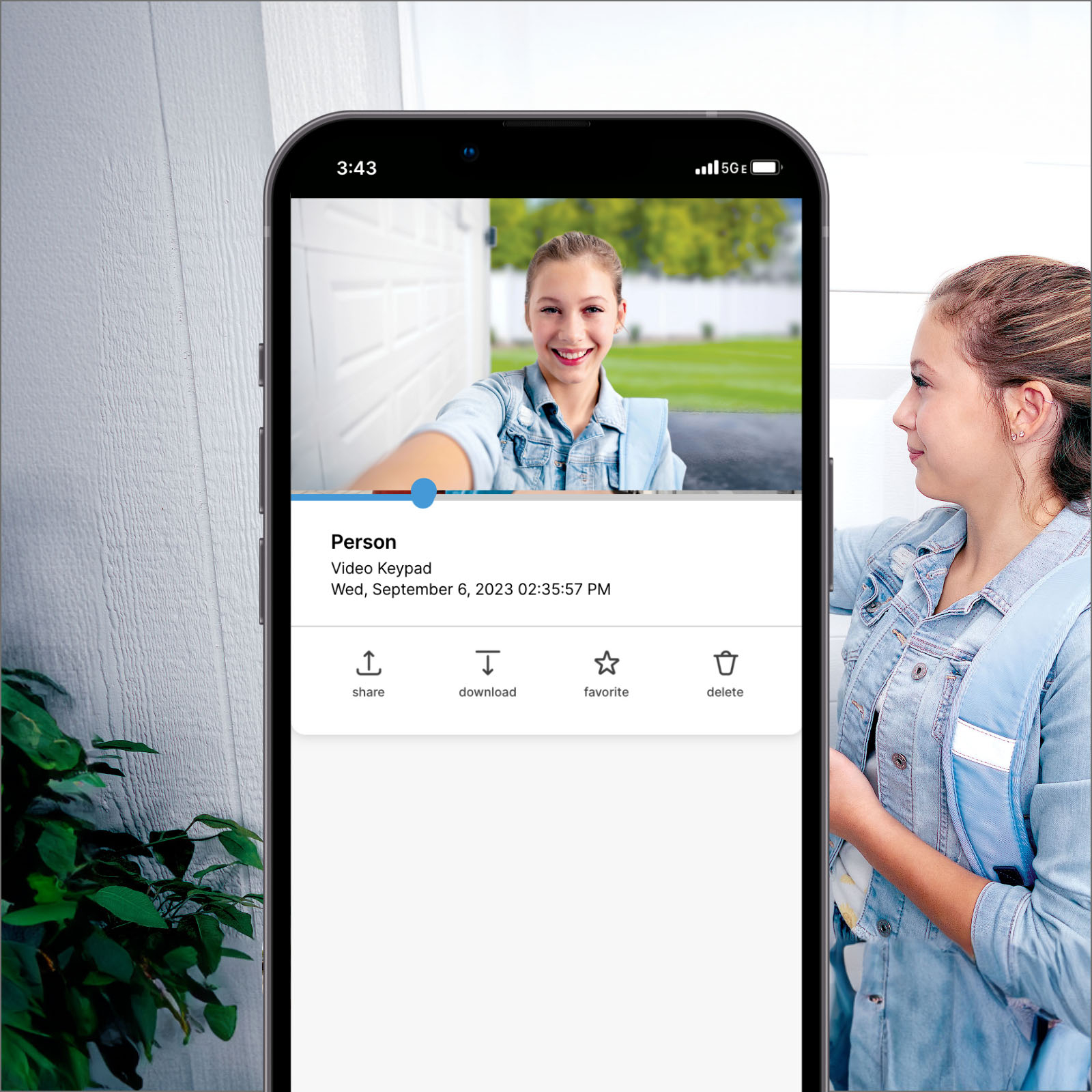
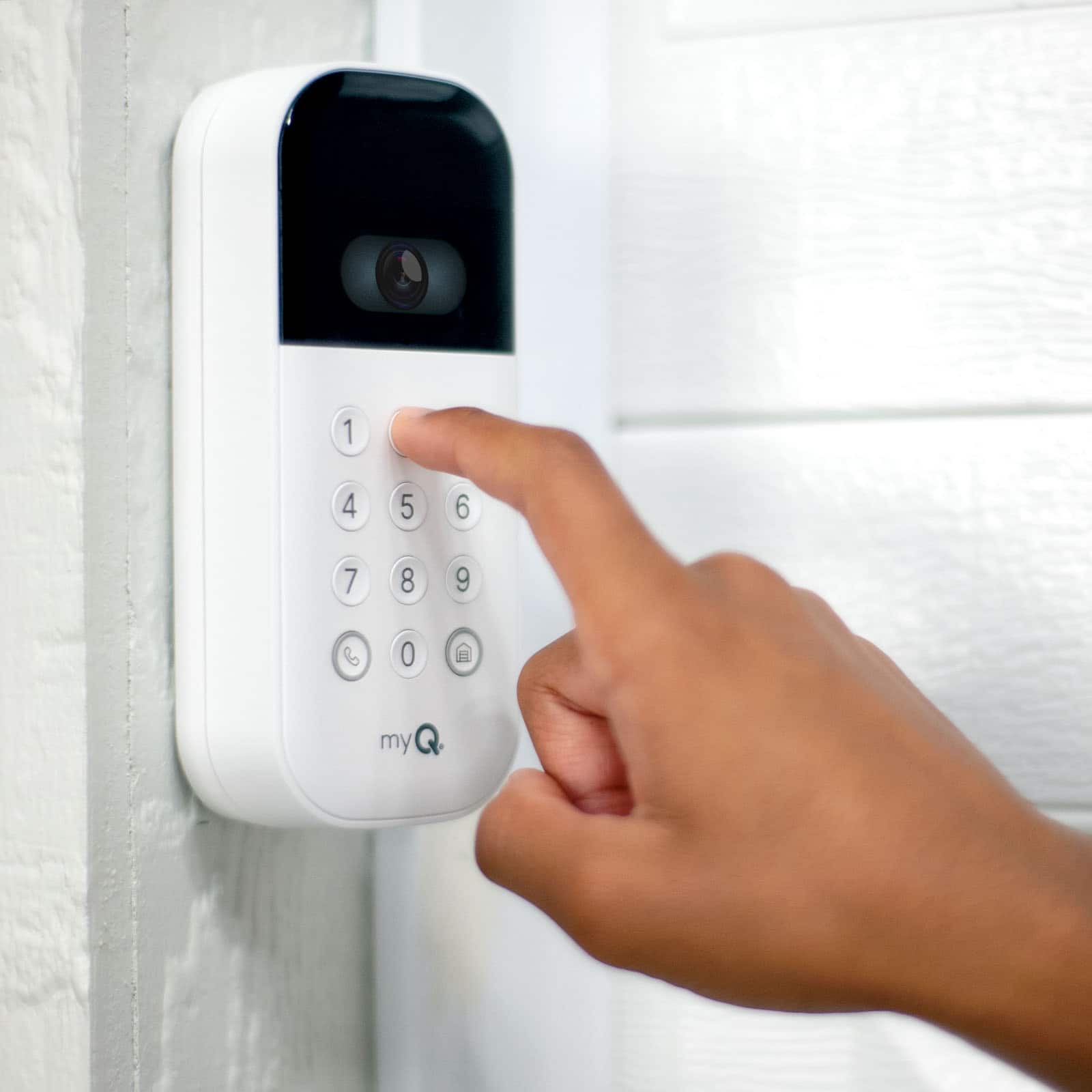
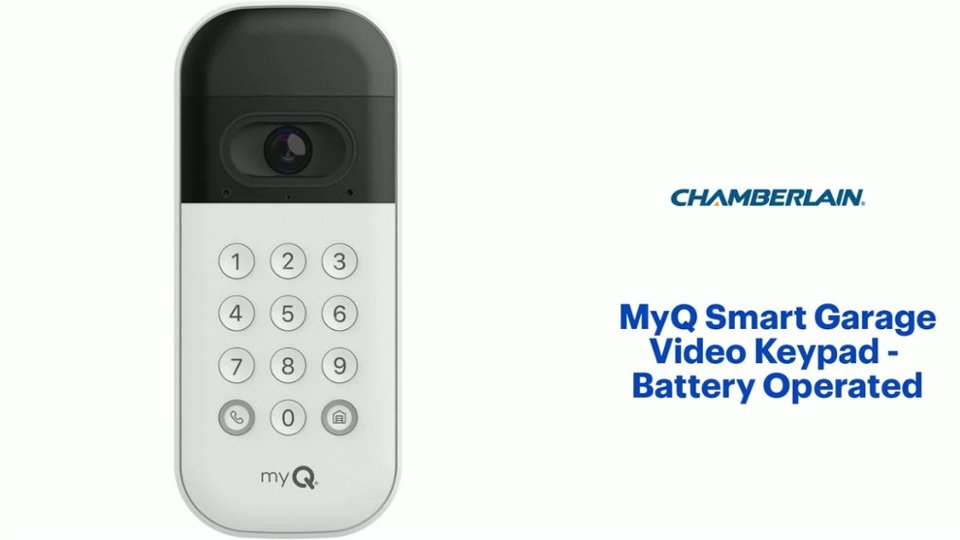
  • QuestionDoes this video keypad have a built-in camera?

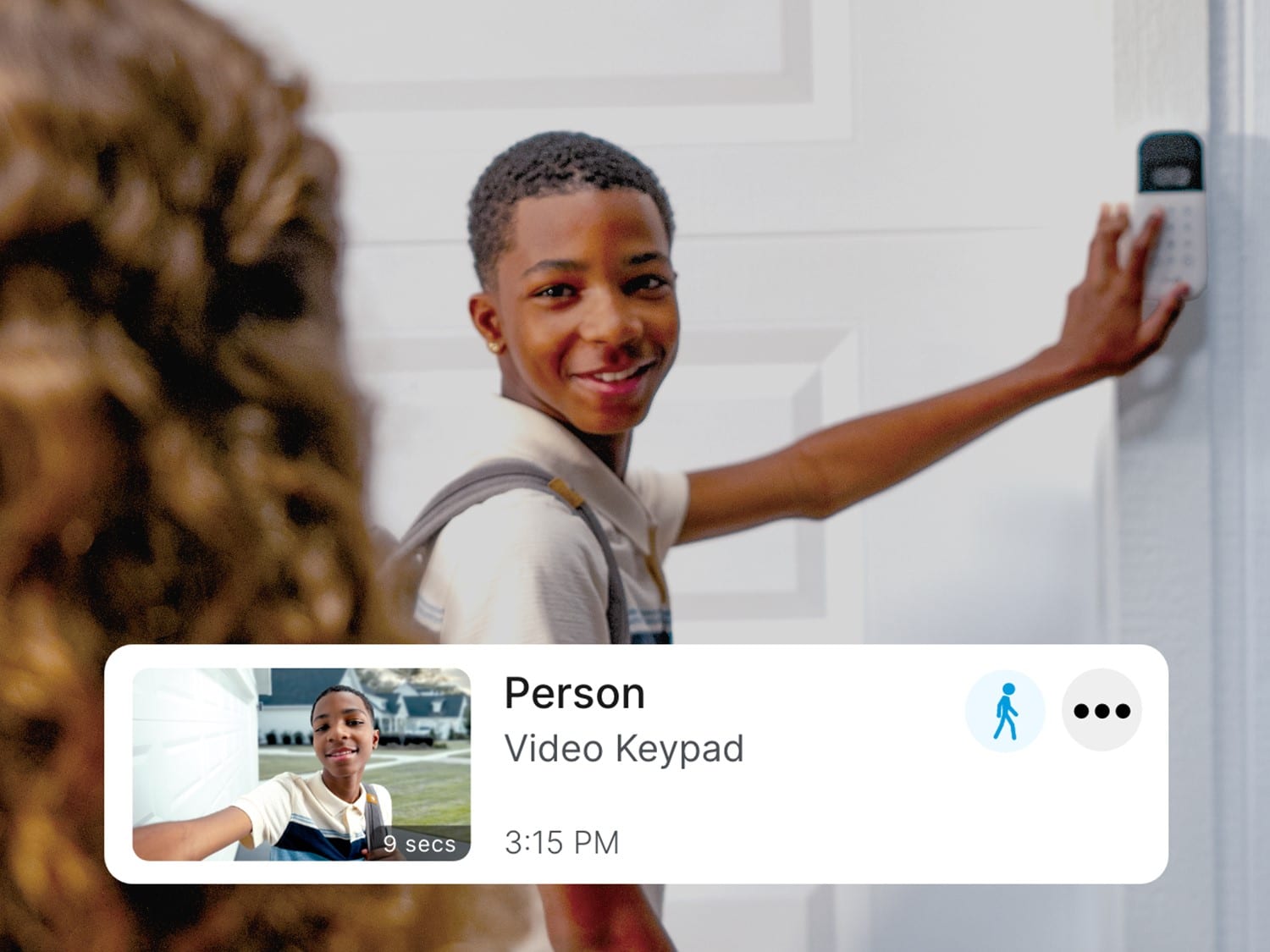
    • Answer Yes, the myQ Smart Garage Video Keypad has a built-in camera with 1080p HD video and a 160-degree wide-angle view.
    This question and answer was generated by AI based on customer and product data.
  • QuestionWhat is the field of view for the camera on this keypad?

    • Answer The camera has a 160-degree field of view.
    This question and answer was generated by AI based on customer and product data.
  • QuestionCan I control the keypad with my smartphone?

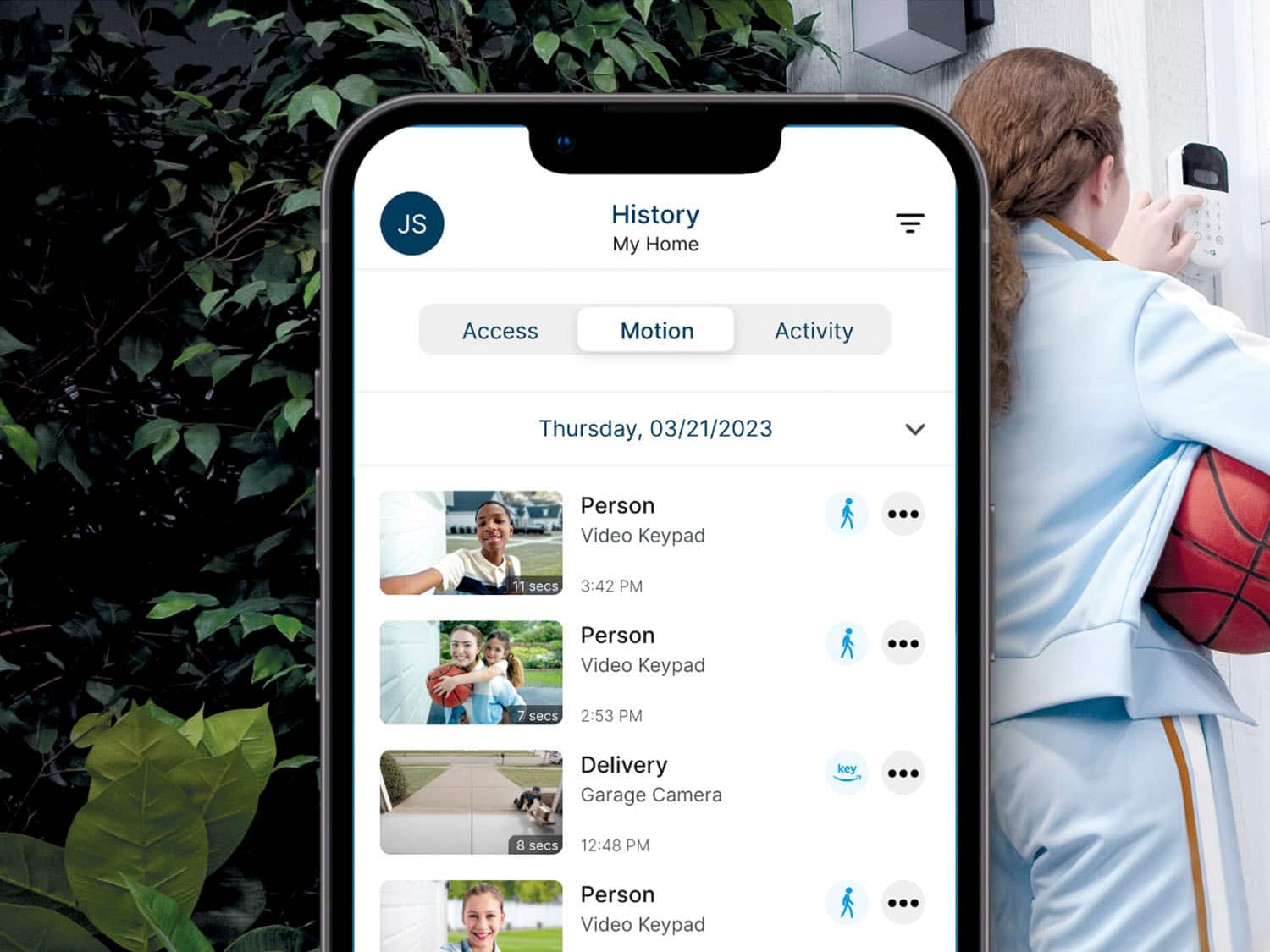
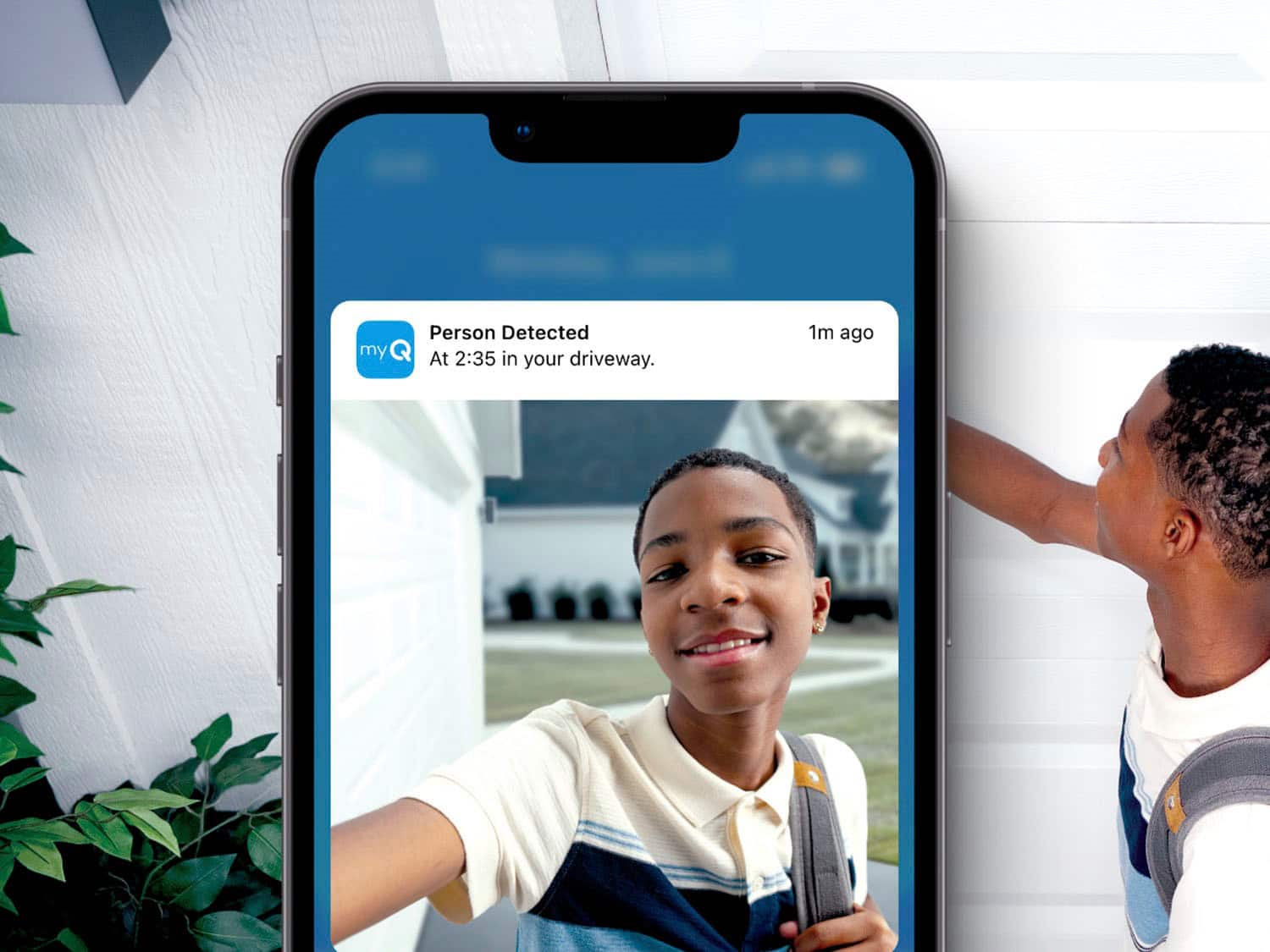
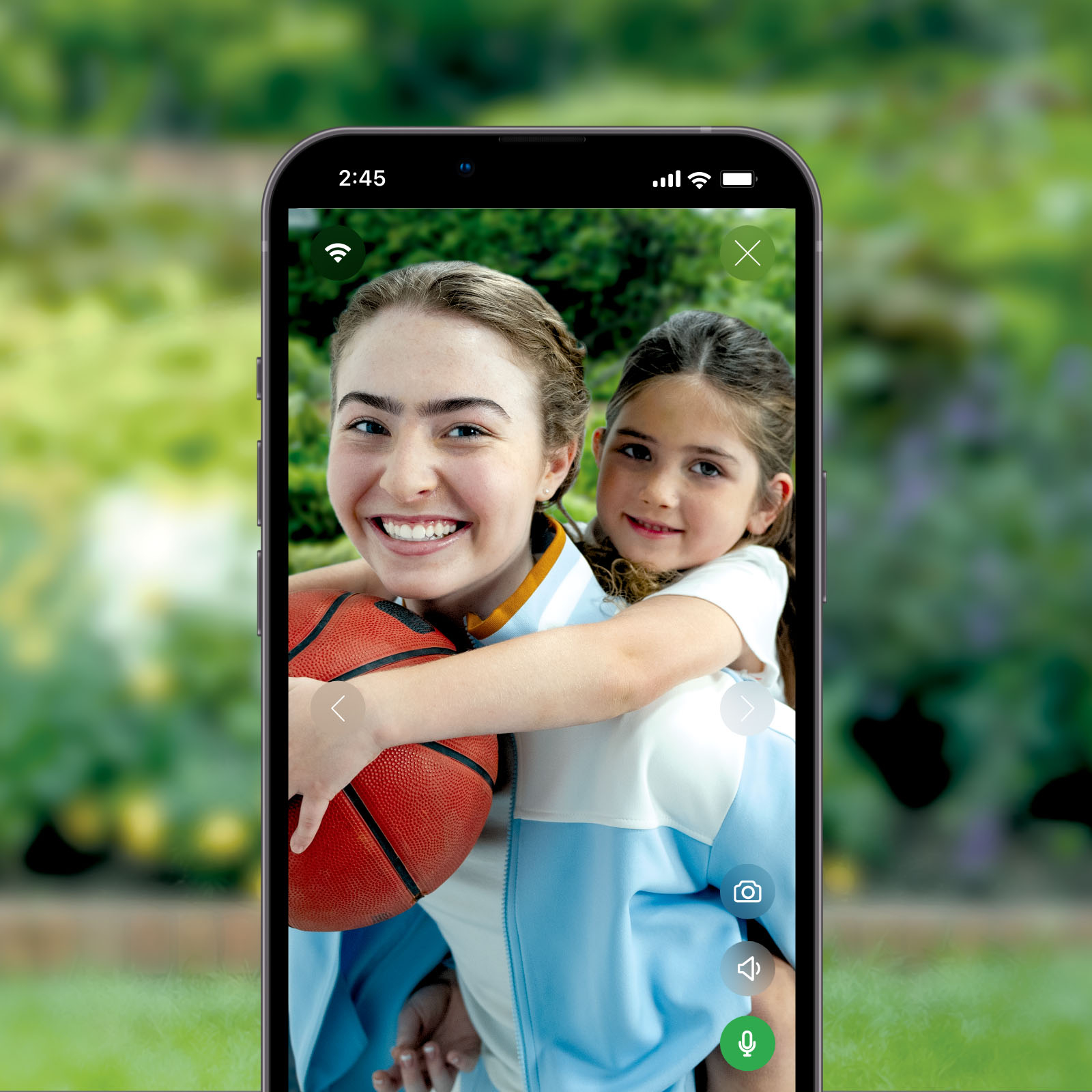
    • Answer Yes, the myQ app allows you to monitor your garage through a live feed or recorded events.
    This question and answer was generated by AI based on customer and product data.
  • QuestionHow is this keypad powered?

    • Answer The myQ Smart Garage Video Keypad is battery-powered.
    This question and answer was generated by AI based on customer and product data.
  • QuestionHi just wondering if this will work with a non wifi garage door opener

    Asked by Curious.

    • Answer Yes. My garage door opener was a non WiFi. As long as your garage opener has a ‘learning’ button to push for your older model remote hand held openers, then this just becomes an additional learned remote opener. The instructions walk you thru pressing the button based on the color of your button of the garage opener.

      Answered by TechieJR

  • QuestionDoes it work other brand like craftman?

    Asked by Anonymous.

    • Answer Hello. The myQ Video Keypad is compatible with both WIFI enabled Chamberlain or LiftMaster garage door openers and non-Chamberlain-produced garage door openers that use the myQ Smart Garage Control. Once the Video Keypad is successfully installed it will communicate with the myQ hub via myQ to open and close your garage door.

      Answered by TheChamberlainTeam

  • QuestionWell the keypad open the garage with just the backup battery? Example, when the internet connection fails or goes out.

    Asked by 1Vp1.

    • Answer The keypad will operate the opener as long as it still has power. However, with no internet connection available, the camera/video features would not be available until re-connected.

      Answered by TheChamberlainTeam

  • QuestionDoes this require a subscription to use the video feature?

    Asked by Jess.

    • Answer You have live view for free, but there's monthly fee to save recording.

      Answered by Anonymous

  • QuestionHello. Does this device work with a yellow learn button?

    Asked by Turo.

    • Answer YES! Very easy to set up

      Answered by Anonymous

  • QuestionI have 3 Chamberlain garage door openers. Can this be programmed to open all 3 doors or do I need a keypad per door?

    Asked by Voldog1984.

    • Answer Hello, thank you for your question. The myQ Video Keypad will only program to one garage door opener, you would need to purchase a Video Keypad for every garage door.

      Answered by TheChamberlainTeam

  • QuestionIs this wireless and easy to install?

    Asked by Debbie.

    • Answer Yes, and Yes. It's battery powered, so completely wireless. The installation is basically using the mounting plate to mark and drill two holes, setting the anchors in the holes, and finishing setting the screws in the anchor (If you're mounting to wood, you won't need to drill pilot holes or set anchors; just screw directly into the wood. The setup, would've been a whole lot trickier had I not reached out to MyQ support before attempting it. So I definitely recommend contacting them before activating and setting up your device (which is much easier to do before you mount the keypad). So: Step 1 - Call MyQ support first. Let them know the model number of you opener, and whether you're using Apple or Android. They'll email you a set of instructions that'll get you up and going way, way quicker. Step 2 - Follow their instructions to finish the setup. Step 3 - Install the device in your desired location. It's also worth mentioning that depending on your particular model of opener, you may need to order an additional device to make everything work correctly, as was the case for me. But, a quick call to the MyQ people will let you know if you need the additional device, which is basically a hub that most of their openers have built-in, but mine was the one model that didn't have that. I think the additional part was around $30. I just Googled my brains out until I found it at the cheapest price. I've had it installed for about a month or so, and it's been working great.

      Answered by drewsouth

  • QuestionHow does the battery recharge?

    Asked by Ed.

    • Answer The battery has to be removed and plugged into an outlet.

      Answered by Drewhill70

  • QuestionCan I open the garage of my cellphone with this keypad?

    Asked by GabrielLora.

    • Answer Hello Gabriel. Thank you for your question. The video keypad will activate the door through by pressing the PIN number.

      Answered by TheChamberlainTeam

  • QuestionDoes this work with Genie garage door opener?

    Asked by Rpugh817.

    • Answer Hi, thank you for your question. For any compatibility inquiries, we suggest following our compatibility tool on our Chamberlain website for better confirmation. https://www.myq.com/how-to-connect-to-myq

      Answered by TheChamberlainTeam

  • QuestionIf you see on the live feed that you left the garage door open, can you shut it via the app?

    Asked by JKK1.

    • Answer Hello, thank you for your question! Yes, as long as your device is connected to your network connection, you will have the ability to shut the door through the myQ app.

      Answered by TheChamberlainTeam

  • QuestionWill it work with lift master brand garage door opener?

    Asked by SGM.

    • Answer Yes, it’s the brand I have and it connected easily.

      Answered by MikeF

  • QuestionDoes this work with multiple doors

    Asked by Me.

    • Answer Hello! No, the myQ Video Keypad will control a single residential garage door opener. Thank you!

      Answered by TheChamberlainTeam