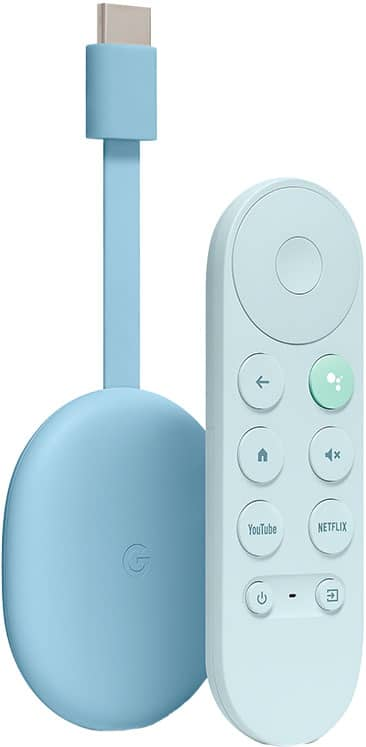
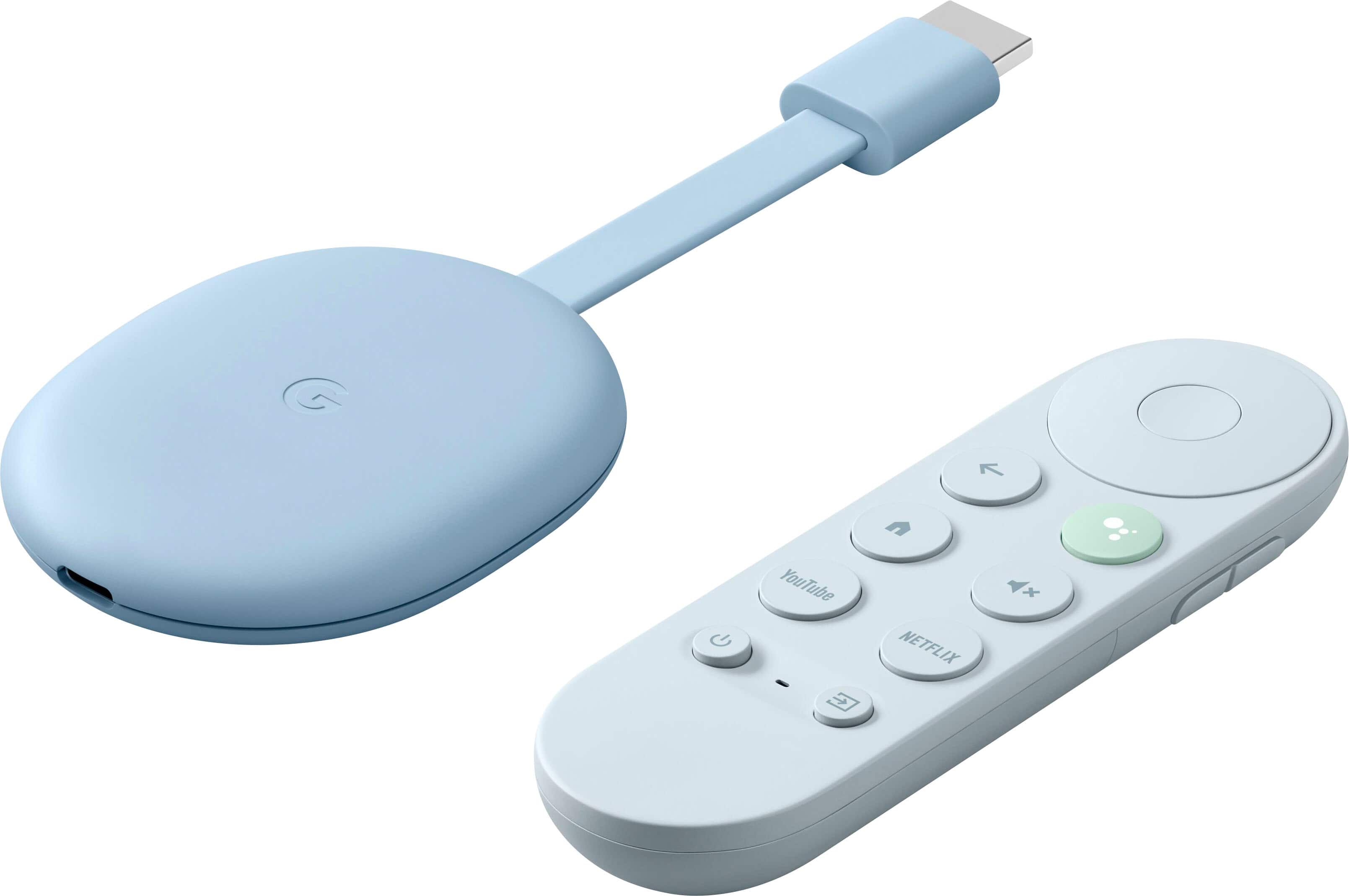
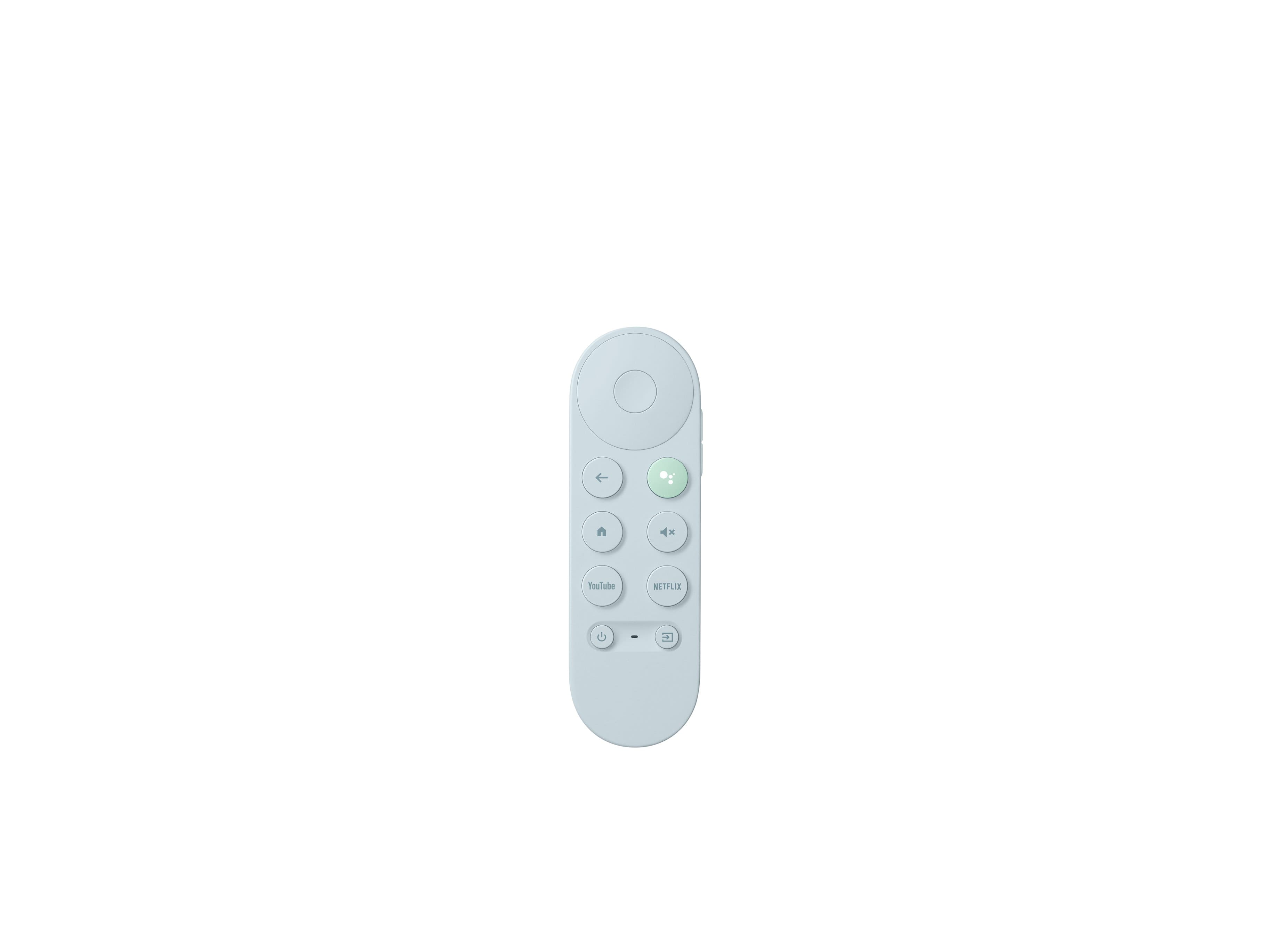
A:Answer Yes. You may set up your projector and receiver with Chromecast with Google TV by following this guide:
> Open Google Home app.
> Go to Settings.
> Select Remotes & Accessories.
> Select Set up remote buttons.
> Add device.
> Select AV receiver.
> Select the brand for your projector or receiver.
Popular brands listed for receivers include Yamaha, Denon, Onkyo, Sony, and Pioneer.