A:Answer Good Day Jim
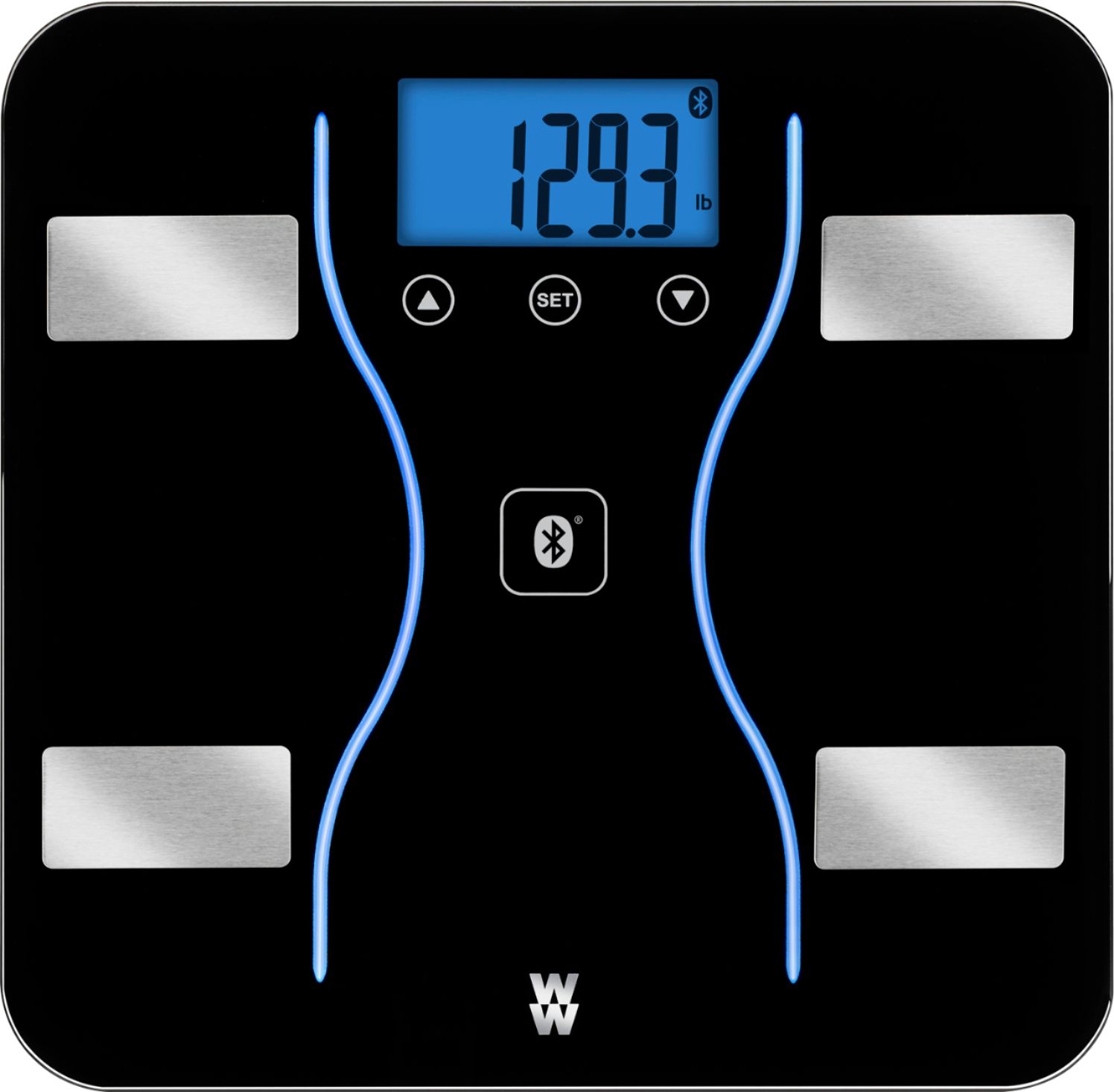
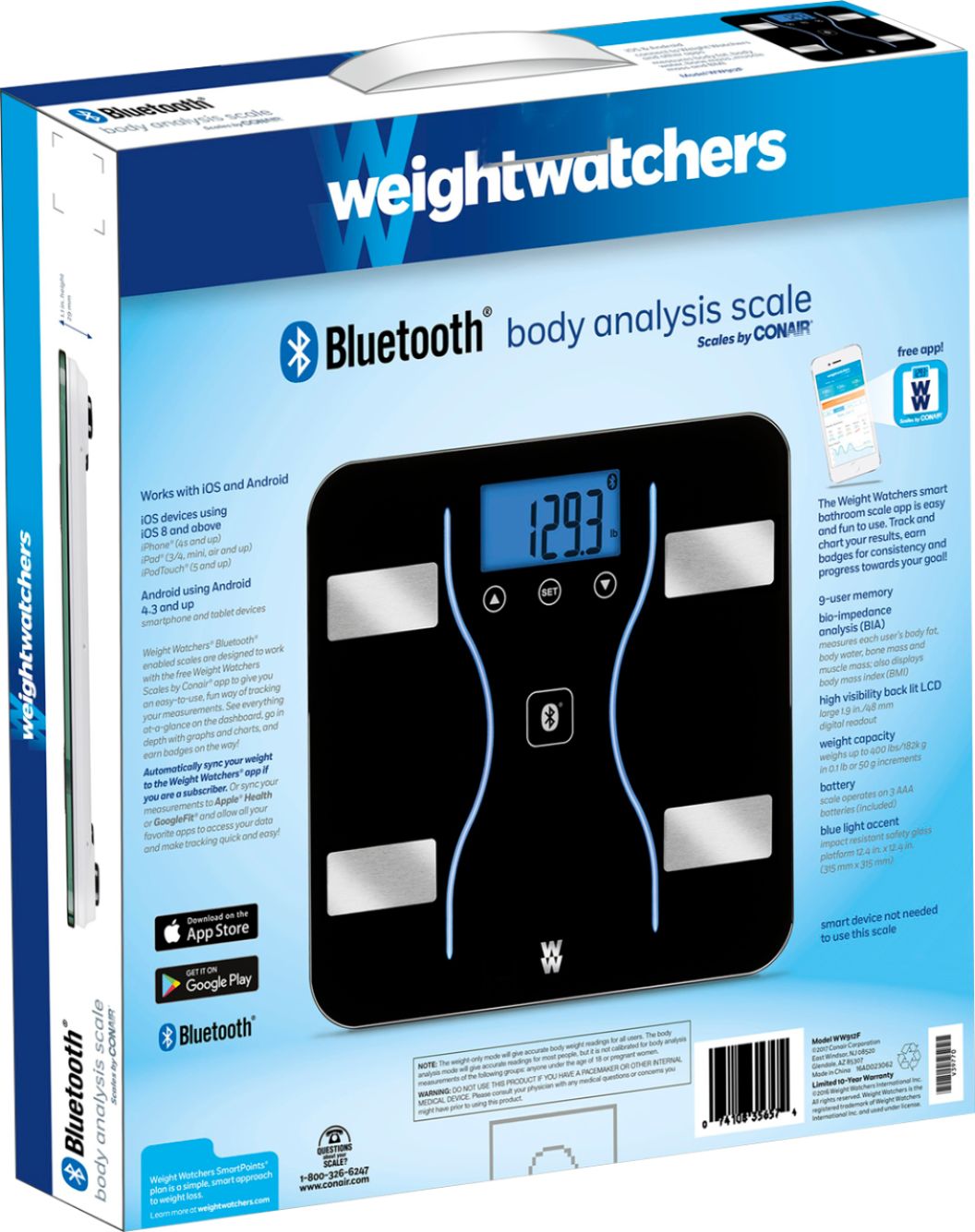
on the bottom of the scale they is a button that you press once to change it from kg to lg.
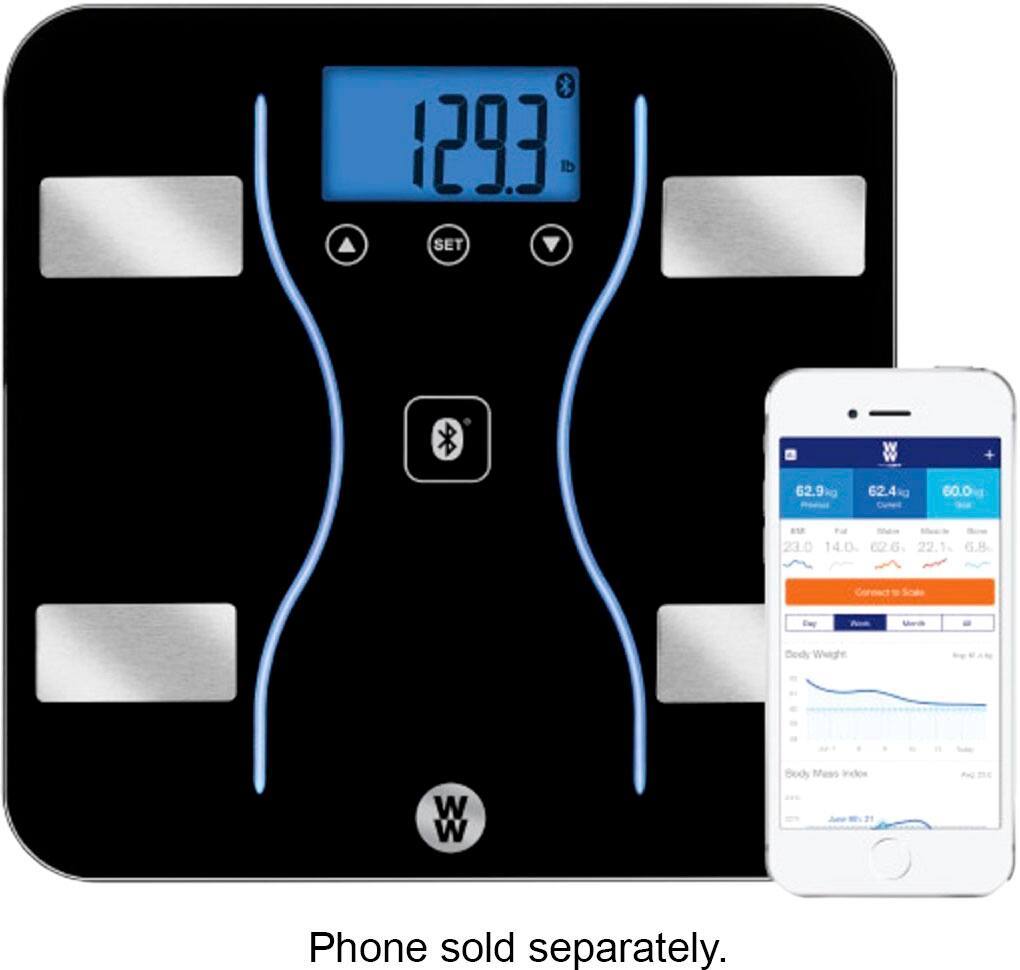
Also you may need to change it on the app. This is done by going to the scale app,
on the bottom right hand side click on my account
Then on the top right hand side click on settings or you may see a working wheel icon.
The first option you will see is units, when you click on it
You will see a menu and will have the option to select Ft, Lbs.
After you have selected go back to my account on the top left hand side corner
Then back to dashboard on the bottom left side
And you should be able to see the change on previous, current and goal weight.
Kind Regards