A:AnswerHello,
Not quite, I'm afraid, nothing really feels quite like that in my opinion. You can, however, connect this to your laptop.
If you have anything else we can help with, please reach out: support.corsair.com
-Art
A:AnswerHello,
It doesn't have that, but I'm sure you'd be able to set that up as macros.
If you have anything else we can help with, please reach out: support.corsair.com
-Art
A:AnswerHi,
Afraid not, none of our keyboards (except for BT connectivity like K57 RGB) would.
If you have anything else we can help with, please reach out: support.corsair.com
-Art
A:AnswerHi Jessika,
It can! https://www.corsair.com/ww/en//xbox-one-support
If you have anything else we can help with, please reach out: support.corsair.com
-Art
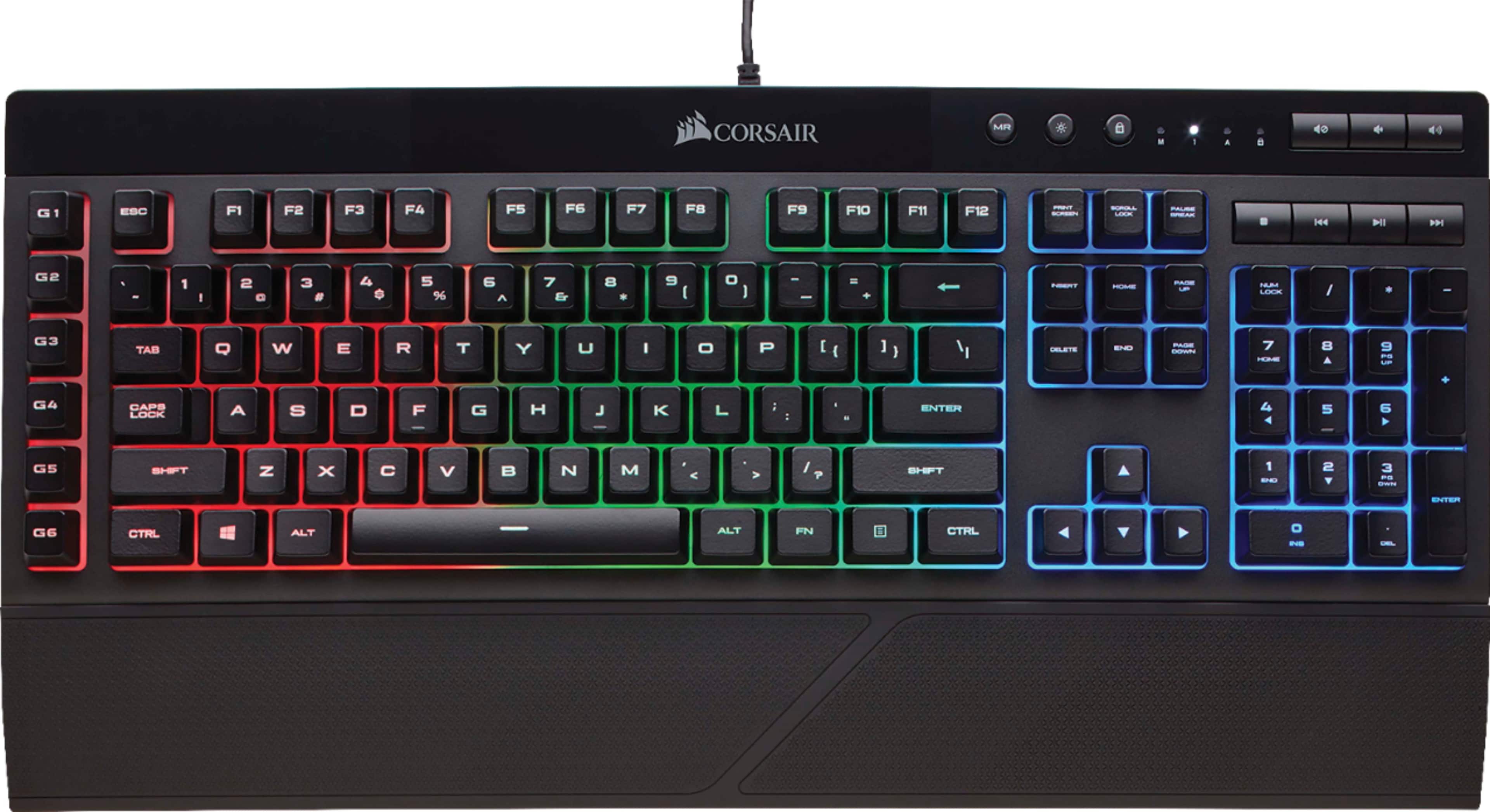
A:AnswerAccording to this site corsair website they are rubber dome switches:
https://www.corsair.com/us/en/Categories/Products/Gaming-Keyboards/Standard-Gaming-Keyboards/K55-RGB-Gaming-Keyboard/p/CH-9206015-NA#tab-tech-specs
A:AnswerThis a wired keyboard that connects directly to any console. It does not have any usb hub or BT built-in to connect a mouse. Your mouse should connect to the console. Yes this will work with Xbox one.
A:AnswerYes. it works plug and play with both my windows 10 pc and Imac. you would need to install the drivers to control the macros or have total customization of the lighting.
A:AnswerI have not tested it but I would believe it would because windows and PC work hand in hand with alot of hardware. It is USB so it should just be a plug and play setup. Due to RGB lighting being controlled by software, it probably won't work or will be fixed to last color set. Hope this answers your question.