Questions & Answers
- Model:
- CO-9050098-WW
- |
- SKU:
- 6414240
Highly rated by customers for: RGB, Noise Level, Airflow
Page Showing 1-9 of 9 questions
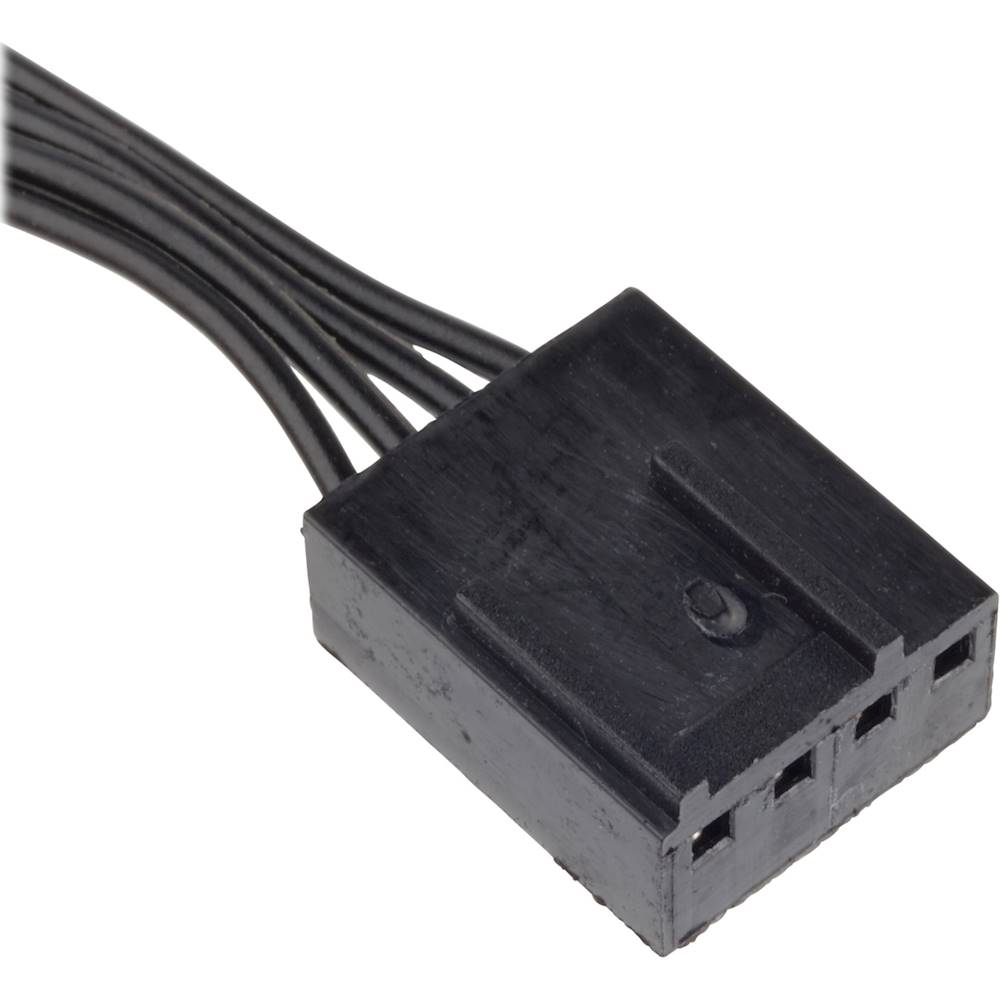
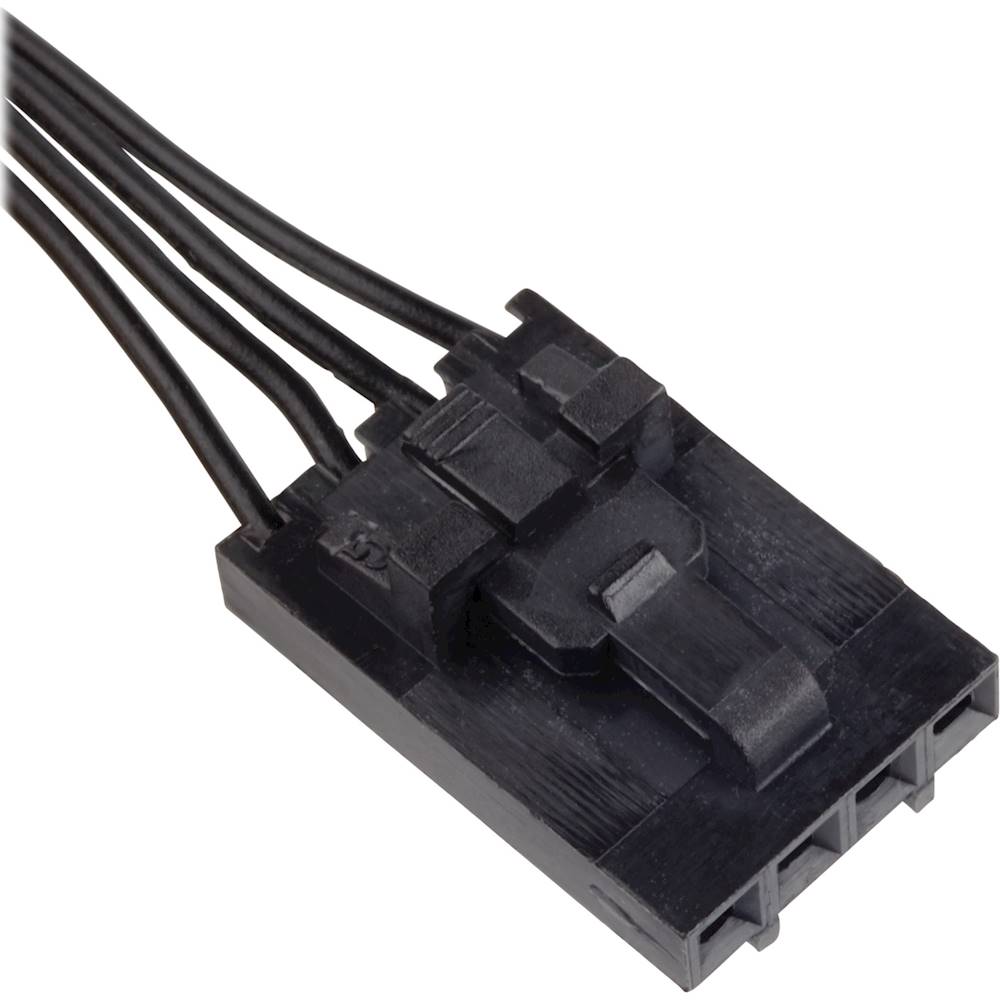
Q: Questiondo you connect the 4 pin pvm to motherboard under the different fan headers so I can control the fans in the bios of my board is ASUS - ROG MAXIMUS XIII HERO. then the rgb in order to the rgb hub. or do u connect 4 pin for each fan to commander core?
Asked by preorder.
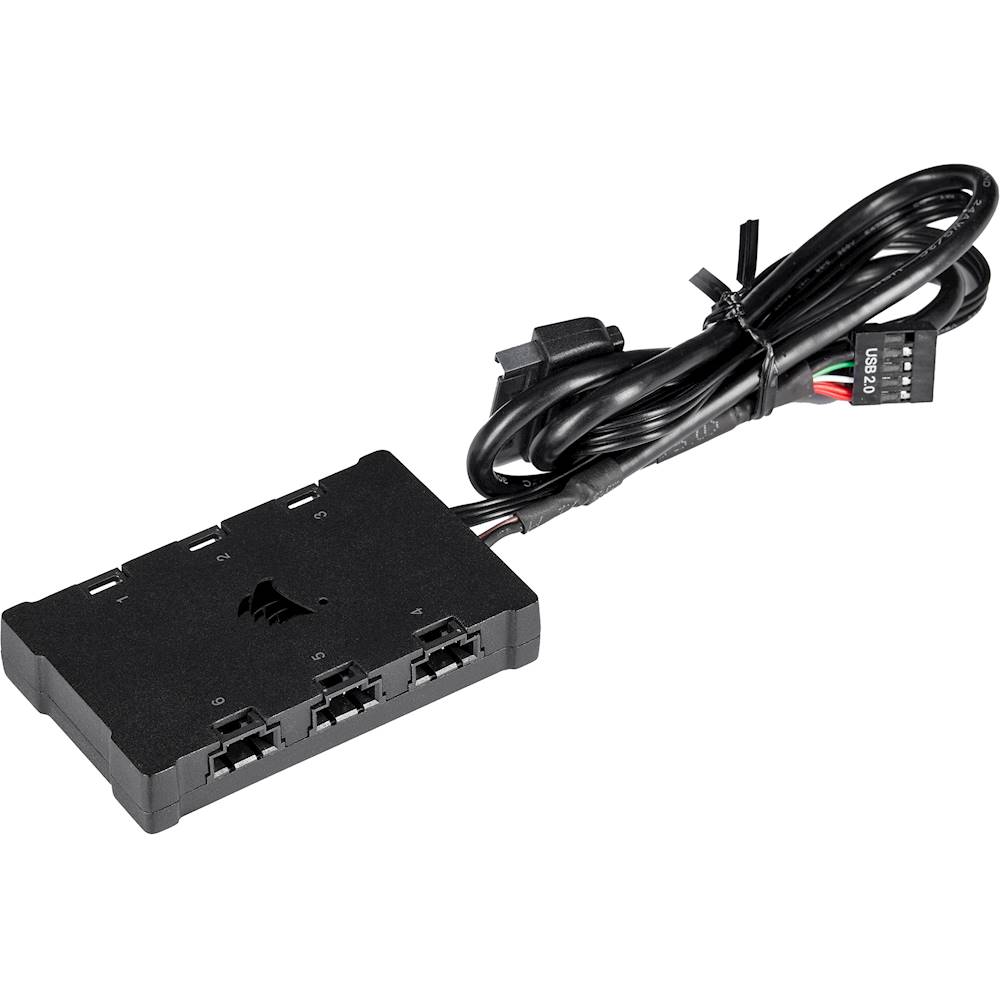
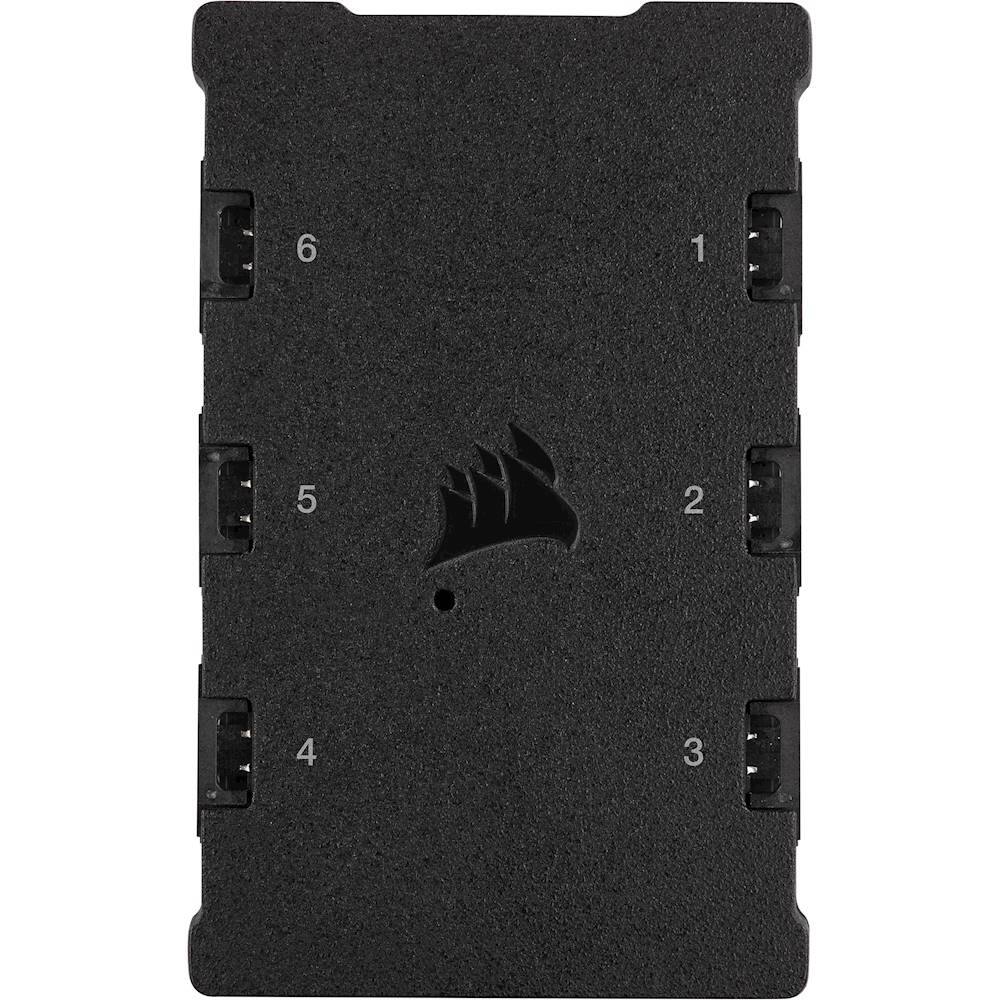
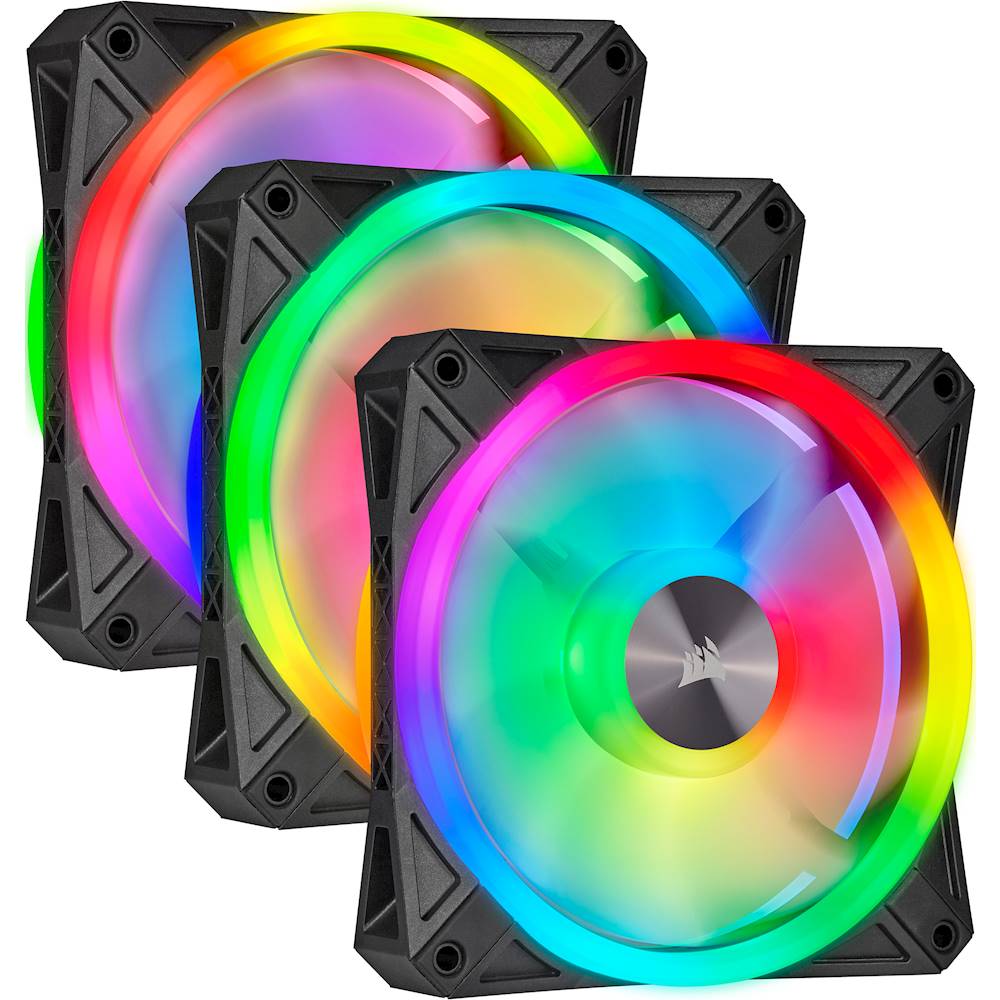
- A:Answer Hi, You can connect these fans to either your motherboard's PWM fan headers, or your Commander CORE's fan headers. If you connect it to your motherboard's fan headers, you'll control the speeds via BIOS. If you connect it to your Commander CORE, you'll be able to adjust the fan speeds via our iCUE software. Assuming you have the ELITE CAPELLIX' ML RGB fans, you'll want to connect the QL RGB fans to its separate lighting controller (this triple fan kit has a Lighting Node CORE controller) for proper lighting synchronization. Connecting fans with a nonidentical number of LEDs to the same controller will result in improper lighting synchronization. If you have any questions, we'd be happy to help: support.corsair.com -Albert
Answered by Corsair

Q: QuestionWhen will these fans be back in stock? I need to order 9 fans for my build.
Asked by xExecutioner.
- A:Answer Hi, I'm afraid you'd have to contact BB for any questions regarding product availability. If you have anything else we can help with, please reach out: support.corsair.com -Art
Answered by Corsair

Q: QuestionAssuming i have a MSI z690-a ddr4, could the rgb setting be controlled through the motherboard or would i need the hub?
Asked by alex.
- A:Answer Hi alex, We recommend purchasing the multi fan pack with the controller and hub for the proper connections and compatibility with our iCUE software. If you'd like assistance with your setup, please feel free to reach out to our support team: support.corsair.com -Brian
Answered by Corsair

Q: QuestionAre these fans compatible with Asus Aura Sync?
Asked by Ari.
- A:Answer https://help.corsair.com/hc/en-us/articles/360035656371-How-to-Integrate-Armoury-Crate-with-iCUE There is an integration guide from CORSAIR on how to get them to sync
Answered by Anonymous
Q: QuestionDoes this have 8 LED lights or is it 4?
Asked by lyss.
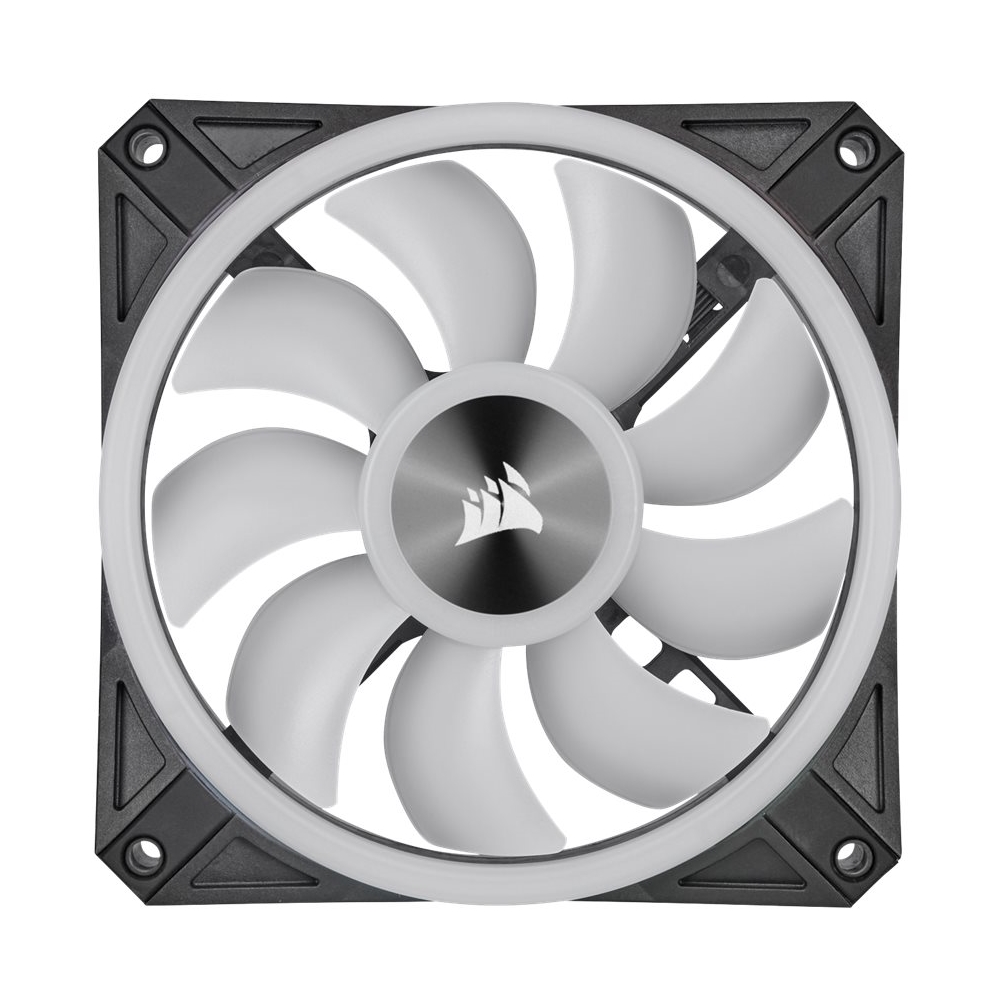
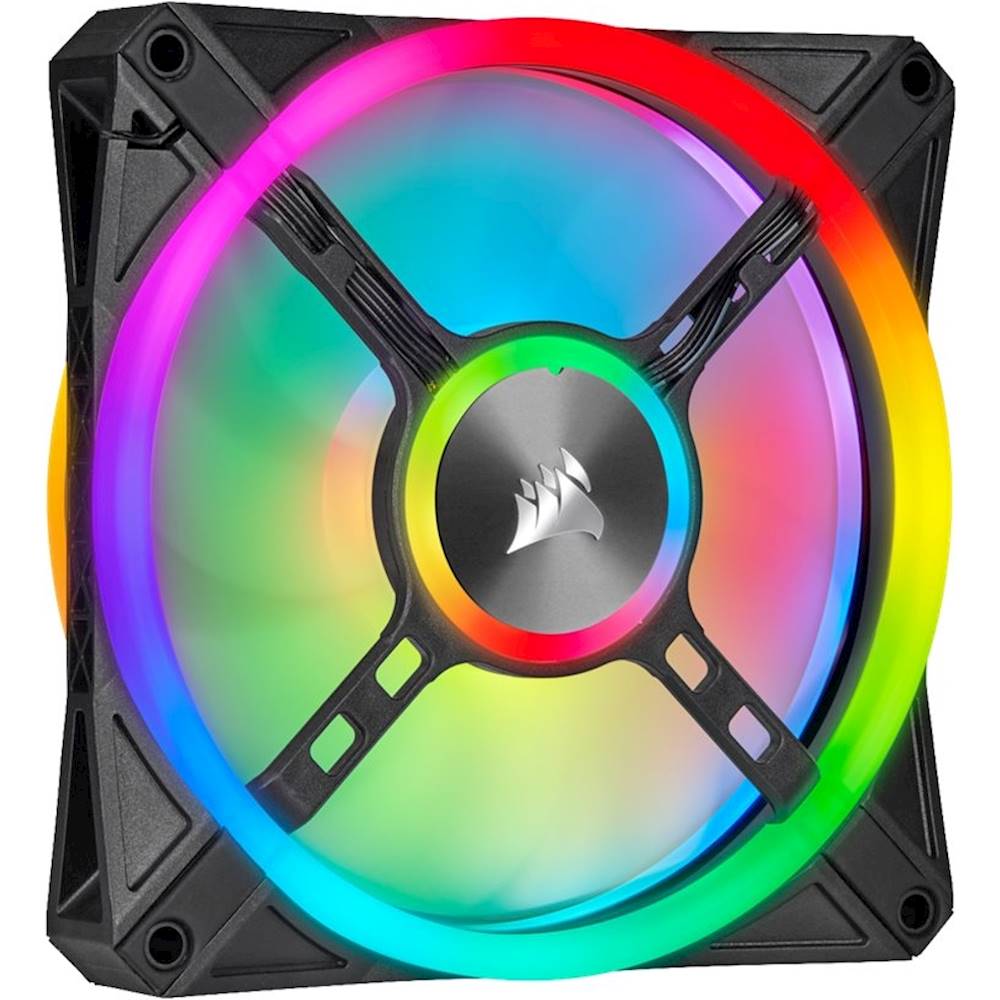
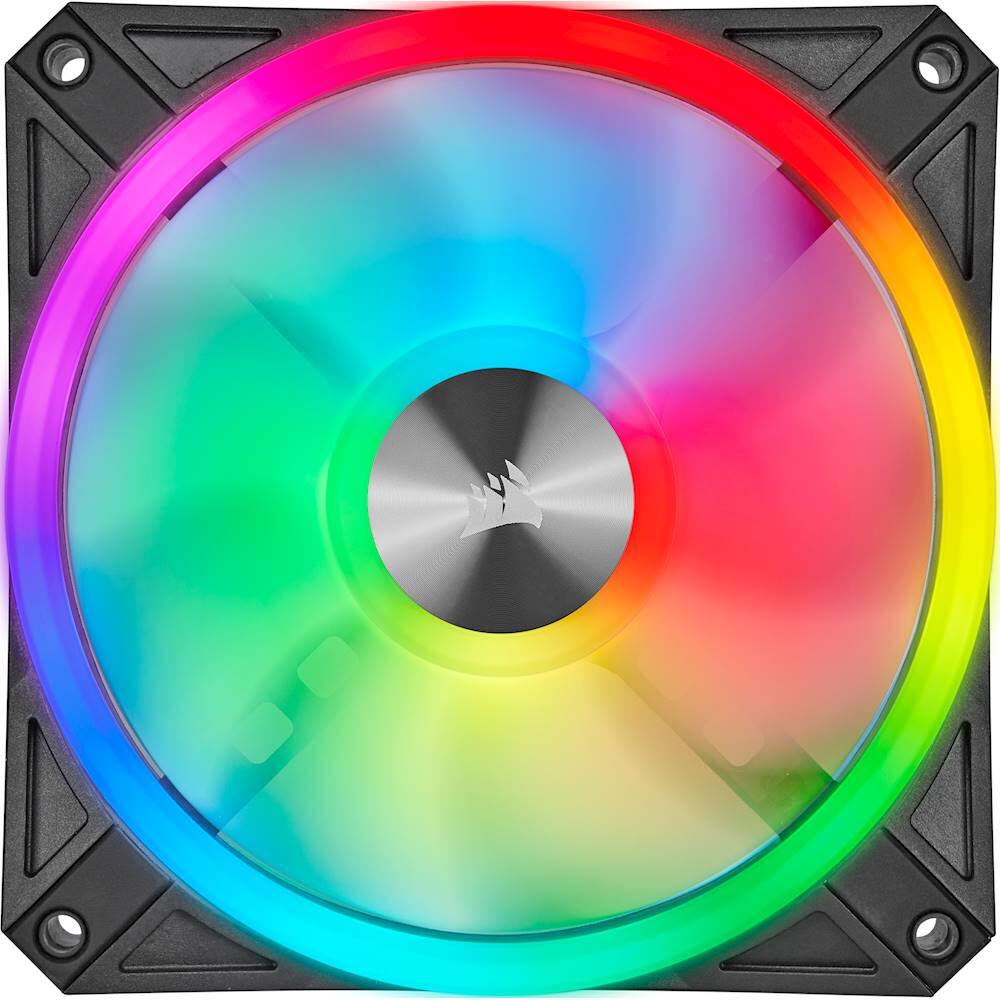
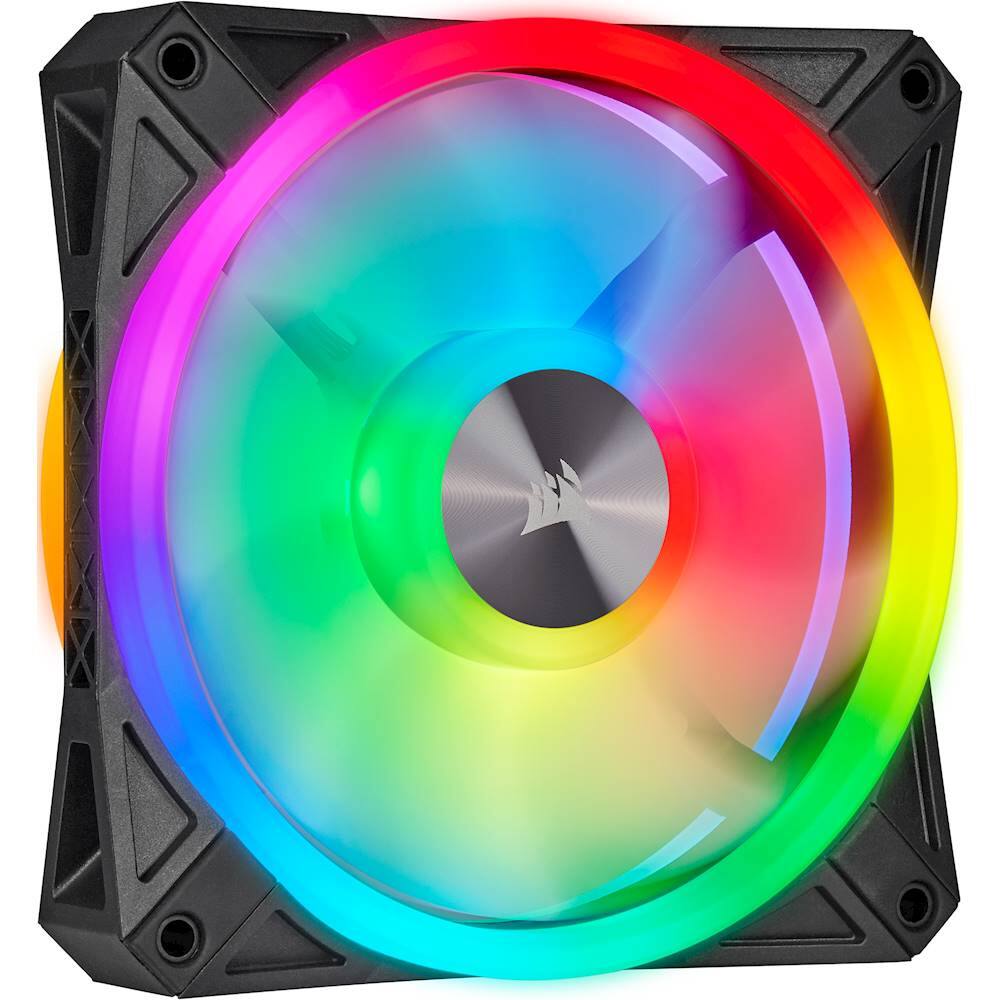
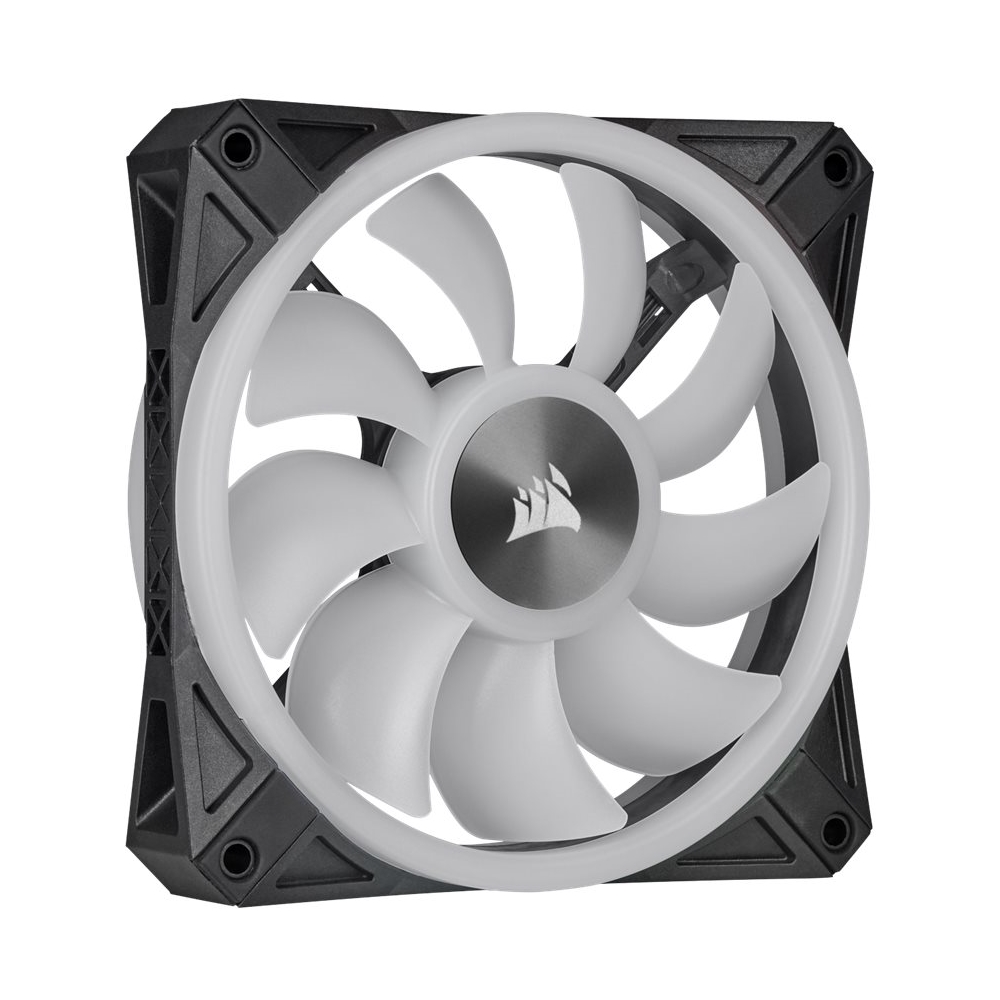
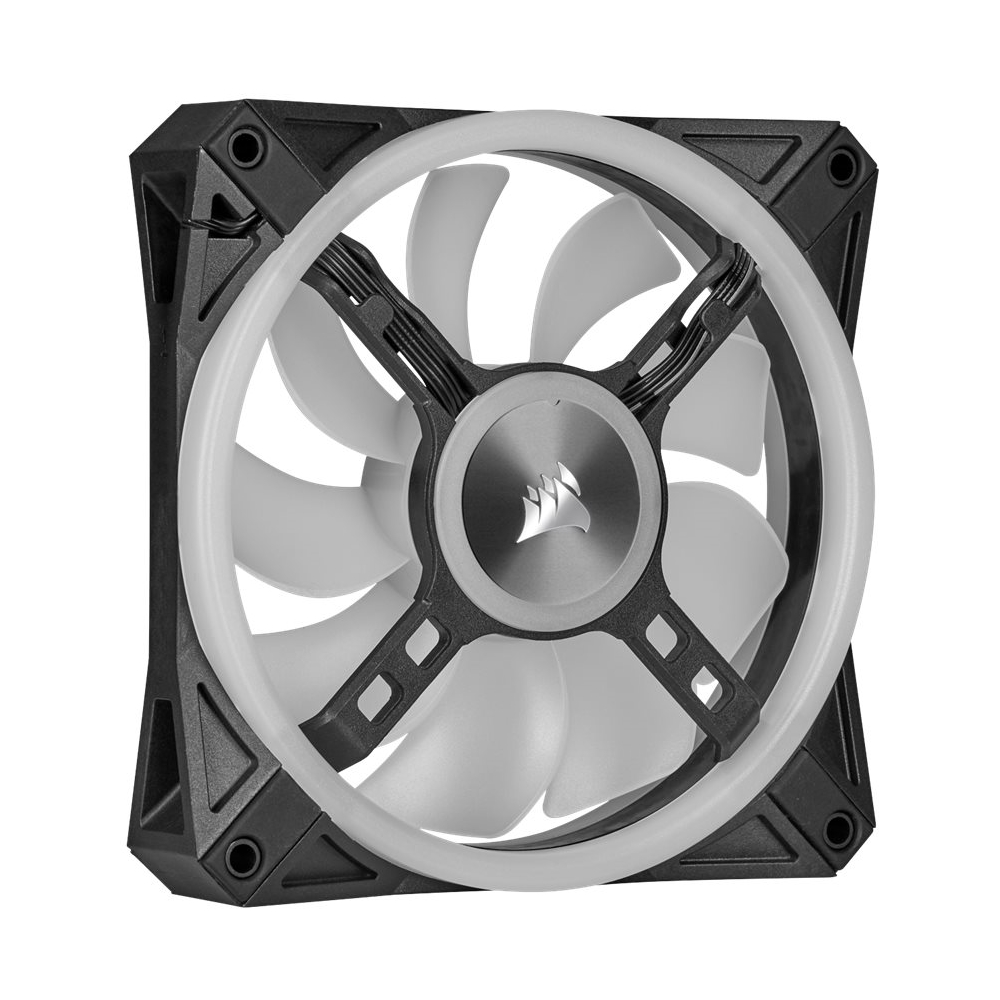
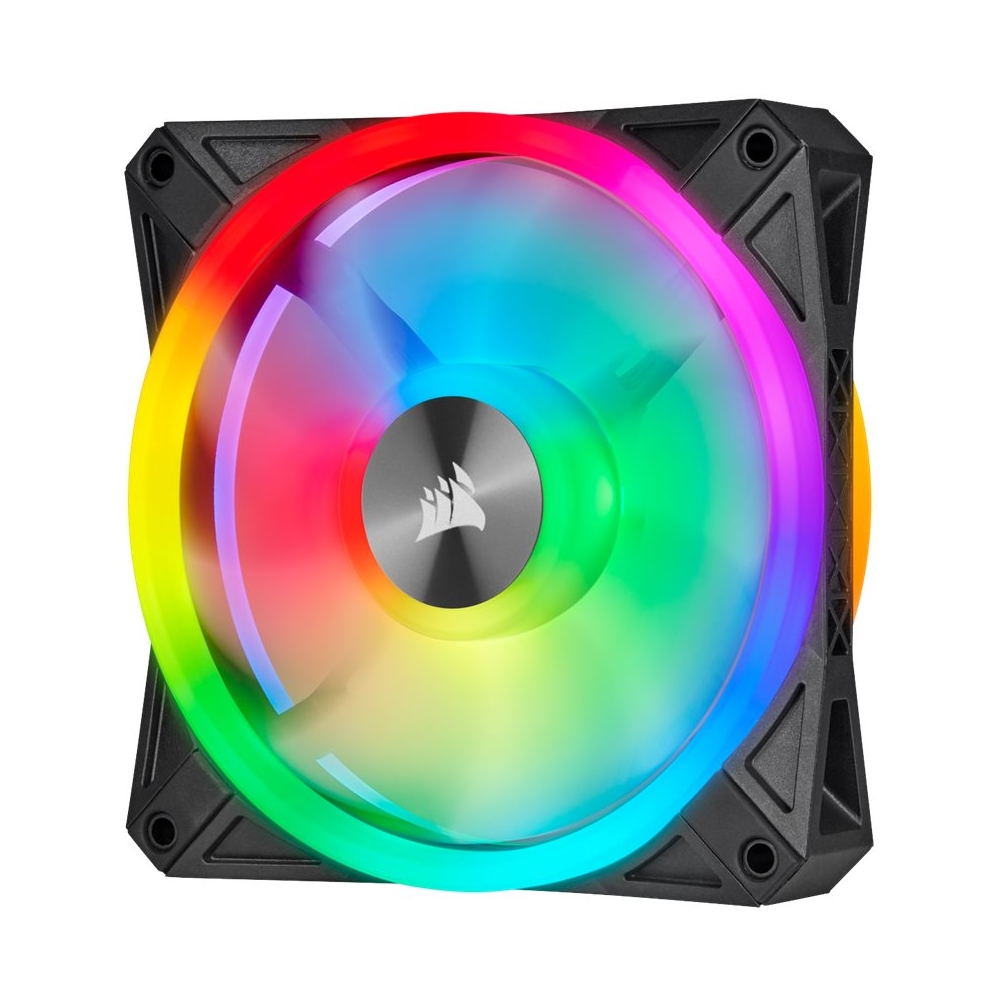
- A:Answer Hi lyss, The QL series has 34 individually addressable LEDs for each fan. -Brian
Answered by Corsair

Q: QuestionWhen do you think this item will be back in stock?
Asked by Houdini0524.
- A:Answer New products are usually back in stock Tuesdays and Fridays depending on manufacturing.
Answered by Aidan
Q: QuestionHi are these fans compatible with the commander pro or do they both need firmware updates for fan control as i only have 2 case fan headers on my motherboard https://www.bestbuy.com/site/corsair-commander-pro-hardware-controller/6229603.p?skuId=6229603
Asked by lou008.
- A:Answer Hi laurent, Please contact tour support team so we can assist you with you system setup: support.corsair.com -Brian
Answered by Corsair

Q: QuestionDoes the 3 fans set come with the full controller
Asked by DrewsUnknown.
- A:Answer it comes with the rgb control the lighting node core. make sure you put rgb fans in order. to control speed you would need a commander pro or if you bought a corsair water Colling fan that comes with the commander core
Answered by preorder
Q: Questionwhat is the major differnce between these and CORSAIR - iCUE SP120 RGB PRO 120mm System Cabinet Fan Kit with RGB Lighting - Black/White Model:CO-9050094-WWS other than 4 pin vs 3 pin?
Asked by preorder.
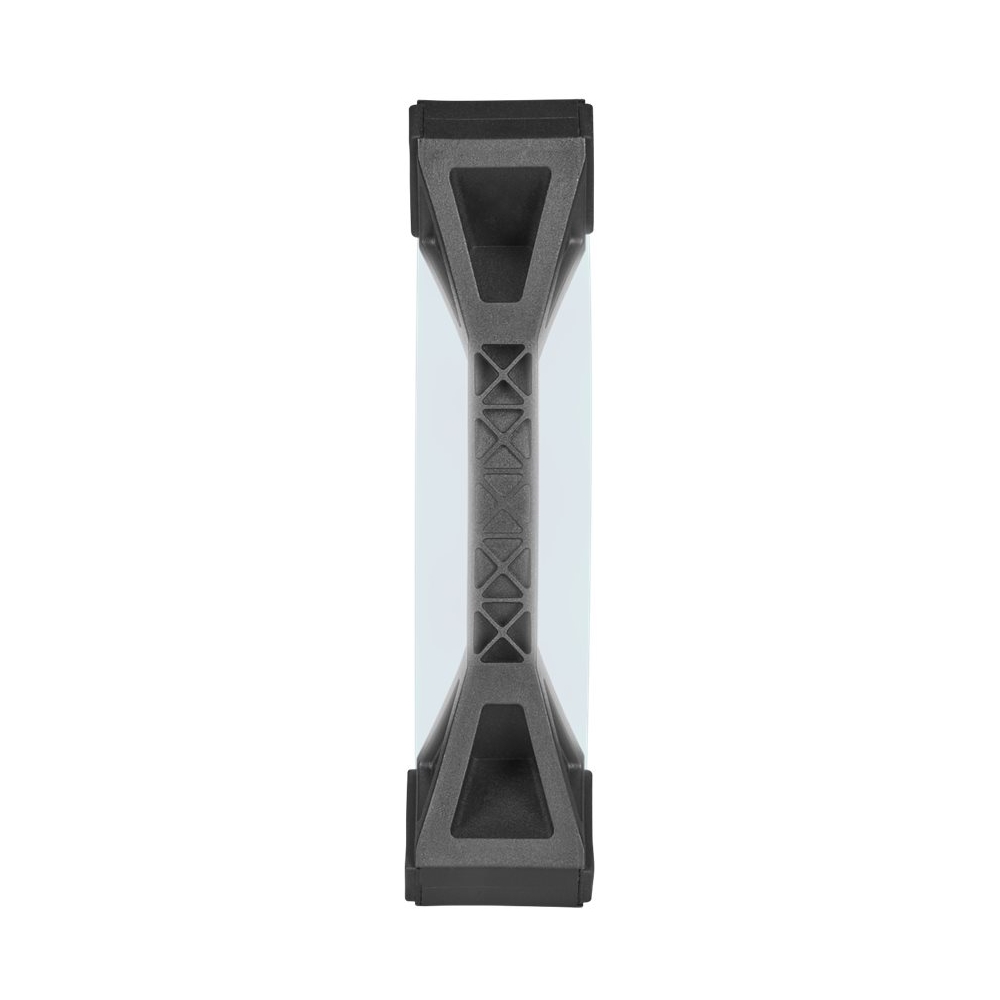
- A:Answer Hi, While the 4th pin on QL fans may not sound significant, it allows PWM control for adjustable RPM while 3-pin fans continuously run at full speed - the noise may be a bother for some users. Another major difference is that the QL fans have much more vibrant lighting options (34 LEDs vs. 8) and LED rings on both sides. The last major difference is that the QL120s run between 525 - 1500 RPM, while the SP120 RGB PRO fans run at a fixed 1400 RPM. If you have any additional questions, we'd be happy to help: support.corsair.com -Albert
Answered by Corsair

Page 1, Showing 1-9 of 9 questions
Best-selling Best Buy
- $299.99$299.99The price was $349.99
- $59.99$59.99The price was $99.00
- $199.99$199.99The price was $349.99
- $14.99$14.99The price was $19.00
- $24.99$24.99The price was $29.99
- $14.99$14.99The price was $19.00
- $139.99$139.99The price was $149.99