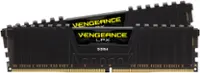
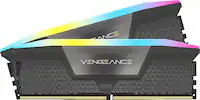
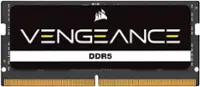
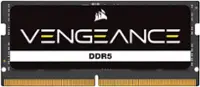
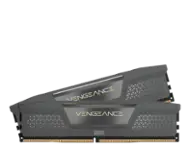
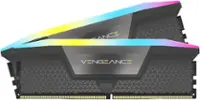
A:AnswerDepends on the motherboard if it supports ddr5 which the ram you are currently asking about then yes, but it is recommend that you research what your motherboard supports then you can buy it and i advise you to watch a YouTube tutorial on how to install it correctly since it can be quite tricky. Hope I helped
A:AnswerYes it will. The aurora r16 supports up to 64gb of ddr5 and this is exactly that. Being two different brands, you may have to use a different lighting app for the corsair part but most rgb apps can utilize the base functions of other brand's rgb products. I have attached a photo of what it looks like in use on my custom built pc.
A:AnswerMike, my suggestion is to check the motherboard specifications. I do not use that motherboard and I don't want to give you the wrong information. I am sorry i couldn't answer your question.
A:AnswerHello,
Please refer to your specific system's manual's QVL as that'd list if any kits are compatible with it and should also show a guide on how to replace if so!
-Art