A:Answeryes, im not sure if its enabled by default but if you install the i-cue software from corsair they have the "sidetone" feature which makes you hear yourself through the mic even if the mic is muted.
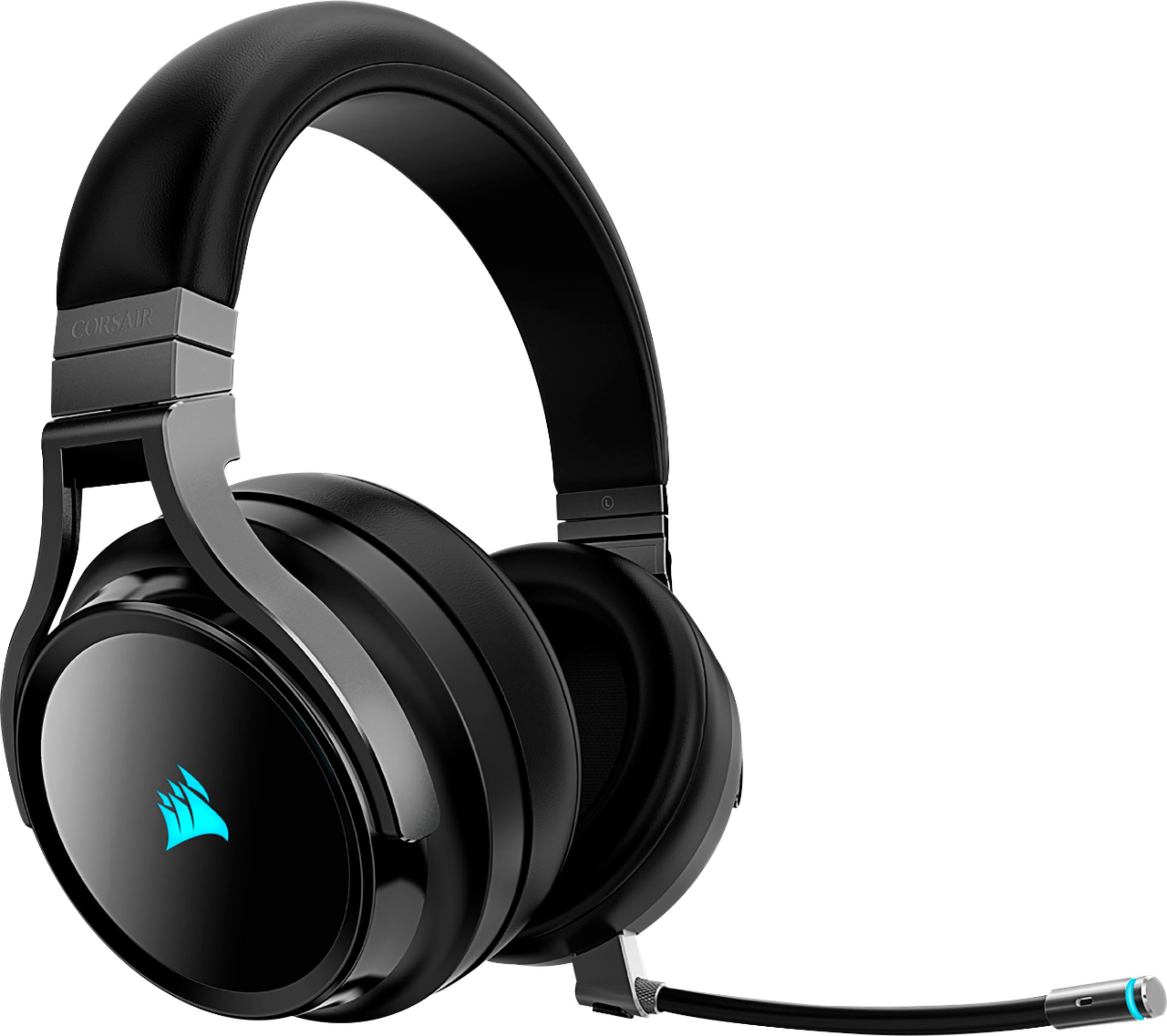
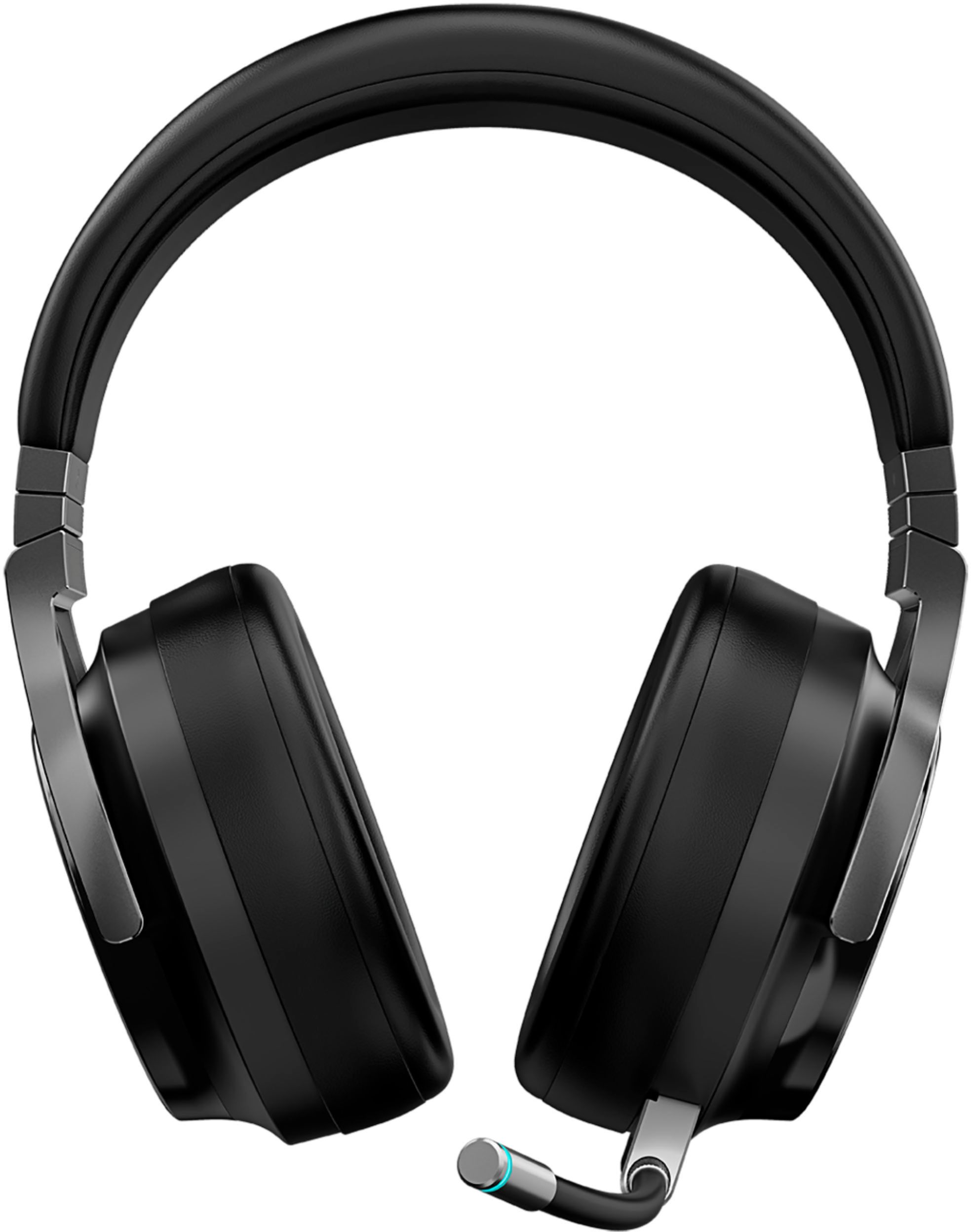
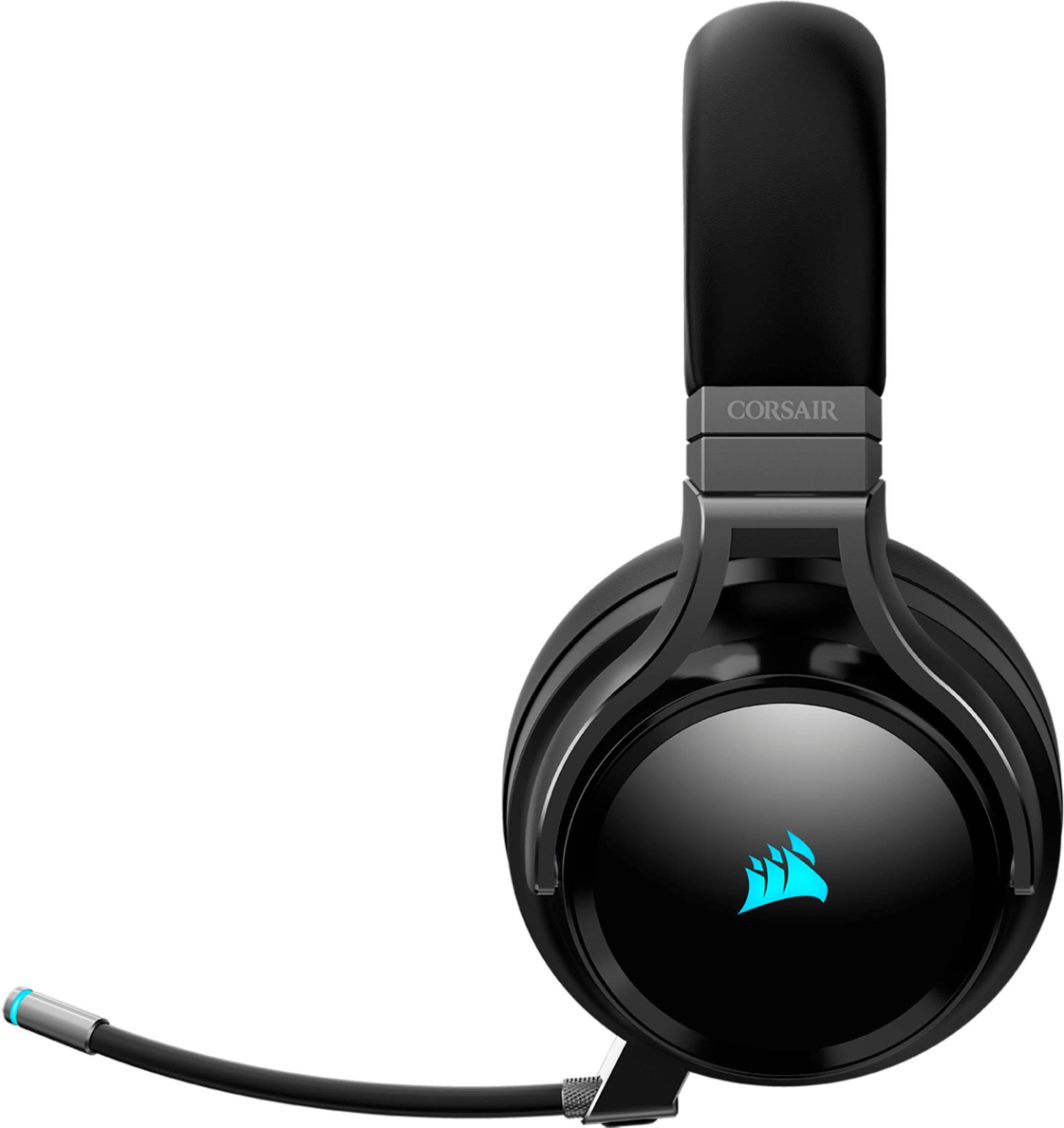
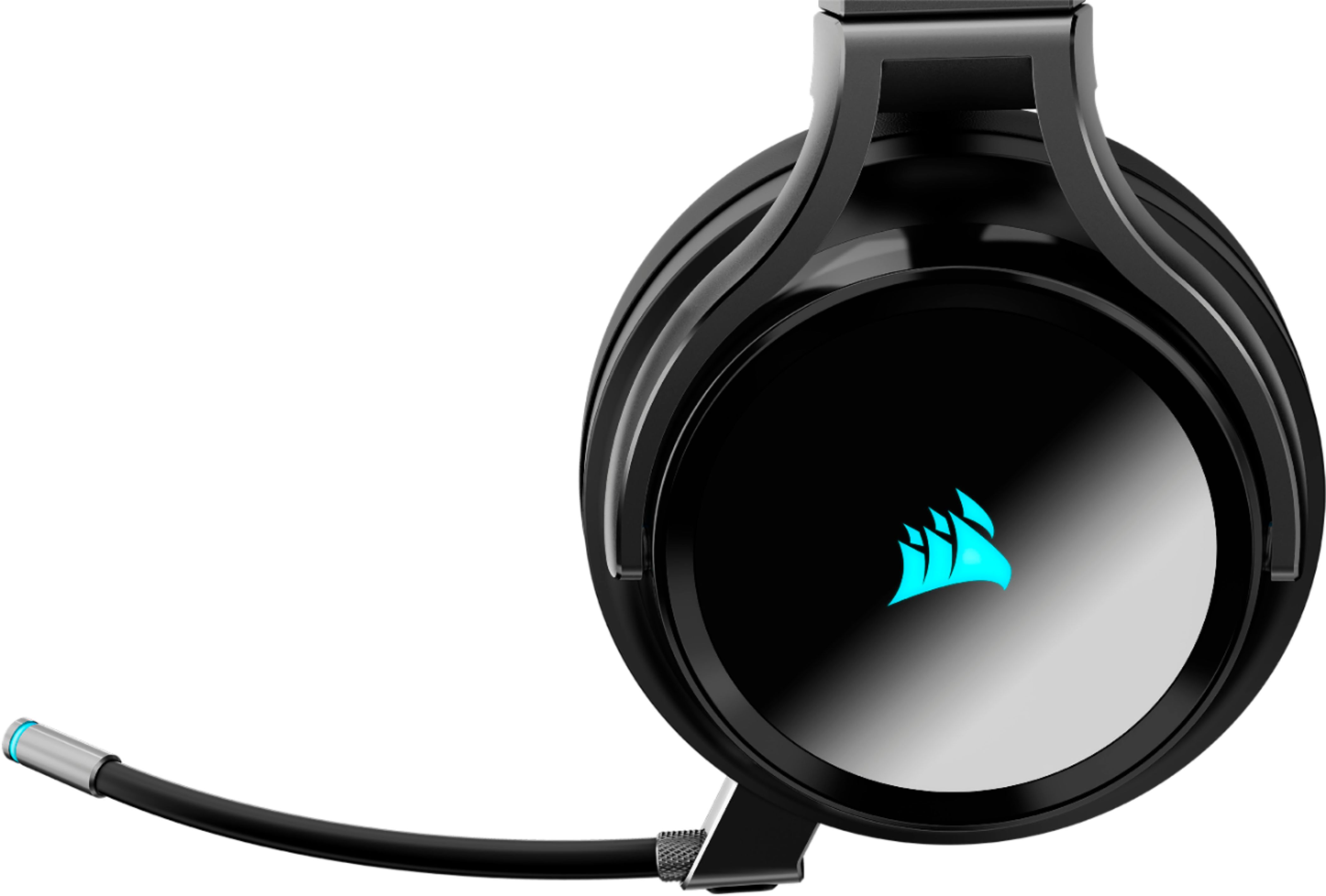
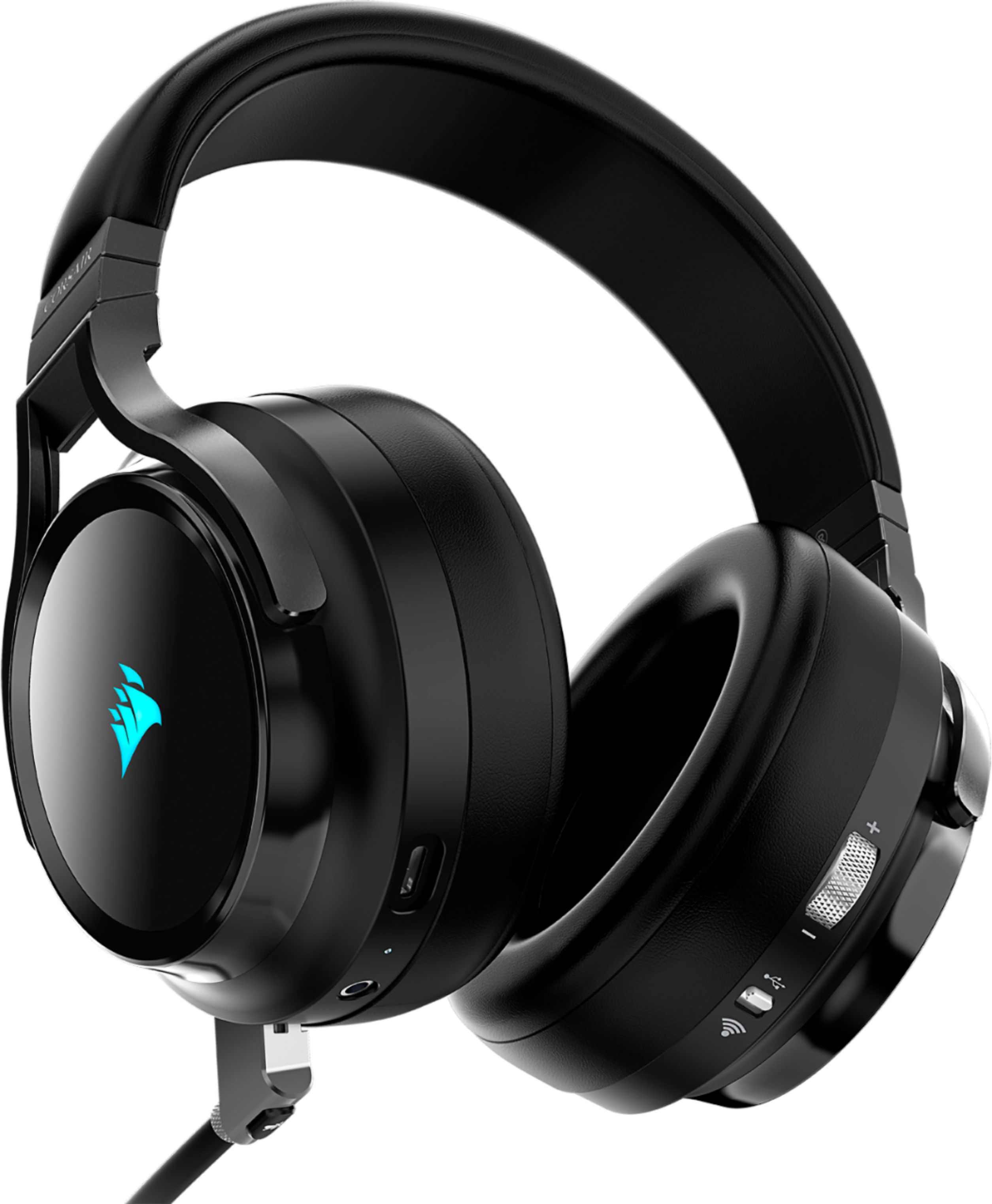
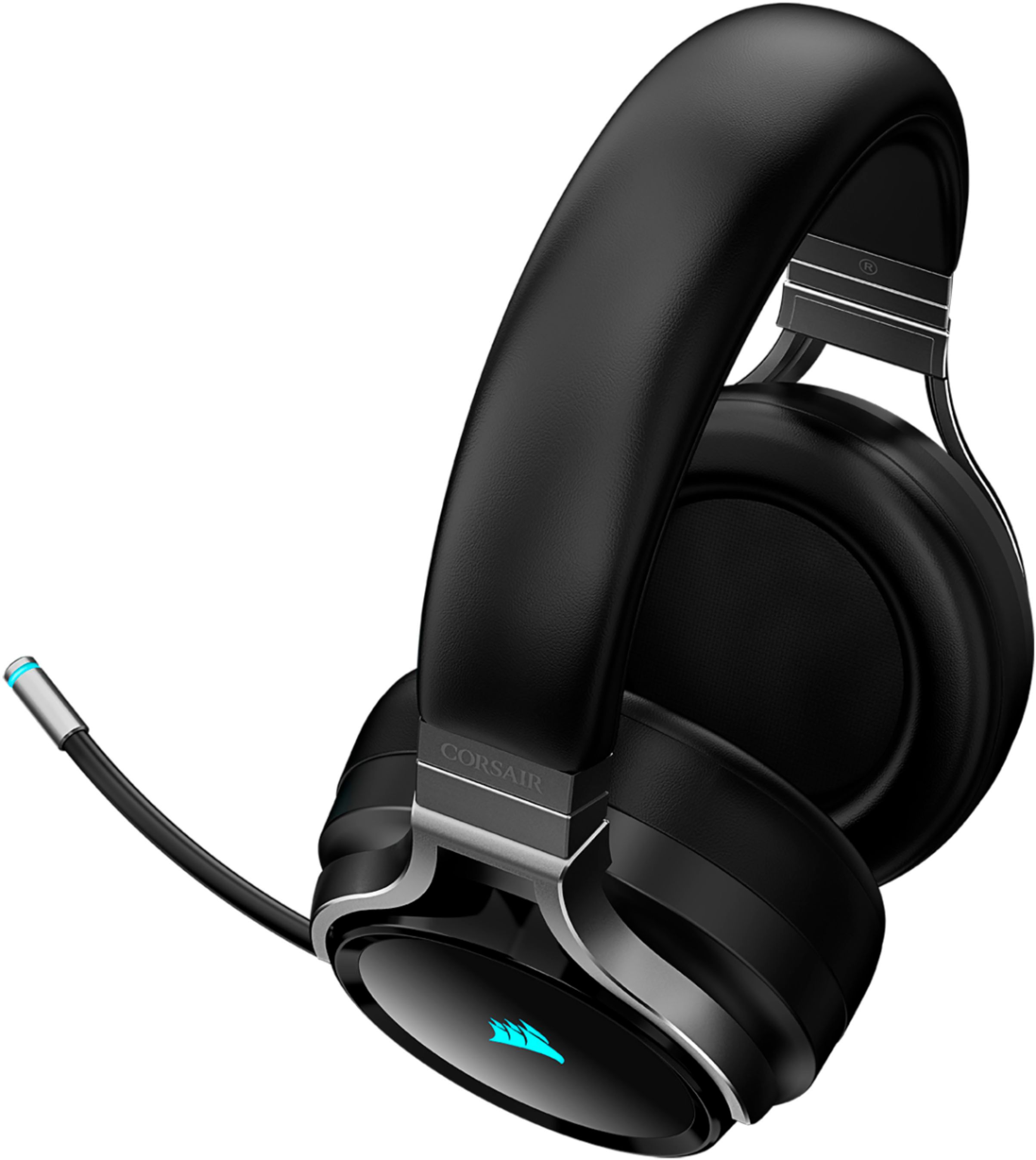
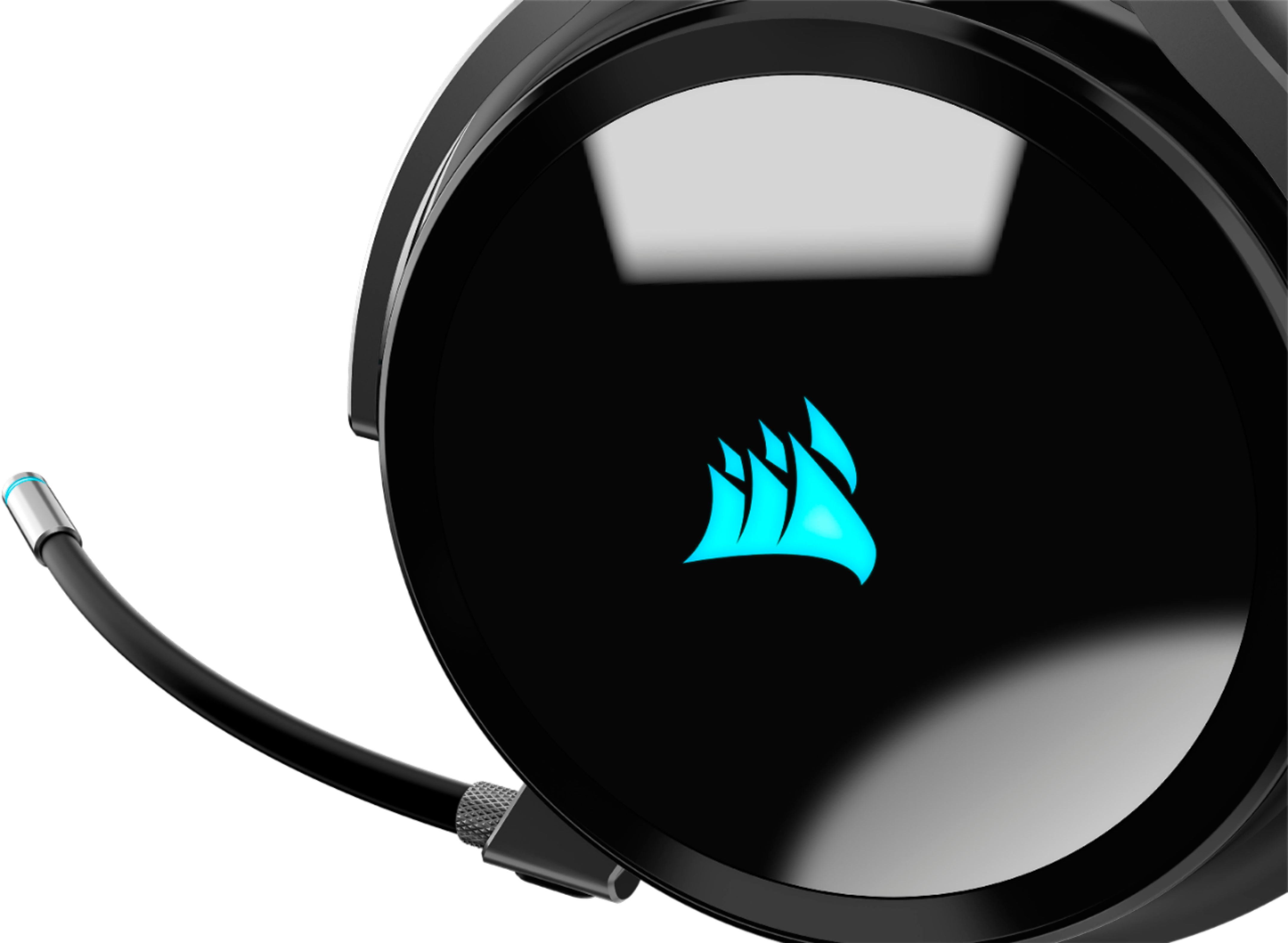
A:AnswerThere is a button you can press on the microphone to mute it. And a scroll wheel on the headphones to change the volume. The microphone can be taken off completely as well. I love these headphones.
A:AnswerDoes it "work" yeah. does it function properly right out of the box? no. you have to reformat it on your pc first. if you plug the dongle into your xbox first, it corrupts the headphones and the dongle works with nothing
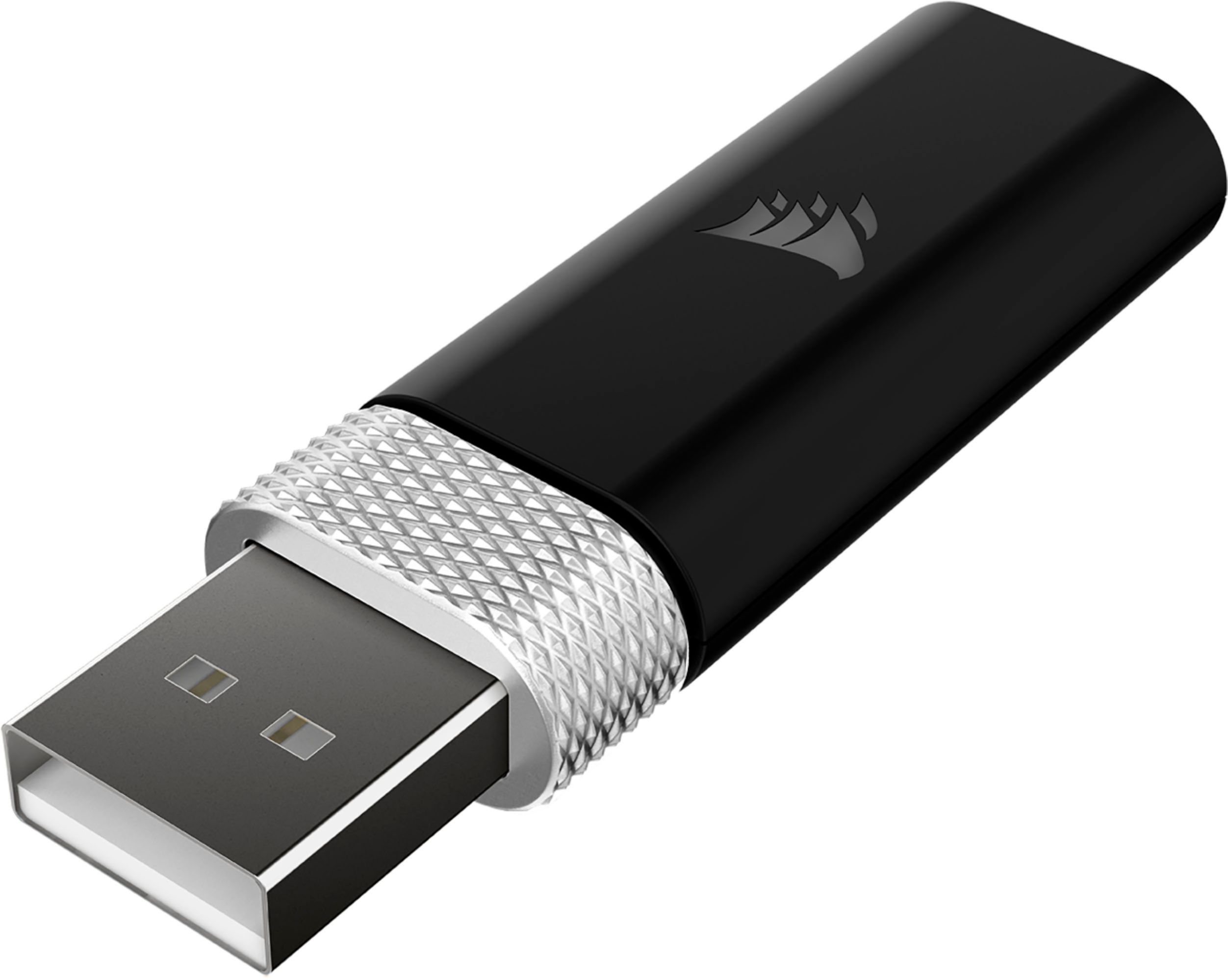
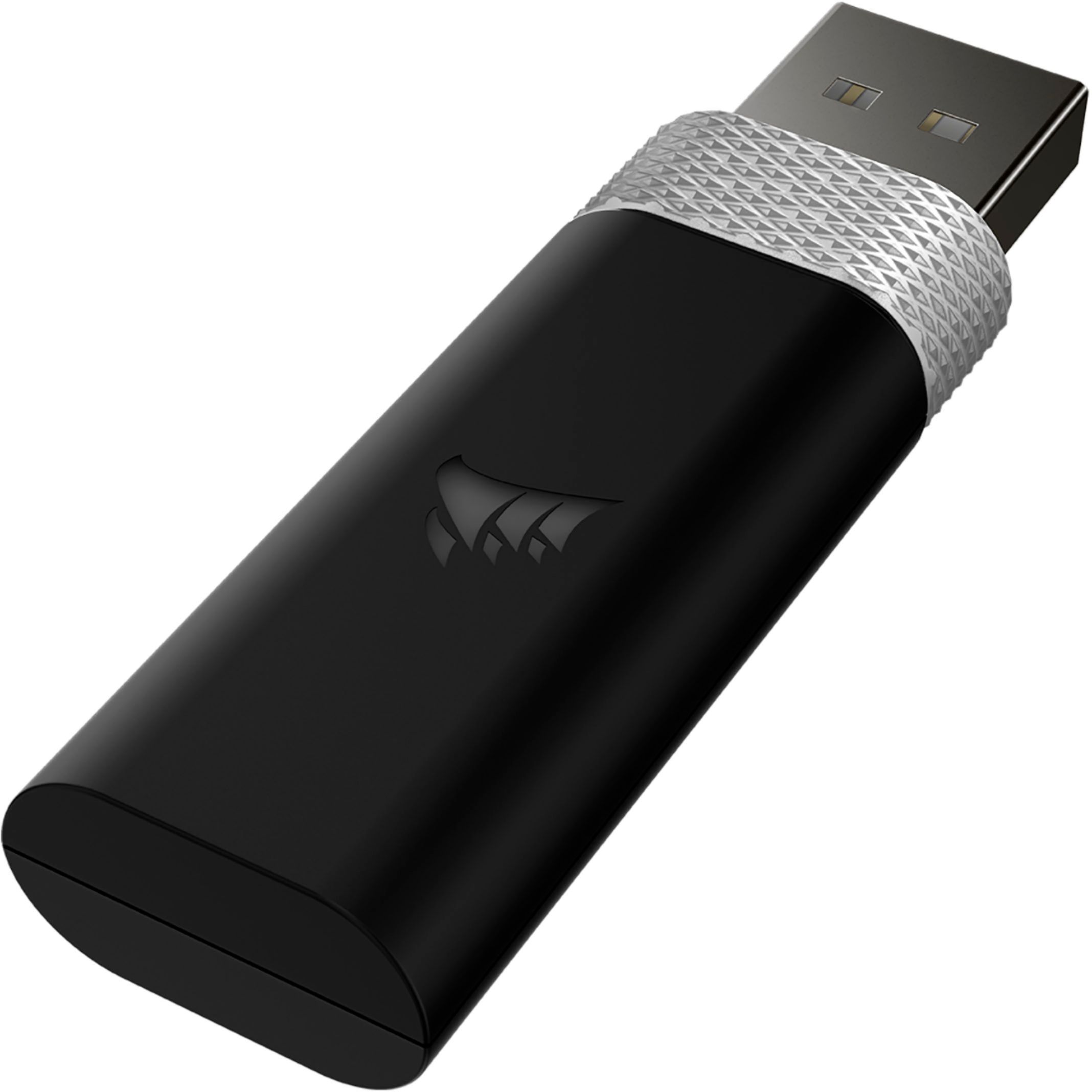
A:AnswerYep, it's a USB dongle. I as a little upset at first (since my motherboard has an awesome bluetooth range) but I'm very pleased with the range.
A:AnswerThe "Bass boost" is strictly for the headset speaker sound output in the form of a software EQ (using the Corsair iCue software), which when tuned adds to some excellent and needed depth to the baseline for sure. If it helps, I have tried countless headsets and this by far is the best on headset microphone I have ever had. A key is the 44,100 Hz 24bit depth including when in wireless mode which is studio quality and results in an amazing level of clarity. If your interested in adding bass tone shifts in your microphone and plan to use this on PC, the application named "Voicemeeter Banana" can do that with any mic as well as a lot of other advanced sound management potential.
A:AnswerHi Crystal,
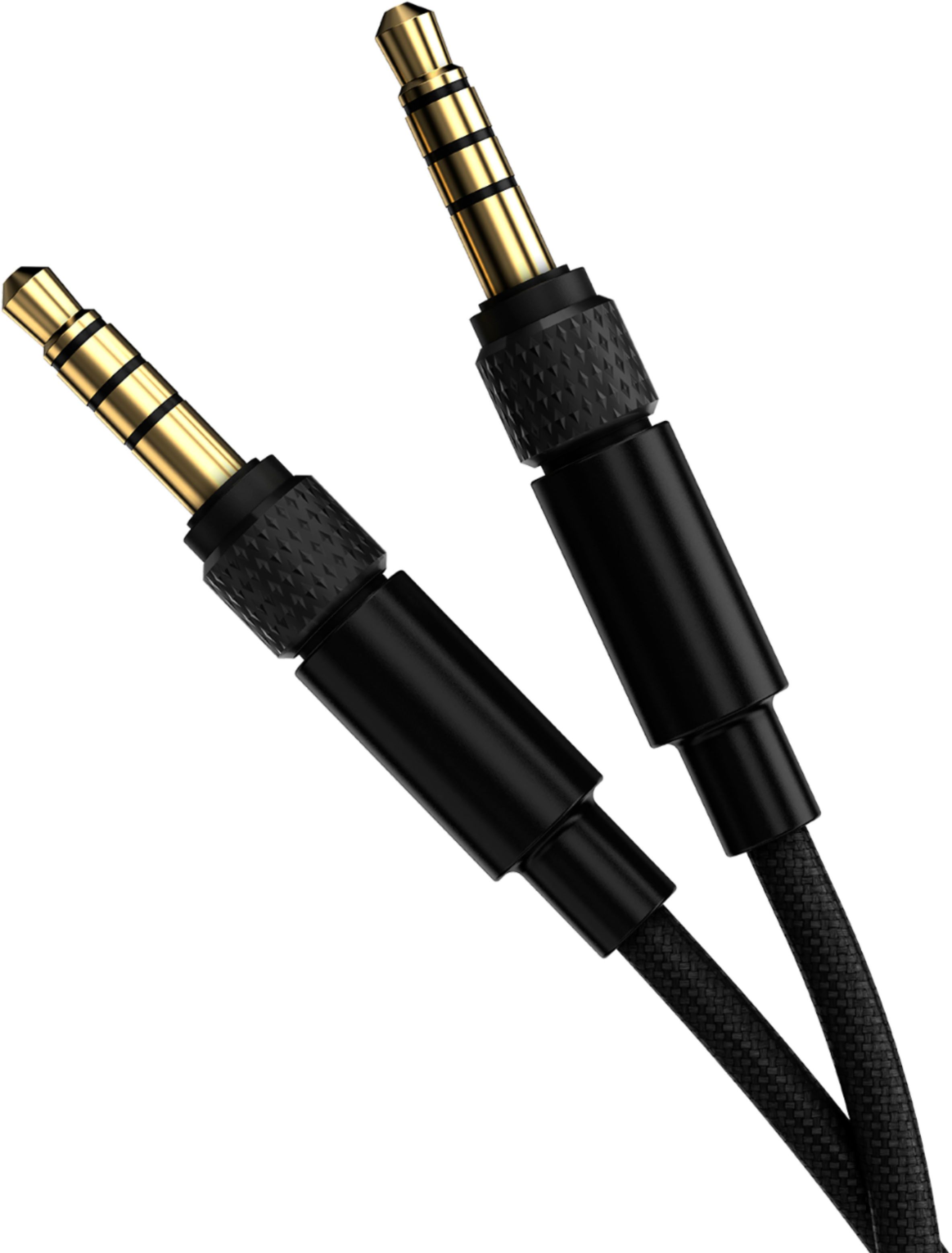
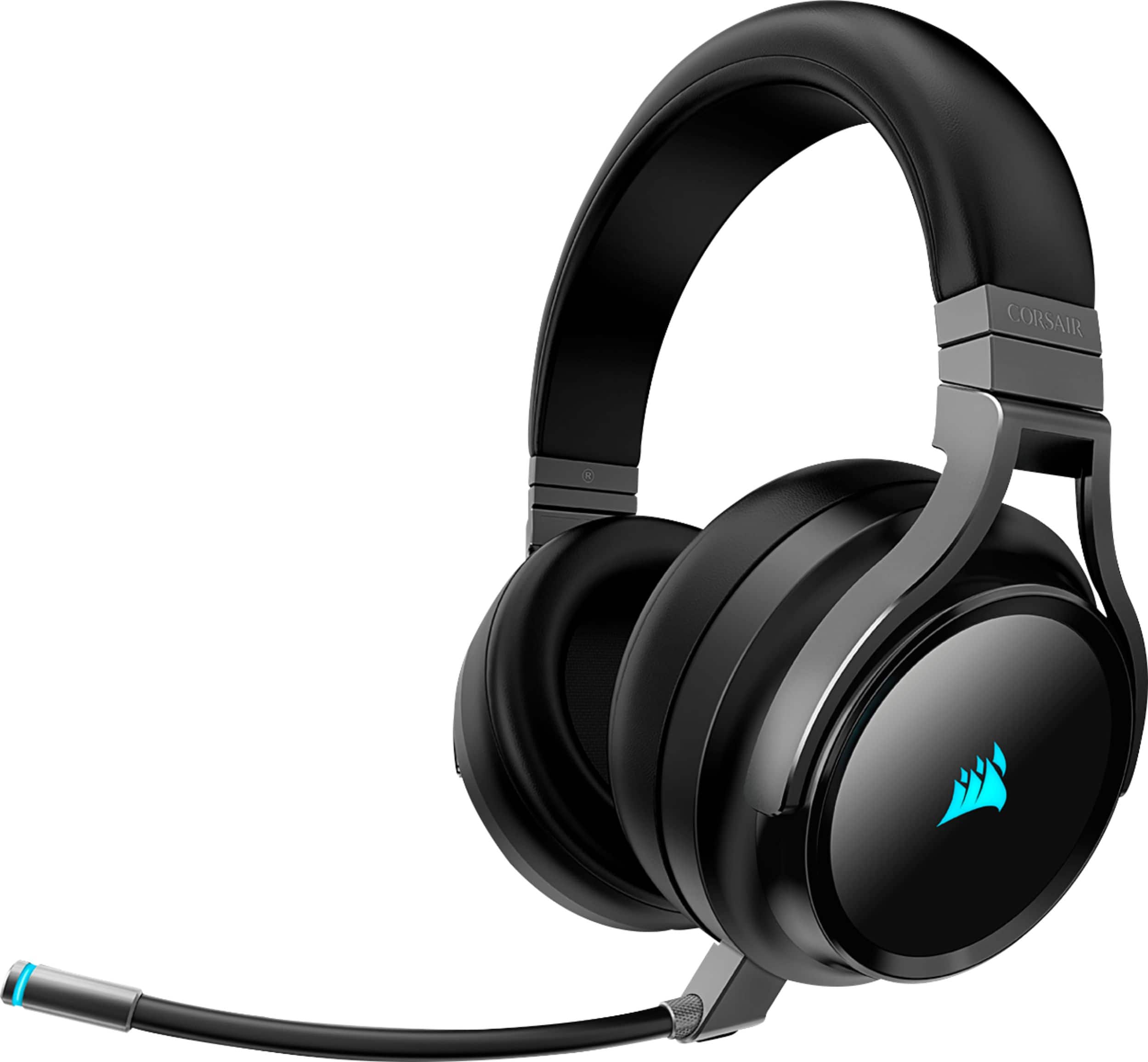
To connect to an iPad Pro, you would require a 3.5mm adapter. You will not be able to connect to a mobile device wirelessly. However, our recently-released VIRTUOSO RGB WIRELESS XT does have Bluetooth 5.0 if you'd like to connect to your mobile devices wirelessly. If you have any additional questions, we'd be happy to help: support.corsair.com
-Albert
A:AnswerHi Ivan,
It wouldn't, I'm afraid, 7.1 only works on a compatible Windows/Mac PC.
If you have any other questions, please reach out: support.corsair.com
A:AnswerHi Drew,
Yes, you could both operate wirelessly on PC via the wireless dongle and have the 3.5mm connection at the same time. You may get some audio clarity issues with both sources playing at the same time, so we typically like to recommend a single connection at a time.
-Brian
A:AnswerHi alfr,
The headset can provide 7.1 Surround Sound and it's enabled through our iCUE software. If you have any further questions about the headset, please feel free to reach out to our support team: support.corsair.com
-Brian
A:AnswerHi TabS7,
As long as the tablet can support USB headsets, it may work. You would want to check with Samsung to ensure that a dongle would allow for proper device support.
-Brian
A:AnswerFrom everything I have seen Xbox is the only thing you can’t use it’s wireless feature on… The product details say PC and PlayStation but I think you’ve got to go with the 3.5 on the Xbox
A:AnswerHi John,
The flashing status light is normal when in usage/charging. The color indicates the battery status (red - low, orange - medium, green - high). Feel free to let us know if you have any additional questions: support.corsair.com
-Albert
A:AnswerHi Kevito,
The VIRTUOSO RGB Wireless works with the Xbox Series X/S via a wired connection. If you are looking for a wireless solution, I suggest taking a look at our recently released HS75 XB Wireless which features immersive Dolby Atmos audio and a wireless connection without the need for an external dongle. Feel free to let us know if you have any additional questions: support.corsair.com
-Albert
A:AnswerIt only seems to work via the aux cable to the controller but I also am having a constant loud feedback in my mic that can’t be resolved on my end. I really, really wish these worked via usb connection to the console but they don’t seem to. Hoping I can resolve the mic feedback issue at least so I can still use them.
A:AnswerYes. I use these when I am on web calls. When you want to mute the mic, press the button that is on the mouth piece. The headset voice says the mic is on and off.
A:AnswerHello Chris,
Contact us and we'll do our best to help, may just need to change some settings related to the equalizer. You can reach us at support.corsair.com
-Art