Questions & Answers
- Model:
- 2006519
- |
- SKU:
- 6395542
Q: QuestionIs there any laptop that may not be compatible with the Cricut Explorer 2 ?
Asked by Blackceaz13.
- A:Answer According to cricut's minimum device specifications, :https://help.cricut.com/hc/en-us/articles/360009556033-System-Requirements-Design-Space Chromebooks and unix / linux devices may not be compatible, though I'd check on youtube as well for potential work-arounds.
Answered by Xian
Q: QuestionAlso with the Cricut Explorer 2 and finding a compatible laptop; do memory size matter?
Asked by Blackceaz13.
- A:Answer I'm not sure if I am able to post links in these comments but see the following article for spec requirements: https://help.cricut.com/hc/en-us/articles/360009556033-System-Requirements-Design-Space Tl;dr: Windows: OS: Windows® 8 or later CPU: Intel™ Dual-Core or equivalent AMD® processor RAM: 4GB 2 GB free disk space An available USB port or Bluetooth® connection Display: Minimum 1024px x 768px screen resolution Mac: OS: macOS 10.13 or later CPU 1.83 GHz RAM: 4GB 2 GB free disk space An available USB port or Bluetooth® connection Display: Minimum 1024px x 768px screen resolution The cricut software known as design space claims to not be compatible with chromebooks or unix/linux devices though youtube may provide some workarounds as well. Overall, the design space is a web based application so you'll need a means of connecting the device to the cricut (semi-decent wifi), but other than that it shouldn't be too resource intensive.
Answered by Xian
Q: QuestionWould edible imaging paper work in this machine?
Asked by Jools.
This question was asked about the related product: Cricut - Explore Air 2 - Lilac
- A:Answer Hello Jools, You will be able to work with printable materials, however, we recommend white and matte type materials. For more information, please visit our official help center page help.cricut.com. You can also take free classes here learn.cricut.com
Answered by Cricut
Q: QuestionI am going to use this cricket to cut 3 layed stencil to etch on glass will this cut the stencil.?
Asked by Danabarth.
- A:Answer Yes, the Cricut Explore Air 2 is capable of cutting stencils for etching on glass. When cutting stencils for glass etching, it's important to use a material that is sturdy enough to withstand the etching process without tearing or bleeding. Vinyl or adhesive stencil sheets are a good choice for this application. It's also important to make sure your design is properly sized and aligned before cutting to ensure a clean and accurate stencil. With the right materials and design preparation, the Cricut Explore Air 2 can be a great tool for creating stencils for glass etching projects.
Answered by SamsungG2
Q: QuestionWould this be good for label making for bbq suace? and can you have a design you made for logos?
Asked by Anonymous.
- A:Answer Yes just be creative and enjoy.
Answered by Wlfast
Q: QuestionWill this item cut thin pieces of wood (paper thin) into shapes?
Asked by Camil.
- A:Answer Hi Camil, the Explore Air 2 cannot cut wood. For wood cutting you will need the Maker or Maker 3 machine.
Answered by Cricut
Q: QuestionWill this item be back in stock?
Asked by Wonderwoman.
- A:Answer Yes, it's in stock. If it isn't in the store. They will ship it to you or you can pick it up at the store.
Answered by Leosrock17
Q: QuestionWill this item be restocked? And when?
Asked by Restock.
- A:Answer It's in stock.
Answered by Leosrock17
Q: QuestionWill they be restocked
Asked by Nani.
This question was asked about the related product: Cricut - Explore Air 2 - Lilac
- A:Answer Yes
Answered by Matt
Q: QuestionWhen will this be restocked????
Asked by Kmana808.
- A:Answer It's in stock.
Answered by Leosrock17
Q: QuestionYes was wondering if you have any of the Cricut explore Air 2 in store?
Asked by Cricut.
- A:Answer Can you do pdf and use as a scannet
Answered by Anonymous
Q: QuestionWill you be restocking on cricut air printers?
Asked by Vicky.
- A:Answer No
Answered by whkjmk05115
Q: QuestionWhen will this be back in stock?
Asked by Steph.
- A:Answer It's in stock.
Answered by Leosrock17
Q: QuestionWhat is cost of printer cartridges
Asked by Lp.
- A:Answer It doesn't use printer cartridges, it cuts from material.
Answered by Matt
Q: Questionwhat accessories come in the box with the machine?
Asked by Marissa.
This question was asked about the related product: Cricut - Explore Air 2 - Rose
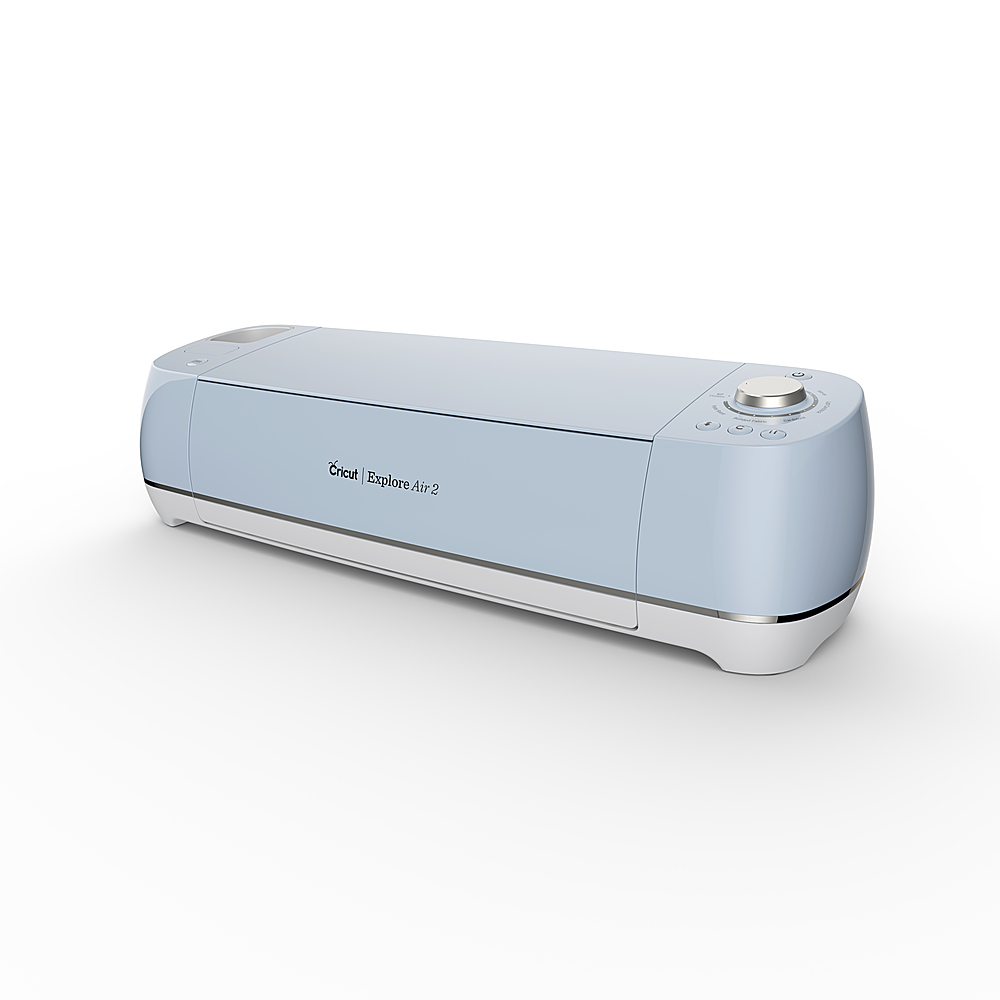
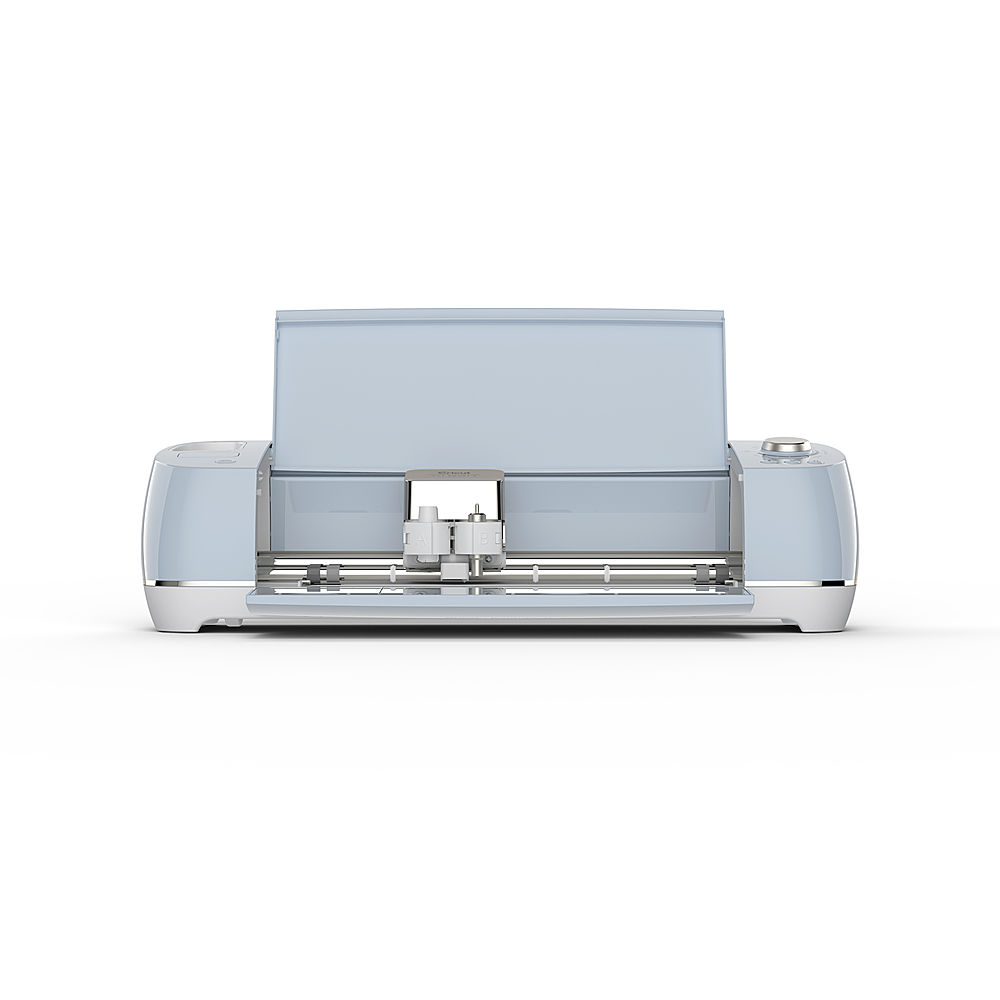
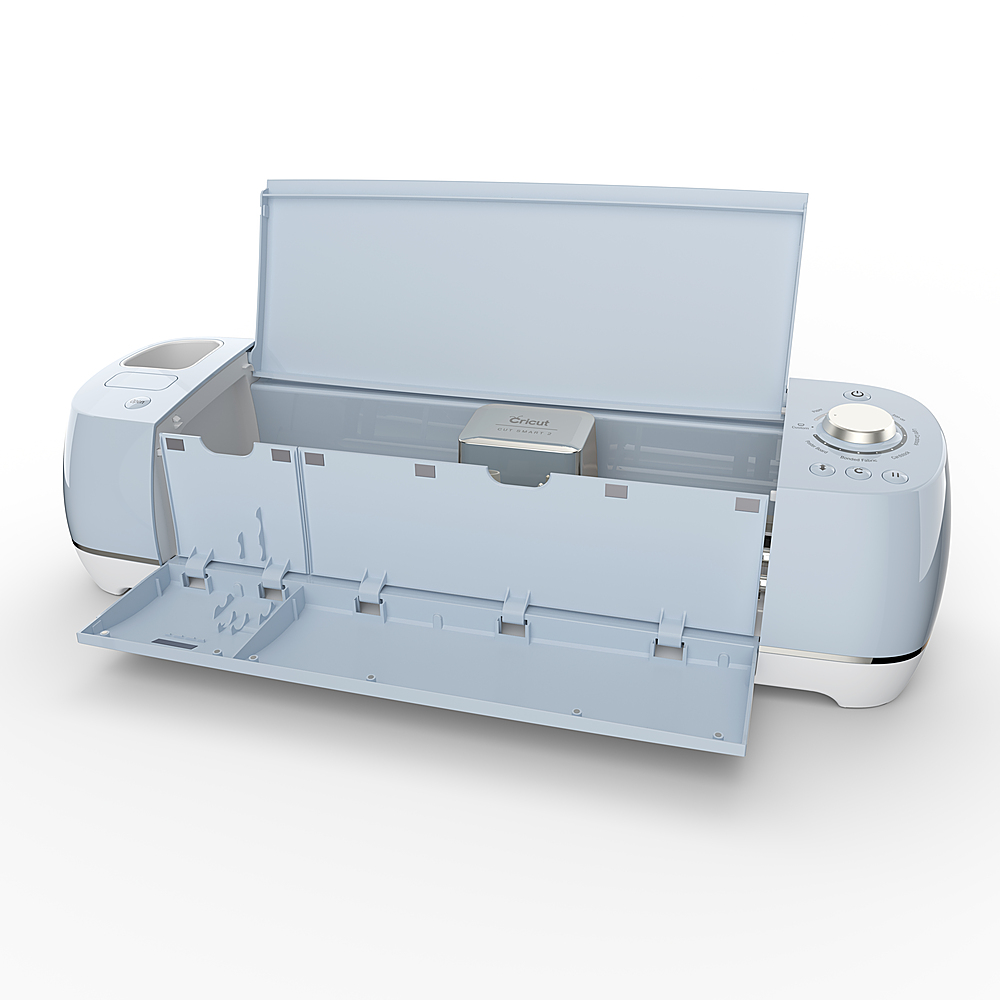
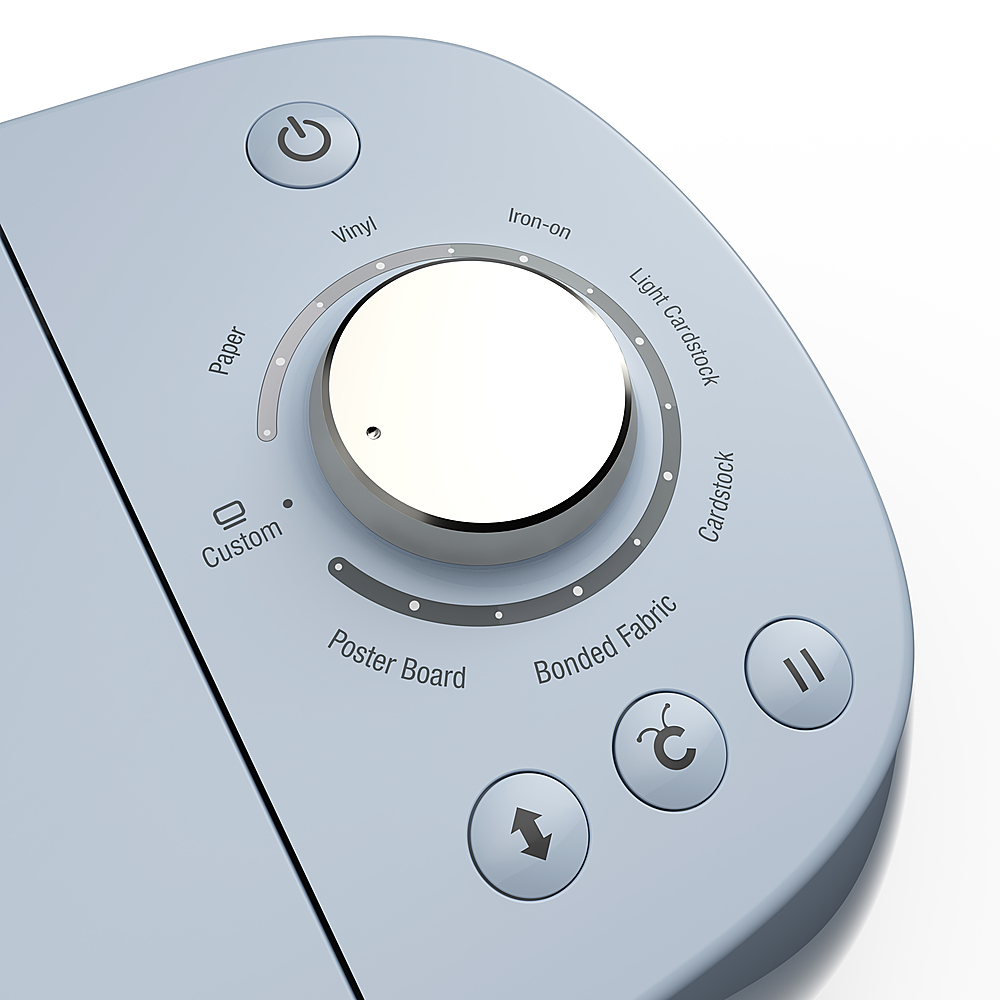
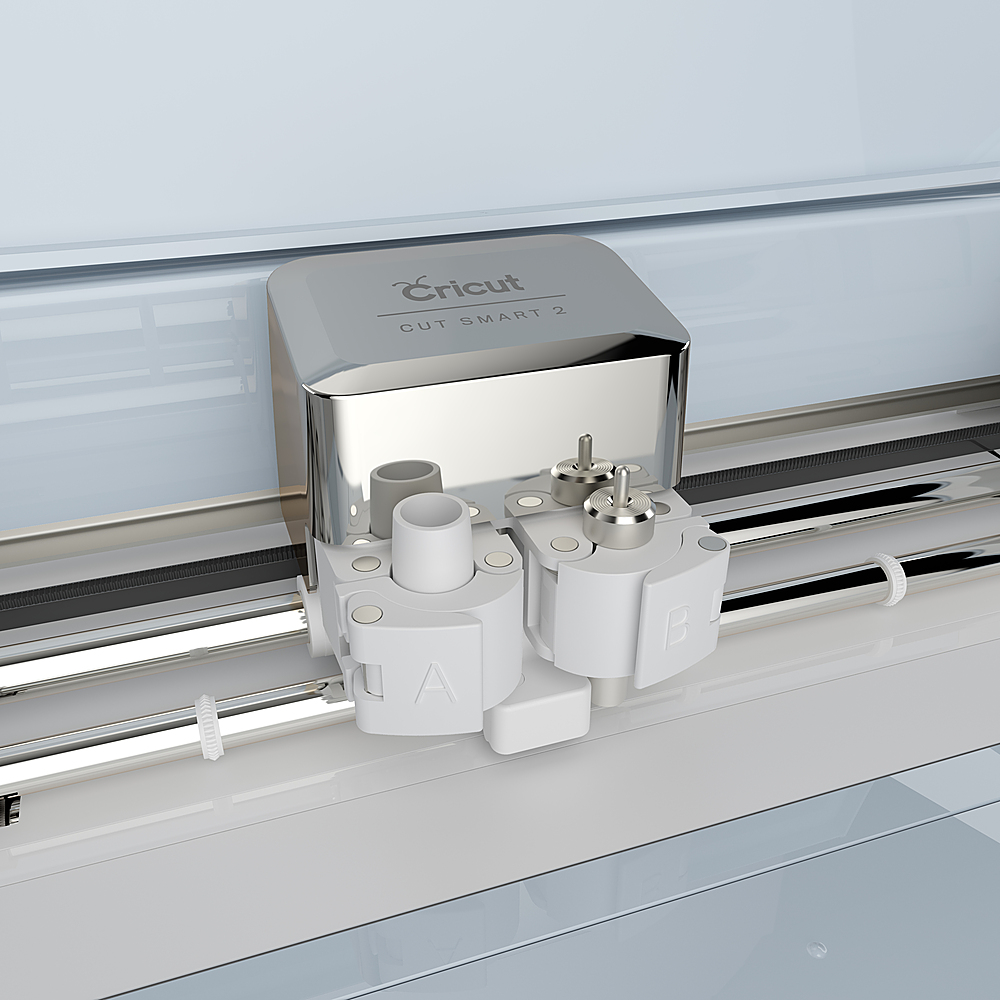
- A:Answer Along with the machine, a low stick mat the tool that cuts materials and also a black pen.
Answered by Boss
Q: QuestionDOESNT LOOK LIKE BEST BUY ANSWERS ANY QUESTIONS. BUT IIVE BEEN ON PHONE FOR EVER! MIGHT AS WELL TRY AND SEE IF SOMEONE ANSWERS!
Asked by OLAURA.
- A:Answer Best Buy is wonderful what is your question
Answered by Patrick
Q: QuestionCan you use this on candle jars.? Trying to start the business of candlemaking and wondering if the vinyl will peel off if the candle gets hot?
Asked by Meggan1.
- A:Answer No, it shouldn’t peal at all
Answered by ShonM
Top Rated
- $329.99$329.99The price was $469.99
- $299.99$299.99The price was $349.99
- $139.99$139.99The price was $149.99
- $949.00$949.00The price was $1,099.00
- $449.99$449.99The price was $649.99
- $279.99$279.99The price was $329.99