Questions & Answers
- Model:
- 2007813
- |
- SKU:
- 6407767
Highly rated by customers for: Small size, Easy to use, Portable
Page Showing 1-13 of 13 questions
Q: QuestionCan I use my cricut cartridges on the Joy?
Asked by Gidge.
- A:Answer You will have to call Customer Service so they can link your cartridges to your Design Space account or find someone that has an Cricut Explore or Explore Air with a cartridge linking port. Sign into your own account and link your cartridges. Once linked to your Design Space account you do not use the physical cartridge in the machine.
Answered by bthne
Q: QuestionDoes this machine cut fabric?
Asked by Anonymous.
- A:Answer No, it’s a smaller size but can do everything that the explorer can on a smaller scale. If your looking for cutting thicker items then you would need to purchase the maker.
Answered by Apett
Q: QuestionThose it come with tiny or no
Asked by Hsh.
- A:Answer This question makes no sense.
Answered by Bdogmom
Q: QuestionI make vertical porch signs and I’m needing something to cut vinyl for the front letters or designs. The longest sign I make is 4’. Can this cut 4’ long vinyl?
Asked by Anonymous.
- A:Answer Great question! That depends on the type of material you use. With Smart Materials, Cricut Joy can cut an individual, continuous shape up to 4.5 inches wide and 4 feet long, and repeated cuts (like stars, hearts, and confetti) up to 20 feet long! With a cutting mat, Cricut Joy can cut up to 4.25 in x 6.25 in (10.795 cm x 15.875 cm), or 4.25 in x 11.75 in (10.795 cm x 29.845 cm).
Answered by Cricut
Q: QuestionCan I purchase the Circuit Joy in store?
Asked by Lissy.
- A:Answer No only online the don’t have them in the store
Answered by Mily
Q: QuestionCan this machine make vinyl decals for a bike?
Asked by Elphaba.
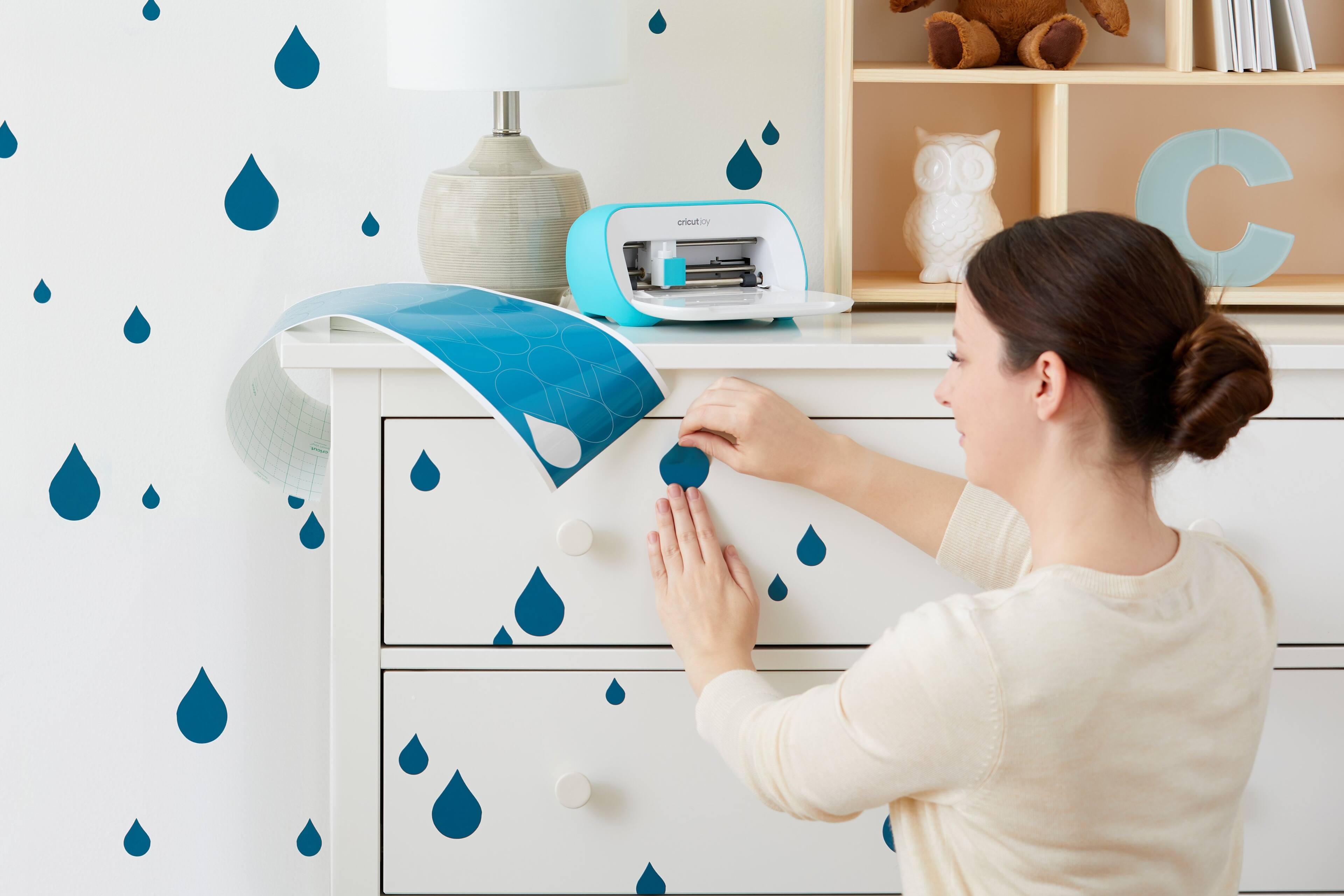
- A:Answer Yes this machine can make kid decals home decor decal wall art and more
Answered by Sara
Q: QuestionDoes this machine make stickers or only cut them?
Asked by Birdy.
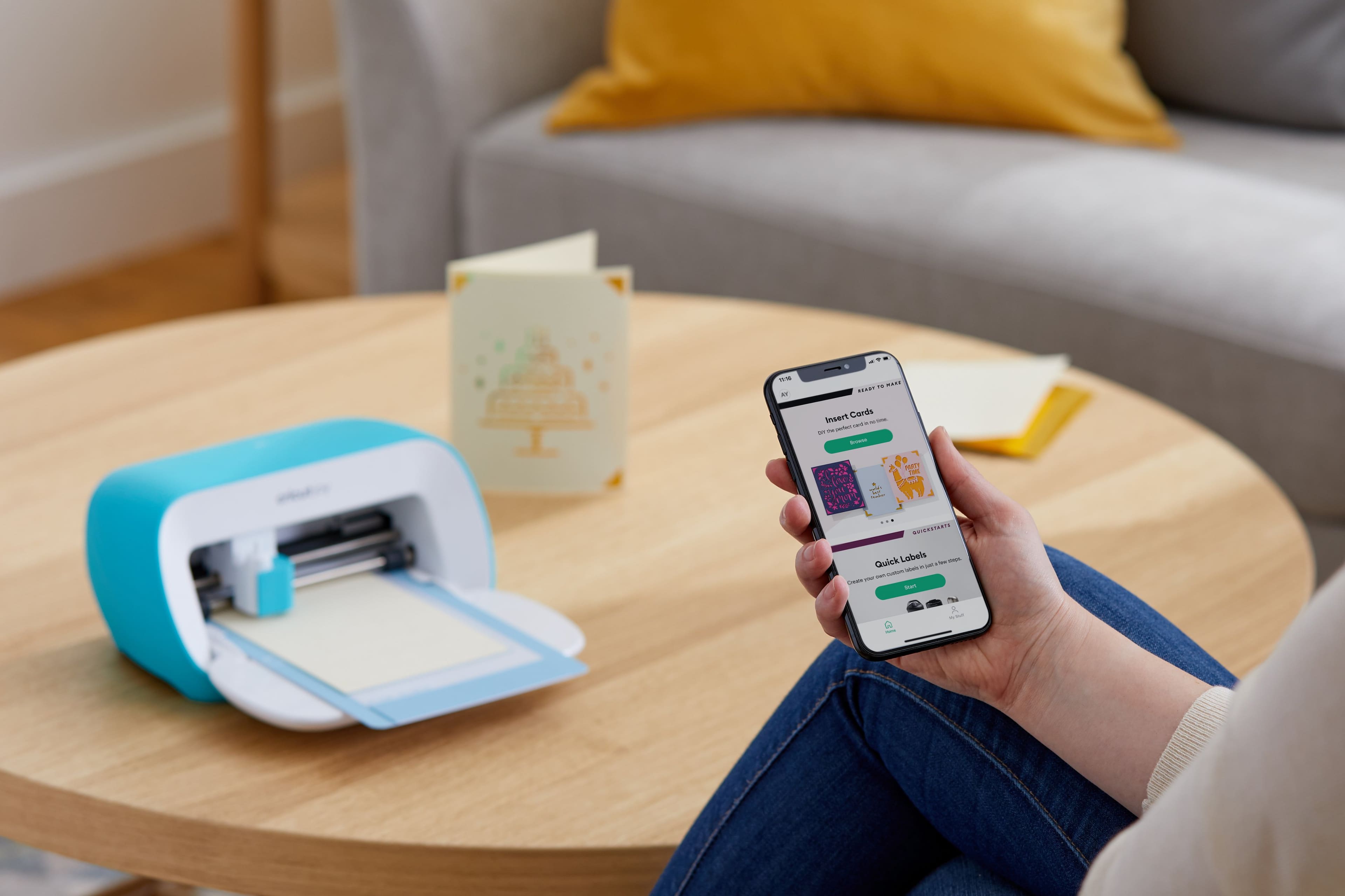
- A:Answer You use Cricut Design Space to create images from their image library. There are some free images but otherwise you pay per image or do a subscription called “accesss”. As long as you have an active subscriptions you can use images and fonts for free. (Over 100,000) You can also import svg files into Design Space to cut or import png or jpeg images into Design Space and convert them to cut in Design Space. Regardless of whether you use your own images or Cricut images, Design Space is required to cut all images. You can then cut on a number of materials, sticker paper being one of them.
Answered by bthne
Q: Question1) Can this machine print on a thermal paper labels, or on non-Thermal paper ( size: 3"x5", 3"x6", 3"x7")? 2) can I download a PDF to the Design Space?,3) Is this Machin can print in Color? or only Black and white design only? thank you for your response
Asked by Basha.
- A:Answer Hi Basha, You can cut or draw on the thermal paper labels with your Cricut Joy machine, however, you need a Cricut Joy mat to put your thermal paper labels on top of it in order to draw on them or cut them with your machine. You can download your projects as a PDF file from the desktop Design Space application. however, you can't upload a PDF file in the Design Space app. The Cricut Joy machine is not a printer machine so it doesn't use ink but it cuts the desired material and it can also draw on them using infusible ink pens or normal pens or markers. You can find more information about this machine at help.cricut.com and you can also find the infusible ink materials and markers at cricut.com/shop
Answered by Cricut
Q: QuestionCan the Joy cut photo mats?
Asked by Rocknation.
- A:Answer Hello! The joy can only cut on Cricut Mats. If you have any further questions, please feel free to reach out to our Member Care at cricut.com/contact
Answered by Cricut
Q: QuestionThese are plastic stencils correct?
Asked by Jody.
- A:Answer This is a cutting machine.
Answered by Loveit
Q: QuestionWhat powers the machine? Battery, electricity etc?
Asked by Megajoy.
- A:Answer Electricity. It plugs into the wall.
Answered by Loveit
Q: QuestionAre you still able to make confetti using this?
Asked by Vero.
- A:Answer Yes
Answered by Loveit
Q: QuestionWhat is the max thickness for vinyl decals?
Asked by ThicknessVinyl.
- A:Answer The Cricut Joy can cut up to 4.25 in x 6.25 in for a shape.
Answered by Cricut
Page 1, Showing 1-13 of 13 questions
Top Rated
- $329.99$329.99The price was $469.99
- $139.99$139.99The price was $149.99
- $299.99$299.99The price was $349.99
- $1,099.99$1,099.99The price was $1,299.99
- $279.99$279.99The price was $329.99
- $949.00$949.00The price was $1,099.00
- $1,499.00$1,499.00The price was $2,799.00