A:Answer Hello ,
We thank you for your query. To best troubleshoot this issue and provide any needed warranty support, we would like to know more about your SSD and how it has been used. Please provide the following information.
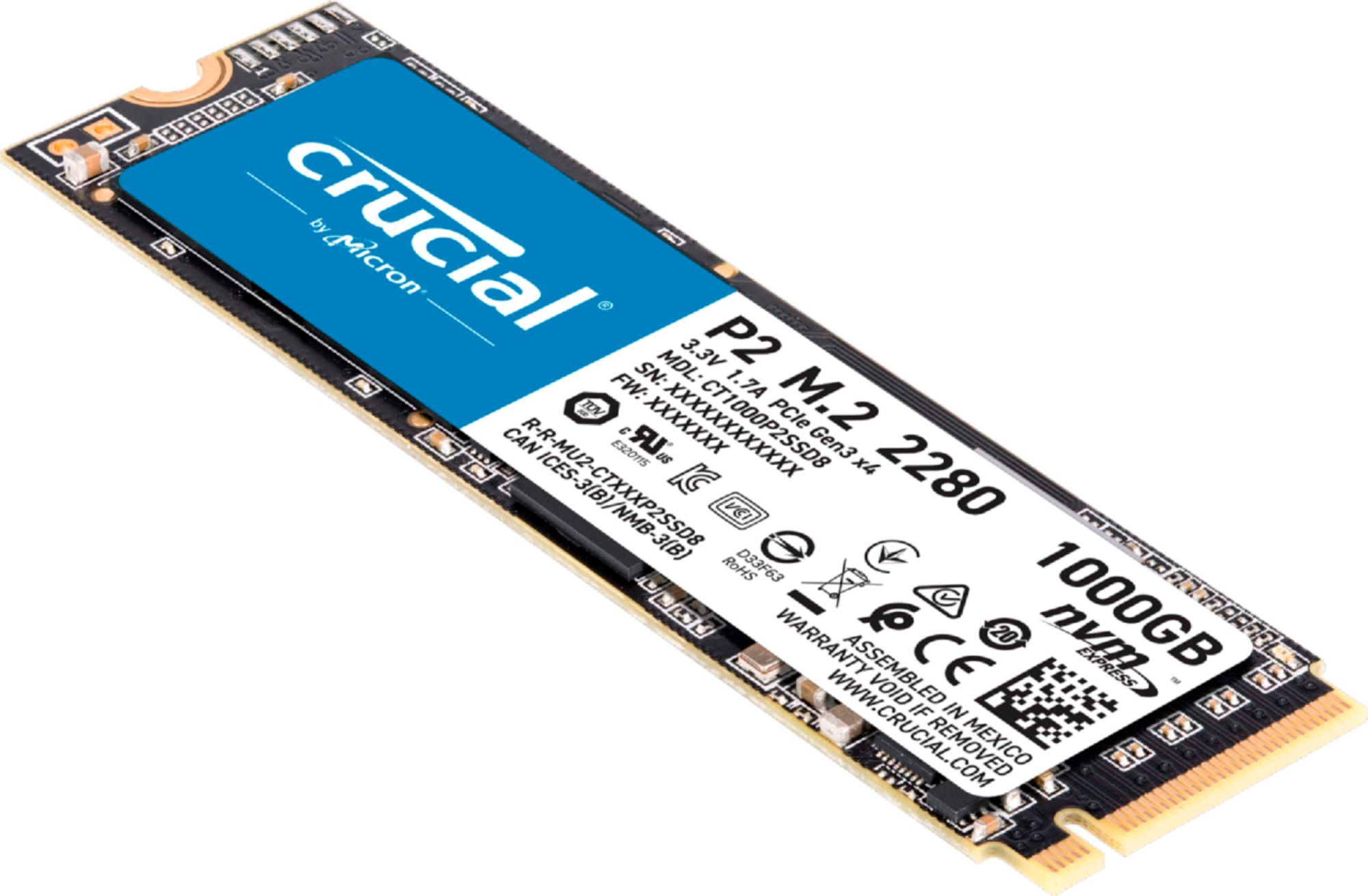
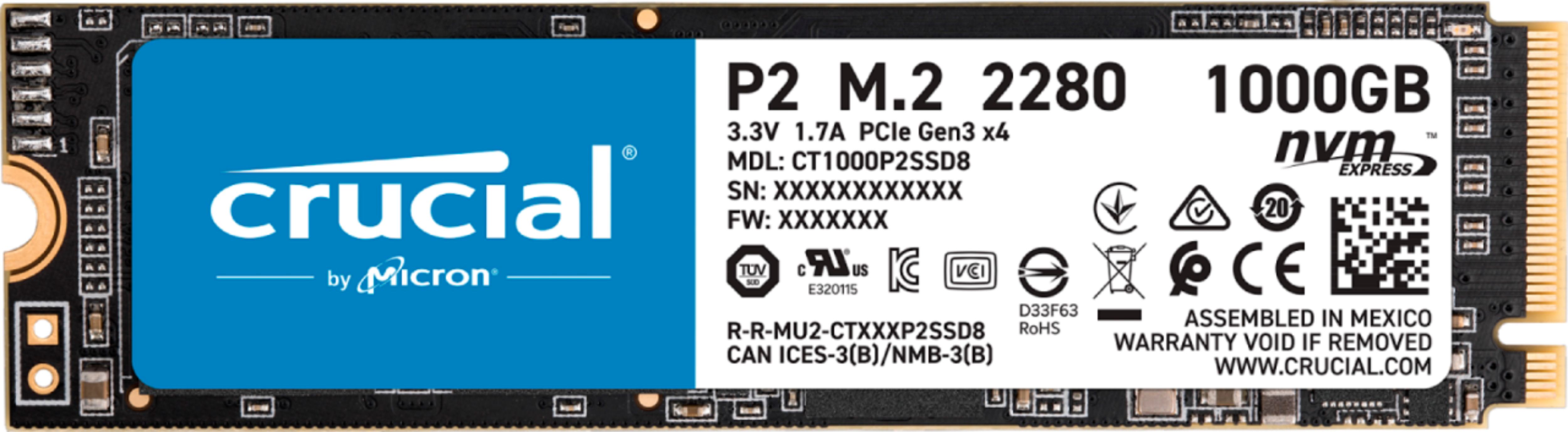
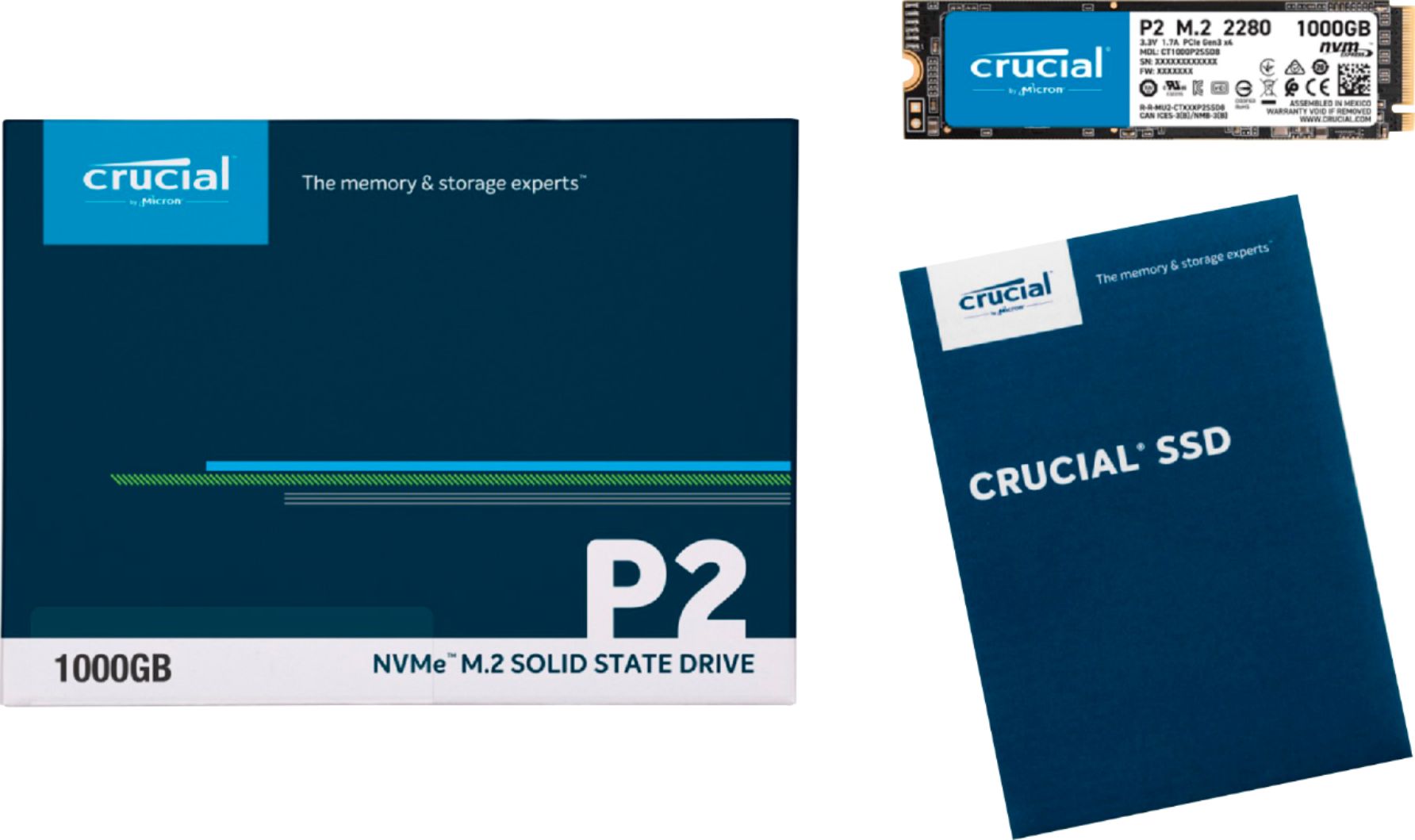
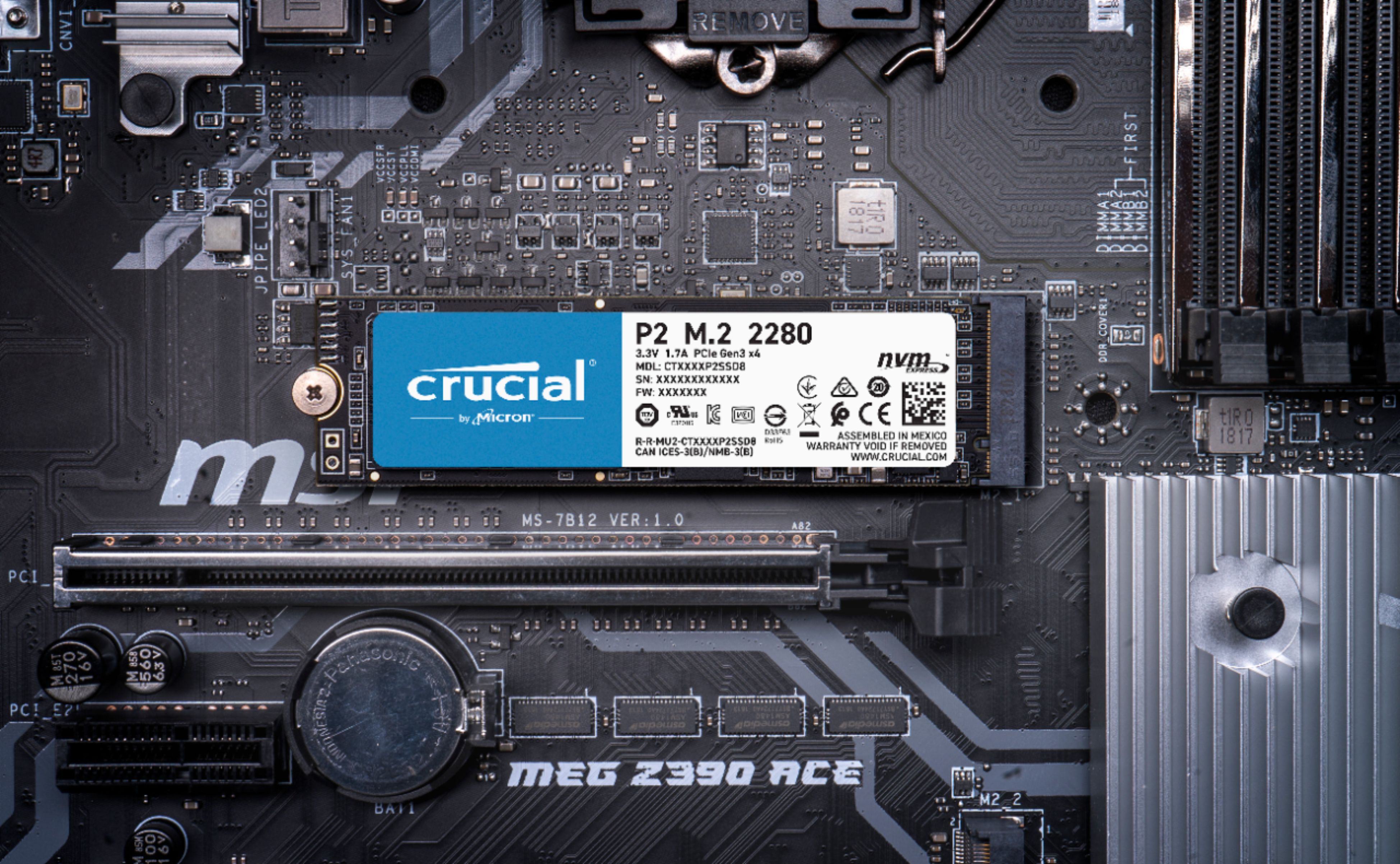
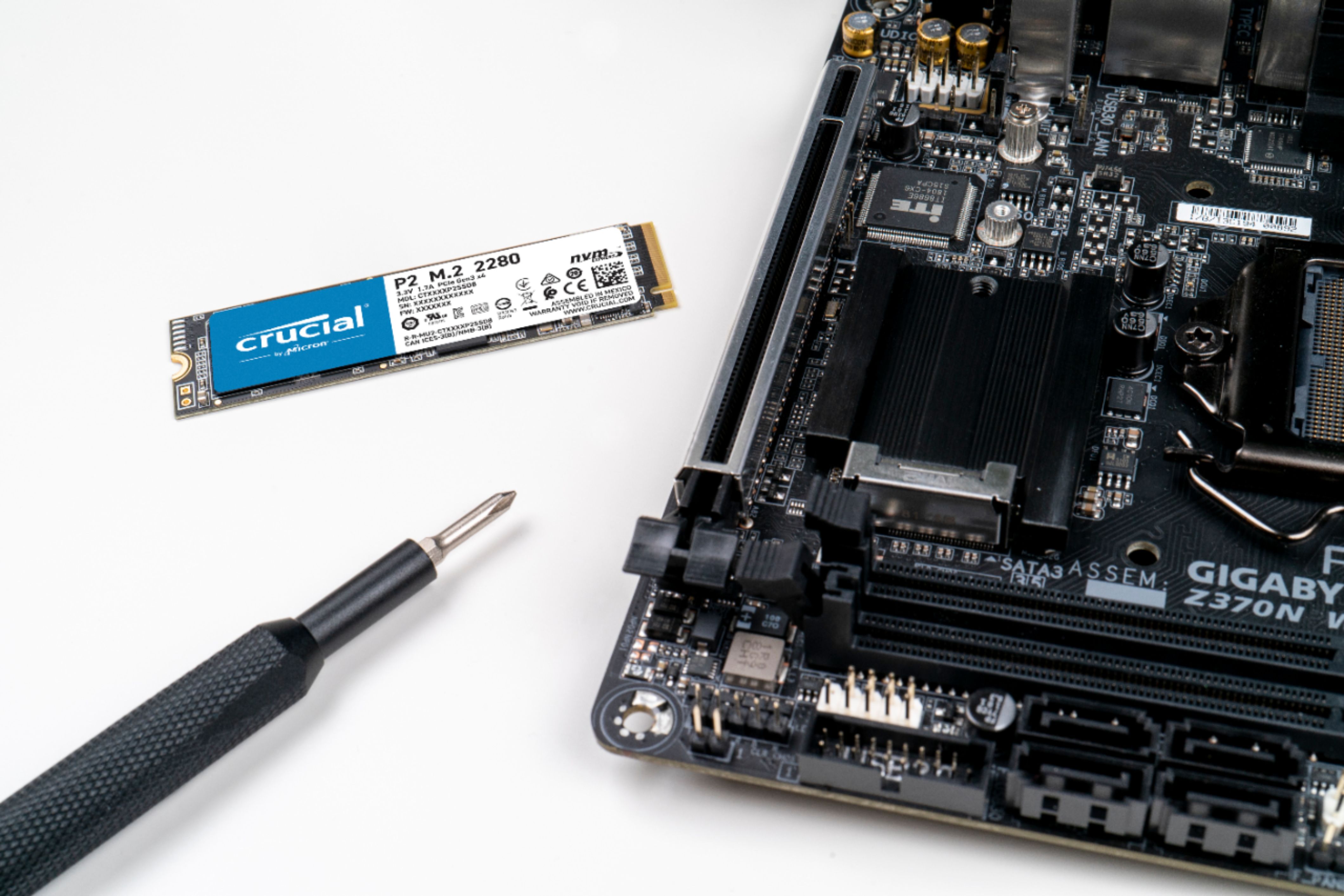
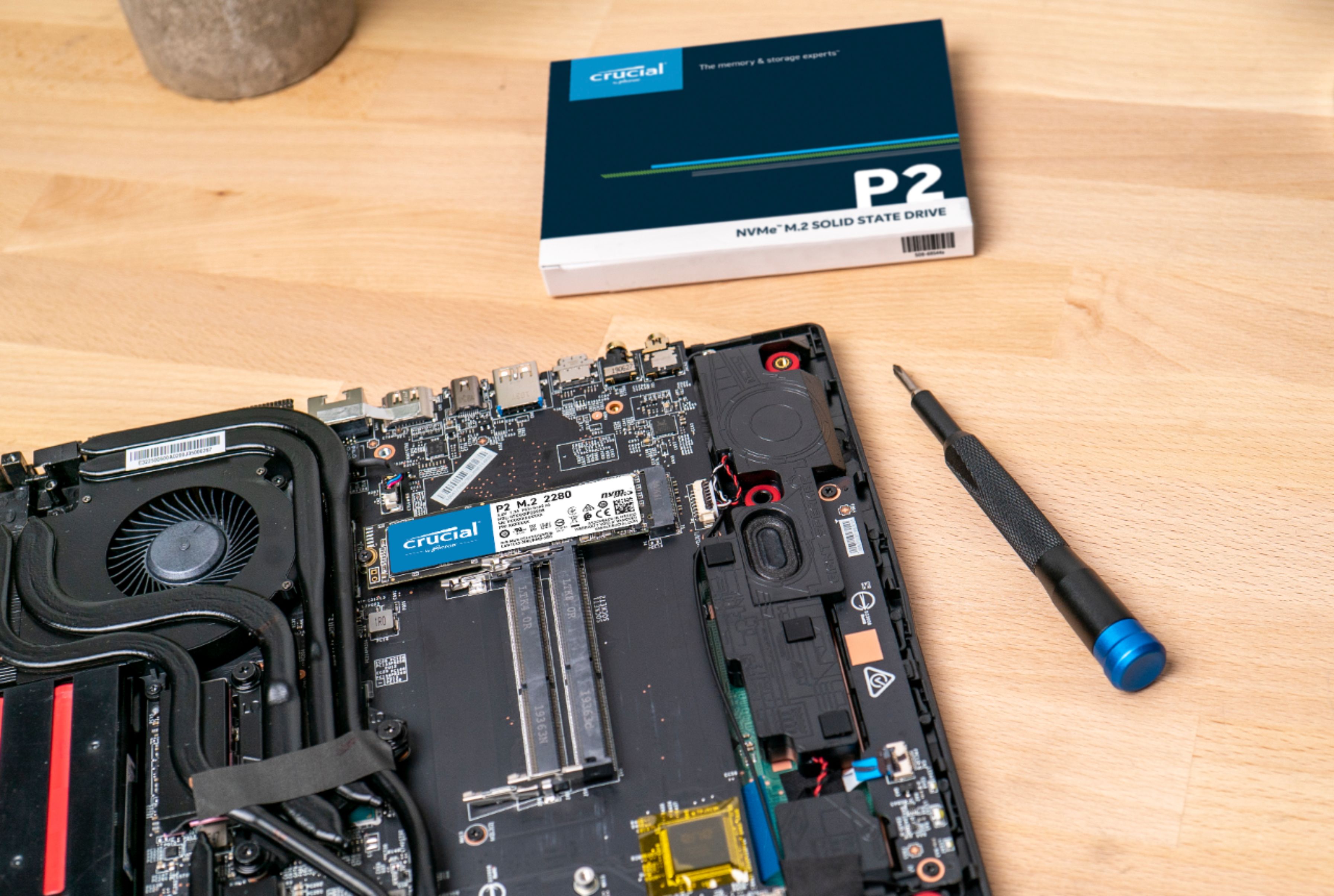
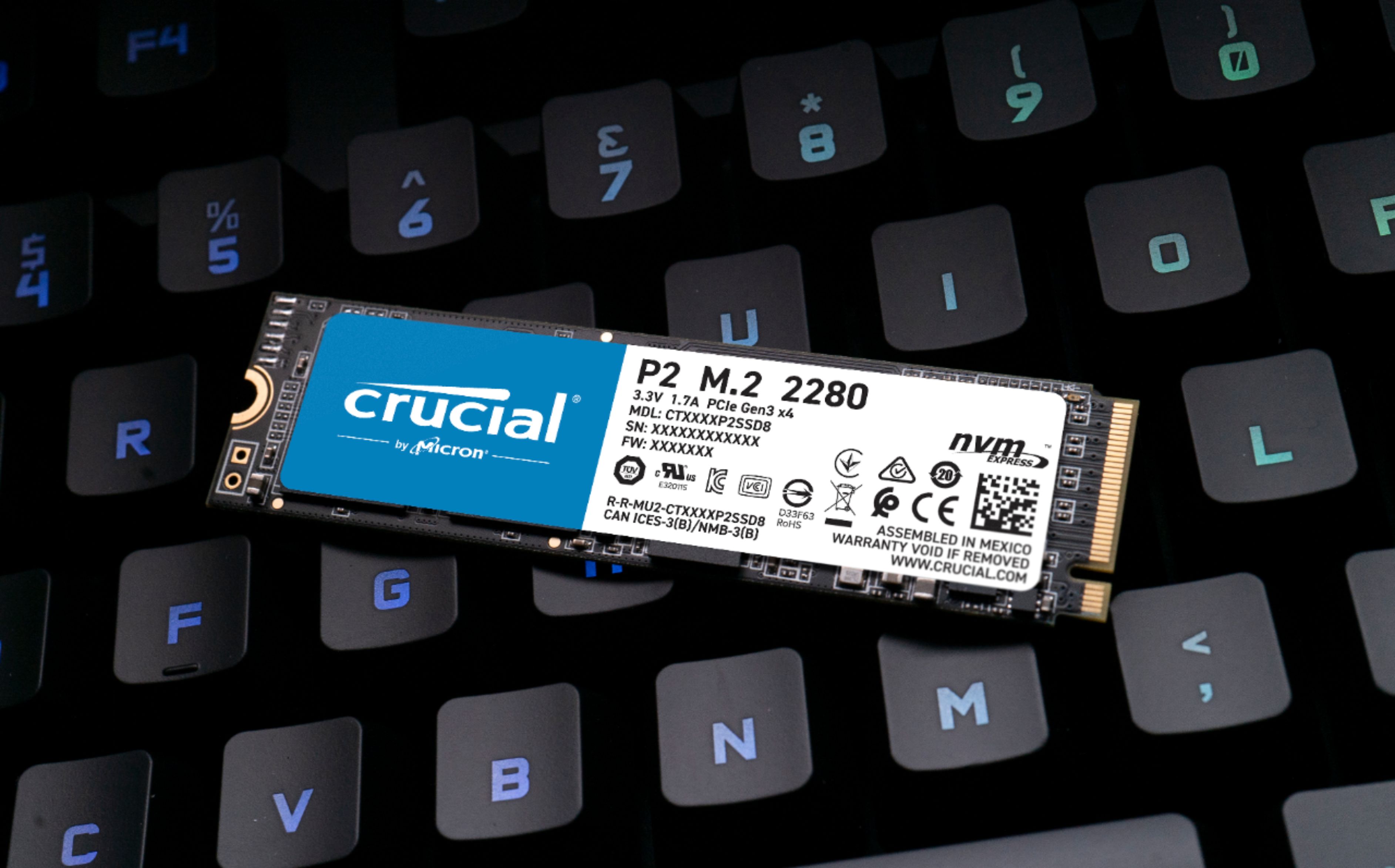
* 'CT' part number printed on your SSD label or packaging:
* SSD Serial Number:
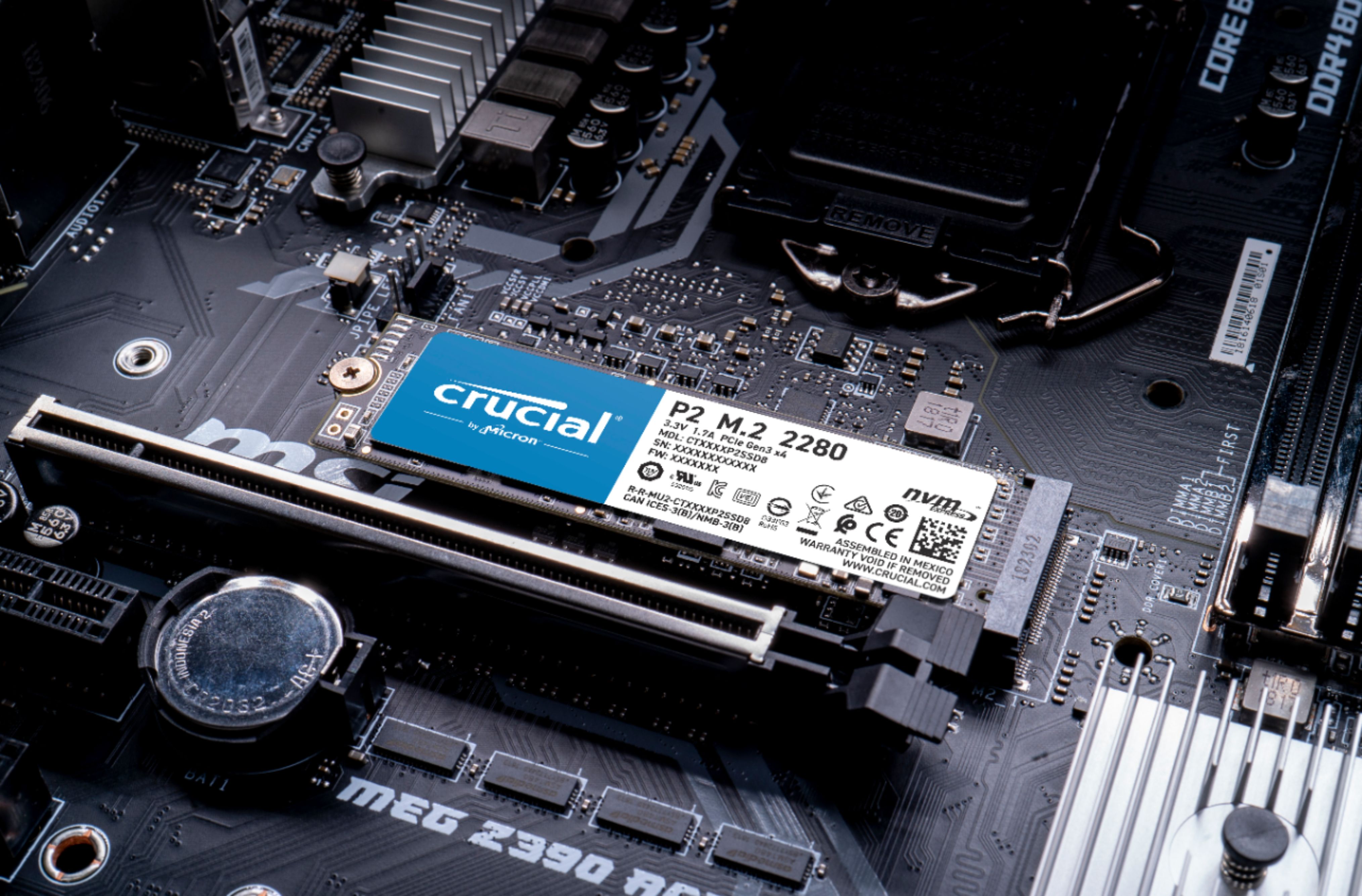
* Motherboard/System Make/Model:
* Installed CPU:
* Motherboard/System BIOS Revision:
* What is the SSD being used for? (O/S, Storage, Page File, etc.)
* Operating System:
* Have you tried a different PCIe port, if any?
* Have you tried a different system, if available?
* What version of firmware is printed on the label of the SSD?
* What firmware revision is currently installed, if updated from the firmware listed above? The latest revision of Firmware is located here - https://www.crucial.com/support/ssd-support
* Describe the situation causing the issue (i.e. - software being used, is data corrupted, do you get a blue screen, etc.)
* Screen shots available?
For a warranty replacement, self-service is available at https://www.crucial.com/returns
If you have further questions, we welcome your reply. You can also visit our Contact page for other ways to reach us. The Crucial Team The memory and storage experts. ™ Micron Commercial Products Group Contact us: https://uk.crucial.com/support/contact