A:AnswerFor streaming you will get better results on the Ryzen 7 2700x. The video cards however, they are ALMOST identical. The GTX 1080 is a fraction better than the 1070 Ti. When it comes to frame rate in gaming, it will be slightly better. you will also see slightly better performance in in apps that require live 3D rendering. But also take in to account how both are configured. the 1080 has a Ryzen 5 CPU while the GTX 1070 Ti has a Ryzen 7. for gaming only you would want the GTX 1080 configuration but for gaming and streaming with possible other CPU intensive software you would probably like the Ryzen 7 configuration more. If you have any further questions or concerns then please do not hesitate to give our tech support agents a call for any assistance; we're always happy to help.
Tech support:
(888)937-5582
- CyberpowerPC Support
A:AnswerDue to the configuration of the PC you will be required to replace the power supply for one that supports 230v. If you have any further questions or concerns then please do not hesitate to give our tech support agents a call for any assistance; we're always happy to help.
Tech support:
(888)937-5582
- CyberpowerPC Support
A:AnswerAs displayed in the product details the PC is equipped with a Ryzen 5 2600X. If you have any further questions or concerns then please do not hesitate to give our tech support agents a call for any assistance; we're always happy to help.
Tech support:
(888)937-5582
- CyberpowerPC Support
A:AnswerThis PC does support the upgrade to a Ryzen 7 2700. If you have any further questions or concerns then please do not hesitate to give our tech support agents a call for any assistance; we're always happy to help.
Tech support:
(888)937-5582
- CyberpowerPC Support
A:AnswerI do not play those games but you would need a monitor that supports a min 100 refresh rate or it will max at the refresh rate of your monitor.
I play GTA Online and Ghost Recon Wild-lands both of which use much more graphics power than those games and the PC max my 60 refresh monitor at the max 60 FPS.
I guess you could turn off V-sync and have a bunch of screen tearing and get that 100+ FPS but why? You actually do not see it as your monitor only shows what ever FPS its refresh rate is.
A:AnswerYou have the option to use two monitors with the basic setup, however there are adapters (Uv 39plus for example) which will use a USB port to extend your video output to more monitors. I have 6 active monitors.
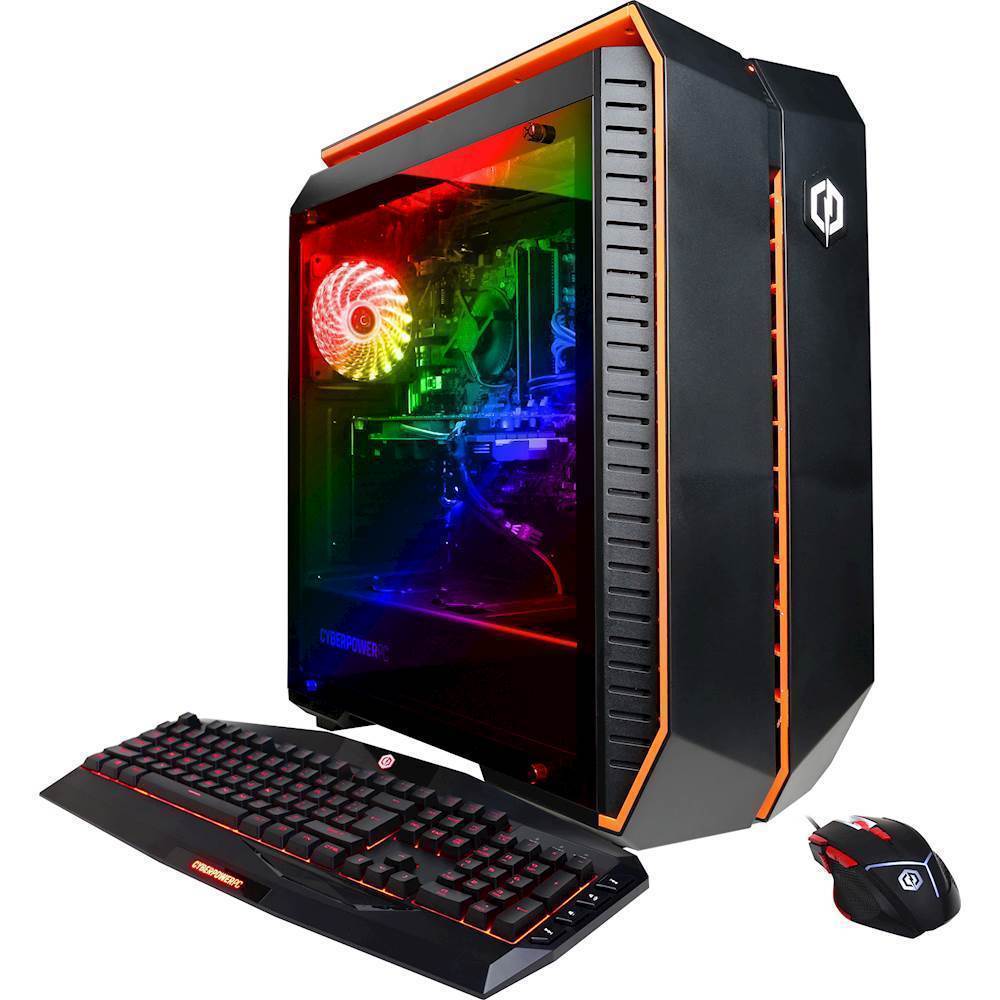
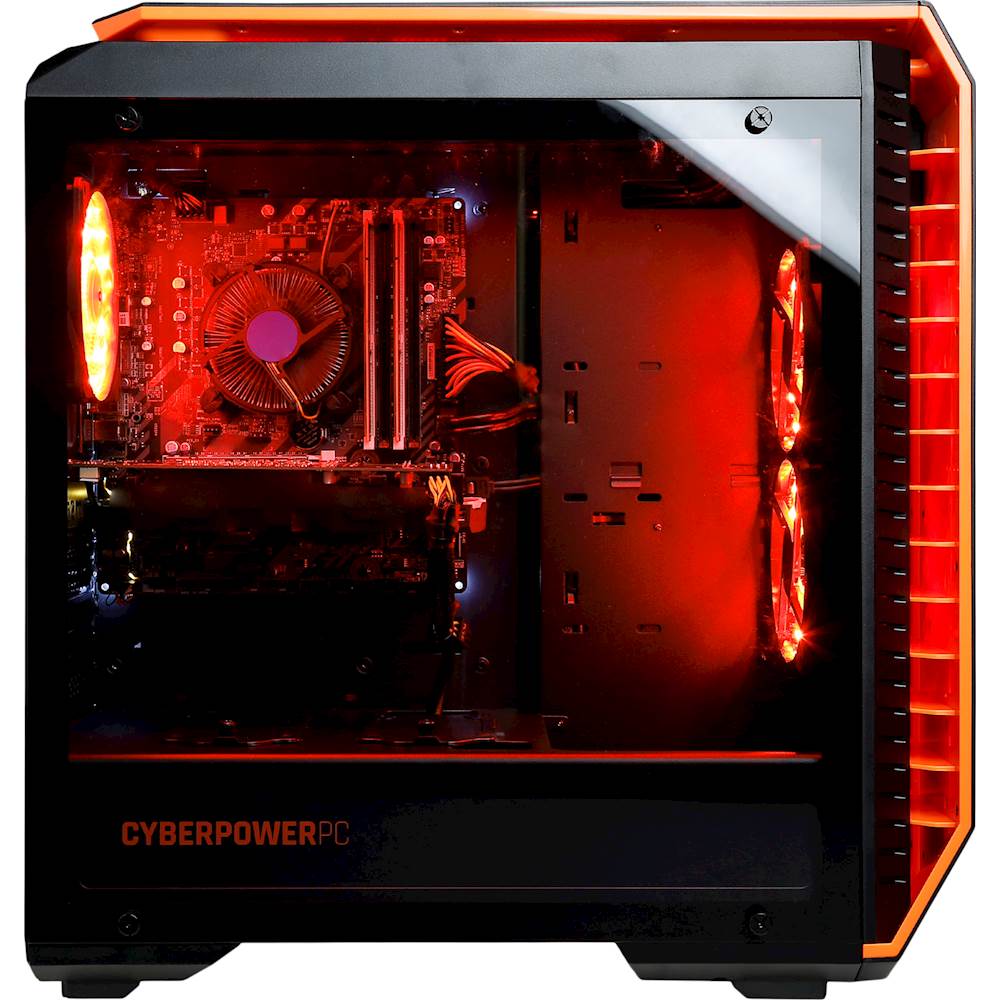
A:AnswerHas a total of 3 case fans all plugged in and working fine. Lit up with color changing LEDs too if thats your thing.
GPU has 2 of its own fans and of course the CPU fan.
Always worth it to double check cable connection but at least its a glass side so you can see
A:Answereh it had a parts list but not a great one.
I would download something like Speccy as a much easier way to see the breakdown of your system information vs the PO or the system information page. Speccy is a free program as well. While at it the others from Periform are great as well.
https://www.ccleaner.com/speccy
A:AnswerThe motherboard installed in this PC supports the following RAM; 1866/ 2133/ 2400/ 2667/ 2933/ 3200 Mhz. If you have any further questions or concerns then please do not hesitate to give our tech support agents a call for any assistance; we're always happy to help.
Tech support:
(888)937-5582
- CyberpowerPC Support
A:AnswerWith Windows 10 your Product Key is linked to your PC's motherboard so there is no need to have a sticker on the side of your PC.
For more info see support link : https://support.microsoft.com/en-us/help/10749/windows-product-key