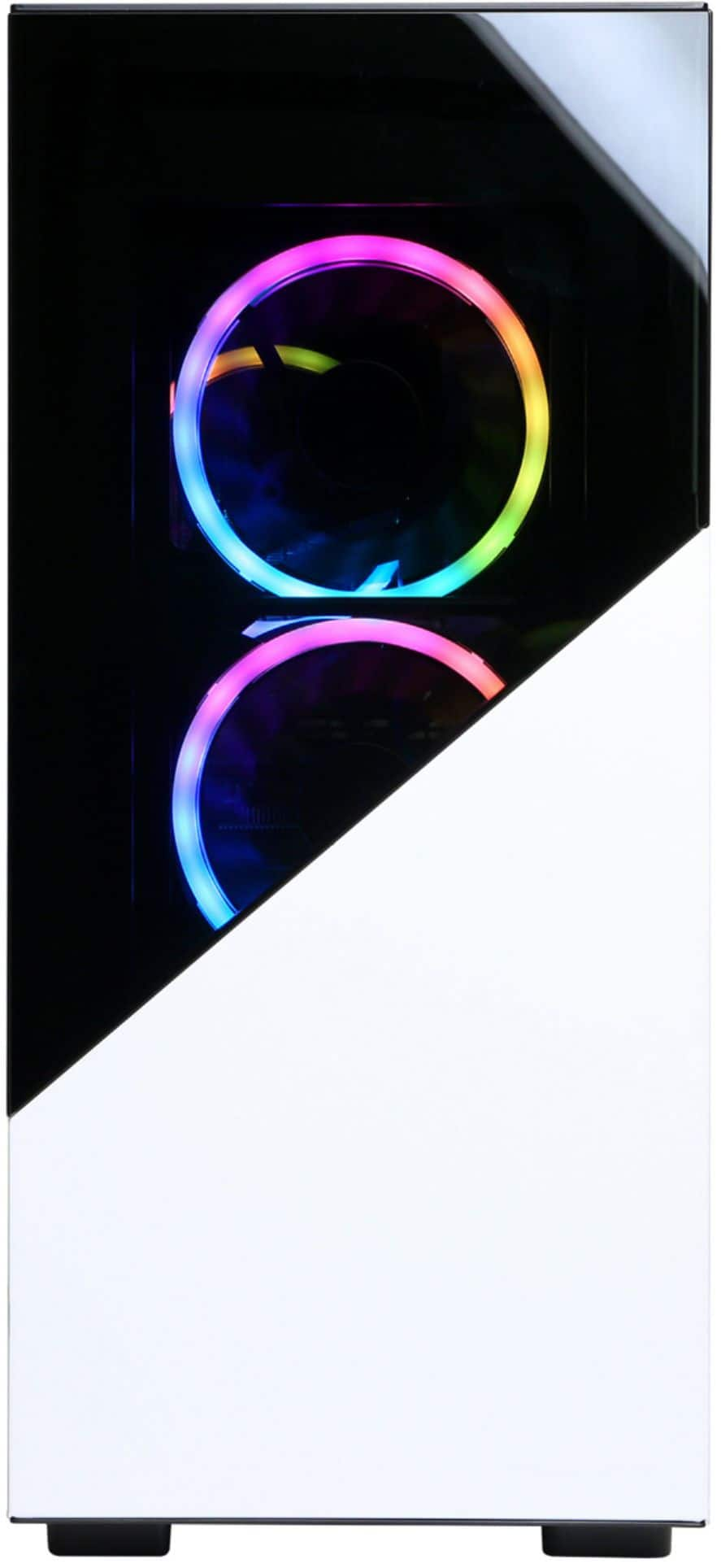
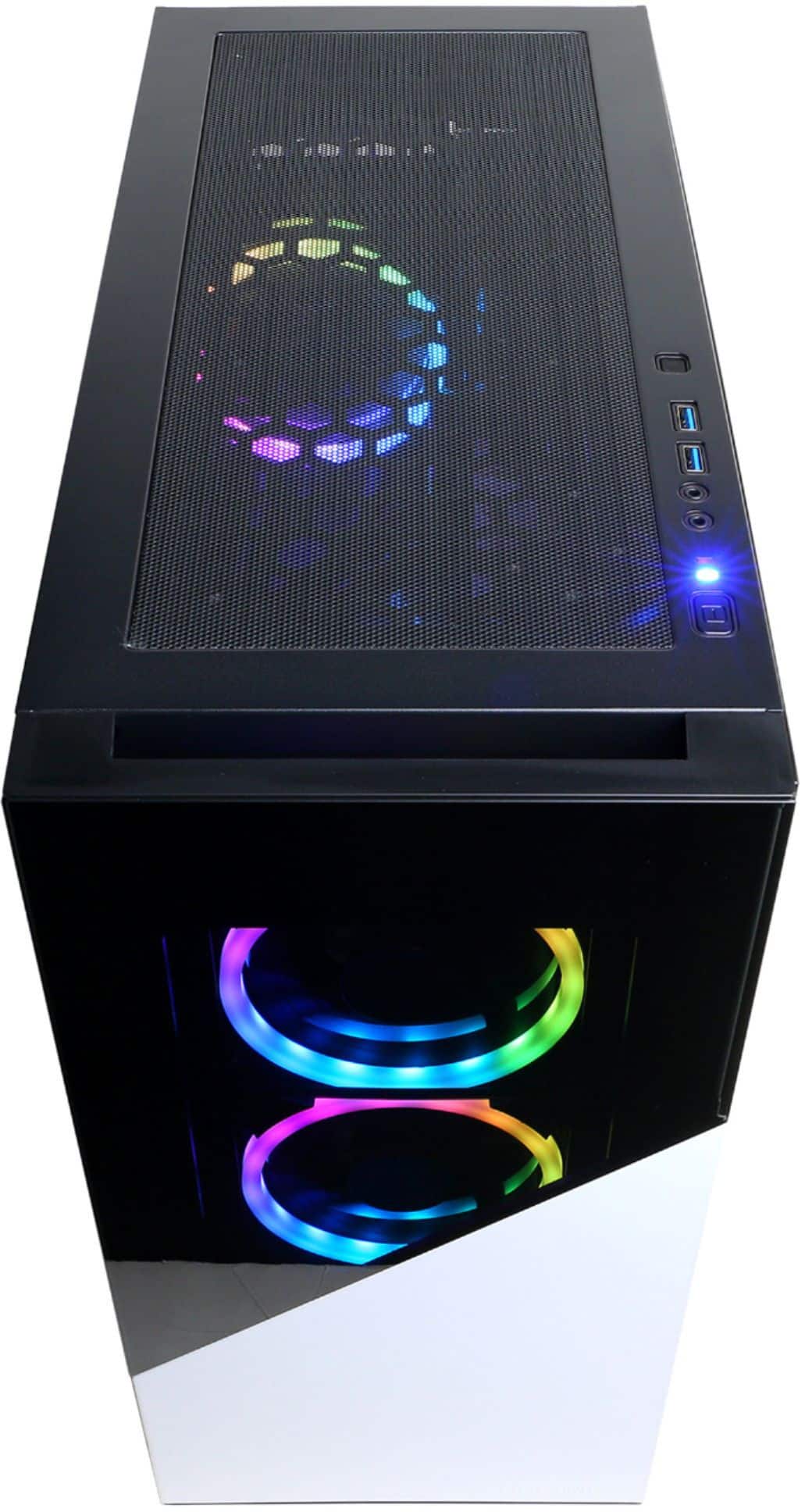
A:AnswerThanks for reaching out. You should be able to move the parts to a new case, however, please keep in mind it may potentially void the warranty. If you have any further questions or concerns then please do not hesitate to give our tech support agents a call for any assistance; we're always happy to help.
Tech Support:
(888)937-5582
-CyberpowerPC Support
A:AnswerThanks for reaching out Nano. Please double check the clearance for your case. If you have any further questions or concerns then please do not hesitate to give our tech support agents a call for any assistance; we're always happy to help.
Tech Support:
(888)937-5582
-CyberpowerPC Support
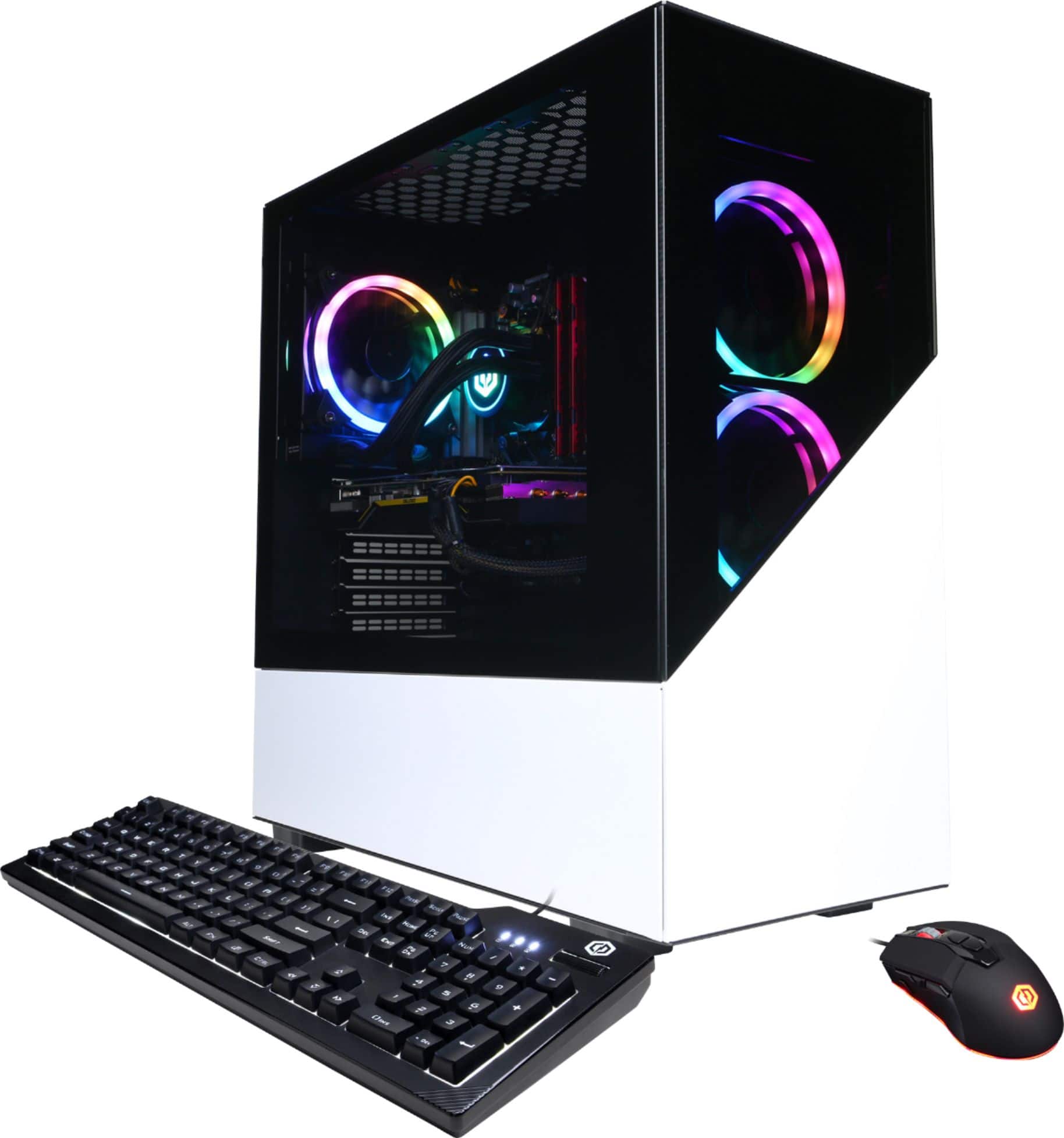
A:AnswerI had the same issue day 1, only things I can recommend is 1 taking the front glass off of the case. This immediately dropped temps down 10c, terrible case choice from CyberPower for this GPU that is known to get hot. Also, go into the radeon software and raise you fan curve very high. You can look up a video of this but for example when my GPU gets to 70c the fans kick up to 80% and when it gets up to 80c they kick up to 90%. My temps now stay around 75c throughout long playing sessions but the computer does get a little loud. I have it basically right next to my head on my desk though and I can't hear it at all when I have a headset on and my friends can't hear it through my mic either. It sounds a lot better than the PS4 fans but still not great.
A:AnswerThank you for reaching out to us pops. Please feel free to contact our tech support team at your earliest convenience for further assistance on this matter, we're always happy to help.
Tech Support:
(855) 888-2039
[email protected]
Hours of Operation:
Monday - Friday: 8:30AM - 6:00PM PST
Saturday: 9:30AM - 3:00PM PST
-CyberPowerPC Support
A:AnswerThank you for reaching out to us. This system should be able to support multiple monitors. If you have any further questions or concerns then please do not hesitate to give our tech support agents a call for any assistance; we're always happy to help.
Tech support:
(855) 888-2039
-CyberpowerPC Support
A:AnswerThanks for reaching out Nano. The drivers should be up to date, however, please double check for updates as they update the drivers quite often. If you have any further questions or concerns then please do not hesitate to give our tech support agents a call for any assistance; we're always happy to help.
Tech Support:
(888)937-5582
-CyberpowerPC Support
A:AnswerIf you're looking in CPU Z or on your system it will likely say that its running at half of what it is set to so that is normal. Since you have DRAM which is dual channel RAM I believe that acts as if each RAM has 2 channels split evenly so while it is really running at 3000 mhz, apps like CPU Z recognize it as half. My XMP was already set properly if yours isn't I would look up a video on youtube on how to properly set it or call cyberpower customer service.
A:AnswerThanks for reaching out. Please make sure to connect your monitors to your video card. If you only have one HDMI port, you will need to use the other ports on the video card like the DisplayPort. If you have any further questions or concerns then please do not hesitate to give our tech support agents a call for any assistance; we're always happy to help.
Tech Support:
(888)937-5582
-CyberpowerPC Support
A:AnswerThank you for reaching out to us. This PC should be able to run Fortnite as it does meet the minimum system requirements. However, the amount of FPS you receive in-game will vary depending on the resolution and refresh rate of your display, in-game graphics settings, as well as your network connection. It is always recommended that you check the system requirements of the game you would like to play before making your purchase. If you have any further questions or concerns then please do not hesitate to give our tech support agents a call for any assistance; we're always happy to help.
Tech support:
(888)937-5582
-CyberpowerPC Support
A:AnswerIt has 2 regular hard drive slots that are on the back side of the case. If you get a regular ssd it is likely just sticky taped into the case, and if you get lucky you might get a M.2 SSD like me lol
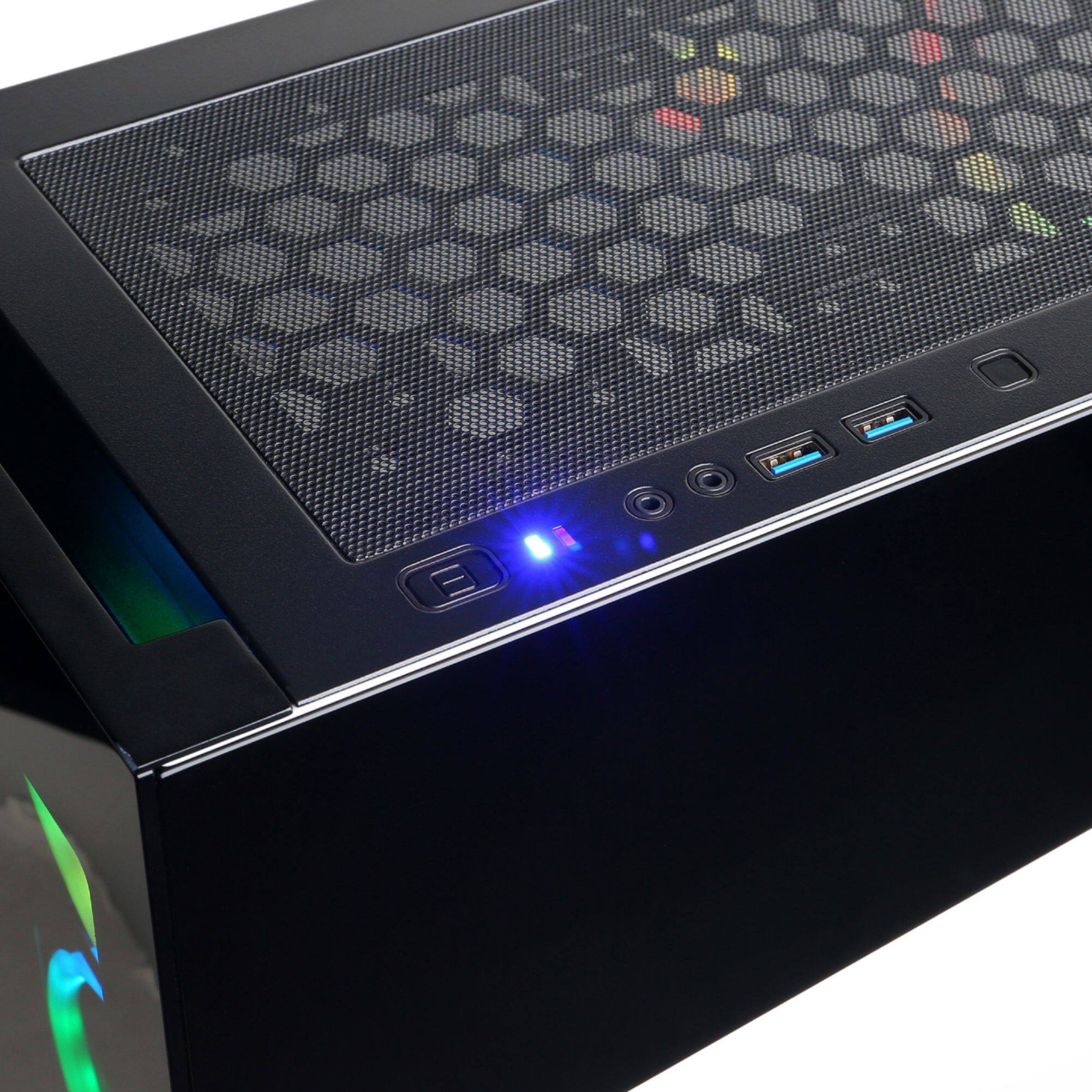
A:AnswerThank you for reaching out to us CoolBeans, The ports on top of the case should consists of 3.5mm jacks and USB ports. If you have any further questions or concerns then please do not hesitate to give our tech support agents a call for any assistance; we're always happy to help.
Tech support:
(855) 888-2039
-CyberpowerPC Support
A:AnswerYes. It has two DisplayPort outputs and 1 HDMI output. I have two monitors hooked up to the DisplayPorts. I have two older monitors so I had to by DisplayPort to VGA adaptors but it works just fine out of the box and even better if you have newer monitor.
A:AnswerCheck compatibility on the companies motherboard website but my computer came with 2x8gb ram at 3000mhz so you could definitely at least fit 4x8 at 3000. Looking up my motherboard on the companies website it says it supports up to ddr4-3466 and it has 4 slots. You will likely get a different motherboard though.
A:AnswerYes it is liquid cooled. I haven't noticed the performance of it as I don't check cpu temps but my cpu has been multitasking perfectly and knock on wood...I haven't had any crashes. The computer all together is extremely quiet especially if it gets proper air flow.